Free to explore
Design engineeringLabs
Create an effect. See it in a product. Explore tools with live controls, useful applications and a starting point for your next UX Pilot screen.
New tool
Dither Lab31 looks for any photo
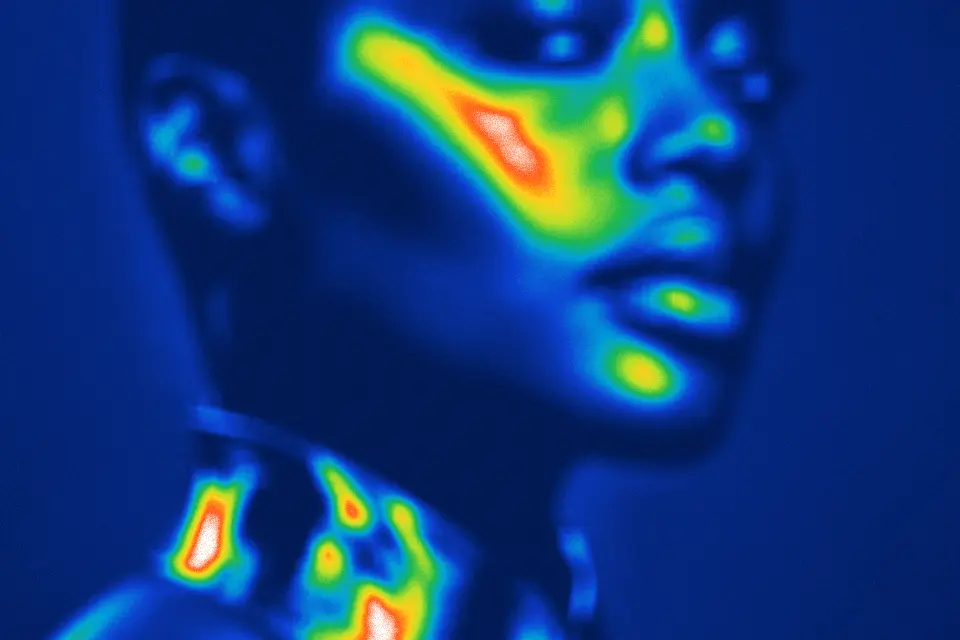
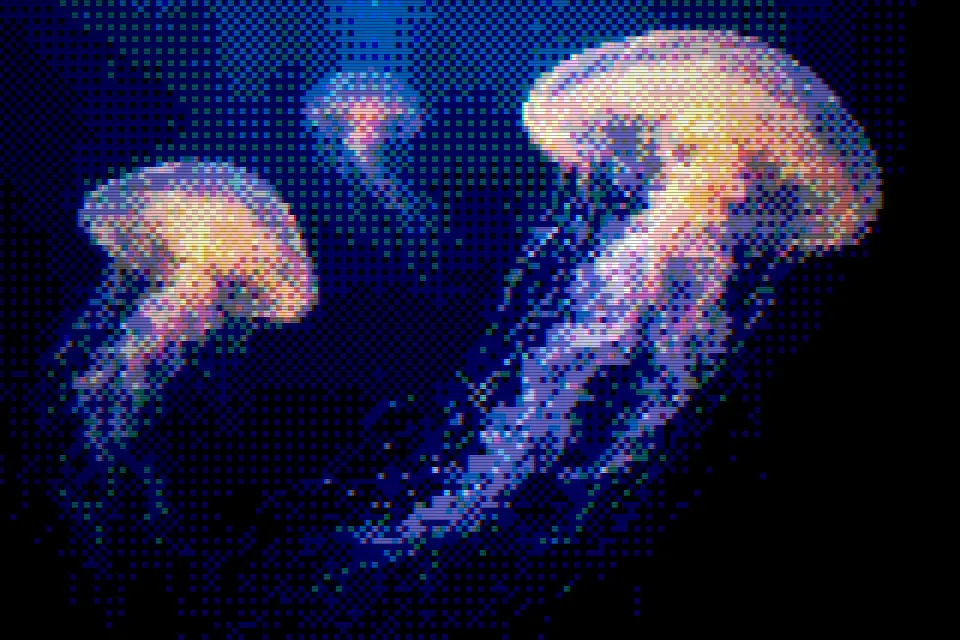
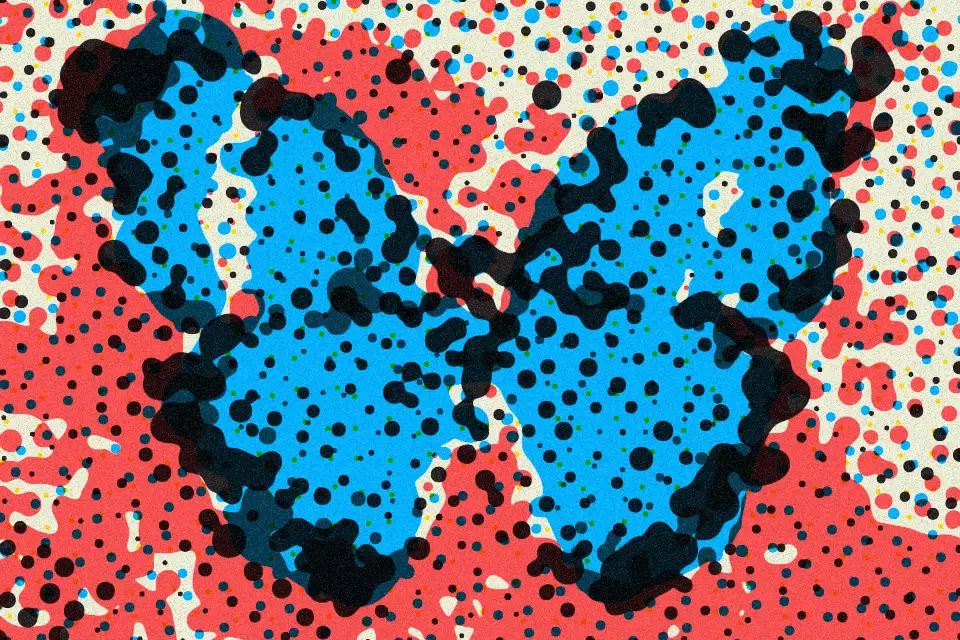
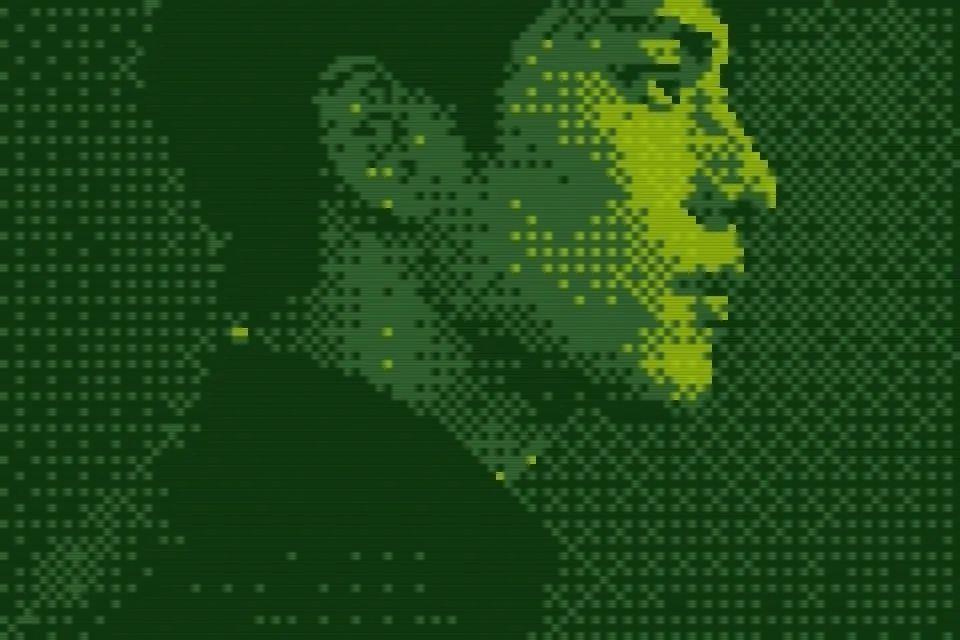
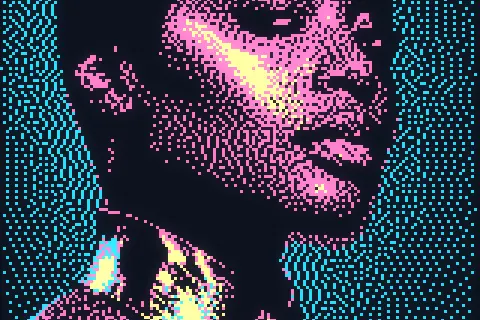
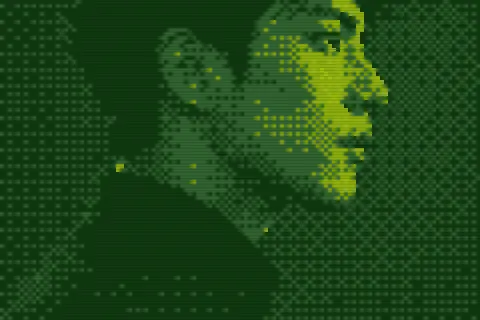
Turn any photo or video frame into neon dither, CRT scanlines, Game Boy pixels, Riso grain or newsprint dots, then tune every look to fit your product.


Have a direction? Build your next screen.
Explore in Labs, then use your result as a reference in the UX Pilot canvas. Start with a free account.
Preview mode
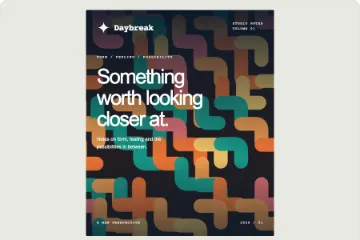
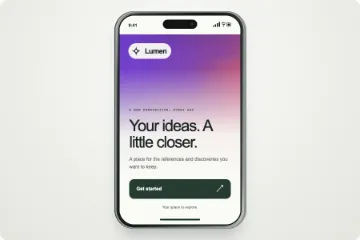
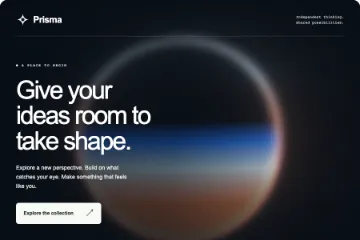
Pick a look.See it in your product.
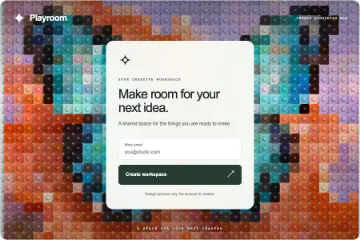
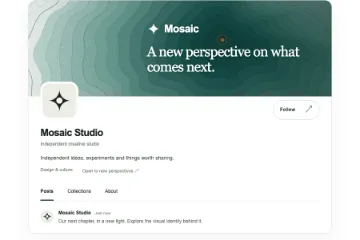
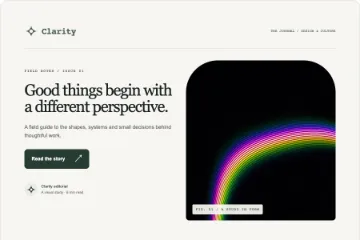
Every tool has a preview mode that puts your effect inside real screens, from a landing page and a phone app to a signup form, a profile or a campaign.
Browse the tools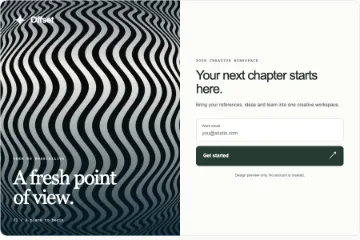
- 01Animated28 presets
Gradient & Background Studio
Mesh gradient generator
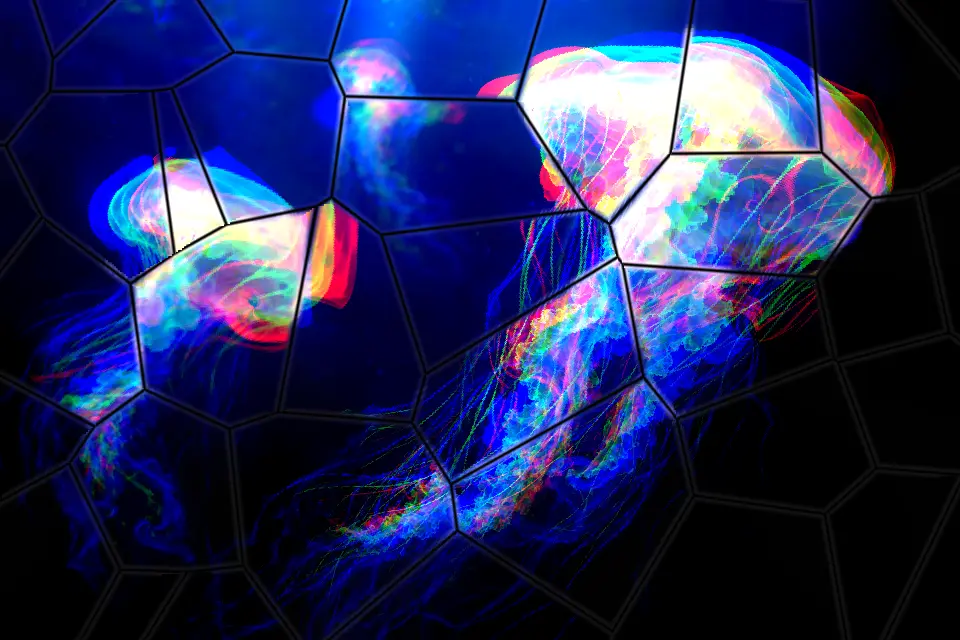
13 GPU gradient types, 28 looks and 24 palettes, with glass tiles and print effects, for backgrounds that feel alive.
Open tool  02Static16 presets
Pattern, Shape & Texture Maker
Pattern and noise texture generator
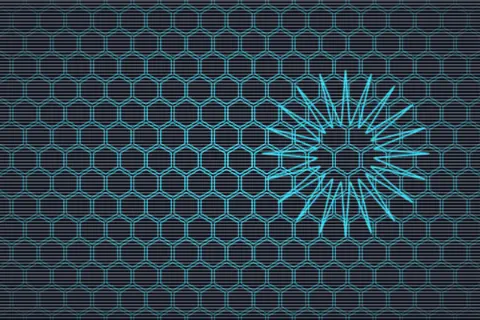
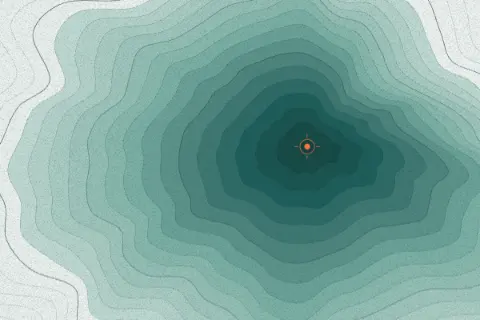
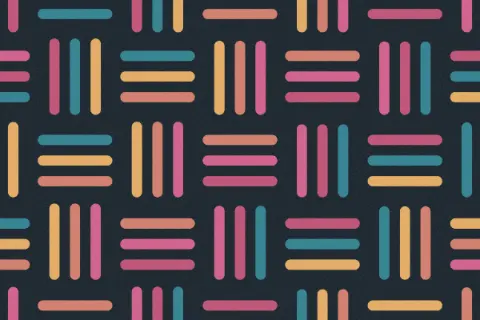
18 motifs, 8 shapes and 9 textures built for real product surfaces.
Open tool 03Animated11 presets
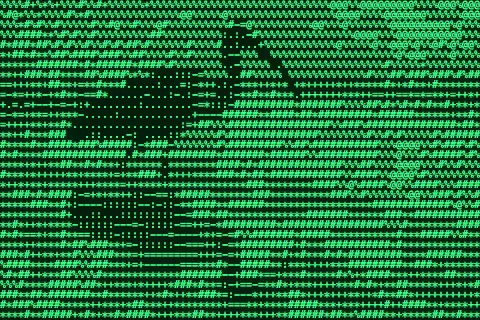
ASCII Art Lab
ASCII art generator
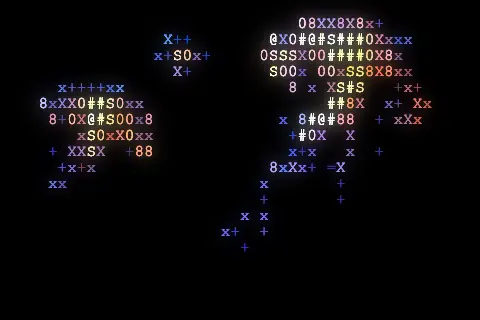
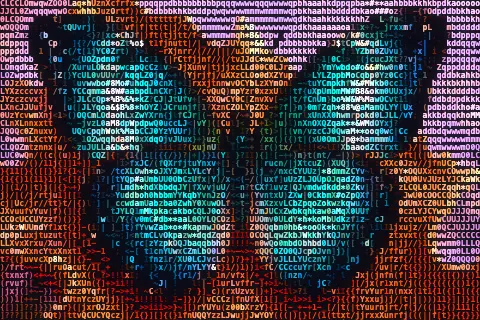
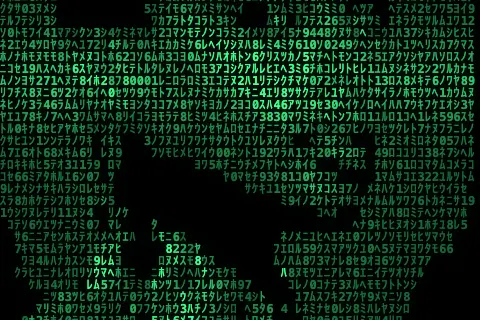
Turn photos and video frames into ASCII art: glowing glyphs, Braille, block and line characters, or Matrix and terminal text.
Open tool 04Animated14 presets
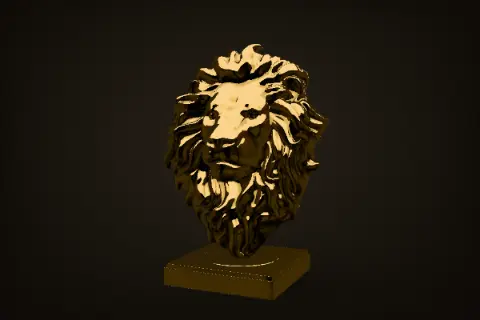
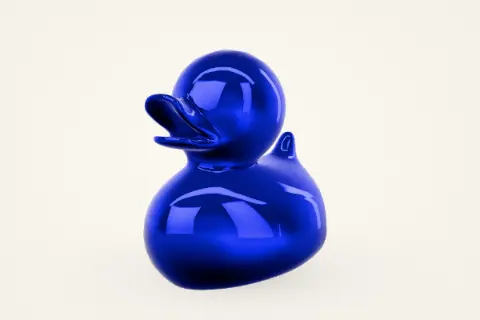
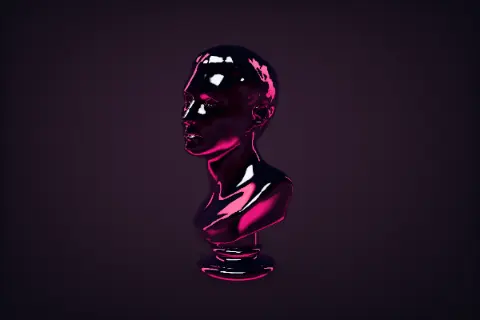
Liquid Metal Lab
Liquid metal effect
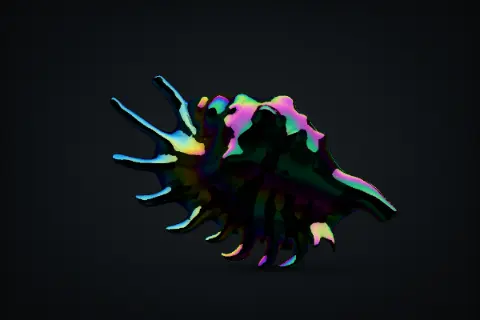
Turn a 3D model or form into polished metal in a virtual photo studio, with lighting rigs, iridescence and a glossy floor.
Open tool 05Animated10 presets
Mesh Effects Lab
Halftone generator
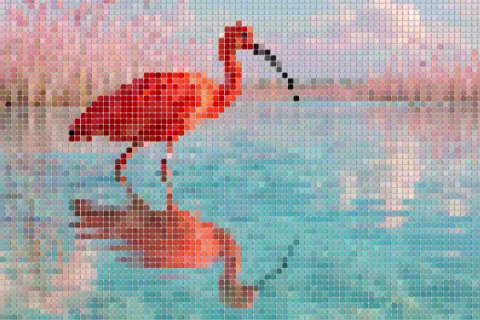
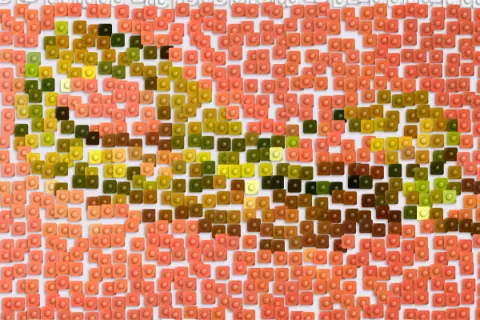
Turn a 3D mesh or image into halftone, ASCII, pixels and graphic print effects.
Open tool 06Static3 presets
Brick Image Lab
Brick mosaic maker
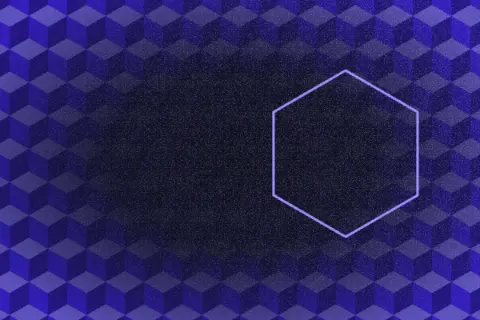
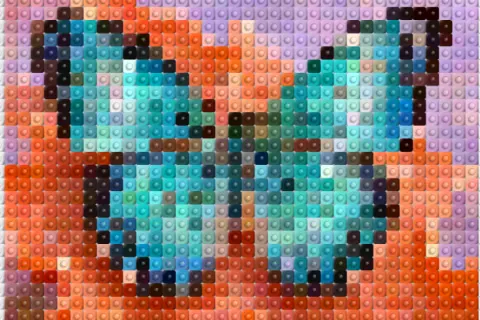
Rebuild your image as dimensional bricks with studs, bevels and cast shadows.
Open tool 07Animated9 presets
Logo Orbit Lab
3D logo cloud
Show your logos as a 3D sphere, a marquee band or an integrations hub, with refined placeholder marks to start from.
Open tool 08Animated17 presets
Spectrum Flow Lab
Prism light effect
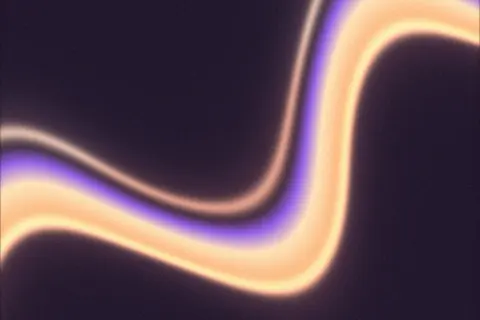
Shape moving fields of refracted spectral light, from halos to flowing ribbons.
Open tool 09Static17 presets
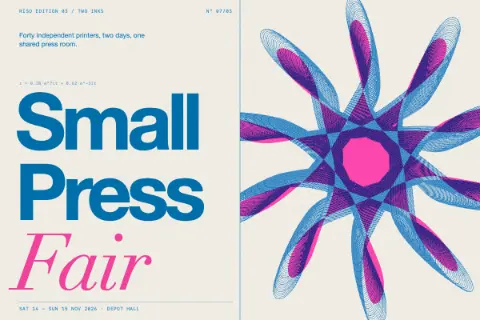
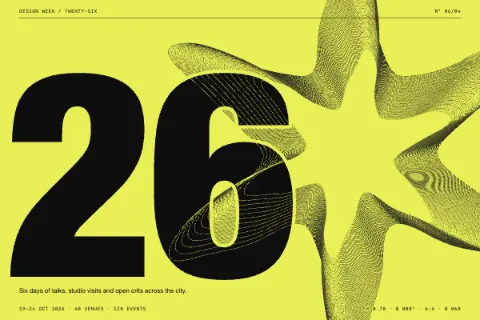
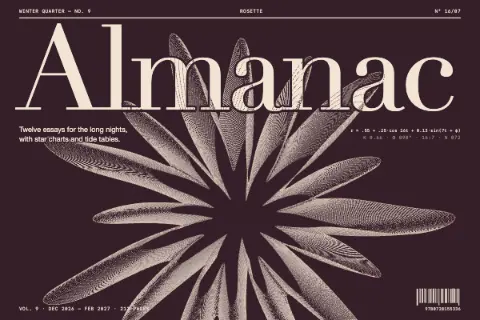
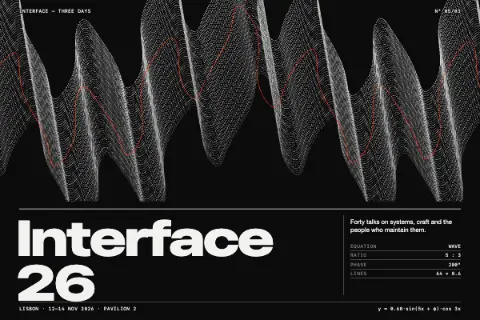
Editorial Pattern Lab
Editorial poster generator
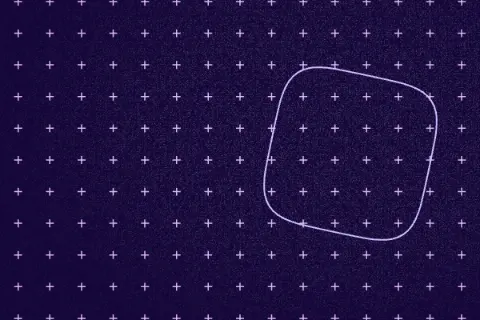
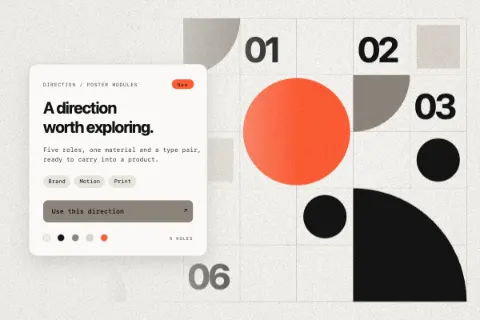
Compose editorial posters with mathematical line art, expressive type and your copy.
Open tool 10Animated20 presets
Creative Direction Playground
Generative visual systems
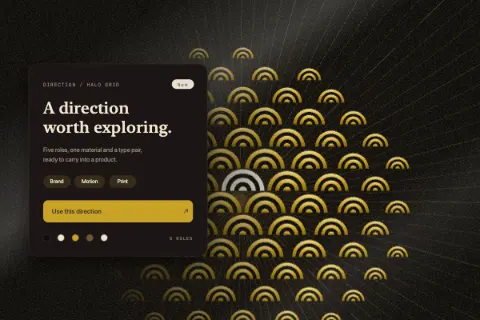
Explore 20 original visual systems and judge each direction inside a real product.
Open tool 11Static24 presets
Minimal Shapes Lab
SVG shape generator
Create precise vector shapes for brand identities, covers and product screens.
Open tool 12Animated17 presets
Chromatic Light Lab
Abstract light background
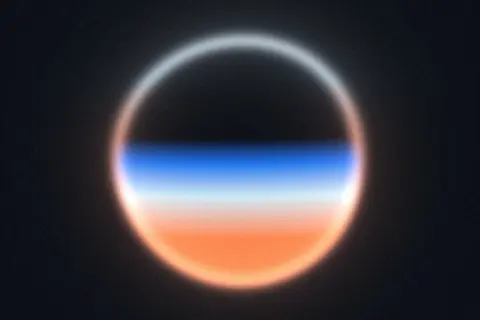
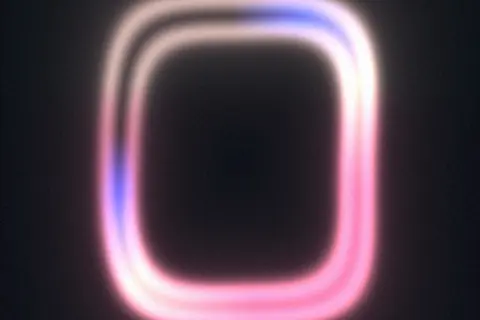
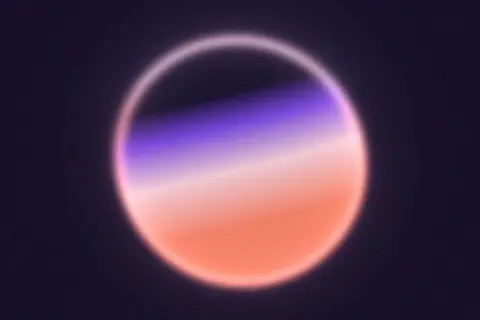
Shape spectral light, luminous edges and soft-focus color from abstract geometry.
Open tool 13Animated16 presets
Retro Rhythm Lab
Retro pattern generator
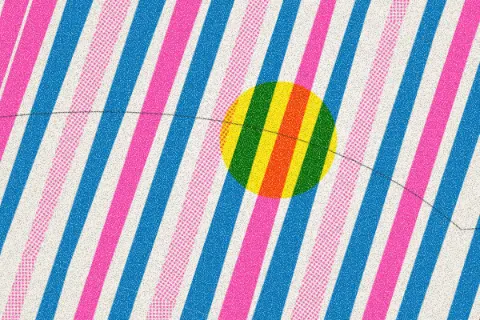
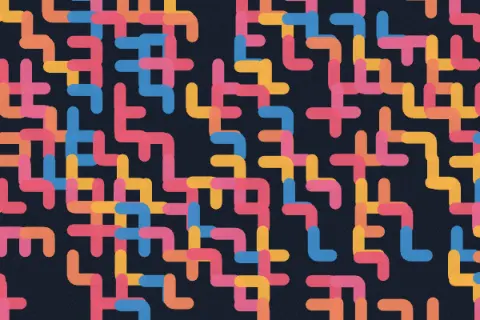
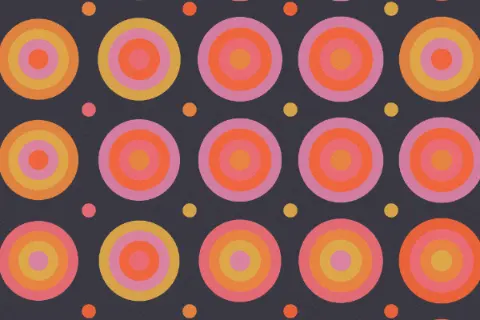
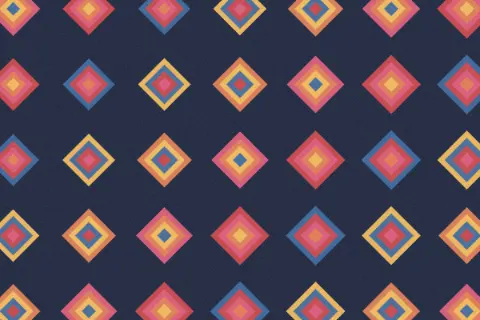
Build colorful modular paths, nested arches and optical patterns with an analog print finish.
Open tool 14Animated16 presets
Ethereal Veil Lab
Fluid art generator
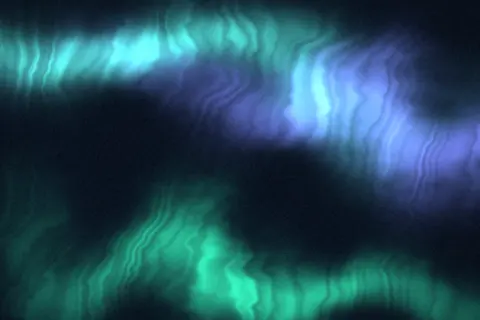
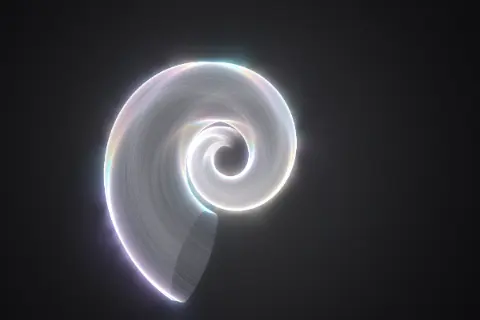
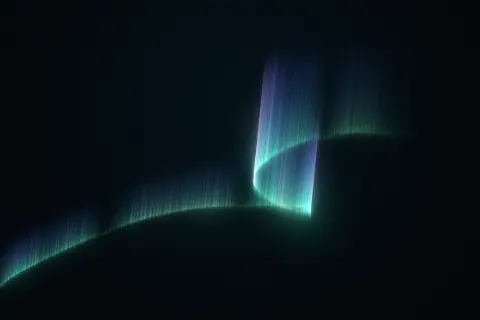
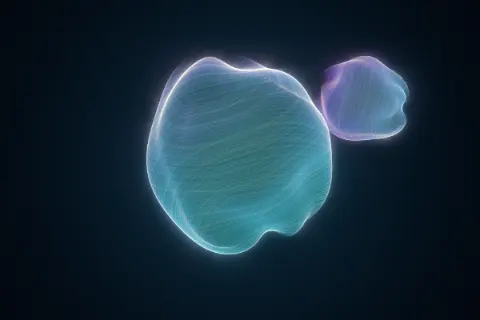
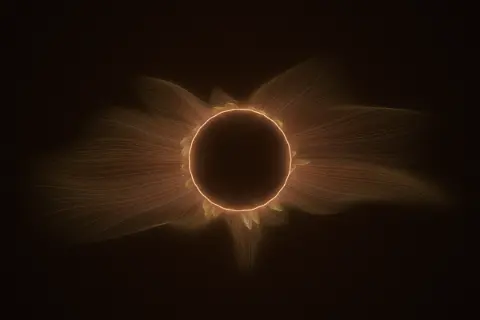
Paint with light: thousands of hairline filaments form silk ribbons, cells and coronas with iridescent edges and a soft glow.
Open tool 15Animated16 presets
Luminous Alloy Lab
Chrome background generator
Art-direct metal surfaces like a studio shoot: chrome, foil, anodized or lacquer under softbox, gel and raking light.
Open tool 16Animated16 presets
Optical Motion Lab
Op art generator
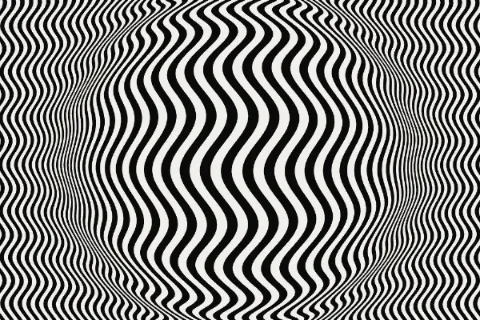
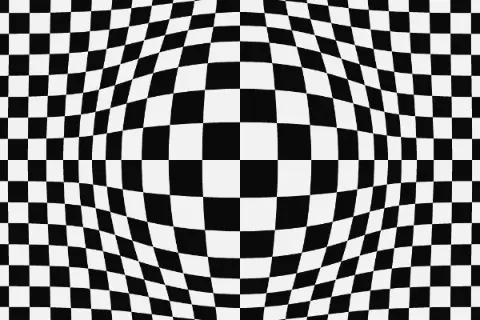
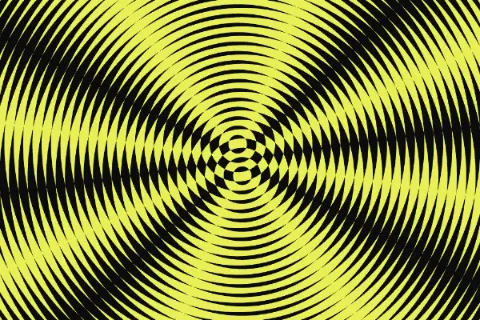
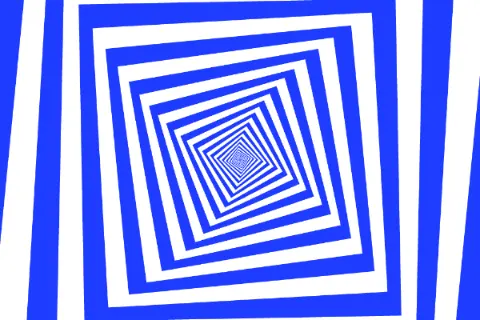
Build optical depth from dots, lines and repeating forms, with interference and rhythmic motion.
Open tool 17NewAnimated31 presets
Dither Lab
Dither generator
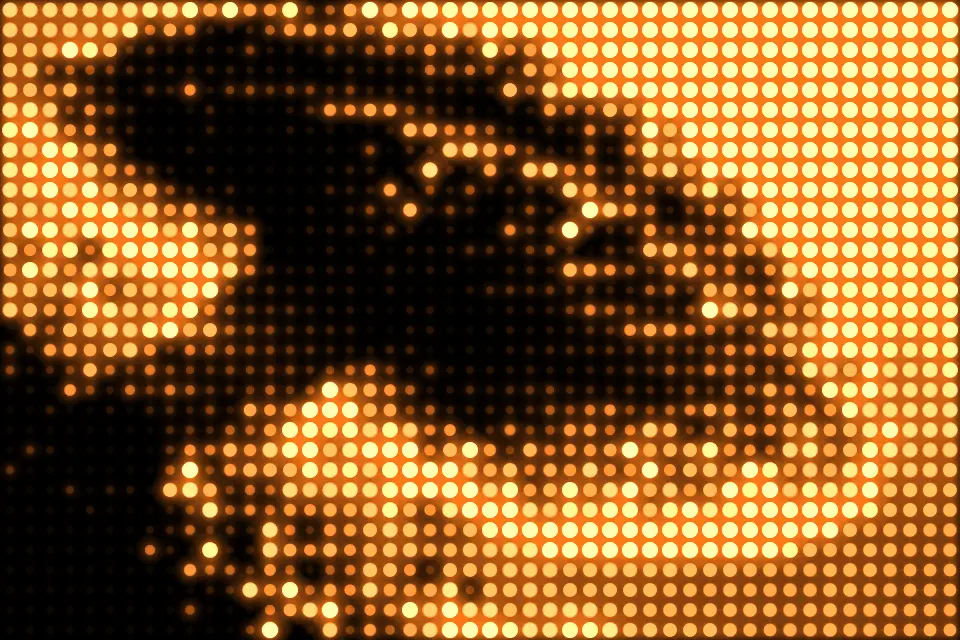
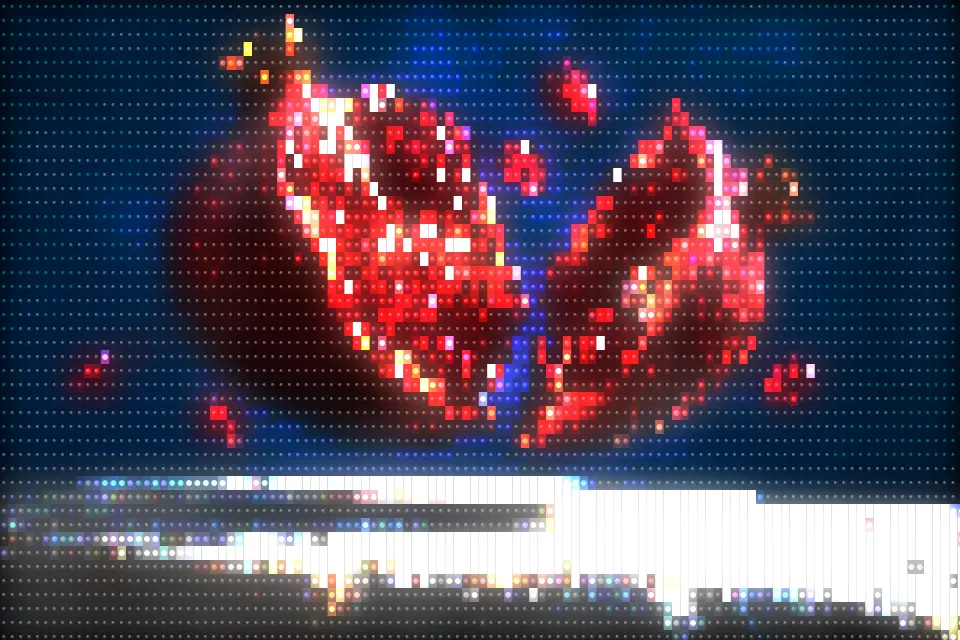
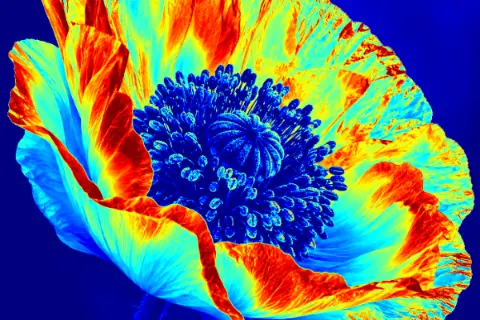
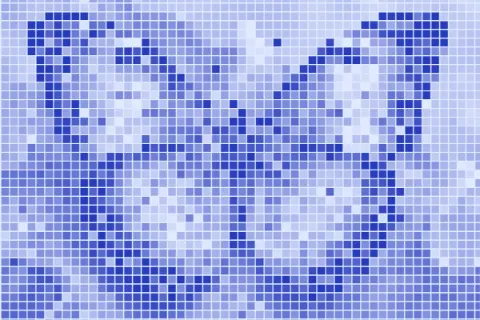
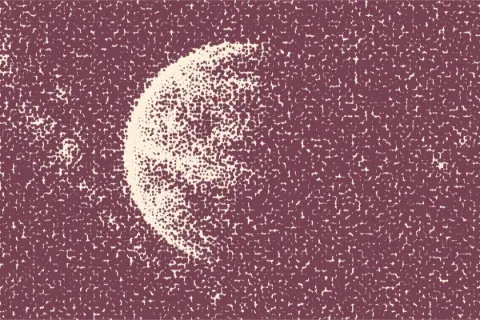
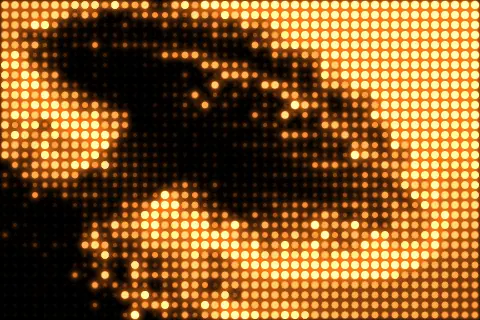
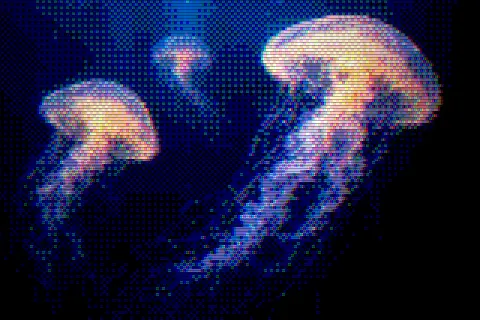
Dither photos and video frames into retro palettes, print screens and pixel looks, from Riso and Game Boy to CMYK print and LED matrix.
Open tool


About UX Pilot Labs
UX Pilot Labs is a collection of free design tools for the visual details that make a product feel finished: gradients, patterns, textures, ASCII art, halftone, 3D effects, easing curves and micro interactions. Every tool runs in your browser with live controls, so you see each change as you make it.
Labs is made for product designers, design engineers, founders and marketers who need a strong visual direction quickly. Each tool shows your result inside real layouts such as landing pages, sign up screens and mobile views, which makes it easier to judge an effect in context.
When a direction works, take it further in UX Pilot. Sign in with a free account to use your result on the UX Pilot canvas as the starting point for a full screen, or to export it.
