Paper.design

Paper.design Head to Head Comparison of Features, Alternatives and Pricing

No credit card needed45 free credits

UX Pilot features versus Paper.design

A comprehensive comparison of UI design features to help you make an informed decision.

(-1)
(-1)
(0)
(0)
Compare Features
Paper.design
UX PILOT
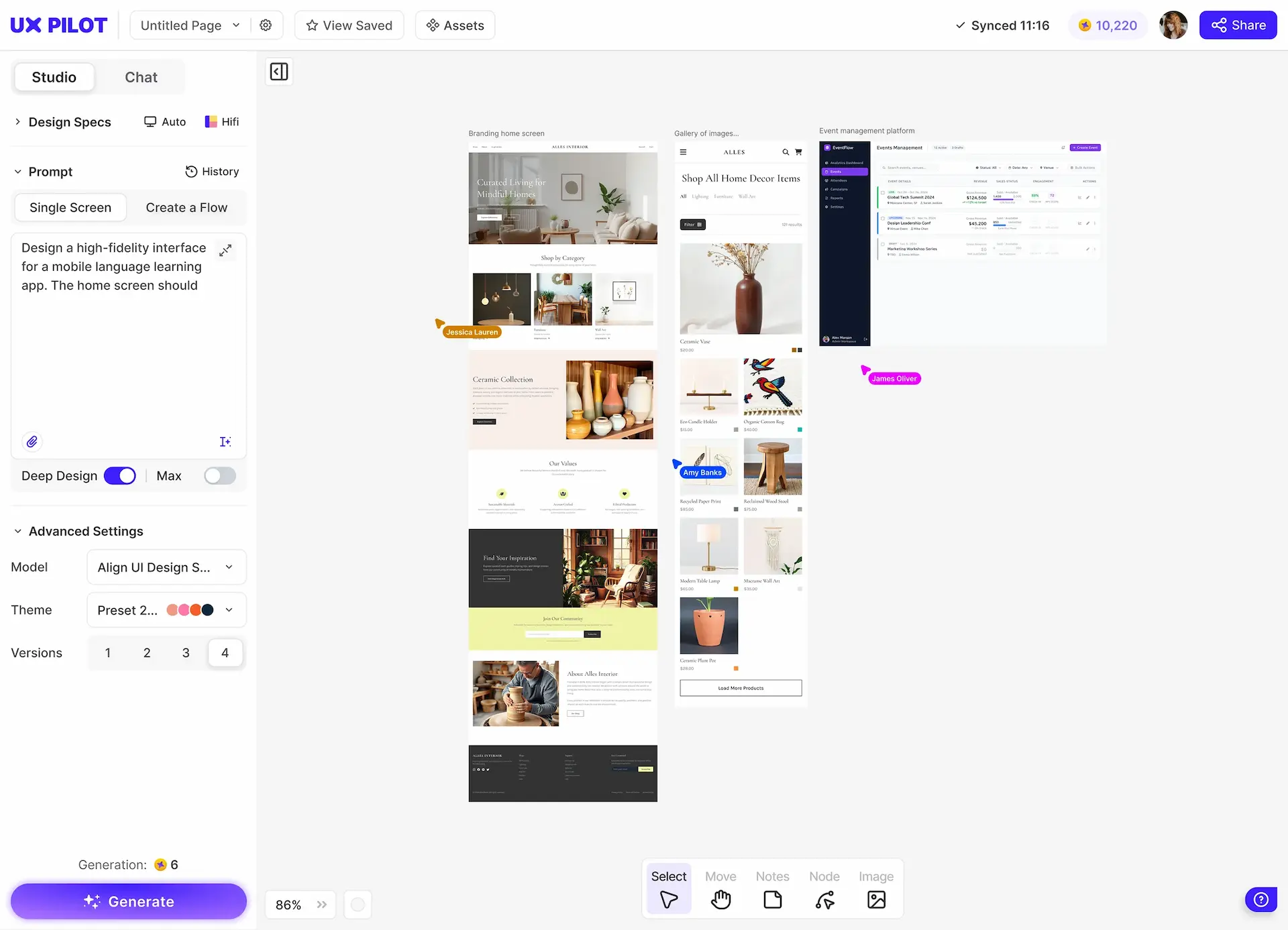
AI design approachAI-agentic (external agents via MCP)AI-native (built-in prompt-to-design)
Built-in AI generationOnly for images (requires external agent setup)Yes, prompt to screen in seconds
WireframingManual onlyYes, low and high fidelity
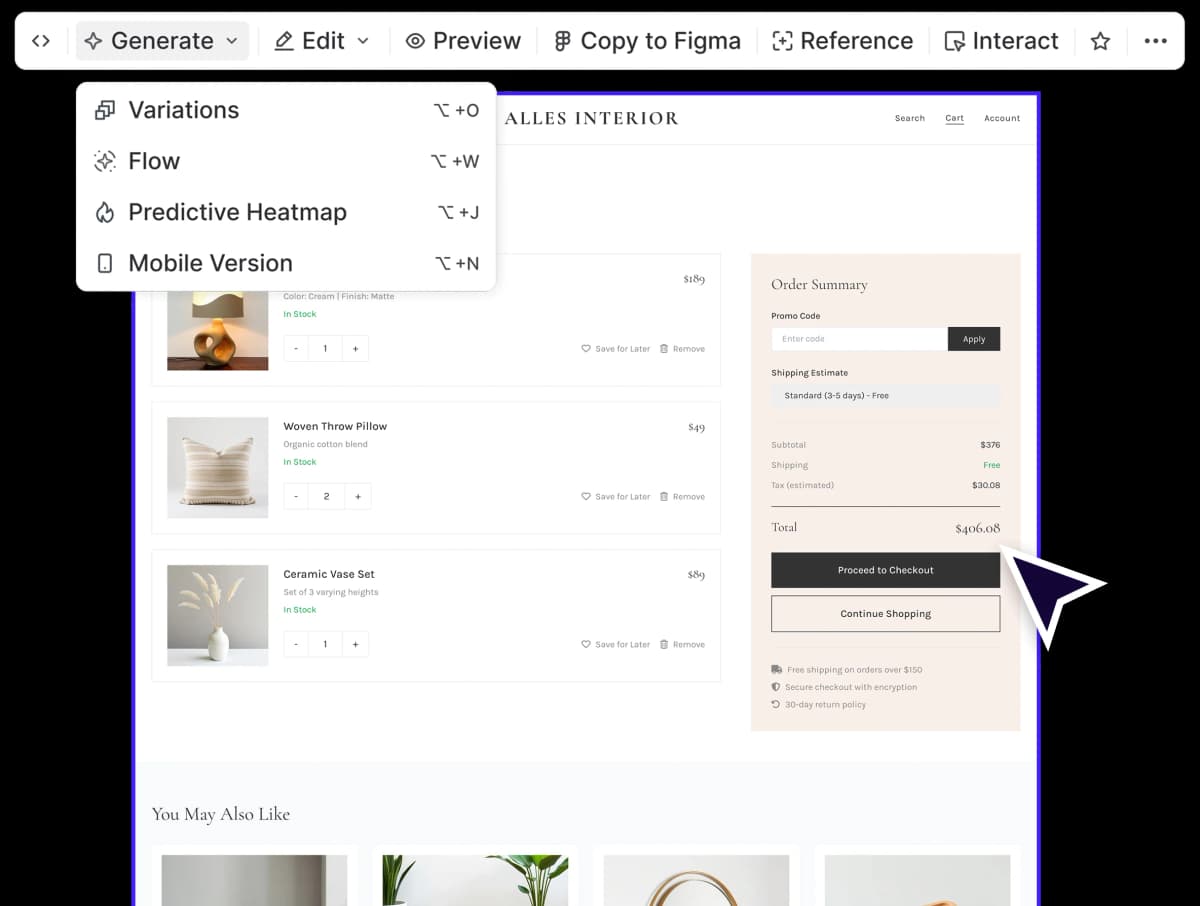
Predictive HeatmapsNoYes
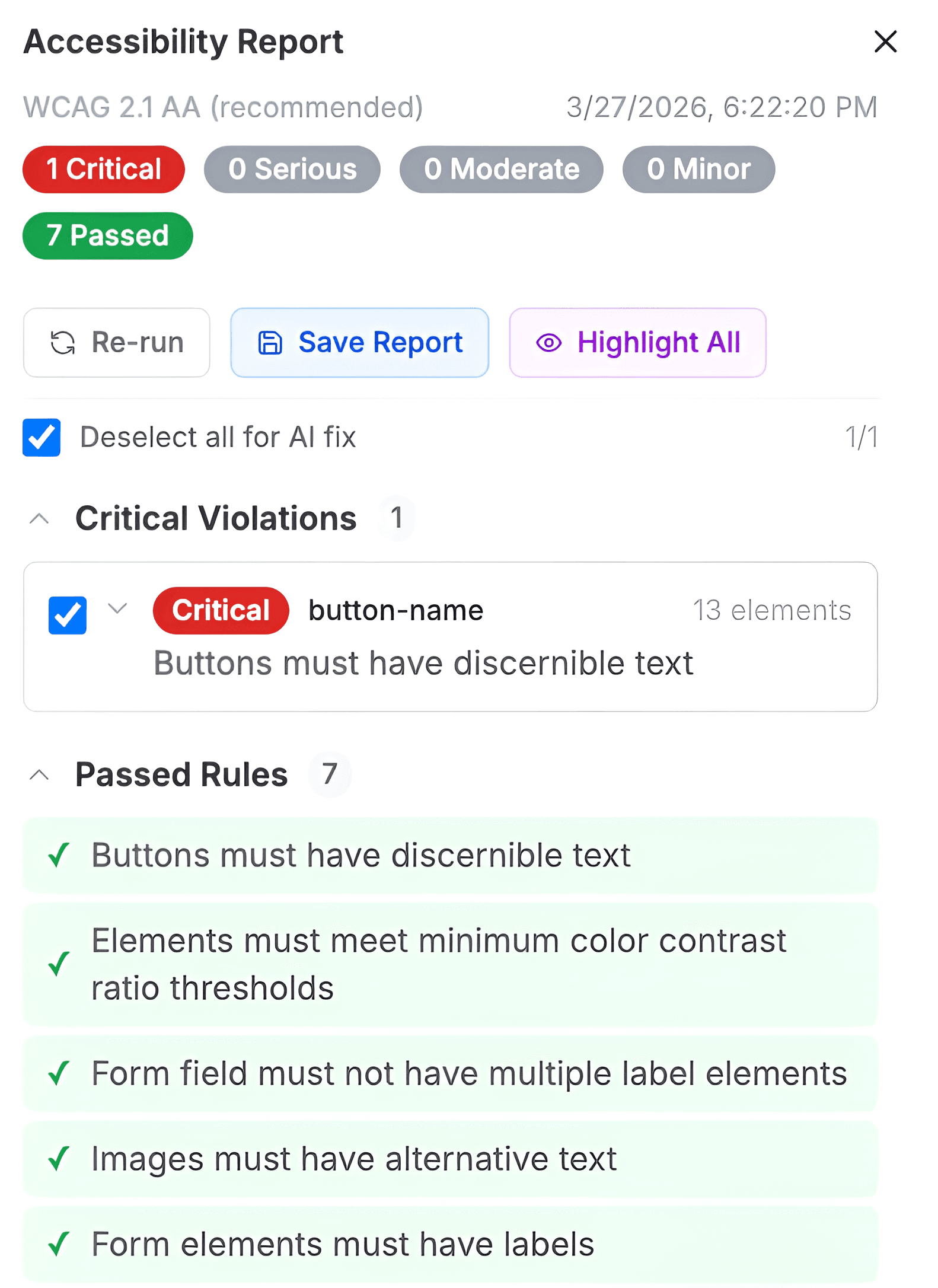
Design ReviewNoYes
Multiple Design VariationsNoYes
Screen FlowsManual onlyYes, multi-screen from a single prompt
Interactive PrototypesNoClickable out of the box
Canvas ArchitectureHTML/CSS DOM-nativeProprietary with HTML/CSS export
Code ExportReact CSS, Tailwind (native to canvas)HTML and CSS
GPU ShadersYes, 20+ effectsNo
Color ManagementOKLCH uniform picker, Display P3 wide-gamutStandard
Figma IntegrationMCP-based token syncingFull sync and plugin
Design System UploadPartial (token syncing via MCP agents)Yes
Learning CurveModerate (plus agent setup for AI workflows)Minimal
(1)
(1)
Show Cookie Preferences

What makes UX Pilot different from Paper?

Self-contained AI vs external agent configuration

Self-contained AI vs external agent configuration

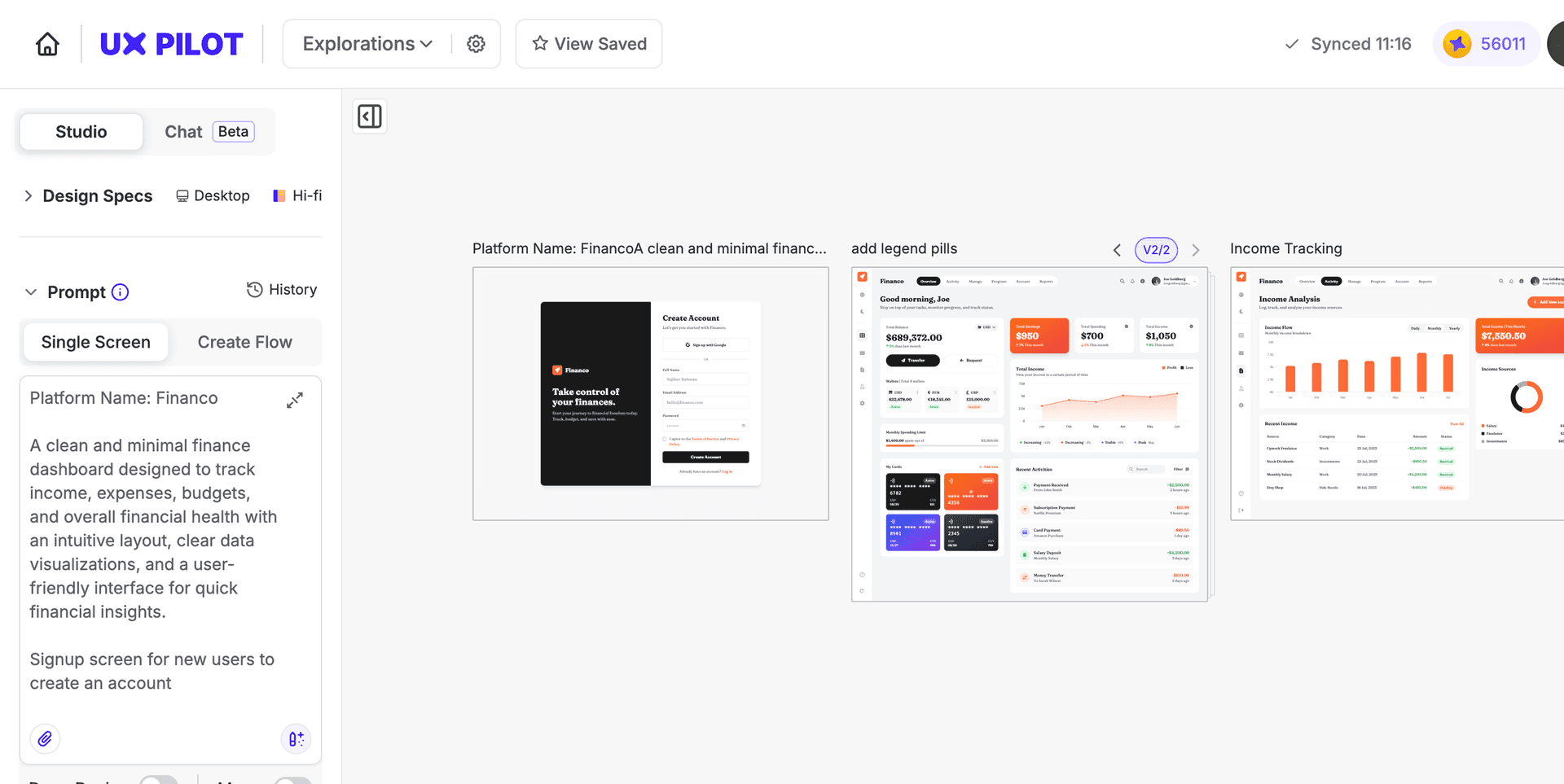
Paper offloads UI related AI generation to external agents like Claude Code or Cursor through a protocol called MCP. That is powerful for developer workflows, but it means installing a desktop app, configuring a local server, and connecting your IDE before you can use AI. UX Pilot removes that entire setup layer. You type a prompt, you get a screen.

Design generation vs manual designs

Design generation vs manual designs

UX Pilot generates designs based on your prompt while with Paper, you have to build your own designs, either manually or by instructing an external agent. This matters when you are exploring multiple directions or need to present options quickly.

Accessibility beyond the IDEA

Accessibility beyond the IDEA

You can use Paper.design’s canvas but the platform really comes alive if you are comfortable in a code editor. Its MCP integration, Tailwind export, and DOM-native architecture are for people using CSS. UX Pilot helps non technical product managers, designers and founders to produce and iterate on designs without configuring a terminal or server.

Free Plan differences

Pricing Plans
Paper.design
UX PILOT
Free PlanYes, 100 MCP calls/weekYes, 7 screens, no credit card

Paper's free tier is functional for exploring the canvas, but the 100 MCP calls per week limit means AI-assisted workflows hit a ceiling quickly. UX Pilot's free plan includes high-fidelity UI generation, wireframing, design review, and predictive heatmaps. You can complete real design work without upgrading, which means evaluating UX Pilot does not require a financial commitment.

Paper has a single paid tier at $20/user/month, which scales with team size. UX Pilot's Standard plan starts at $19/month regardless of seats at the individual level. For teams, UX Pilot's $39/user/month Teams plan includes collaboration features, while Paper's Organizations plan with SAML/SSO and admin controls is not yet available.

If you are comparing both tools seriously, UX Pilot includes several AI-assisted design features in its base plan once you account for built-in AI generation, validation tools, and the absence of external setup requirements.

UX Pilot vs Paper: Which is right for me?

Paper is the right choice if your team already works inside code editors, you want your design canvas to output the same CSS your engineers write, and you are ready to invest in configuring MCP agents as part of your workflow. Its DOM-native architecture and agentic integration are useful and teams with a strong engineering culture will find real value in how tightly it connects to their existing tools.

UX Pilot is the right choice if you need to move from an idea to a testable, shareable design without assembling different tools together. It is used by product managers prototyping before engineering is involved, by designers who want design inspirations without starting from a blank frame, and by founders building launch-ready screens without a dedicated design team.

If your question is “how do I get to a validated design faster,“ UX Pilot answers it more directly.

uxpilot-vs-uizard-comparison

What makes UX Pilot a great alternative to Paper?

Paper works at the design-to-code stage. UX Pilot works earlier, helping turn ideas into working designs. If the main challenge is getting from a concept to something you can test and share, UX Pilot helps you do that without setting up an agent workflow first.

From blank page to clickable prototype in one step

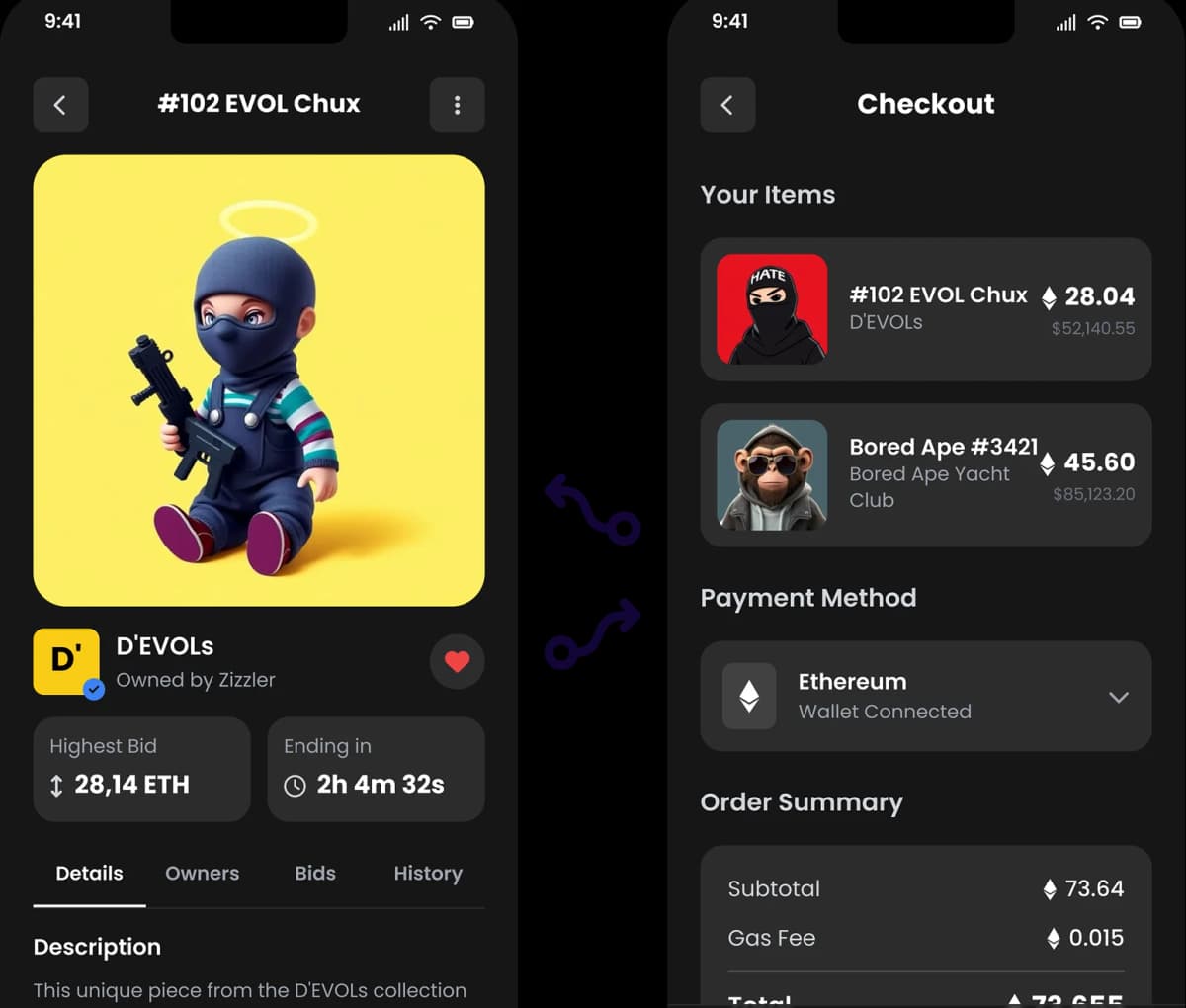
Paper does not generate interactive prototypes. Its output is a canvas of styled frames. UX Pilot produces clickable flows where you can tap through screens and experience the product before a line of code is written. You skip the step of manually wiring interactions and go straight to gathering feedback.

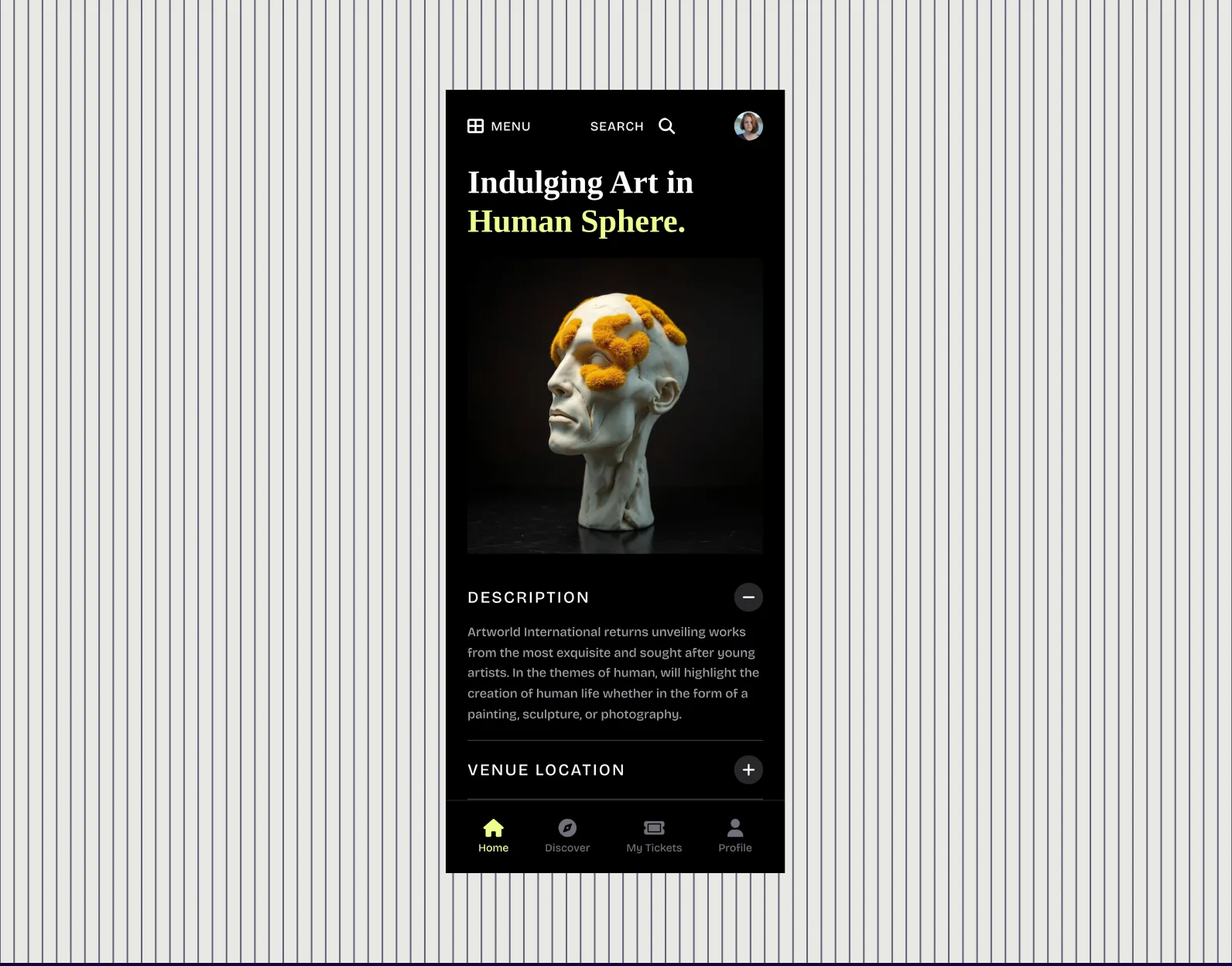
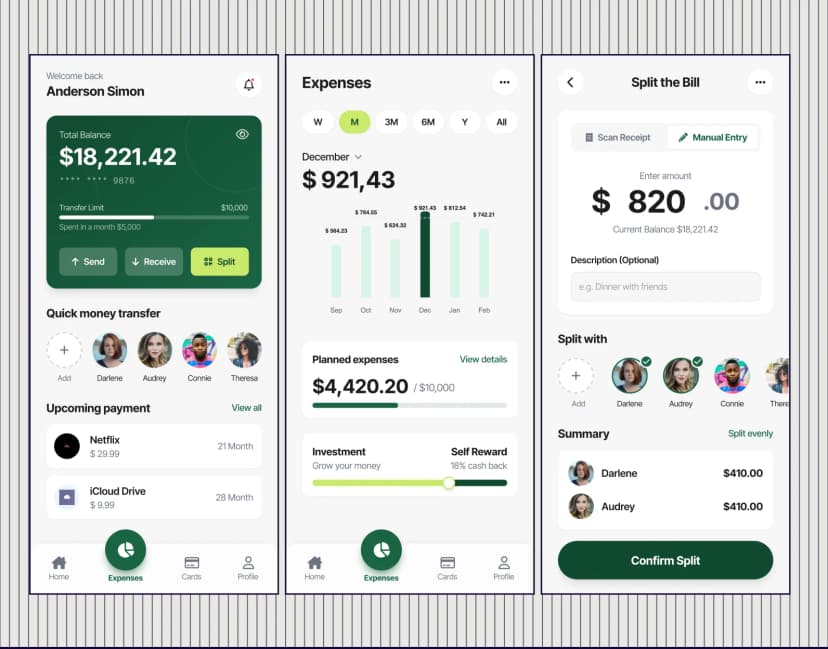
AI generated designs that match the prompt

Iterate without switching tools

In Paper, refining a design through AI means prompting an external agent in a separate window, waiting for the MCP round-trip, and verifying the result on canvas. In UX Pilot, you select a section, describe the change in natural language, and see the update immediately. Regenerate a component, swap a layout, try a different content direction, all without leaving the design environment.

Ideas to finished UX designs

Catch problems before handoff, not after

Paper's value is in producing code-ready output. UX Pilot includes built-in tools intended to surface potential UX issues earlier. Its predictive heatmap feature surfaces where attention lands and where it doesn't. Design reviews inside UX Pilot flag hierarchy issues, spacing problems, and accessibility gaps.

Non-designer accessibility

Frequently asked questions

Everything you want to know about UX Pilot vs Paper.design

Product

AI Wireframe GeneratorAI UI GeneratorAI Dashboard GeneratorAI Landing Page GeneratorAI Website BuilderWebsite GeneratorWebsite ClonerMockup GeneratorPrototype GeneratorImage to HTMLFigma AIFigma Plugin

Compare UX Pilot

Galileo AIUizardUXPinMagic PatternsPaper DesignGoogle StitchRelume AIBoltLovable

Resources

Figma GuideBlogsMobile TemplatesWebsite TemplatesUX WorkshopsTestimonialsAffiliates

Company

About usPricingCareersContact Us

Legal

Privacy PolicyTerms of Service

©2026 UX Pilot AI

Follow

TwitterTikTokInstagramLinkedInYoutube

Skip the setup, start designing with UX Pilot

Paper.design is helpful for teams that want AI agents wired directly into their design files. But if your priority is producing validated, interactive designs today without configuring servers or switching between tools, UX Pilot gets you from prompt to prototype in the time it takes to set up Paper's MCP connection.

Free to start
No credit card
No design skills required

Generate designs in seconds

UX Pilot Dashboard