MAGIC PATTERNS
Magic Patterns Head to Head Comparison of Features, Alternatives and Pricing
No credit card needed
UX Pilot features vs MAGIC PATTERNS
A comprehensive comparison of UI design features to help you make an informed decision.
| Compare Features |  |  |
|---|---|---|
| Wireframing | Yes, low and high fidelity | No |
| Predictive Heatmaps | Yes | No |
| Design Review | Yes | No |
| Multiple Design Variations | Yes | No |
| GitHub Sync | Yes | Yes |
| Screen Flows | Yes | Yes |
| Chat-Based Editing | Yes | Yes |
| Image to Design | Yes | Yes |
| Figma Integration | Full sync and plugin | Export only |
| Code Export | HTML and CSS | React, Tailwind, Vue |
| Design System Upload | Yes | Yes |
| Free Plan | Yes, 7 screens, no card required | Yes |
| Starting Price | Free | $19/month |
| Pro Plan | $29/month | $75/month |
Immersive websites, made in UX Pilot
Websites with motion and depth
UX Pilot designs immersive marketing sites too, with bold type, depth and motion.
Real estate
Made in UX PilotProduct launch
Made in UX PilotE-commerce
Made in UX PilotDesign studio
Made in UX PilotTravel
Made in UX PilotFintech
Made in UX PilotFashion lookbook
Made in UX PilotMusic festival
Made in UX PilotArchitecture studio
Made in UX PilotFashion drop
Made in UX PilotAudio hardware
Made in UX Pilot
What makes UX Pilot different from MAGIC PATTERNS?
A design platform that covers the full process
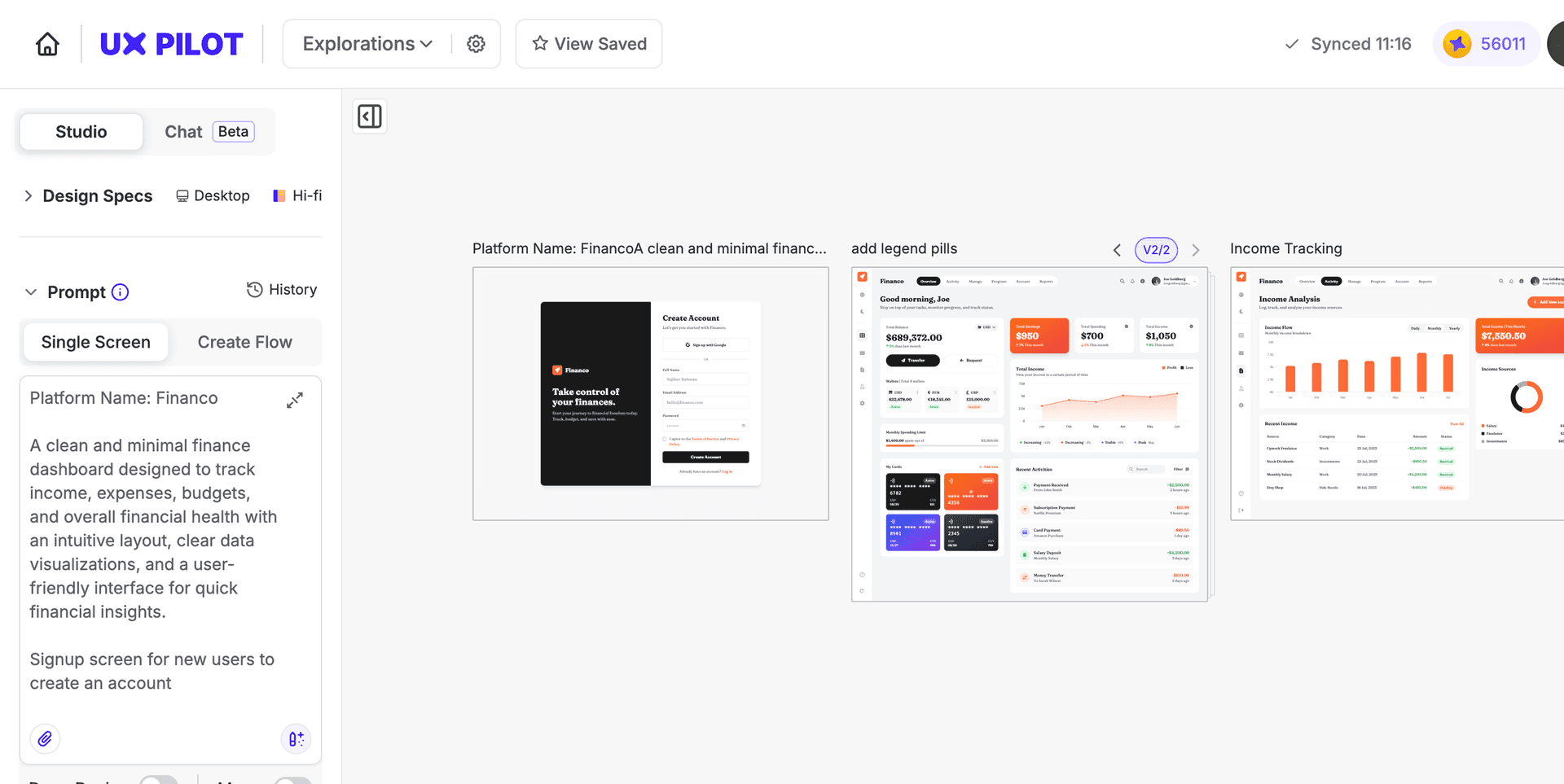
UX Pilot moves you through a full design process: wireframe → high-fidelity → heatmap validation → export. Magic Patterns moves you toward a working prototype and production code. Both generate complete screens and flows.
AI-first design vs AI-to-code generation
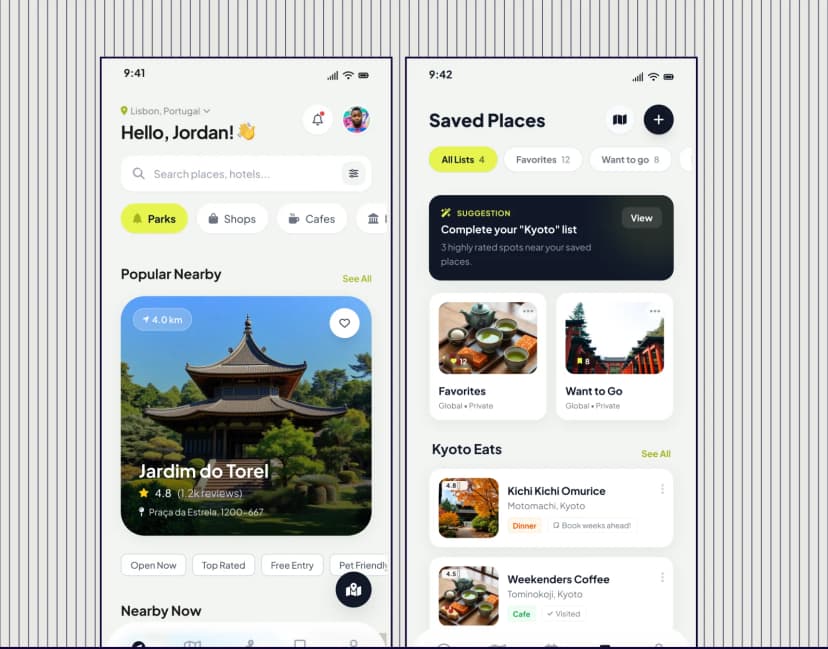
Both tools generate full pages and flows from a prompt but Magic Patterns prioritizes production-ready code using your design system components while UX Pilot prioritizes UX structure and design quality before anything reaches a developer.
Built for design-first teams, not just developers
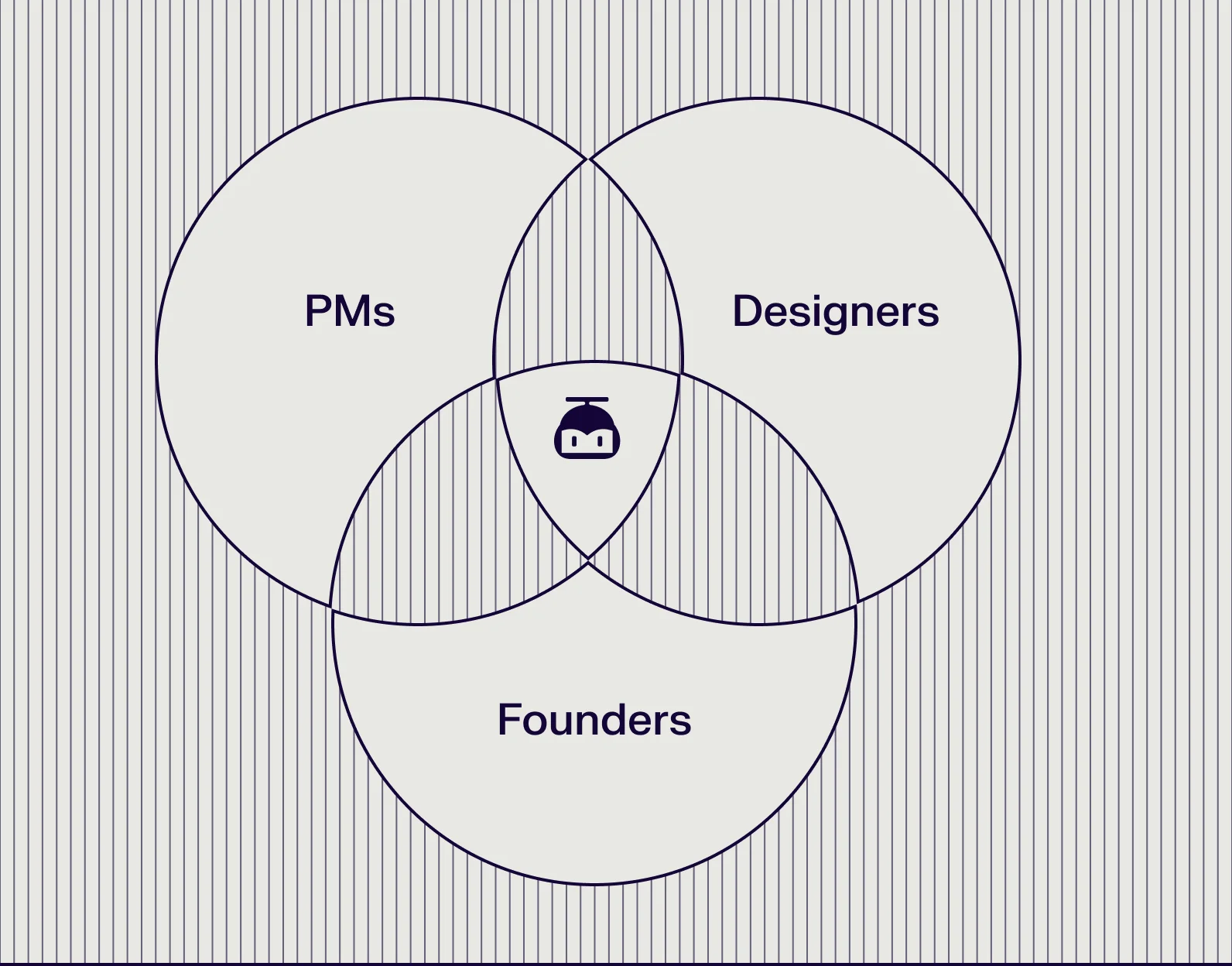
UX Pilot is built for product managers, founders, growth teams, and designers who need to explore, validate, and refine ideas before development. Magic Patterns is built for front-end engineers and design engineers working directly in React or Tailwind, where component-driven output matters more than design and UX structure.
What makes UX Pilot a great alternative to MAGIC PATTERNS?
Both tools can take a text prompt and produce a UI. Where they differ is in who they are built for and what they can help you accomplish.
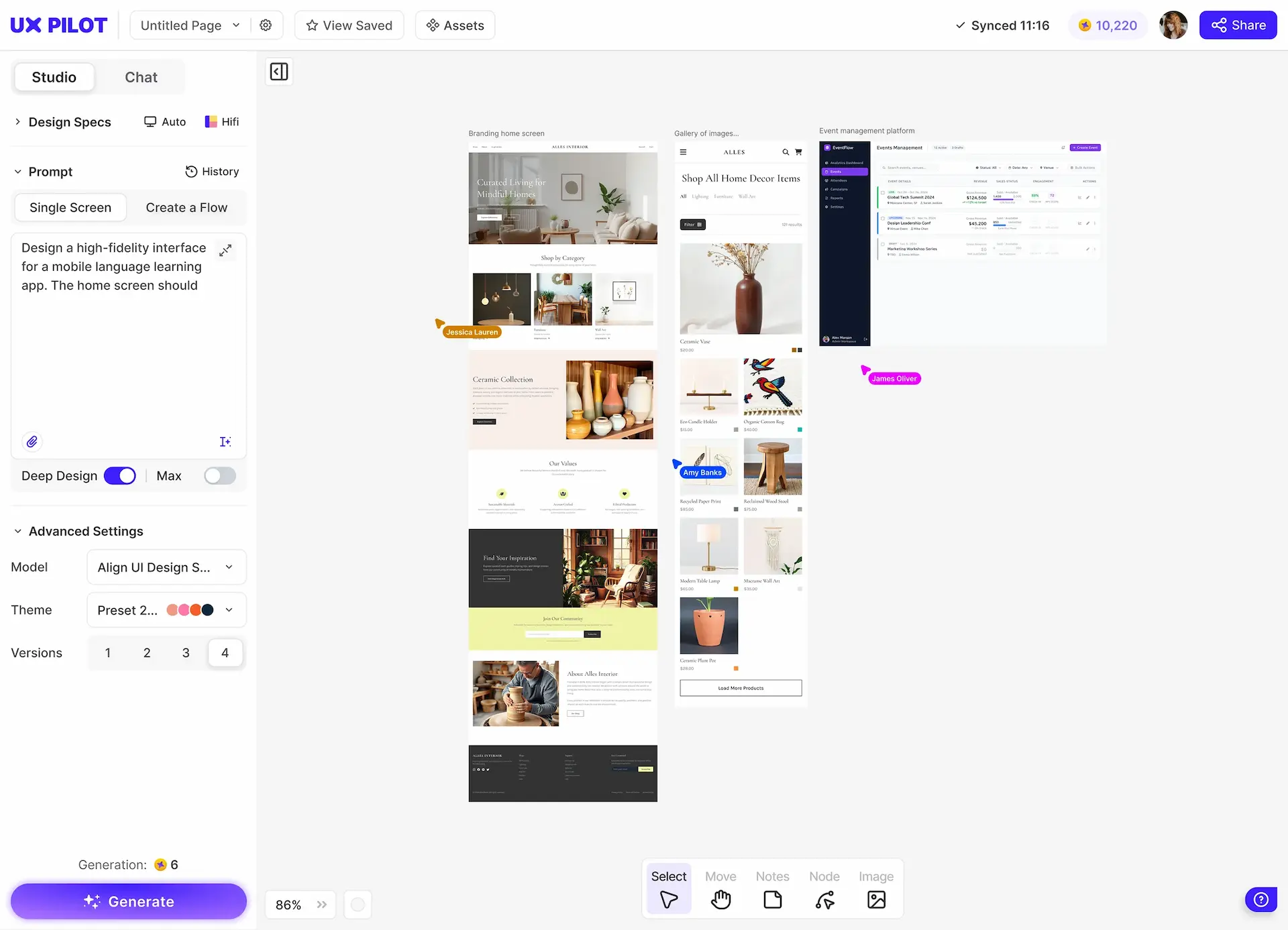
UX Pilot is a strong alternative to Magic Patterns because it is built for teams who need to think through the full product experience, not just generate a screen. From structured multi-screen flows to landing pages and dashboards, UI output serves high fidelity user experiences and is ready to share.
Design across the full product lifecycle
UX Pilot generates complete screen flows, not just individual screens. You can map out a user journey, generate every screen in that journey, and share a linked flow with stakeholders who can click through it like a prototype. When you’re happy with the designs, export development ready code just like you would do in Magic Patterns.
Easy precise iterations
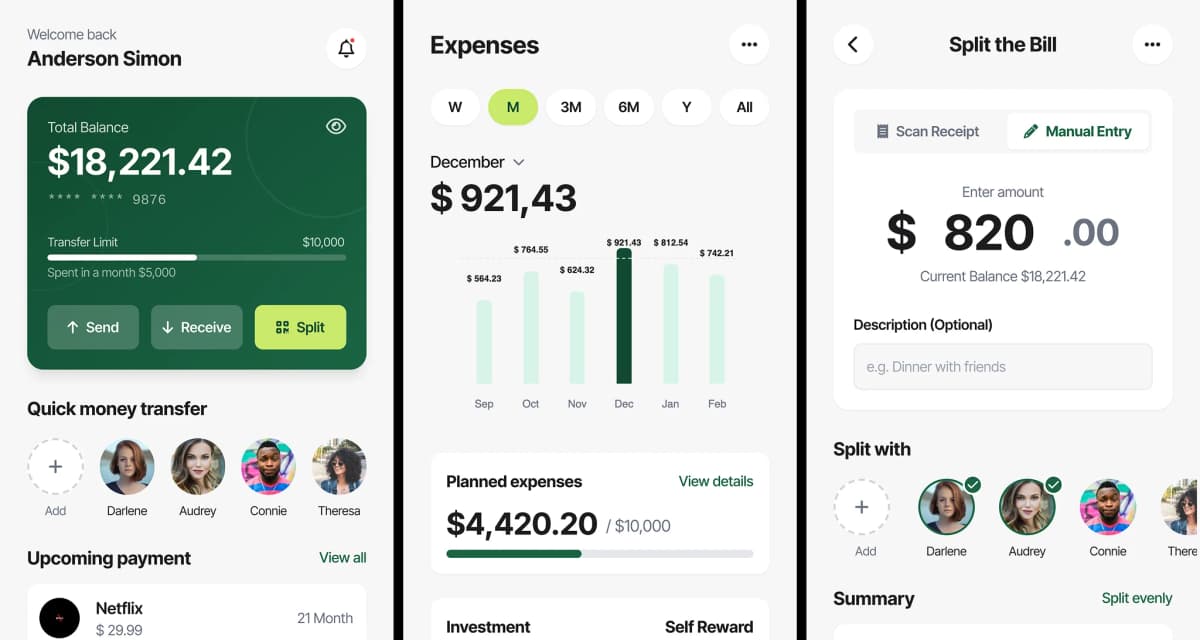
UX Pilot lets you regenerate specific sections and text, edit via natural language, create variations, build different styles and export to Figma or code. While Magic Patterns lets you refine components, adjust layouts, and iterate directly toward production-ready output, UX Pilot is more exploratory for design work.

UX validation built into design workflow
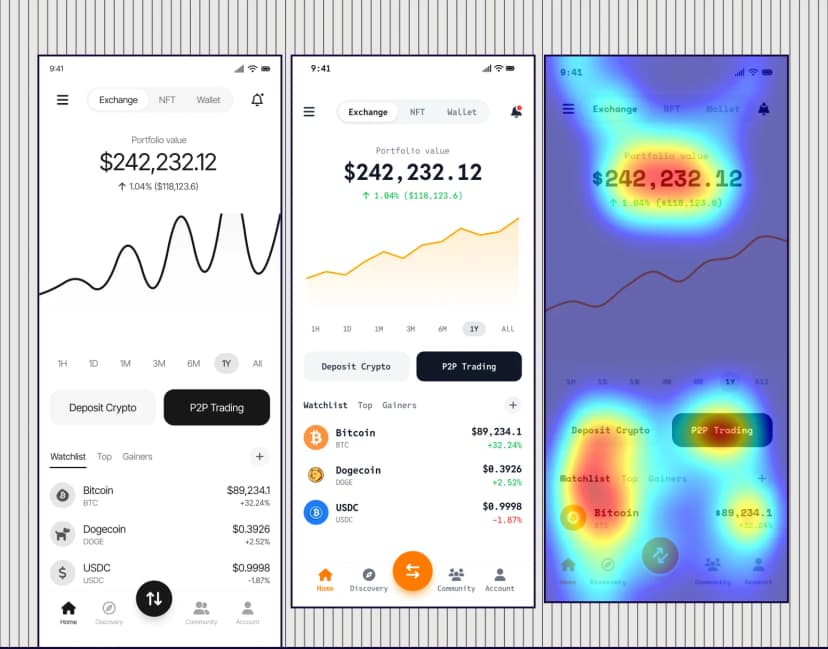
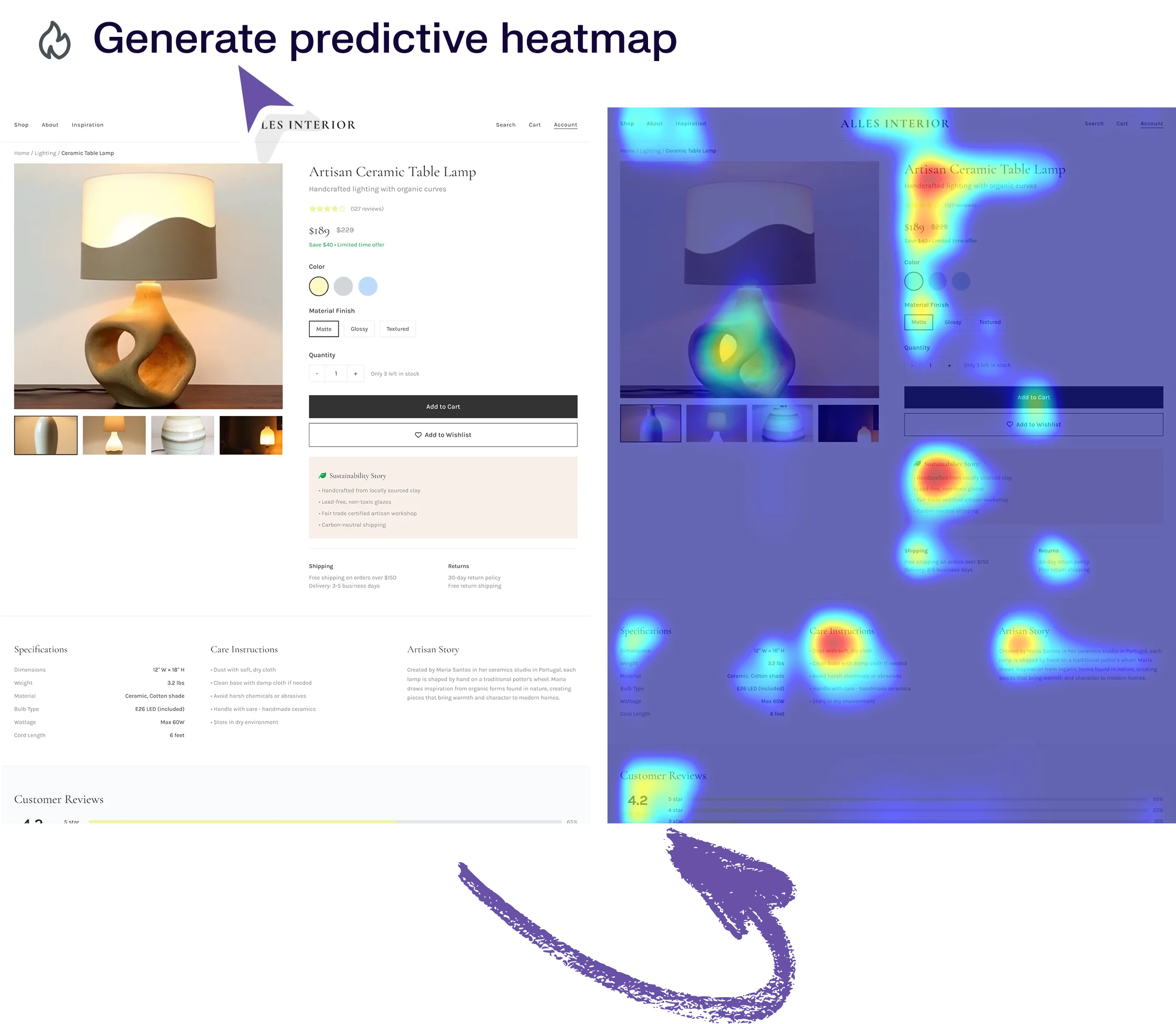
UX Pilot adds a layer Magic Patterns doesn't have: UX validation. Predictive heatmaps show where users will focus before a line of code is written. Automated design review catches structural issues early.
Free Plan differences
| Pricing Plans | | |
|---|---|---|
| Free Plan | Yes, 7 screens, no card required | Yes |
| Starting Price | Free | $19/month |
| Pro Plan | $29/month | $75/month |
| Teams | $39/user/month | Custom |
Magic Patterns' free tier is limited enough that most users encounter its constraints quickly. UX Pilot's free plan includes high-fidelity UI generation, wireframing, design review, and predictive heatmaps. You can complete real design work without upgrading, which means evaluating UX Pilot does not require a financial commitment.
Both tools start paid plans at $19/month. But Magic Patterns' Pro plan costs more than double UX Pilot's, and it does not include the UX research, validation, or workflow tools that UX Pilot offers at that same tier.
If you are comparing both tools seriously, the per-dollar value favors UX Pilot once you account for what is actually included.
UX Pilot vs MAGIC PATTERNS: Which is right for me?
Magic Patterns is a capable tool if your primary goal is producing clean React or Tailwind code fast, your team works in a developer-first workflow, and you have no need for wireframing, design review, or UX validation.
UX Pilot is a better choice for teams and individuals who need to design products from start to finish. It is used by product managers who prototype new features before involving engineering, by designers who want to skip the blank canvas without losing control of the output, and by founders who need launch-quality screens without a full design team behind them.
For teams exploring ideas, aligning stakeholders, or refining product direction before development begins, UX Pilot delivers more polished, experience-driven results without requiring deep engineering context.
Design systems in UX Pilot
Bring your design system, or build one
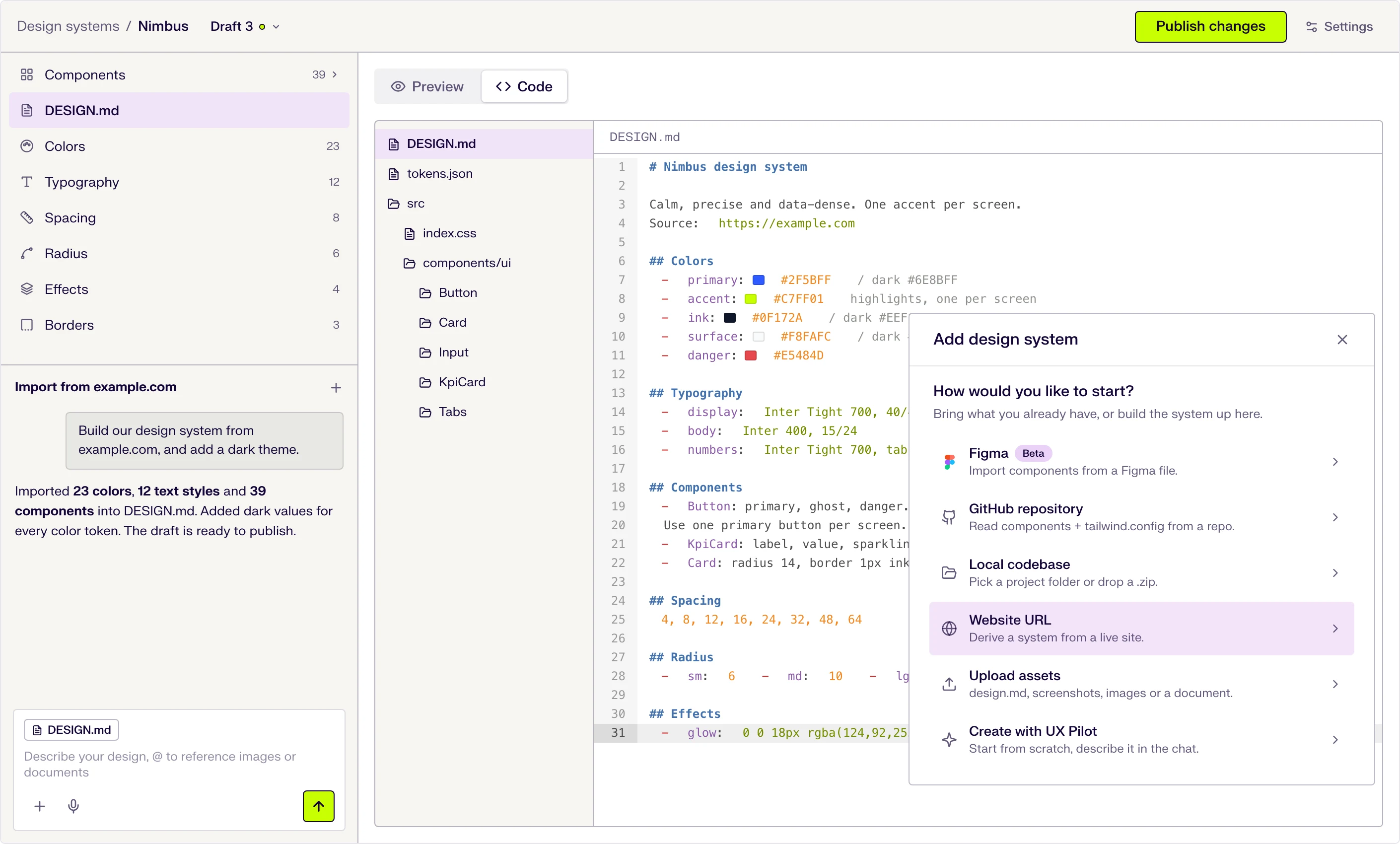
Start from scratch with AI, or import from a website, a Figma file, a GitHub repository, your codebase or a DESIGN.md. New screens then use your tokens and components.
Six ways to start
Describe it in the chat, or import from a website URL, a Figma file (beta), a GitHub repository, a local codebase or uploaded files.
DESIGN.md at the core
Tokens and usage guidance live in one DESIGN.md file that the AI follows when it designs. Edit a token and the file updates.
Draft, publish, repeat
Changes stay in draft until you publish them, and version history keeps every release.
Frequently asked questions
Everything you want to know about UX Pilot vs MAGIC PATTERNS
When the design process matters, UX Pilot is the better choice
If you are generating screens that need to hold up under real scrutiny, from users, from stakeholders, from developers who will build from them, Magic Patterns' code-first approach leaves most of the design thinking to you. UX Pilot is built to support that thinking, not just accelerate the output.
Generate designs in seconds