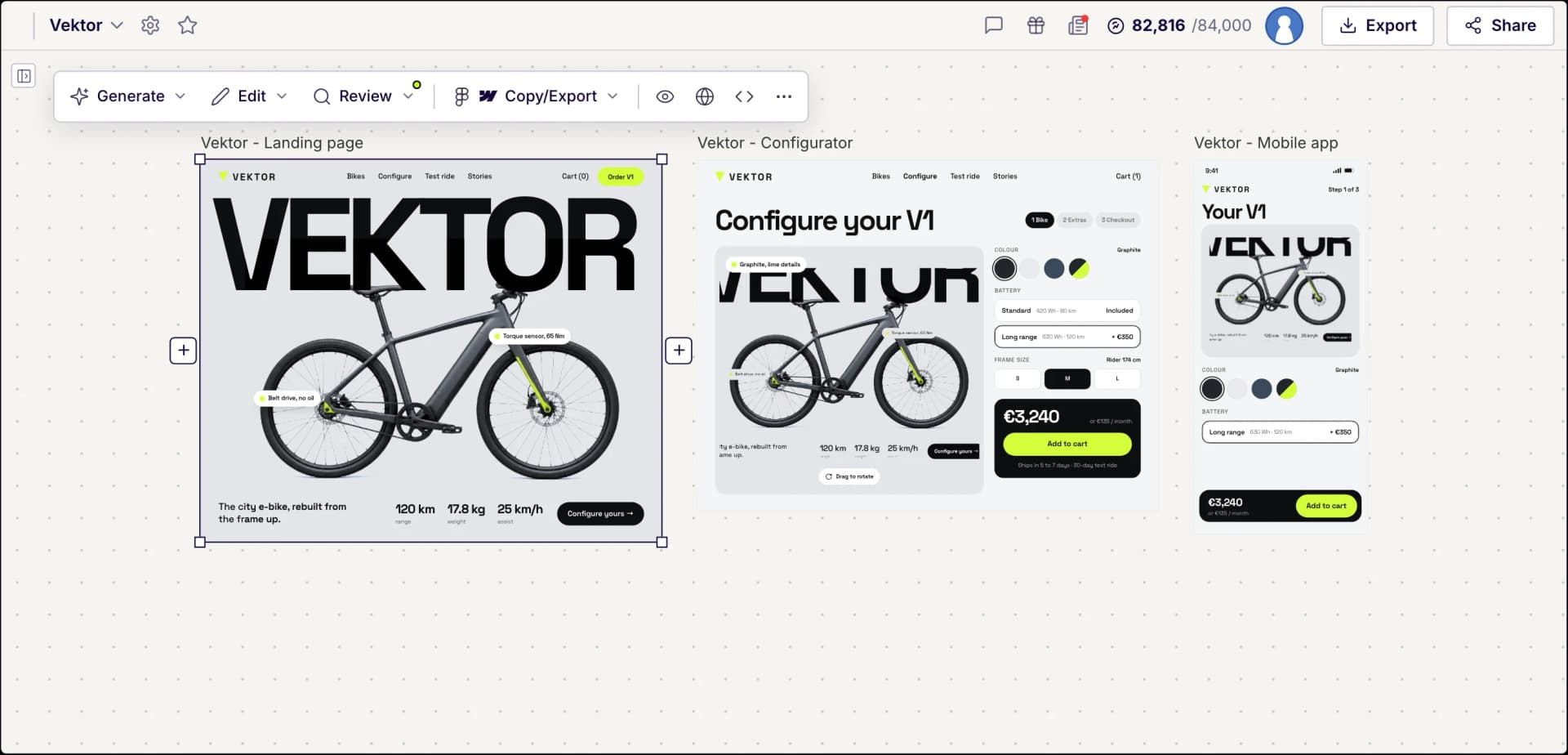
The AI-first Figma alternative
Describe your product and UX Pilot designs the screens and the flow between them.
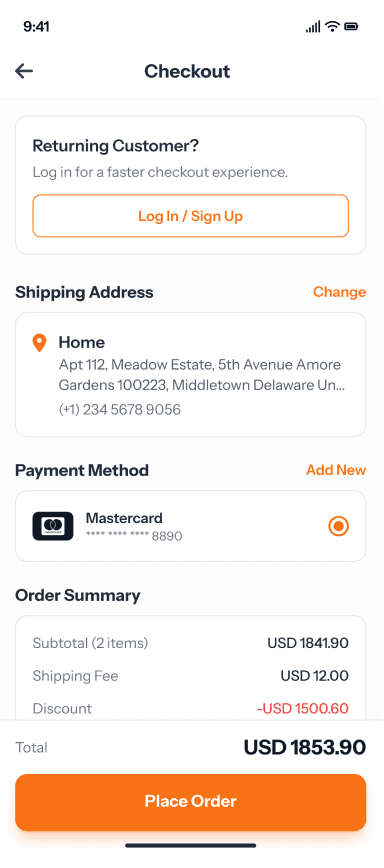
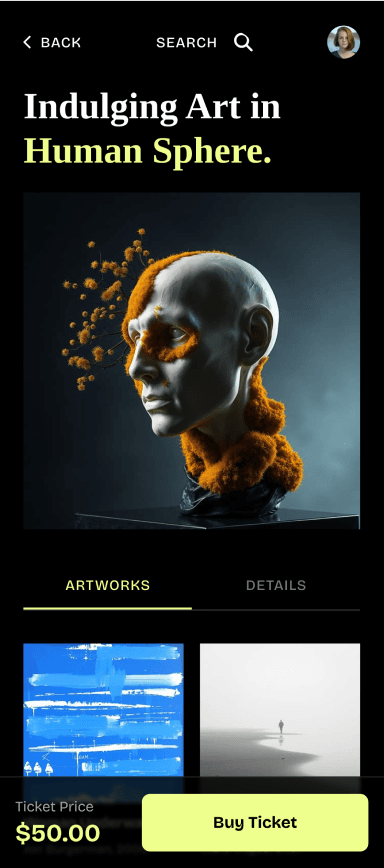
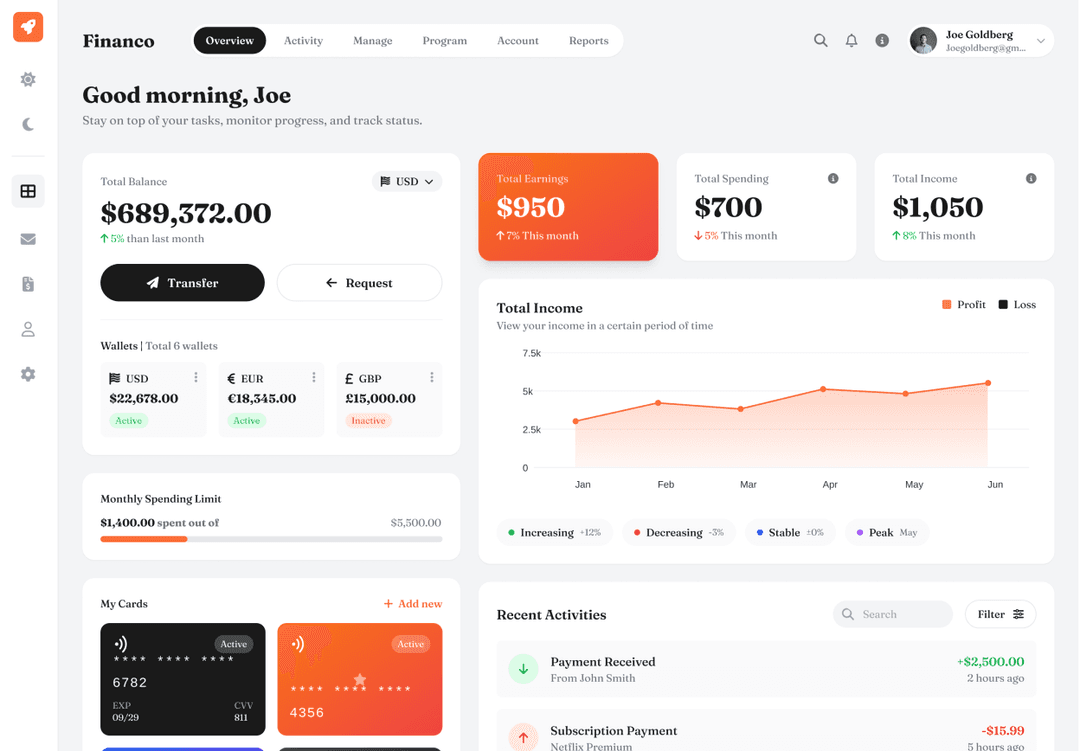
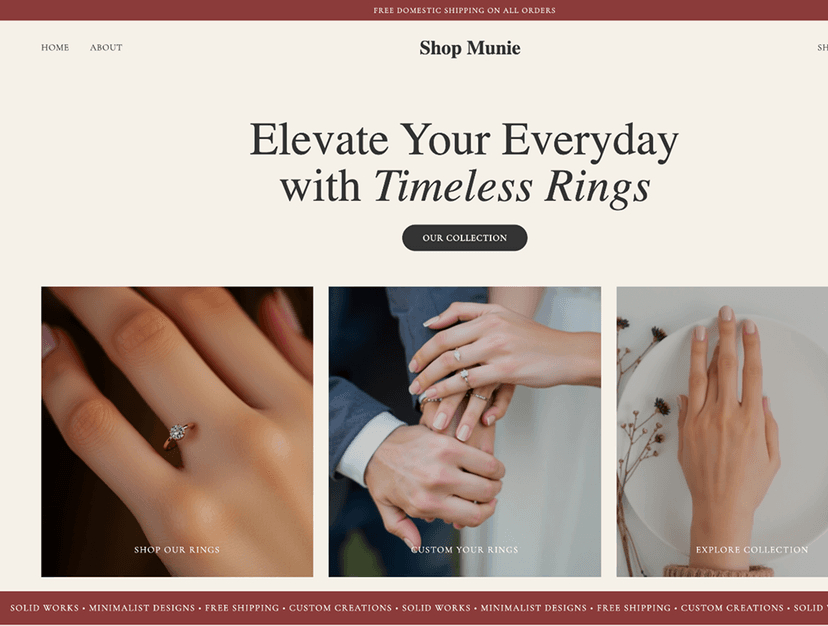
Screens designed in UX Pilot
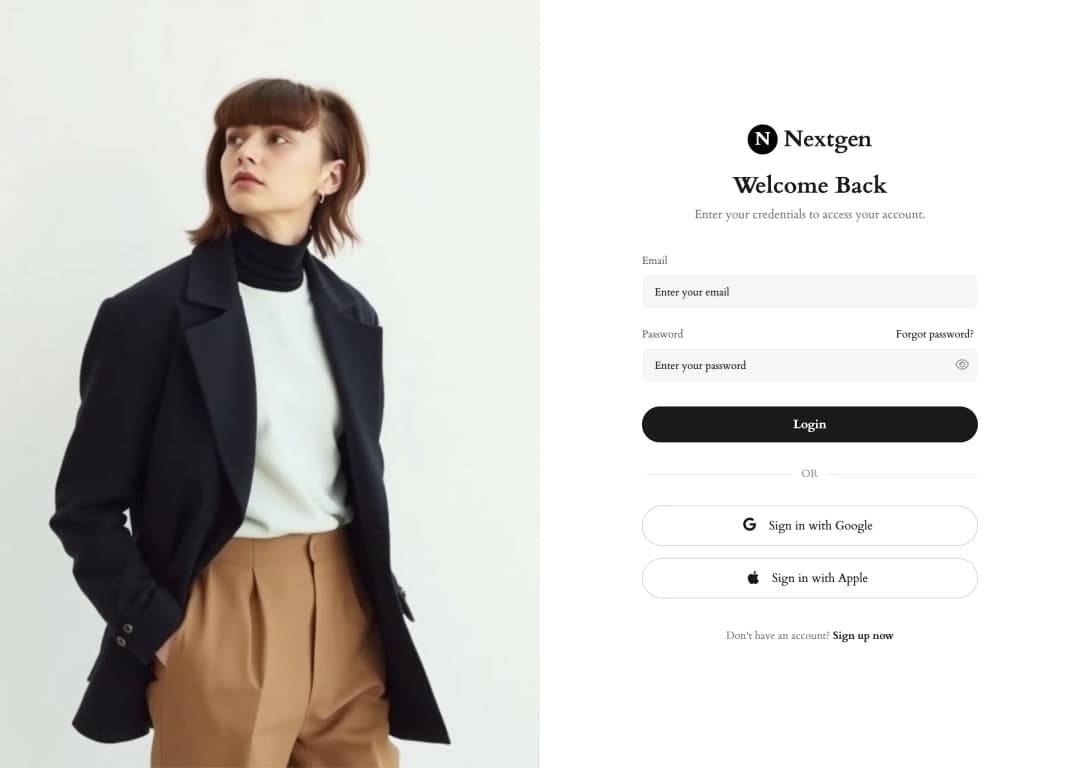
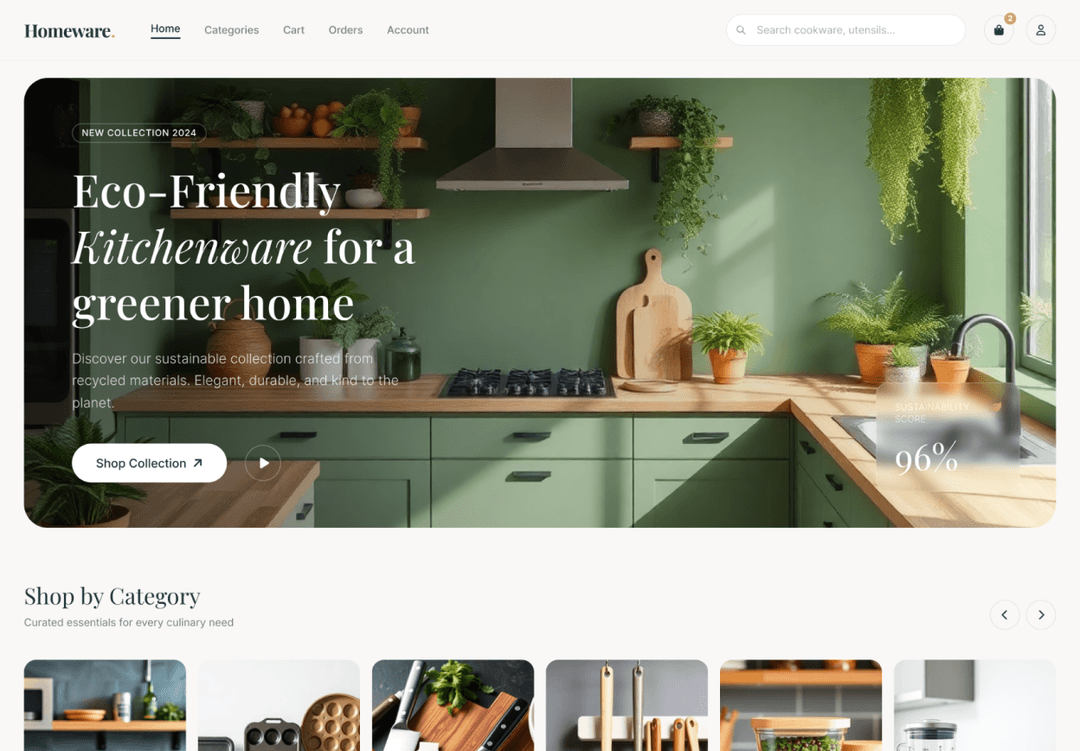
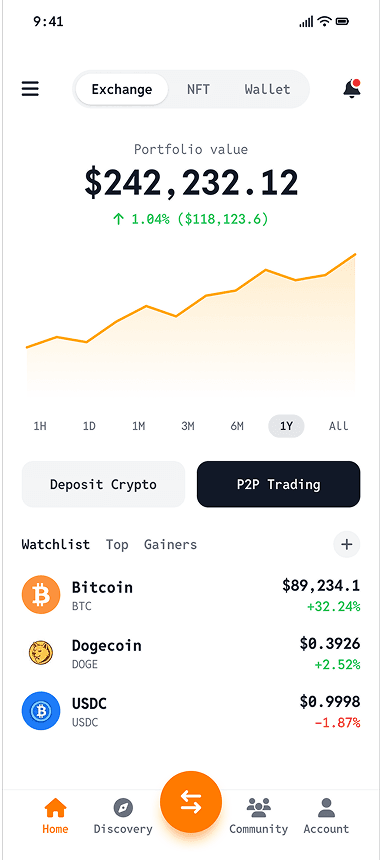

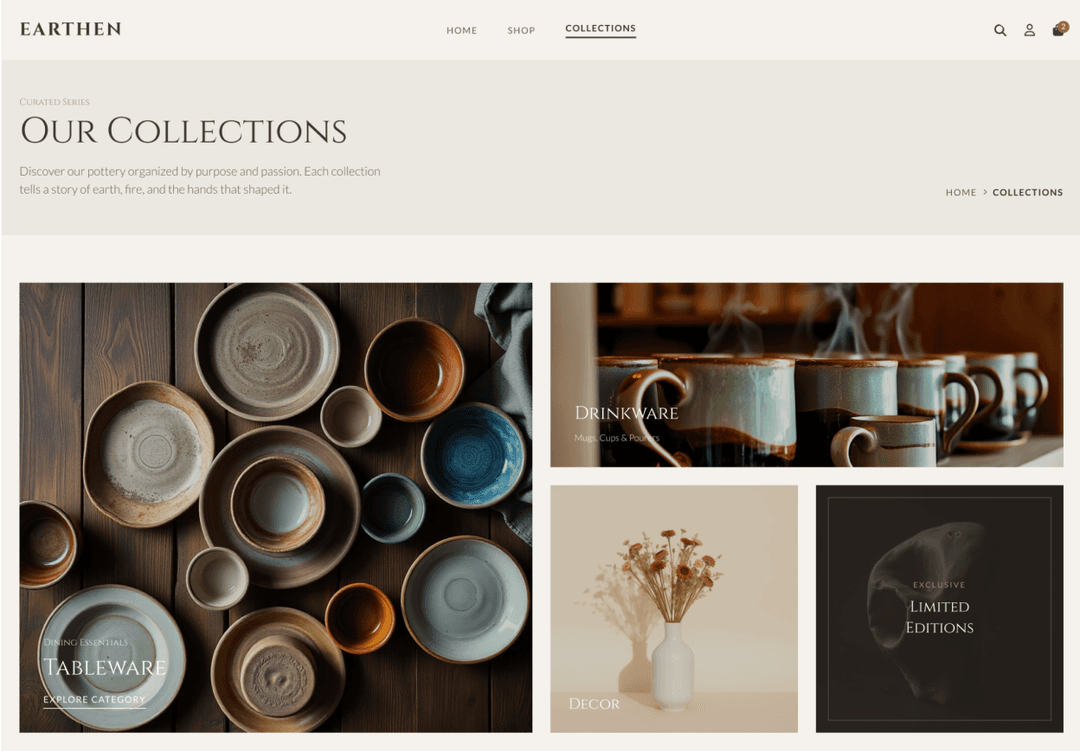
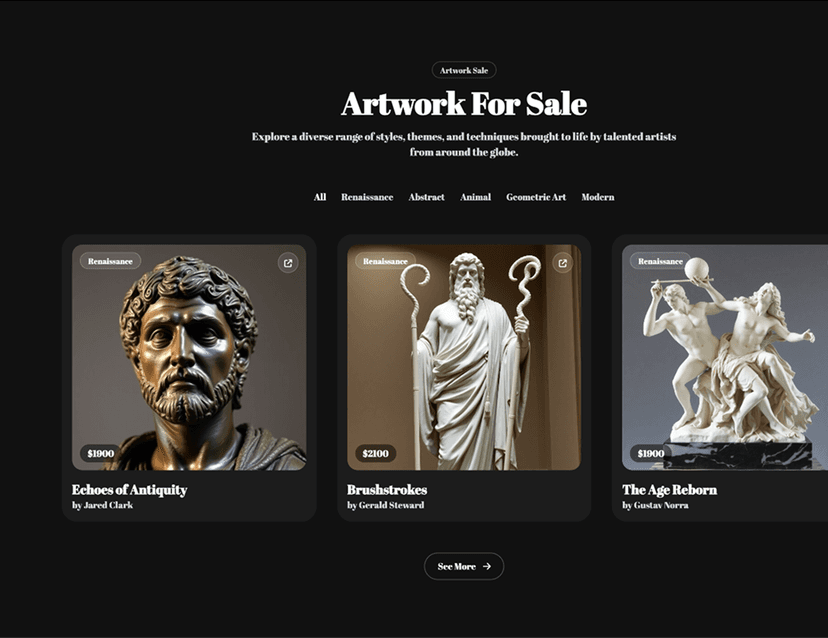
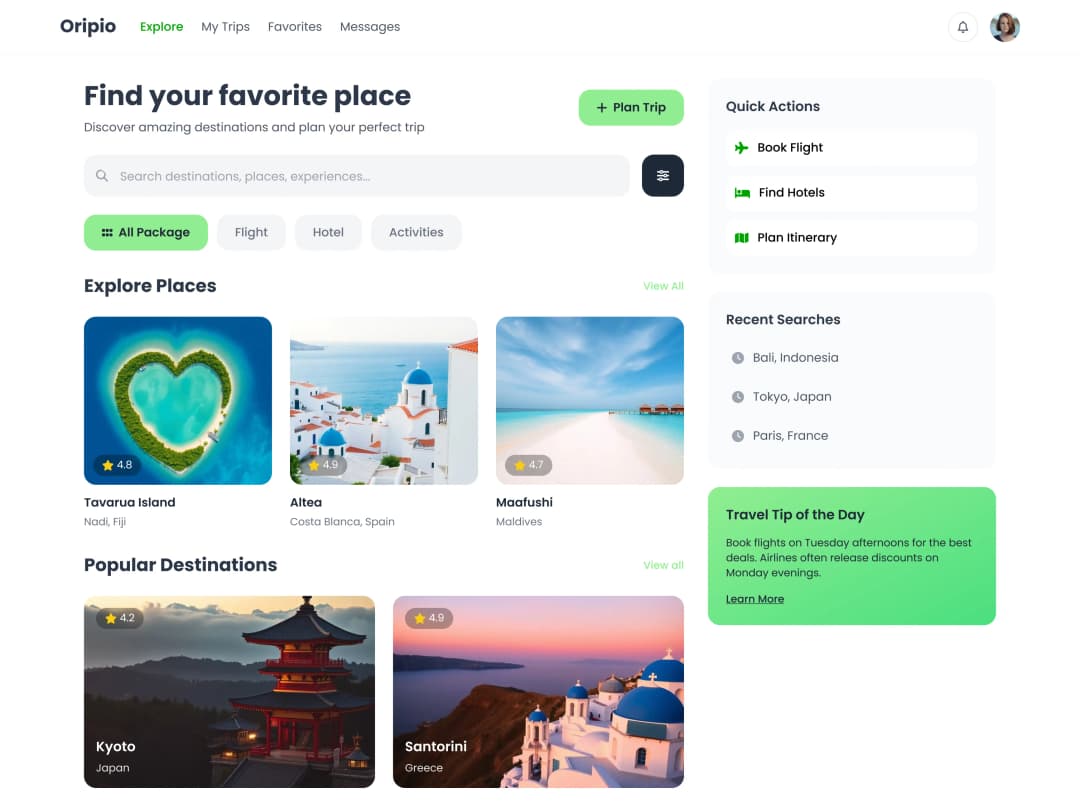
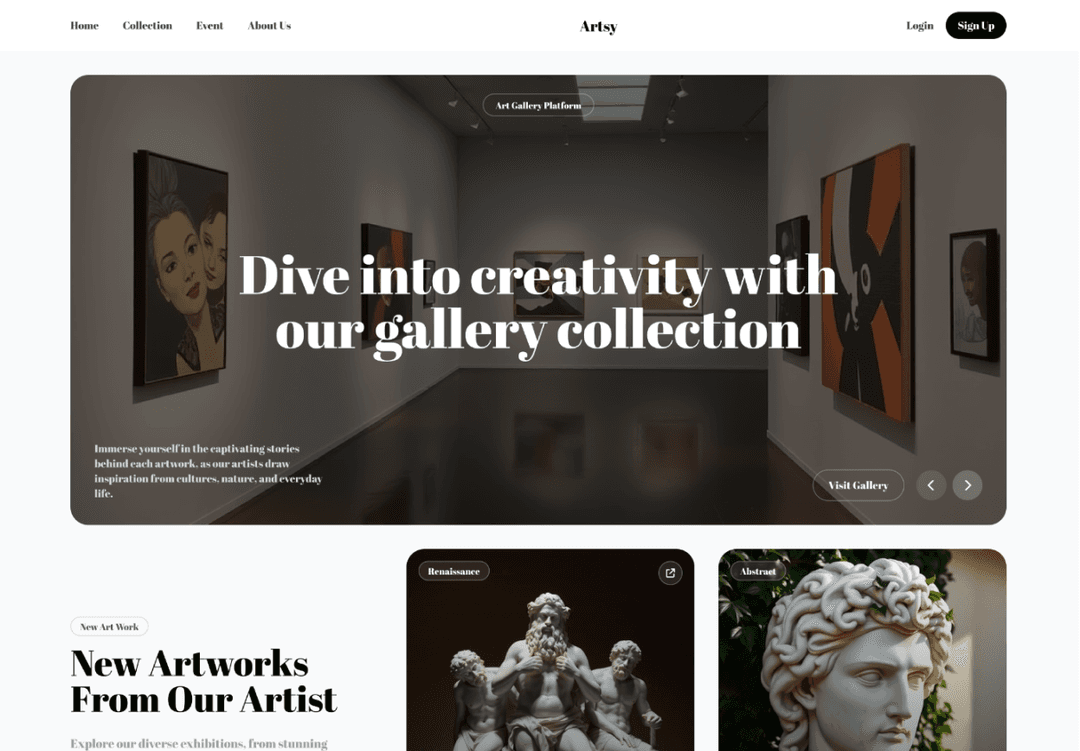
UX Pilot vs Figma
Figma is a complete design editor with its own AI features. UX Pilot is built to generate the design for you. Figma details come from figma.com, as of October 2026.

How a screen starts
From one prompt
Hands-on editing
Predictive heatmaps
Design feedback
Team collaboration
Works with Figma files
Code
Runs on
Free plan
Paid plans (October 2026)
Best for
Immersive websites, made in UX Pilot
Websites with motion and depth
UX Pilot designs immersive marketing sites too, with bold type, depth and motion.
Real estate
Made in UX PilotProduct launch
Made in UX PilotE-commerce
Made in UX PilotDesign studio
Made in UX PilotTravel
Made in UX PilotFintech
Made in UX PilotFashion lookbook
Made in UX PilotMusic festival
Made in UX PilotArchitecture studio
Made in UX PilotFashion drop
Made in UX PilotAudio hardware
Made in UX Pilot
The UX Pilot canvas
A real design canvas, with AI built in
Layers, auto layout, components, vector tools, comments and live cursors. Select any frame to generate, edit, review or export it.
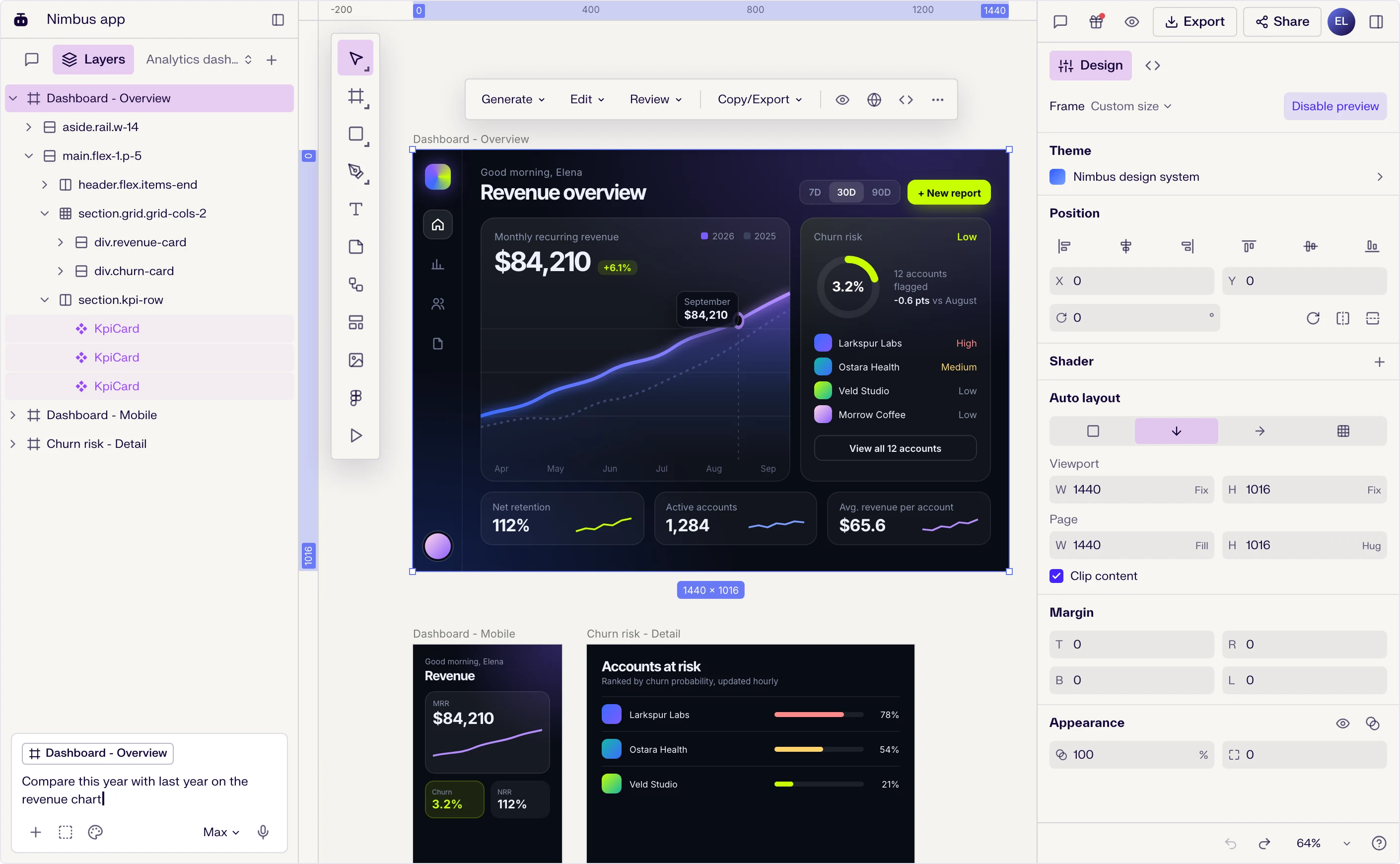
Design like you do in Figma
Frames, auto layout, components and variants, text styles, pen and shape tools, and a full design panel.
AI on the frame you select
Generate variations, a mobile version or a prototype, edit by prompt, or run a UX review, heatmap or accessibility check.
Built for teams
Comments, live cursors and sharing, then Copy to Figma, Webflow or HTML when you hand off.
Why choose UX Pilot as your Figma alternative
In Figma you start with a blank frame. In UX Pilot you start with a designed first version of your product, then shape it.
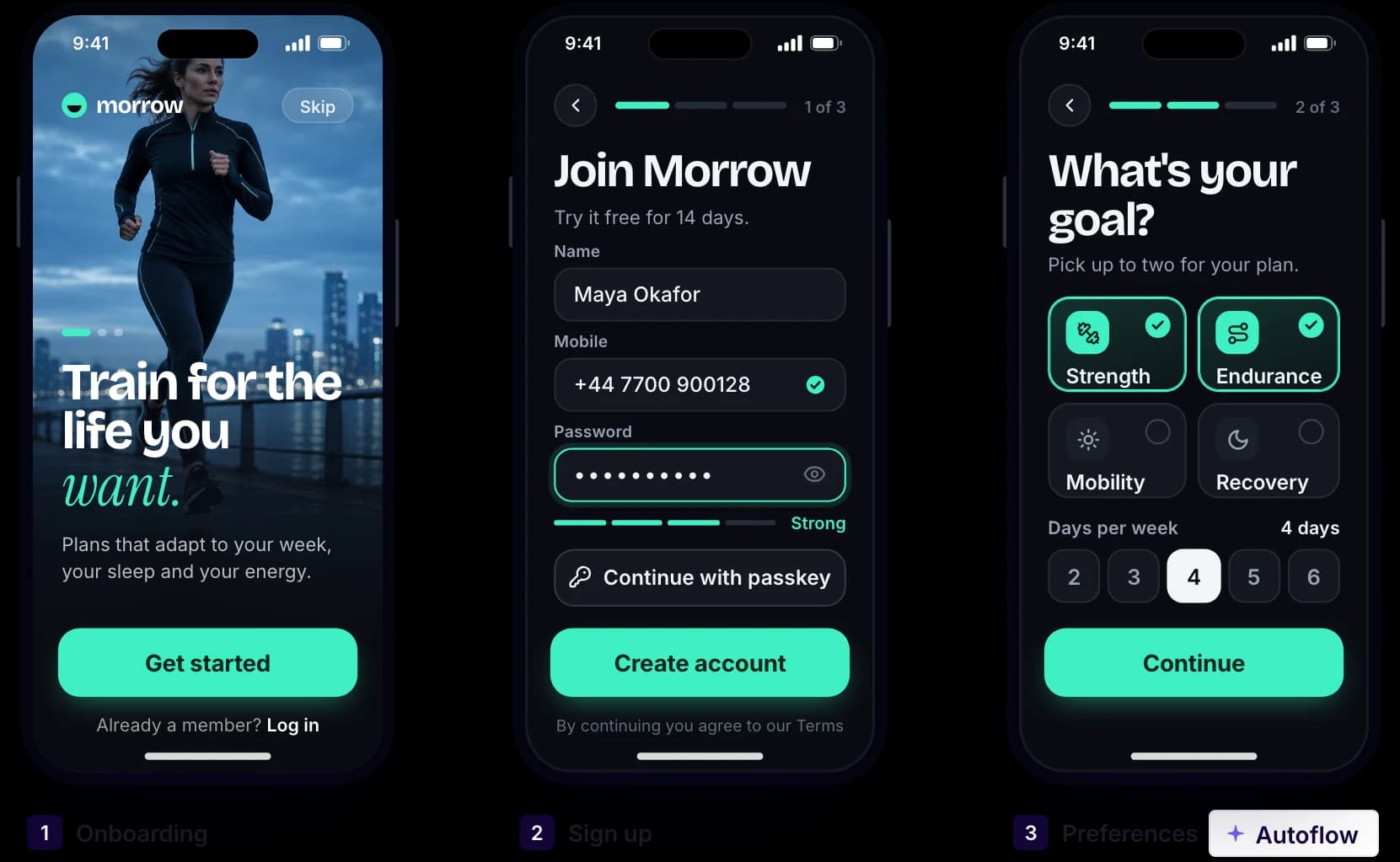
Made in UX Pilot
A whole flow from one prompt
Describe onboarding, checkout or a booking journey. Autoflow designs every connected screen, with shared navigation and components.
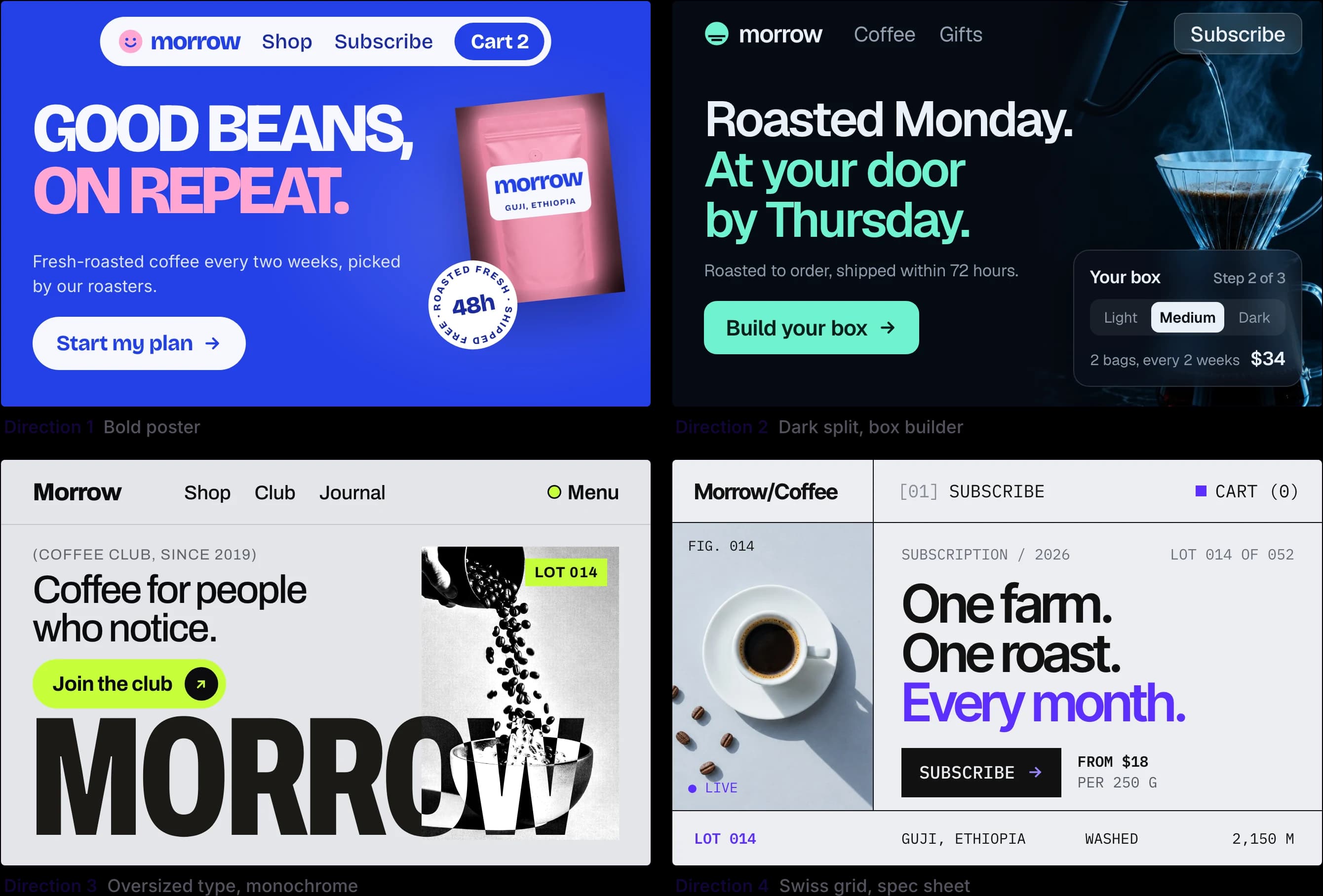
Made in UX Pilot
Several directions, side by side
Compare different layouts and visual styles for the same screen, then refine the one that fits. You pick a direction before anyone pushes a pixel.
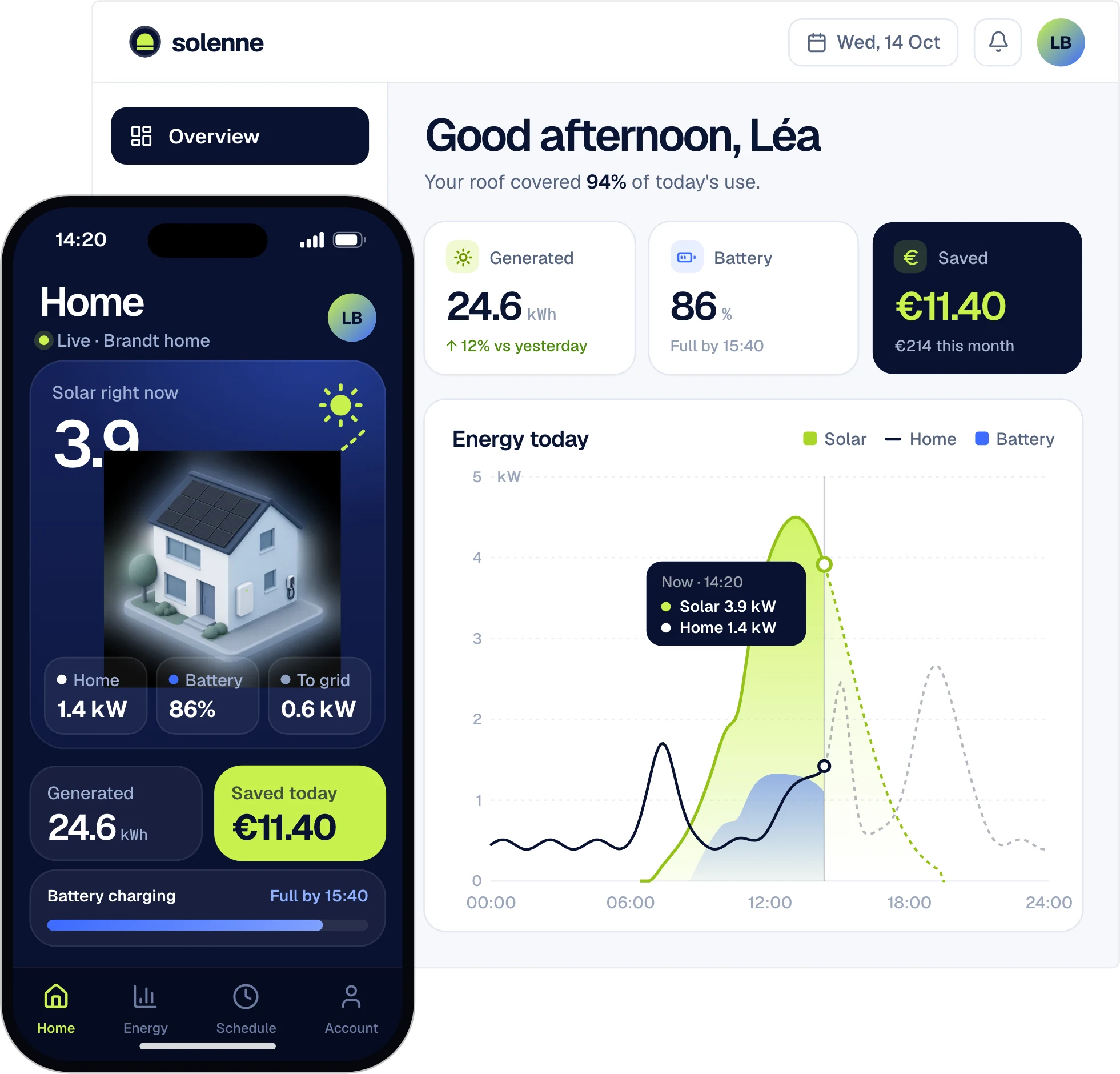
Made in UX Pilot
Web and mobile in one project
Design the web app, the dashboard and the mobile screens in the same visual language, in the same project.
Made in UX Pilot
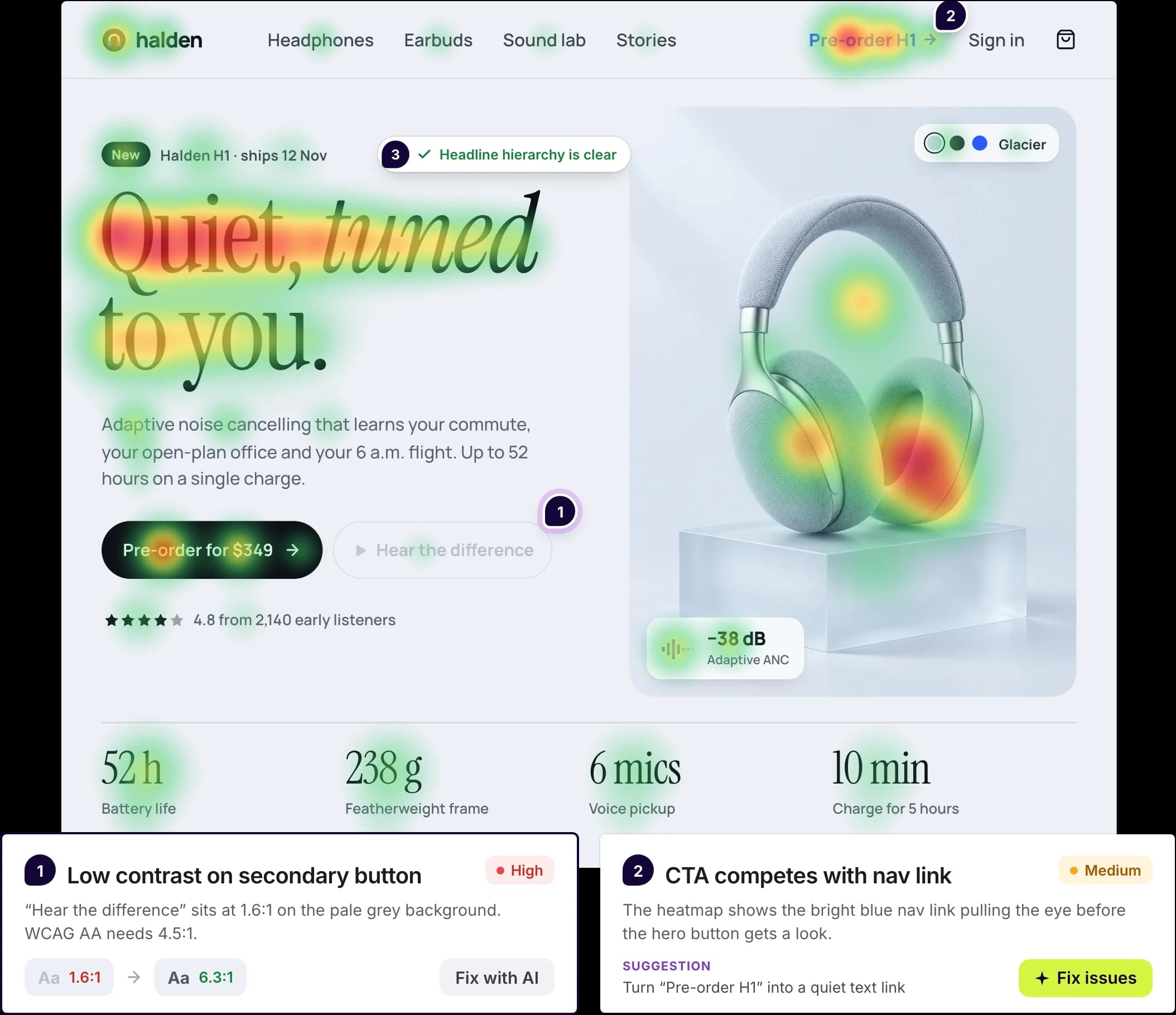
Checked before handoff
Predictive heatmaps show where attention is likely to land. Design review flags issues such as low text contrast against WCAG and suggests a fix.
Design systems in UX Pilot
Bring your design system, or build one
Start from scratch with AI, or import from a website, a Figma file, a GitHub repository, your codebase or a DESIGN.md. New screens then use your tokens and components.
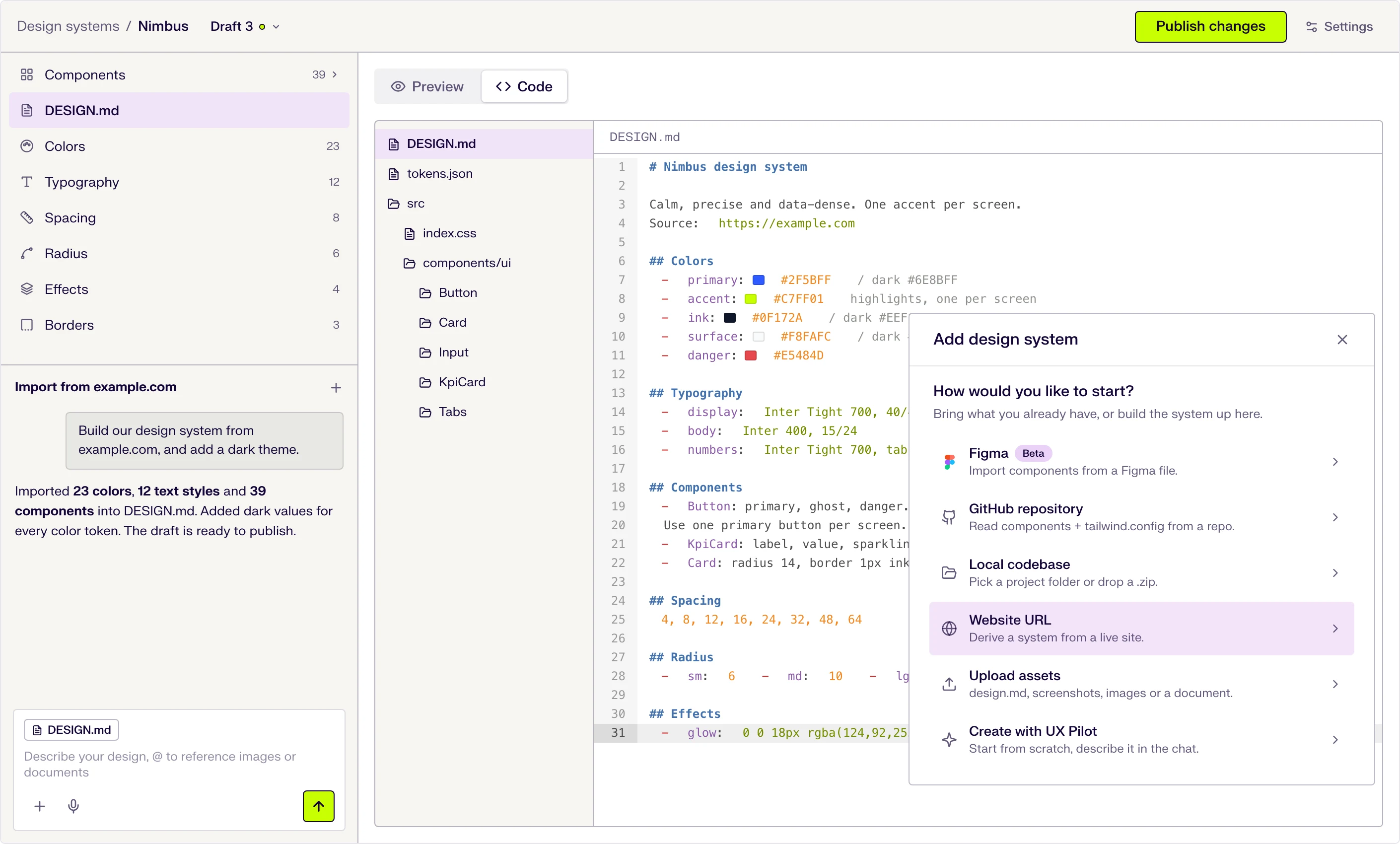
Six ways to start
Describe it in the chat, or import from a website URL, a Figma file (beta), a GitHub repository, a local codebase or uploaded files.
DESIGN.md at the core
Tokens and usage guidance live in one DESIGN.md file that the AI follows when it designs. Edit a token and the file updates.
Draft, publish, repeat
Changes stay in draft until you publish them, and version history keeps every release.

Kresimir Retih,
Project Manager"It has been a game-changer for me! Since signing up, my workflow has become much smoother, and my productivity has increased significantly. I love how intuitive and user-friendly the platform is, making UX tasks much easier and more efficient. Highly recommend it to anyone looking to streamline their UX process!"
Want to keep Figma? Use both
UX Pilot also works as a Figma companion. Generate the first version here, then finish it in your Figma file.
Made in UX Pilot
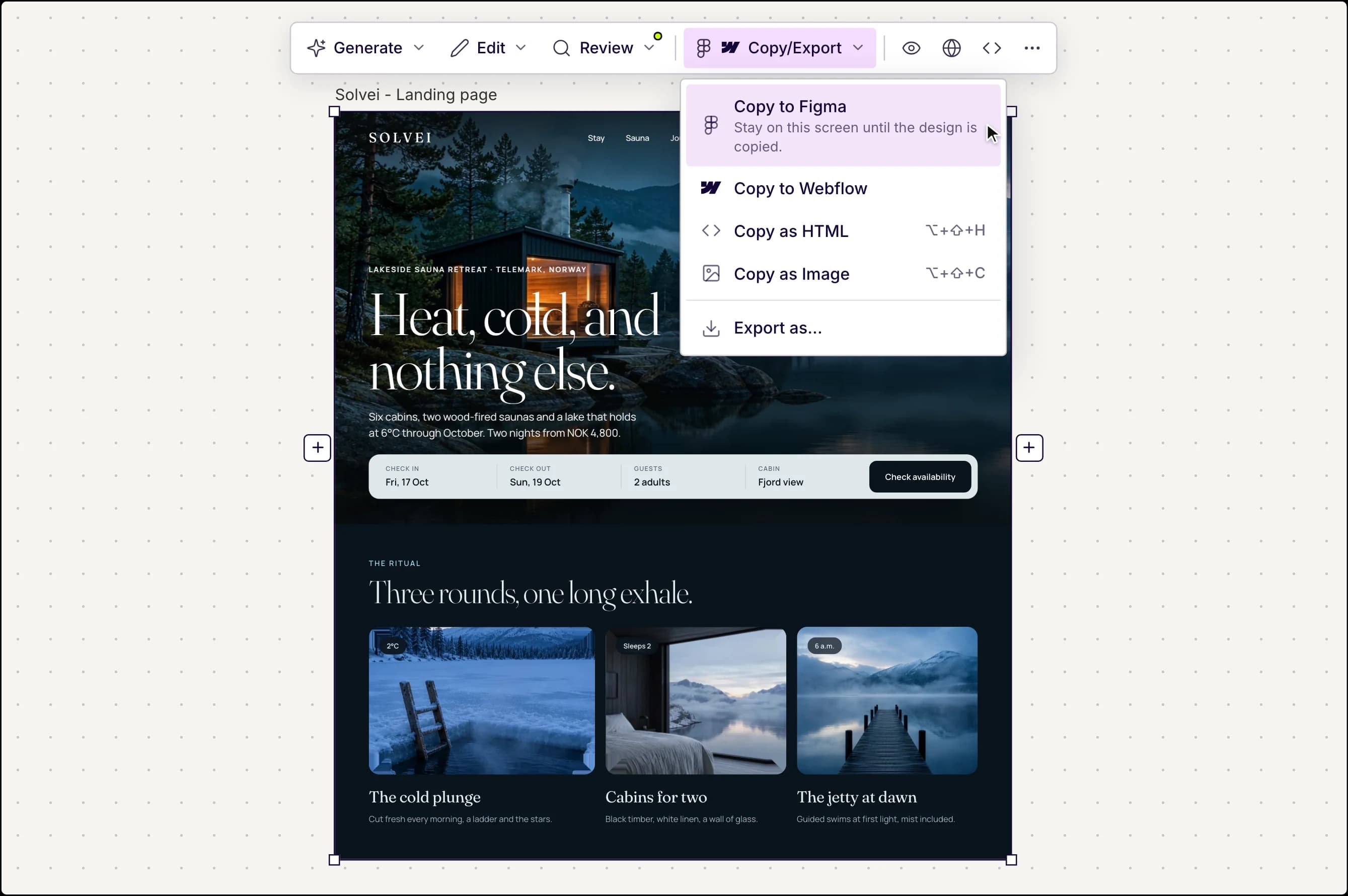
Copy to Figma in one click
Every screen you design in UX Pilot can go straight into Figma.
- Editable layers with auto layout, not a flat image
- Keep editing in Figma like any other frame
- Also copy as HTML or to Webflow
UX Pilot plugin in Figma
Or design inside Figma with Nodey
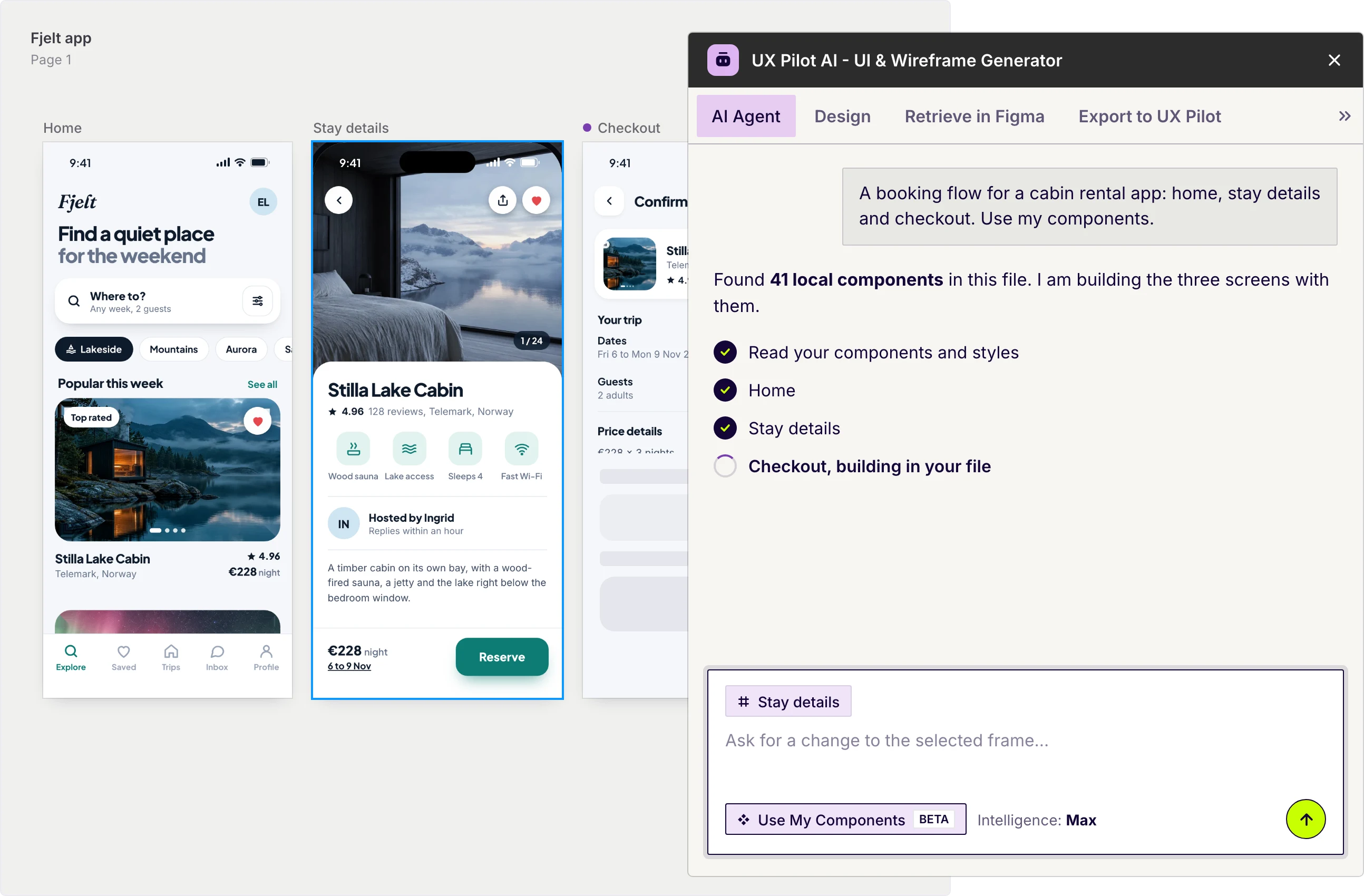
Nodey is the UX Pilot plugin, an AI design agent on your Figma canvas.
- Describe a screen, flow or component and Nodey builds it in your file
- Select a frame and ask for changes
- Turn on Use My Components to design with your own library
Free to install. Works inside your existing file.
Which Figma alternative fits you?
Not everyone looking for a Figma alternative needs AI. Here is a short, fair guide to the best-known options and what each one is best for.
Penpot
Best for
A free, open-source Figma replacement
Design and prototyping in the browser, built on open standards like SVG, CSS and HTML. Use Penpot's cloud or host it yourself. It also has an open MCP server for AI agents.
- Runs on
- Browser, in the cloud or self-hosted
- Price
- Free plan with all design tools. Unlimited is $7 per editor a month, capped at $175 a month.
Lunacy
Best for
Free design on any desktop, even offline
A native design app by Icons8 with auto layout, components, prototyping and Figma import. It works offline and includes AI helpers such as an image upscaler and a background remover.
- Runs on
- Windows, macOS and Linux
- Price
- Free for personal and commercial use. Optional paid plans add cloud and team features.
Sketch
Best for
Mac designers who want a native app
A native macOS design app with real-time co-editing, browser previews for prototypes and free developer handoff. AI clients can connect to your designs through MCP.
- Runs on
- macOS only
- Price
- No free plan, 30-day trial. Standard is $12 per editor a month billed yearly, or $120 for a Mac-only license.
Framer
Best for
Designing and publishing marketing websites
A website builder with a design canvas, hosting, CMS and SEO in one place. Its AI agent designs and refines pages on the canvas, and plans are priced per site.
- Runs on
- Browser, macOS and Windows apps
- Price
- Free plan on a Framer domain. Paid site plans from $10 a month billed yearly.
UXPin
Best for
Prototypes built with real code components
Design with coded React components from built-in libraries such as MUI, or connect your own components on Enterprise. AI Component Creator builds code-backed layouts.
- Runs on
- Browser, macOS and Windows apps
- Price
- 14-day trial, then a limited free plan. Core from $29 per seat a month billed yearly.
Adobe XD
Best for
Opening existing XD files
Adobe says XD is in maintenance mode. It gets bug, security and privacy fixes but no new features, so most teams choose an actively developed tool for new projects.
- Runs on
- macOS and Windows
- Price
- No new features. Check Adobe for current availability.
Prices and features as of October 2026, taken from each vendor's own website. Check their pricing pages before you buy.
Where UX Pilot fits
Pick UX Pilot when you want AI to design whole screens and flows for you. Use it on its own, or next to Figma with Copy to Figma and the Nodey plugin.
Frequently asked questions
Figma alternatives, UX Pilot and how they work together.
Design it with AI first
Describe your product, get finished screens and flows, and take them to Figma whenever you want.
Generate designs in seconds