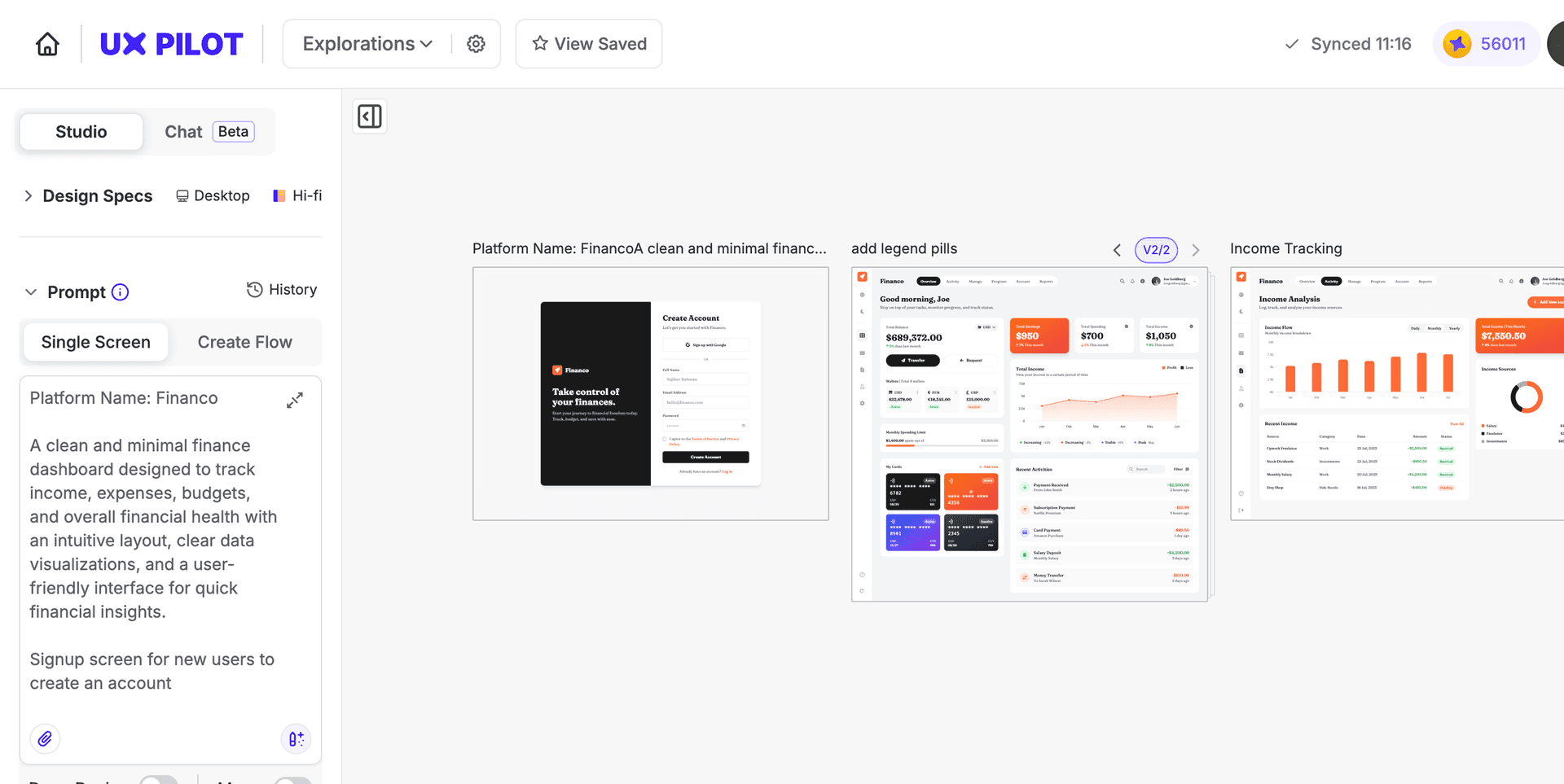
Trusted 1M+ designers, founders, and product teams
Free AI Concept Map Maker
Visualize the relationships between concepts, ideas, and systems in seconds. Describe your topic and UX Pilot generates a structured, editable concept map with labeled connections you can refine and export to Figma or code.

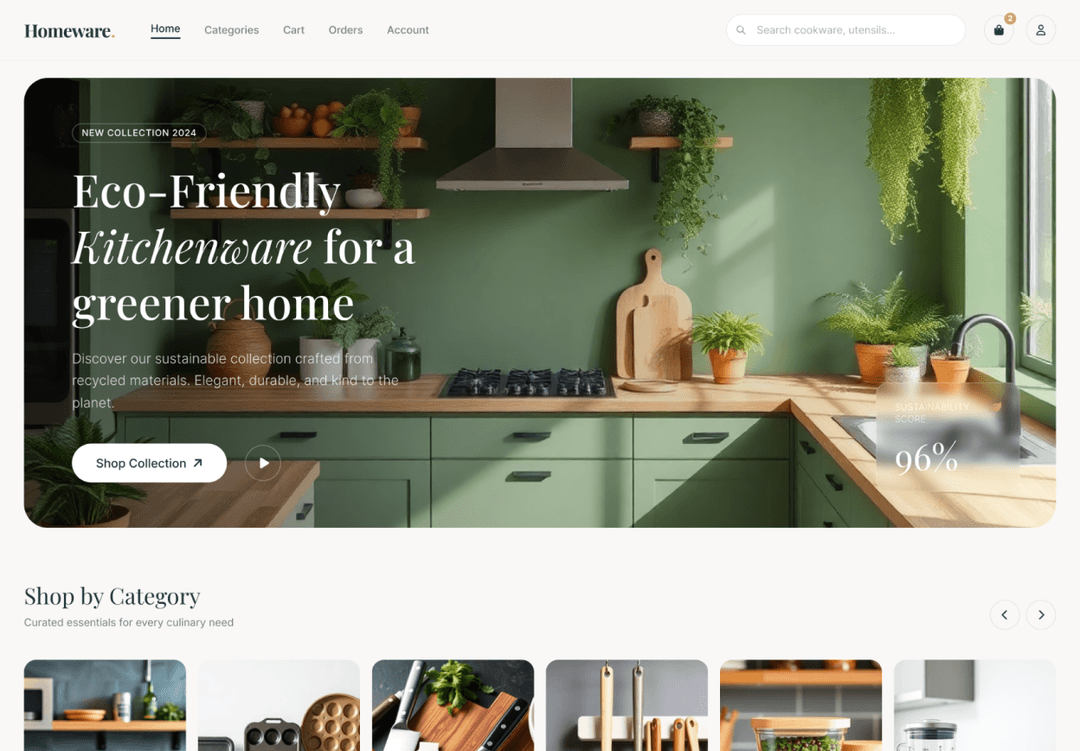
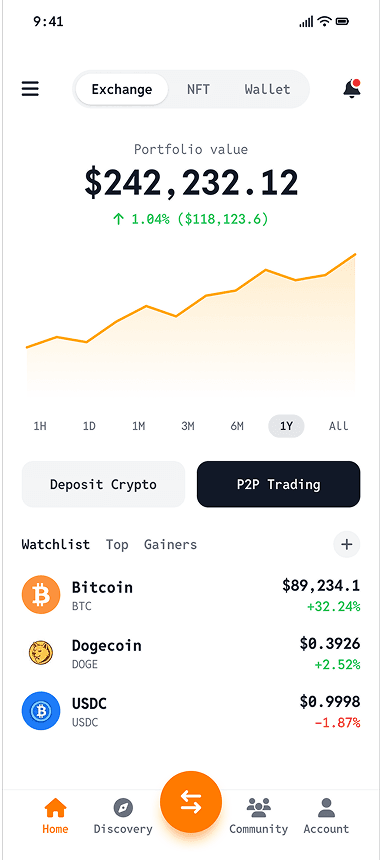

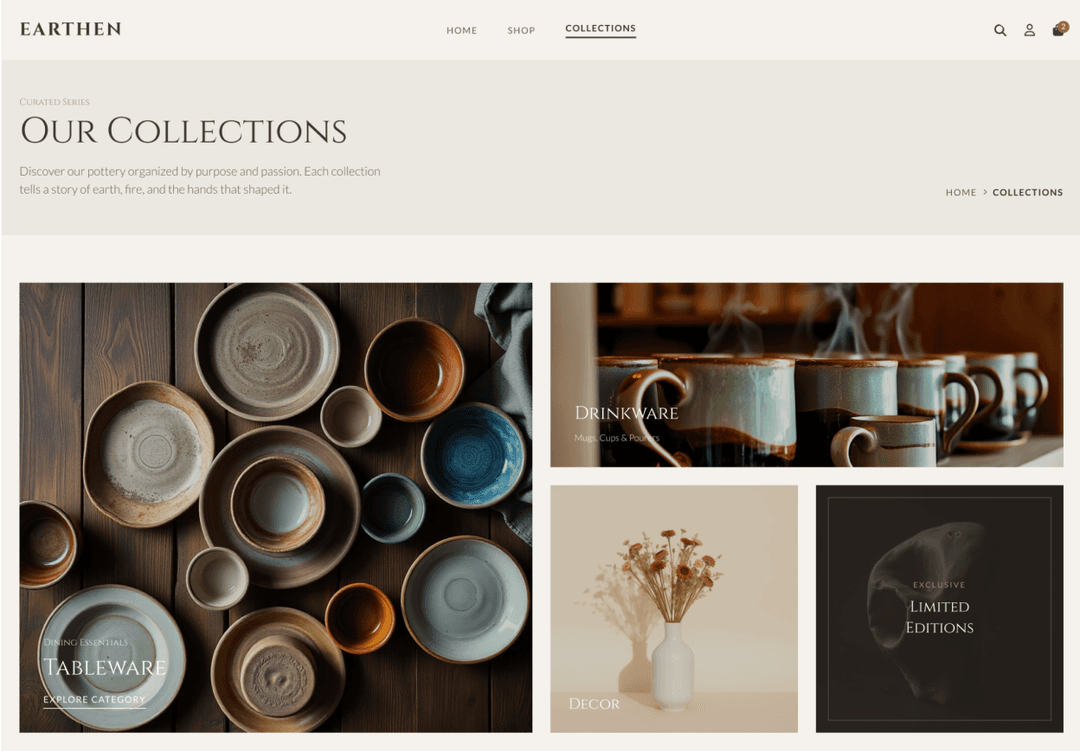
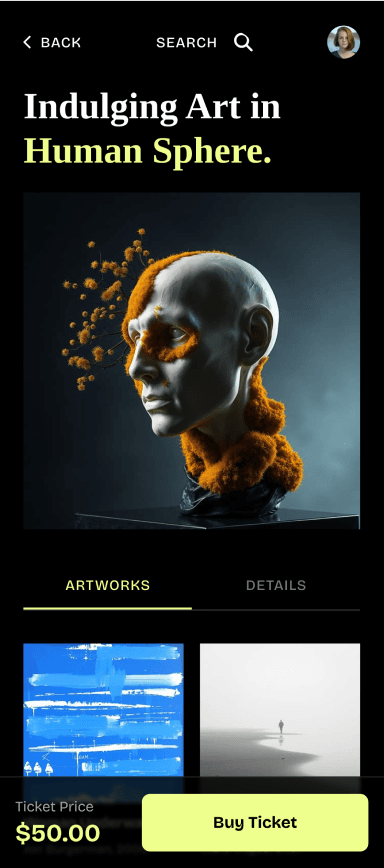
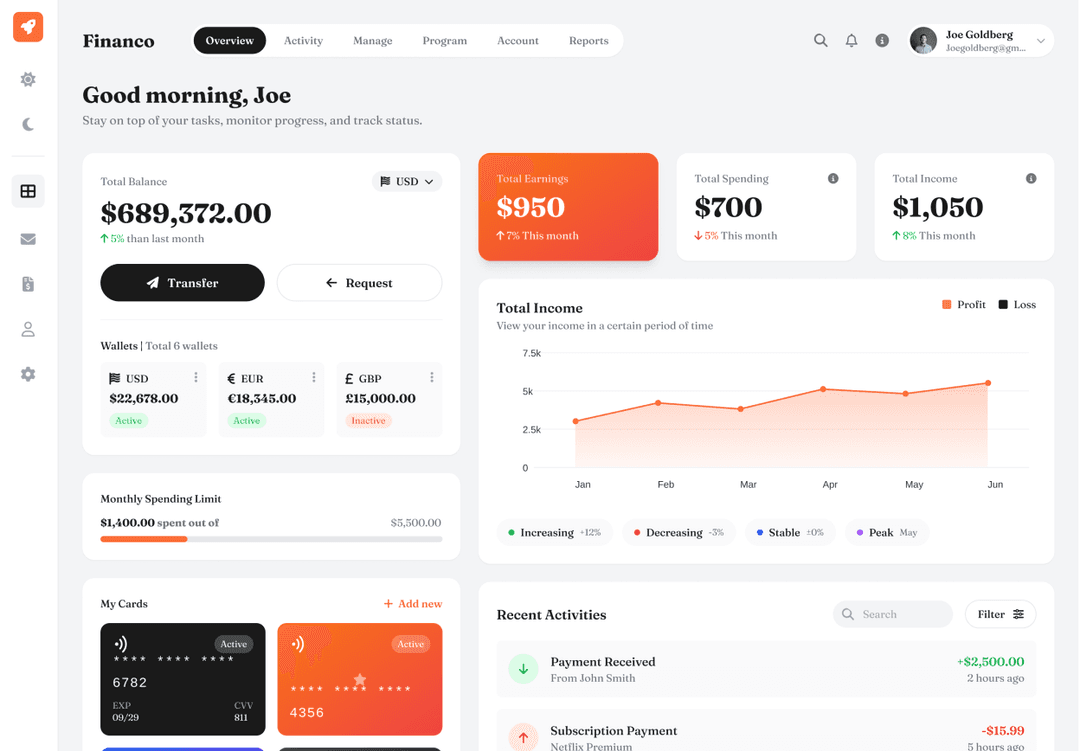
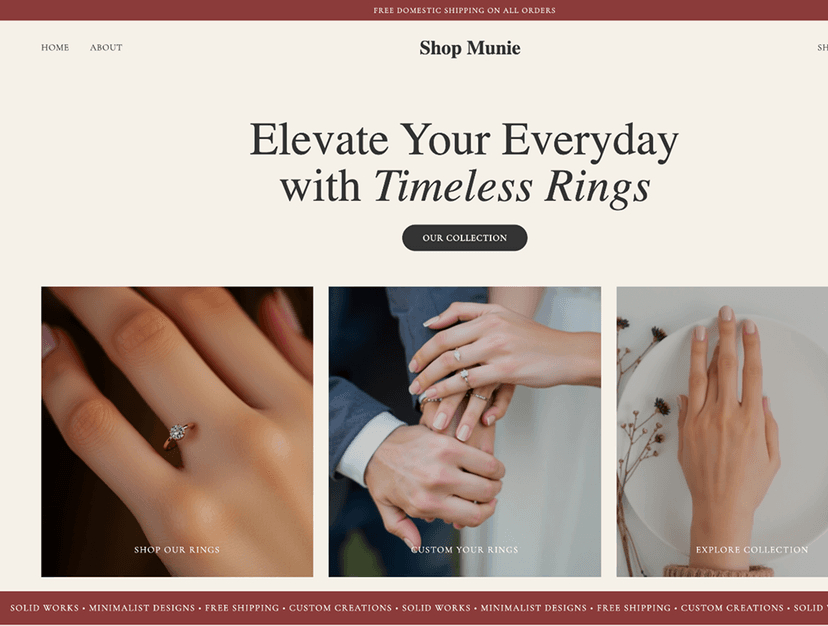
Turn any topic into a visual concept map with AI
Translate complex topics, systems, or research into structured concept maps with labeled connections your team can explore, refine, and build from.
// Build concept maps from a text description
// Build concept maps from a text description
Describe your topic or system in plain language. UX Pilot identifies the key concepts and their relationships and generates a structured concept map you can review, edit, and share with your team.
Describe your topic or system in plain language. UX Pilot identifies the key concepts and their relationships and generates a structured concept map you can review, edit, and share with your team.
// Show labeled relationships between concepts
// Show labeled relationships between concepts
Each connection includes a labeled relationship showing exactly how concepts relate. UX Pilot generates cross-linked maps so your team can read precise, meaningful statements between every node.
Each connection includes a labeled relationship showing exactly how concepts relate. UX Pilot generates cross-linked maps so your team can read precise, meaningful statements between every node.
// Restructure connections with text prompts
// Restructure connections with text prompts
Add concepts, relabel connections, or reorganize branches by describing the change you need. UX Pilot updates the map in place so you iterate without manually repositioning elements.
Add concepts, relabel connections, or reorganize branches by describing the change you need. UX Pilot updates the map in place so you iterate without manually repositioning elements.
// Go from concept maps to interface designs
// Go from concept maps to interface designs
Use your concept map as a starting point to generate interface screens for each node or relationship. UX Pilot keeps research and design connected so nothing gets lost between analysis and production.
Use your concept map as a starting point to generate interface screens for each node or relationship. UX Pilot keeps research and design connected so nothing gets lost between analysis and production.

Kresimir Retih,
Project Manager"It has been a game-changer for me! Since signing up, my workflow has become much smoother, and my productivity has increased significantly. I love how intuitive and user-friendly the platform is, making UX tasks much easier and more efficient. Highly recommend it to anyone looking to streamline their UX process!"
Trusted by designers, product professionals and data-driven teams
Join a growing community of professionals who have created over 2 million high-fidelity designs and saved countless hours with our AI-powered tools.
0M+
users
0M+
screens generated
0
rating from designers and developers
0+
countries
How to create a concept map with UX Pilot
No design or coding skills required
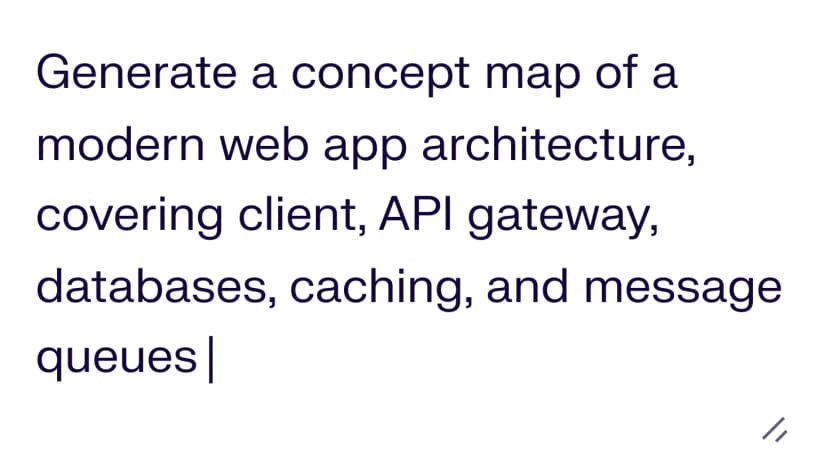
Describe your concepts
Write out the topic, system, or research area you want to map. Include the key concepts, the relationships between them, and any groupings you already have in mind.
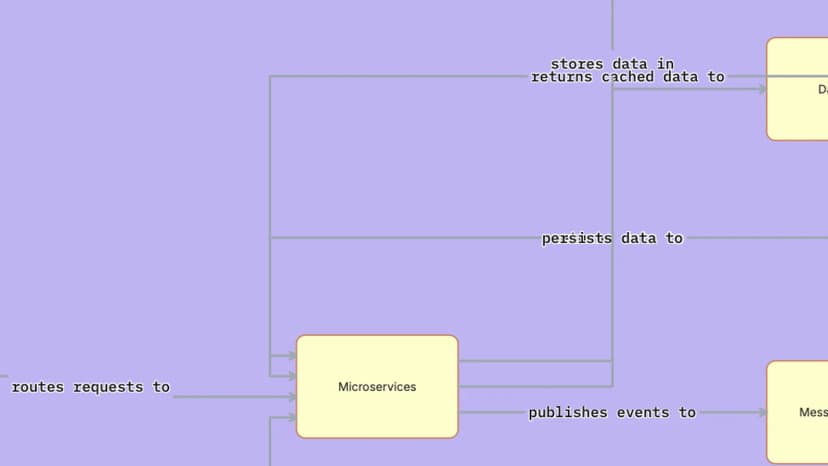
Generate your concept map
Build a complete visual concept map with labeled connections, cross-links, and logical groupings structured around your description in seconds.

Refine and export
Adjust relationships, add new concepts, update connection labels, and reorganize the structure. Then export to Figma for collaborative editing or download production-ready code for handoff.
FREQUENTLY ASKED QUESTIONS
Everything you want to know about UX Pilot's AI Concept Map Maker
Visualize how ideas connect in seconds, not hours
Describe your topic, research area, or system and generate a structured, editable concept map with labeled connections you can refine, present, and hand off. Start from what you know instead of a blank canvas.
Generate designs in seconds