Trusted by top product teams globally


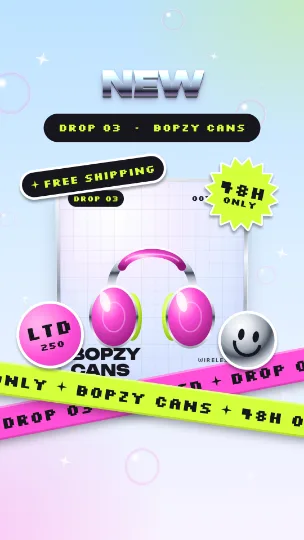
Y2K product drop
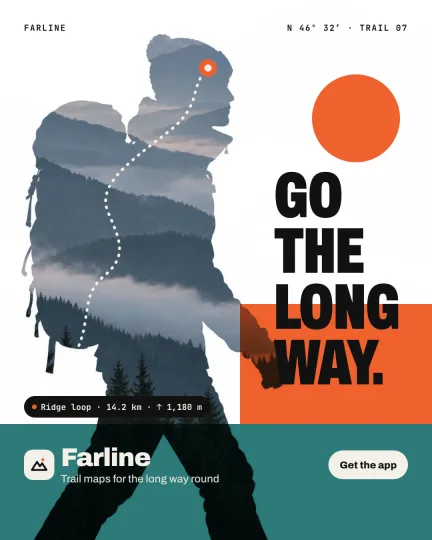
Double exposure
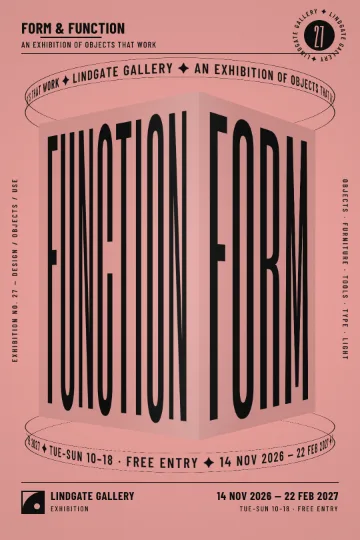
Type drum poster
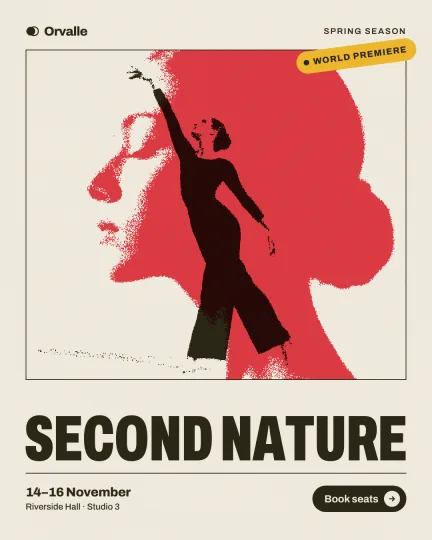
Threshold ink poster
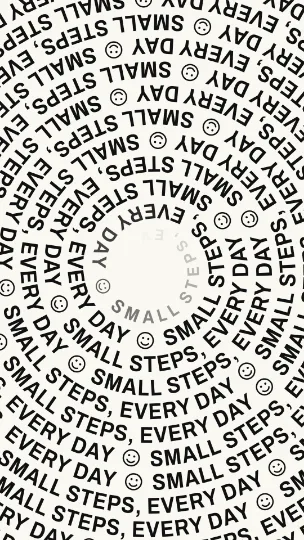
Spiral type
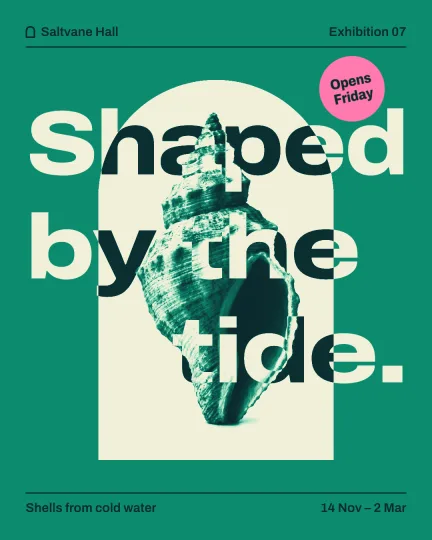
Difference type poster

Photo ripple hero

Neon logo parts
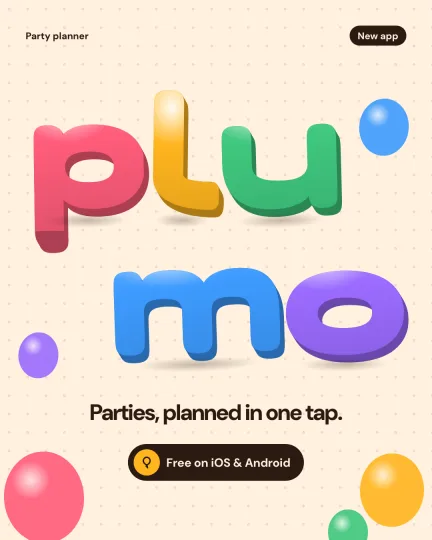
Inflate type
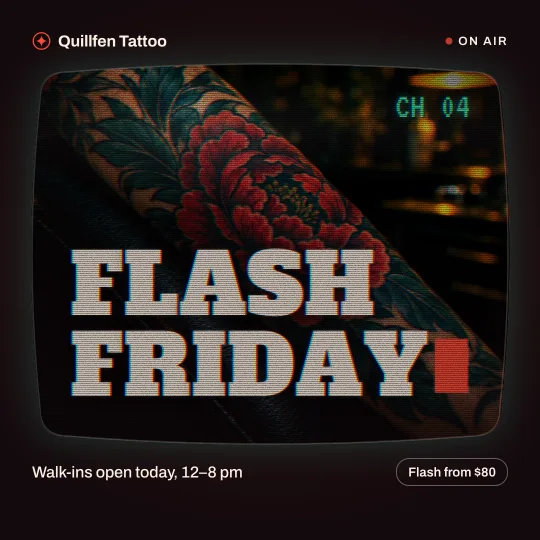
CRT channel title
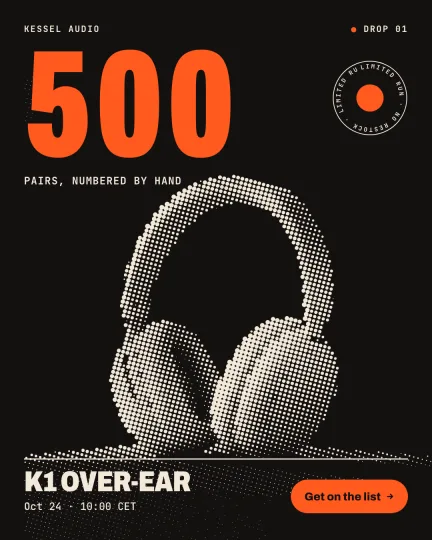
Halftone drop poster

Slash sting
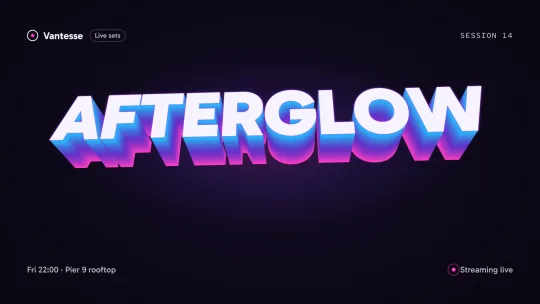
Depth press title
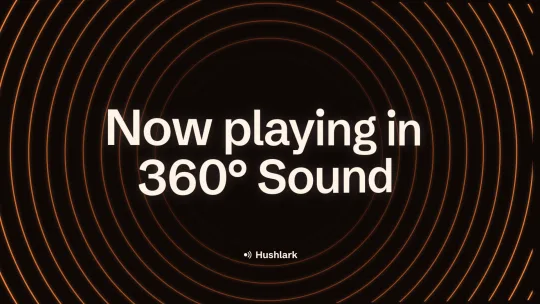
Spin blur headline
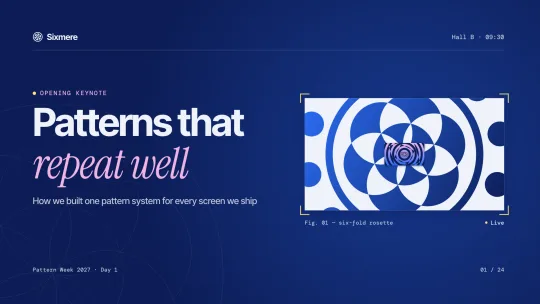
Kaleidoscope dive title
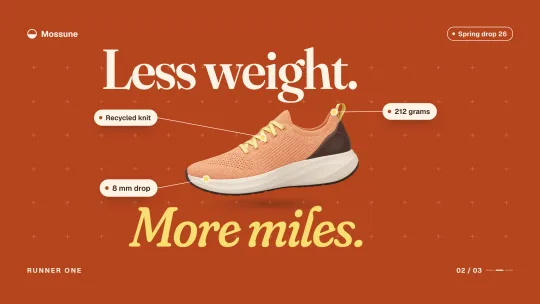
Serif gap float
UX Pilot vs After Effects
After Effects is a desktop app for motion graphics and visual effects. UX Pilot makes motion graphics with AI, in your browser.
Choose UX Pilot if you
- Want the AI to make the whole piece from a sentence or your website, then refine it
- Make marketing and product motion: launch videos, ads, explainers, titles and logo stings
- Want to work in the browser, with nothing to install and a free plan to start
| UX Pilot | After Effects | |
|---|---|---|
| Start from | A sentence, your website, a template or screens you designed in UX Pilot | A blank composition, with your own footage, images and files |
| Learning curve | Describe what you want in plain words; expert mode is there when you want more | A deep tool that takes time to learn: layers, keyframes, expressions and effects |
| AI | Makes the whole piece scene by scene with your brand; you change it by chatting | You build each animation yourself, layer by layer |
| Hands-on control | Expert mode: timeline, tracks, keyframes, easing editor, layers and After Effects shortcuts | Full control: keyframes, graph editor, masks, expressions, effects and plugins |
| 3D and VFX | No. It makes motion graphics, not compositing, tracking or 3D scenes | Yes: compositing, keying, motion tracking and 3D layers |
| Export | MP4 or WebM with sound, GIF and share links; up to 60 fps on paid plans | Many video formats, including ProRes and video with transparency (alpha) |
| Where it runs | In your browser, on Mac or Windows; nothing to install | A desktop app for Windows 11 (24H2) or macOS 14 and later, with at least 16 GB of RAM |
| Price | Free to start, no credit card; paid plans make full-length videos and open every template | US$22.99 a month on an annual plan, paid monthly; a 7-day free trial, no free version |
Adobe details from adobe.com, checked October 2026.
Motion graphics made in UX Pilot
Titles, logo stings, kinetic type, product ads and loops: the everyday work people open After Effects for. Start from one, or have the AI make one like it.
- Pro
Slash sting
- Pro
Type drum poster
- Pro
Double exposure
Aurora mesh hero
- Pro
Depth press title
- Pro
Stretch type poster
- Pro
Photo ripple hero
- Pro
Blob swirl
- Sign up to access them
300+ templates
Launch videos, explainers, logo reveals, kinetic type, UI interactions and more, ready to make yours.
What carries over from After Effects
If you know After Effects, you already know your way around expert mode. Here's where each idea lives.
| In After Effects | In UX Pilot |
|---|---|
| Layers | LayersEvery element is a layer you can select, rename, lock and animate. |
| Keyframes | Keyframes in expert modeSet and move keys on each property's track in the timeline. |
| Graph editor | Easing editorDrag a curve's handles, or pick a preset or a spring. |
| Compositions and precomps | ScenesA video is a row of scenes you can reorder, duplicate and edit one at a time. |
| Presets | TemplatesStart from one of 300+ templates, 27 of them free. |
| Render queue | ExportMP4 or WebM with sound, a GIF, or a link anyone can watch. |
| Keyboard shortcuts | After Effects keymapP, S, R, T and U show properties, F9 adds easy ease, and B and N set the work area. |
What you do by chatting instead
Changes that take a stack of keyframes in After Effects are one sentence here. The AI makes the change, and every version is kept.
- Make the title land softer, with a little overshoot.
- Hold the end card for another second.
- Add a whoosh when the logo lands.
- Swap the background to deep navy.
- Make a 9:16 cut for Reels.
Rather set it by hand? Switch to expert mode at any point, on the same video.
How it works
From a sentence to a finished video
- 01
Describe it or paste your website
Say what you want, or paste a link and the AI reads your site's colors, fonts and copy. Attach your logo or images if you have them.
- 02
Refine it your way
Ask for changes in the chat, or switch to expert mode for the timeline, keyframes, easing editor and layers, with After Effects shortcuts.
- 03
Export and share
Download MP4 or WebM with sound, or a GIF, in 16:9, 9:16, square or 4:5. Or send a link anyone can watch without signing in.
Who it's for
People who need motion often, but not a visual effects suite.
Marketers
Launch videos, social ads and Reels made from your website, without waiting on the motion queue.
Product designers
Design screens in UX Pilot and animate them on the same canvas: walkthroughs, UI details and feature drops.
Founders
A launch video or an explainer for your landing page, made from a sentence.
Motion designers
A first draft in minutes, then the timing is yours in expert mode, with keyframes, easing and layers.
Social and content teams
Vertical, square and 4:5 cuts of the same piece, with music beds, sound effects and captions.
Agencies and freelancers
Show clients a motion idea early, and share a link they can watch without signing in.
Everything else you get

Kresimir Retih,
Project Manager"It has been a game-changer for me! Since signing up, my workflow has become much smoother, and my productivity has increased significantly. I love how intuitive and user-friendly the platform is, making UX tasks much easier and more efficient. Highly recommend it to anyone looking to streamline their UX process!"
Trusted by product teams, designers and founders
Join a growing community of professionals who design, prototype and animate their products with UX Pilot's AI-powered tools.
0M+
users
0M+
screens generated
0
rating from designers and developers
0+
countries
FREQUENTLY ASKED QUESTIONS
Everything you want to know about UX Pilot as an After Effects alternative
Make your first animation today
Describe it or paste your website, and get motion graphics you can refine by chatting or in expert mode. Nothing to install.