MagicPath alternative
MagicPath vs UX Pilot: a side-by-side comparison of features, workflow and pricing
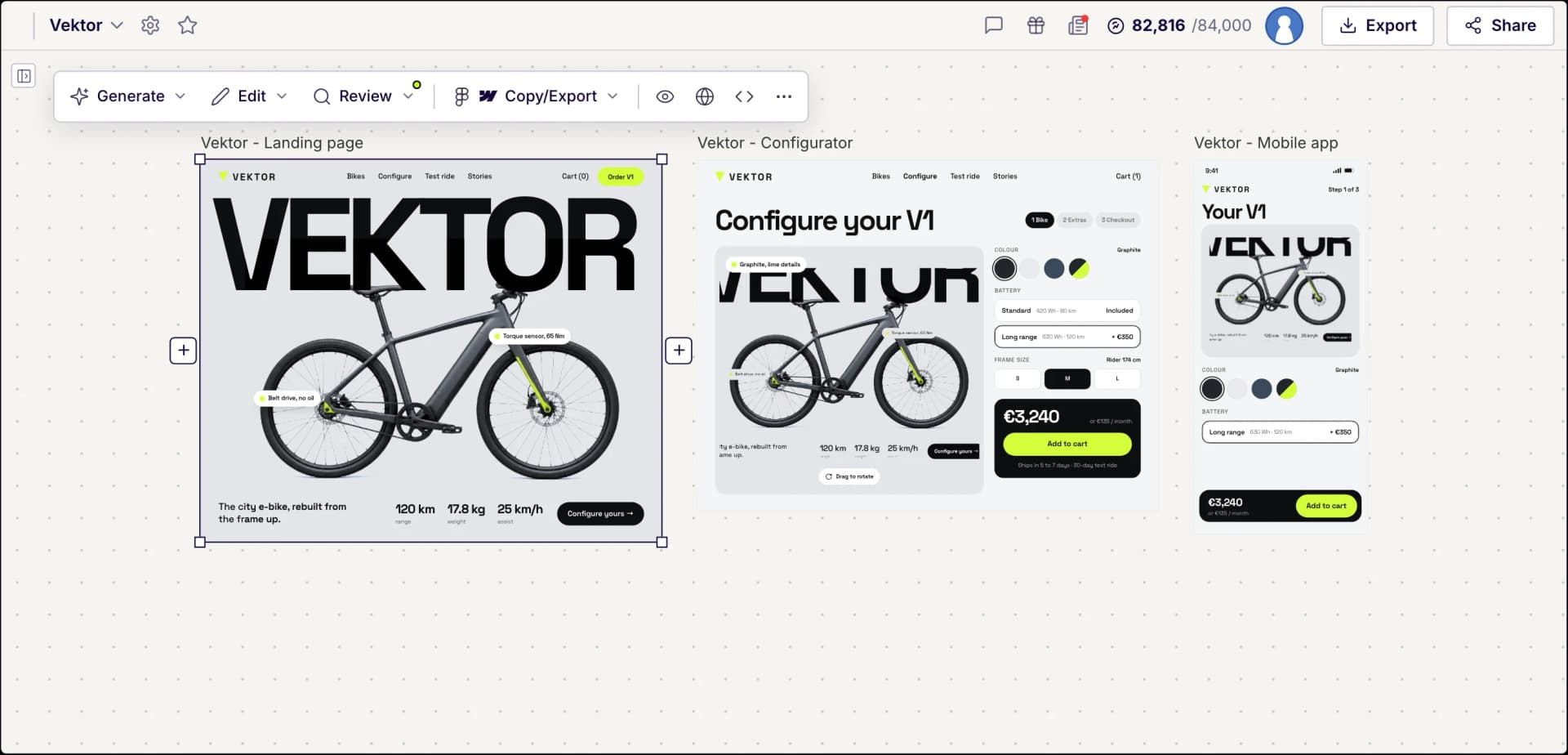
MagicPath is a canvas where AI agents turn briefs into React code. UX Pilot designs the product with you: whole flows, several directions, heatmaps and reviews, then a clean handoff to Figma or code.
No credit card needed
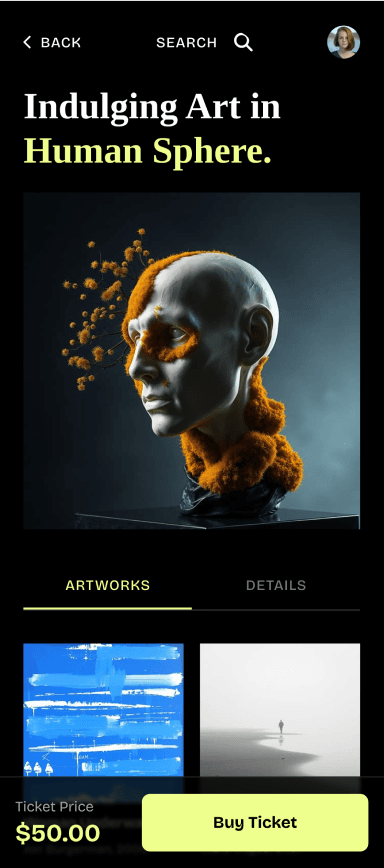
Screens generated in UX Pilot, ready for Figma


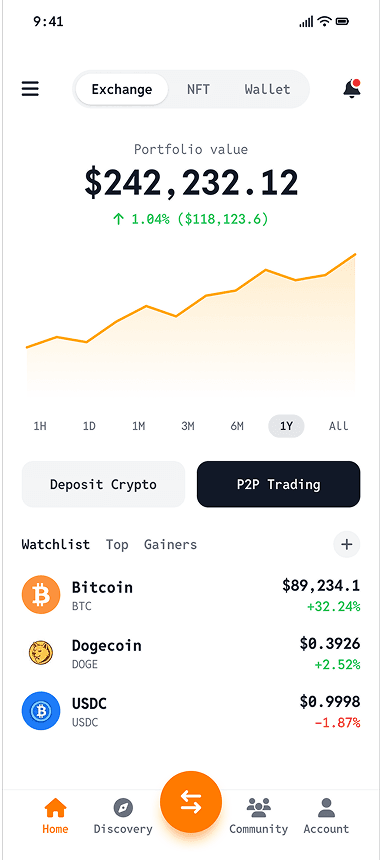

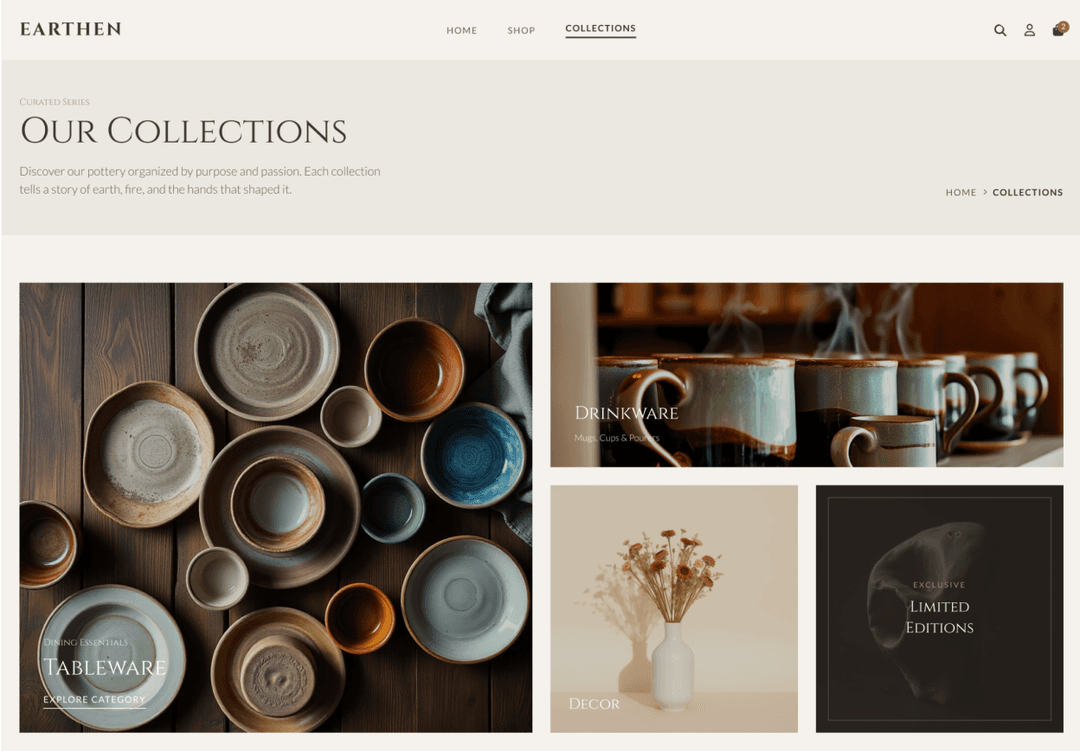
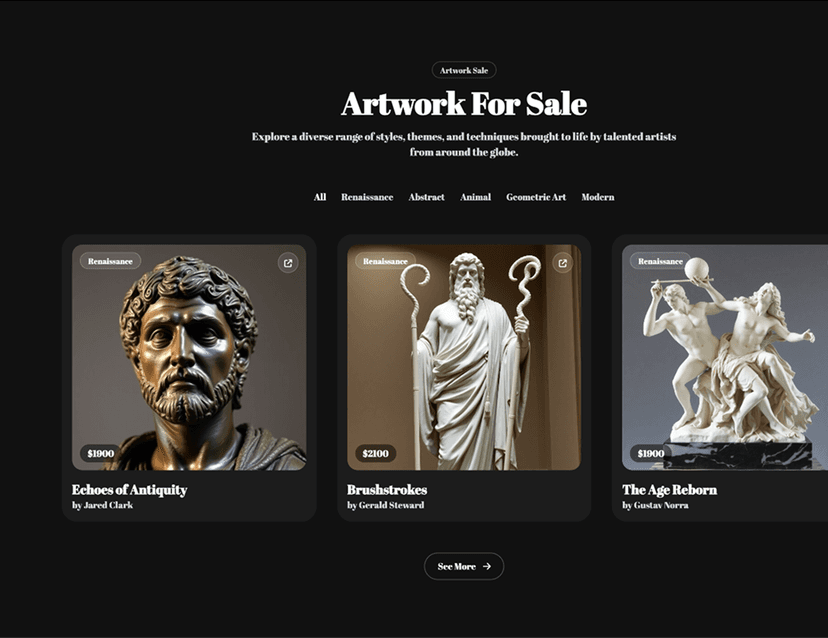
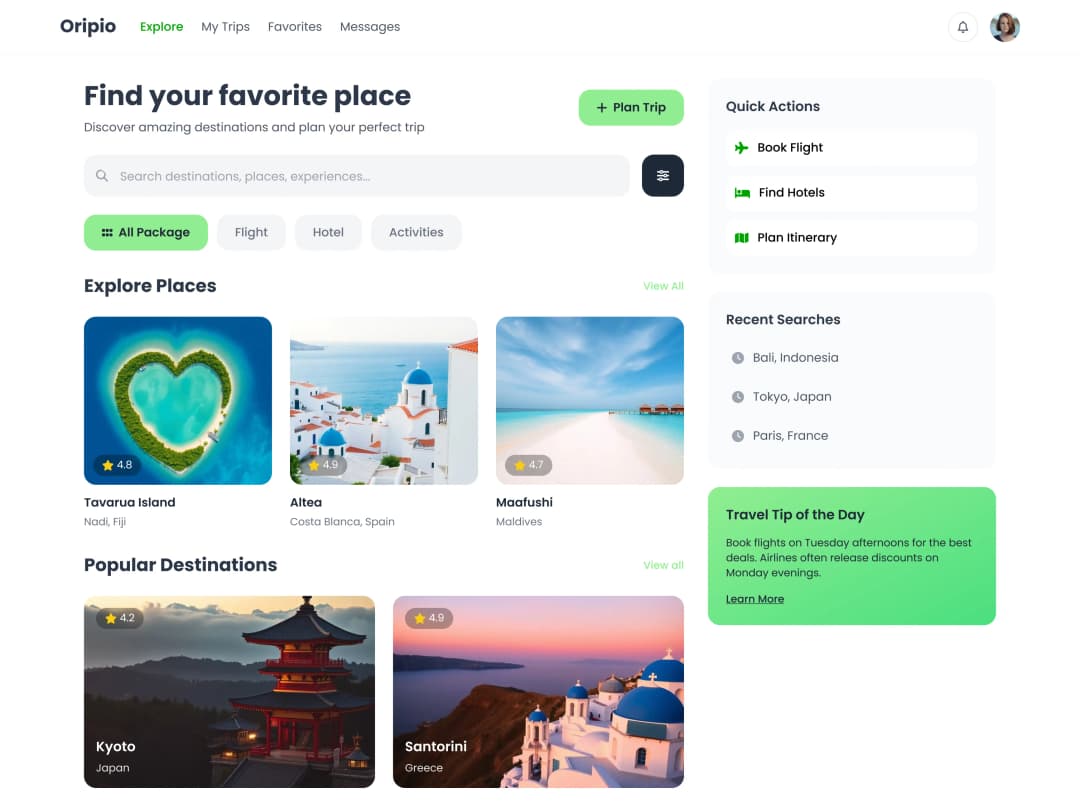
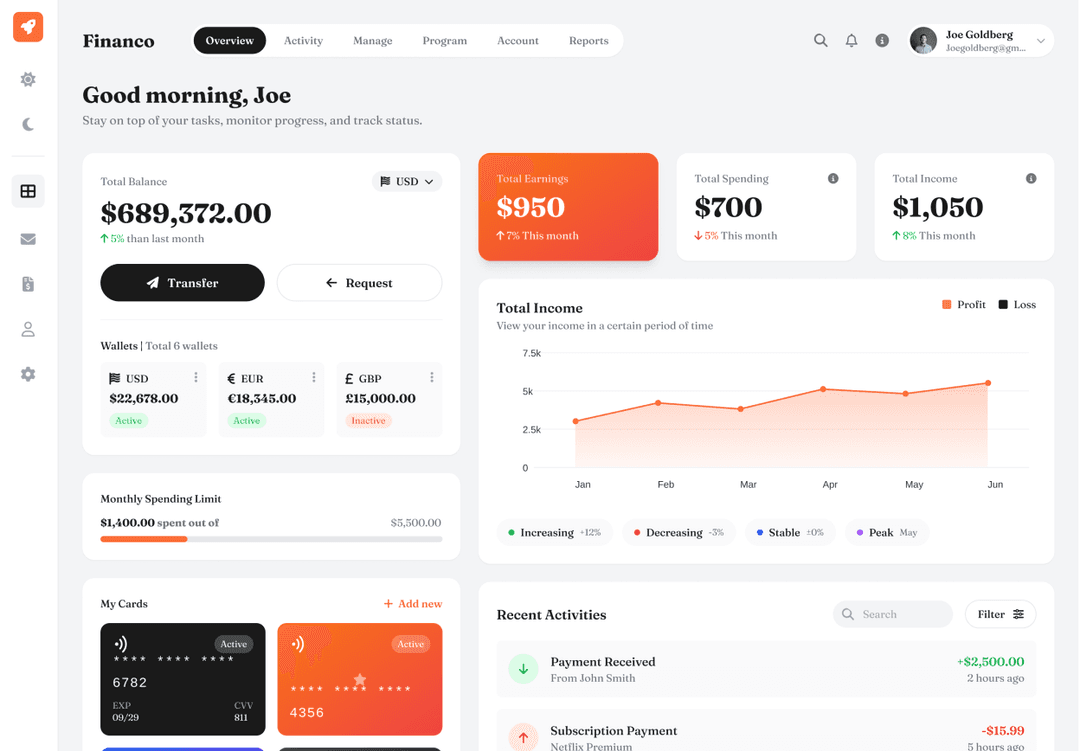
UX Pilot vs MagicPath comparison

What it is
What a design is
Ways to start
Design directions
Multi-screen work
Predictive heatmaps
Design and accessibility review
Copy to Figma
Work inside Figma
Copy to Webflow
Code export
Coding agents
Design systems
Free plan
Best suited for
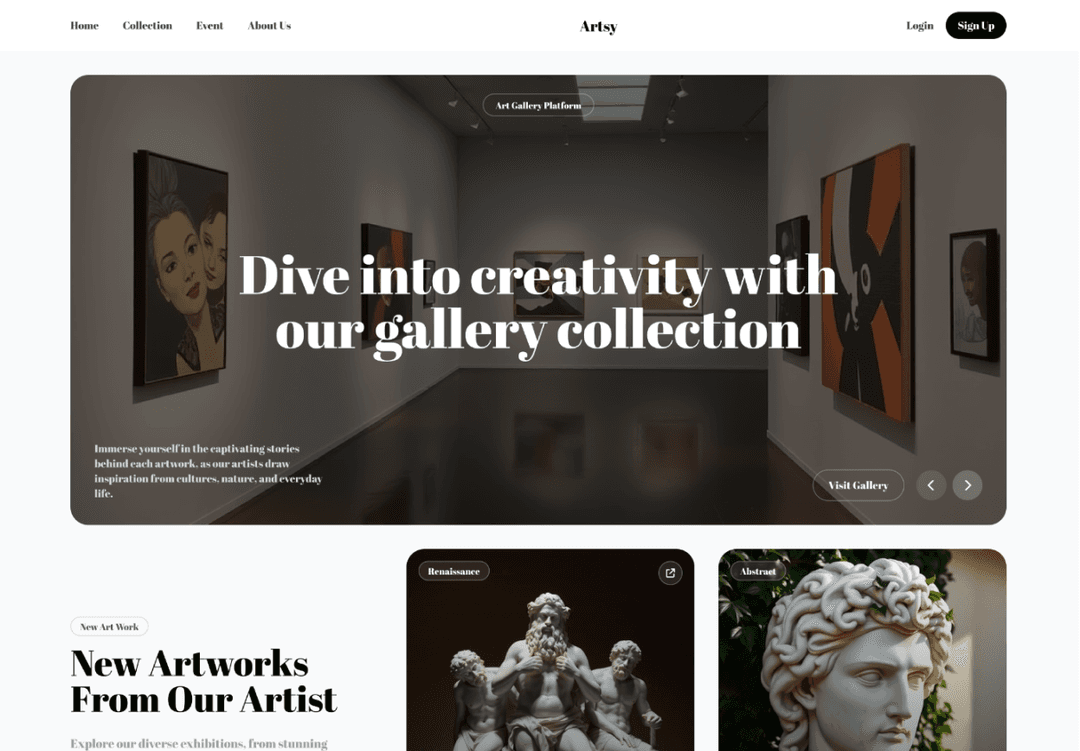
Immersive websites, made in UX Pilot
Websites with motion and depth
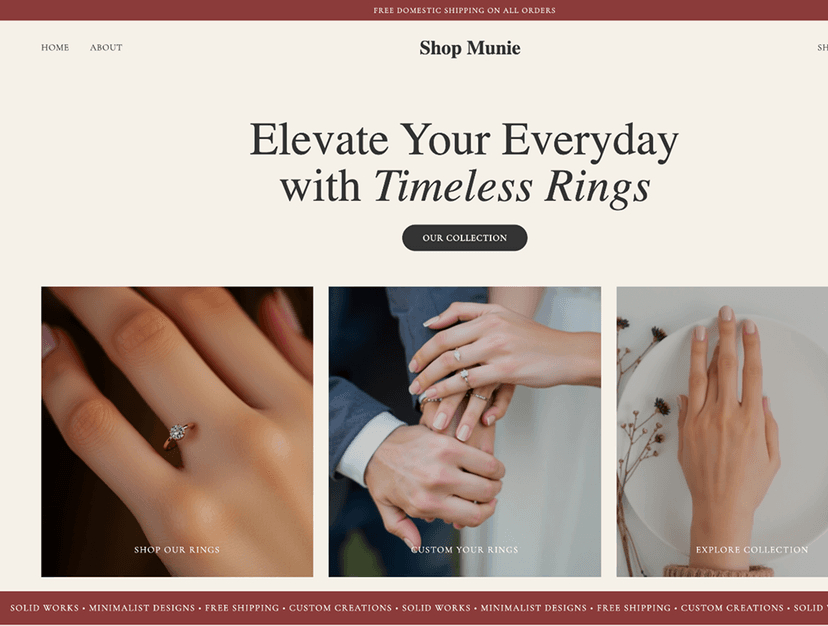
UX Pilot designs immersive marketing sites too, with bold type, depth and motion.
Real estate
Made in UX PilotProduct launch
Made in UX PilotE-commerce
Made in UX PilotDesign studio
Made in UX PilotTravel
Made in UX PilotFintech
Made in UX PilotFashion lookbook
Made in UX PilotMusic festival
Made in UX PilotArchitecture studio
Made in UX PilotFashion drop
Made in UX PilotAudio hardware
Made in UX Pilot
Two tools, two starting points
MagicPath describes itself as the shared workspace for humans and agents. You brief a team of designer agents in chat, they build screens in parallel, and every design is React code you can hand to Claude Code, Codex or Cursor.
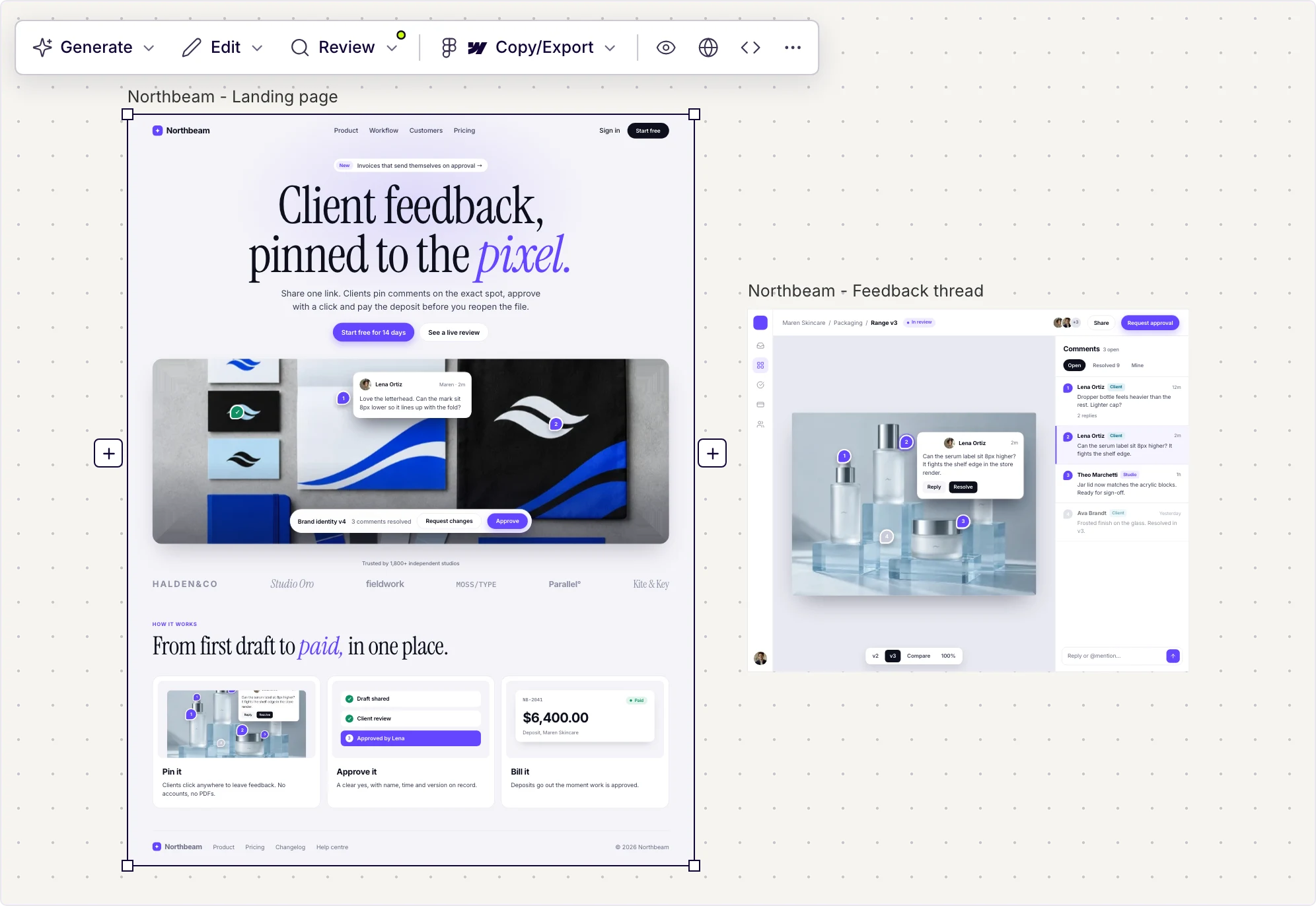
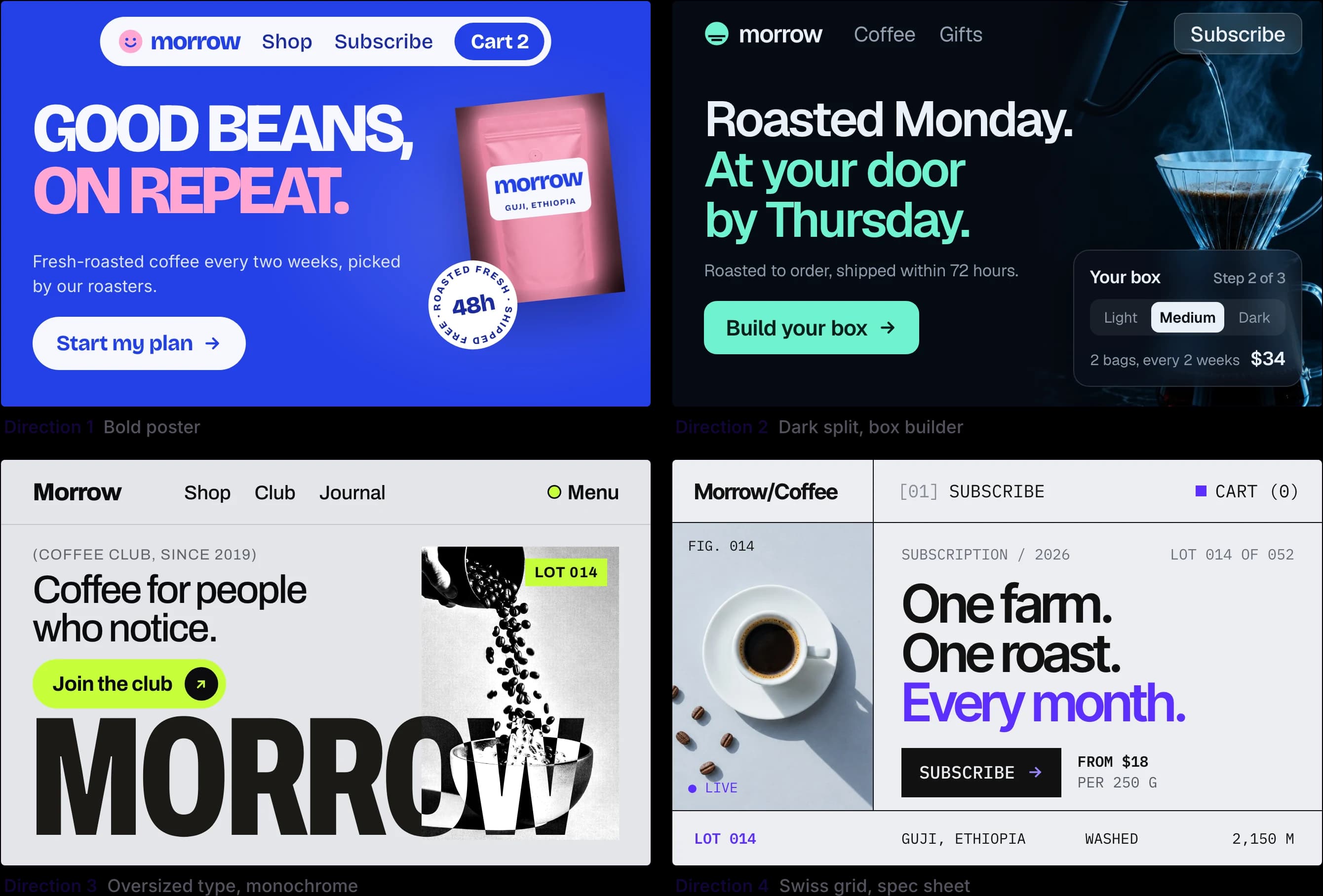
UX Pilot starts from the design problem. Describe a product or a user journey, or upload a sketch or a screenshot, and get finished screens, connected flows and four directions to compare. Then check them with heatmaps and design reviews before anyone builds them.
Both tools copy designs to Figma as editable layers. UX Pilot also works inside Figma through Nodey, its plugin, so you can design with the components already in your file.
We took the MagicPath details on this page from MagicPath's own website and documentation in October 2026. Features and prices change, so check magicpath.ai for the latest.
Made in UX Pilot
Where UX Pilot is stronger than MagicPath
MagicPath is strong at turning briefs into code with agents. UX Pilot is stronger at the design work around it: testing ideas, shaping whole journeys and working in Figma.
Made in UX Pilot
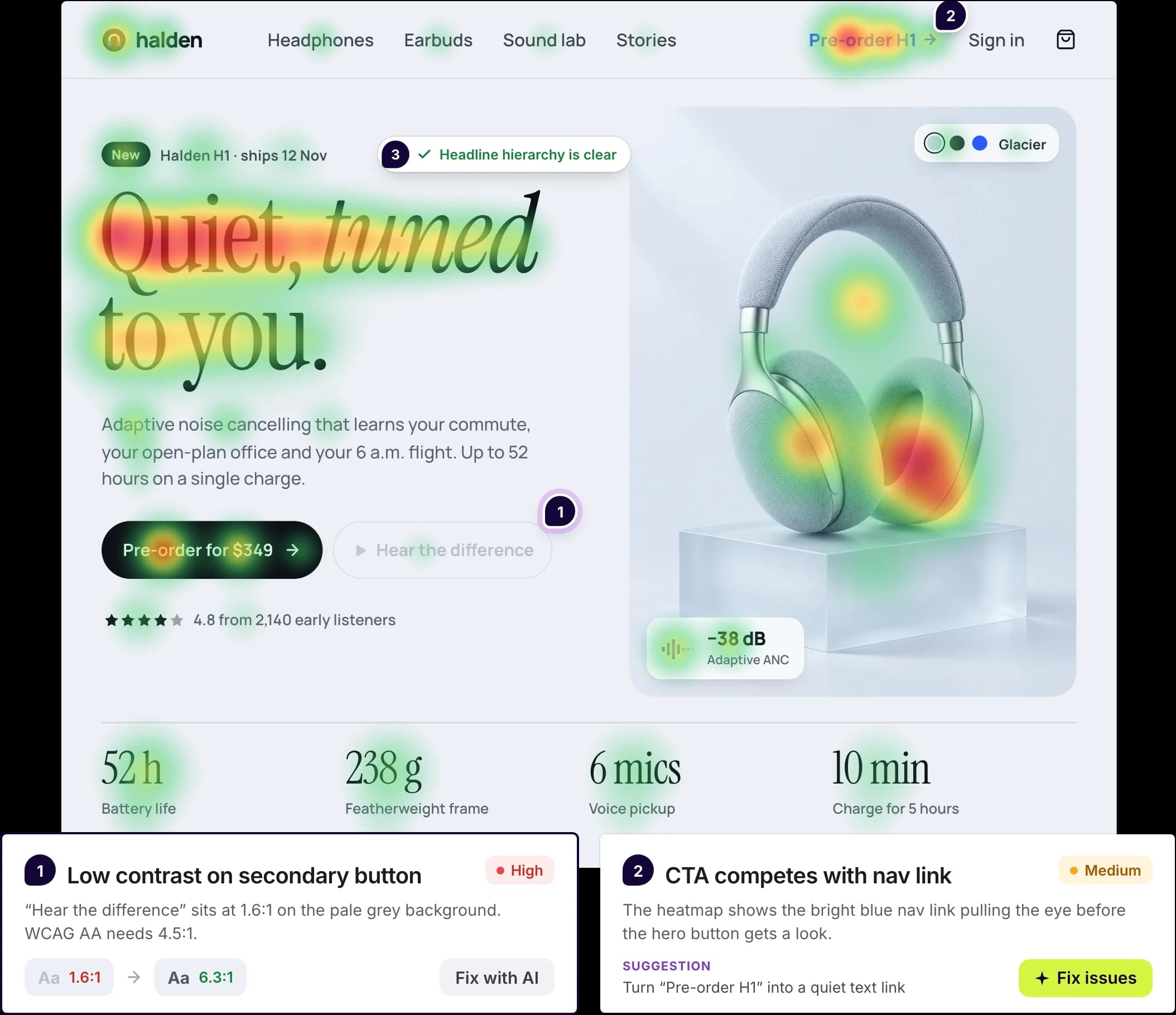
Predictive heatmaps and design reviews before handoff
UX Pilot predicts where attention is likely to land on a screen and runs automated reviews for hierarchy, consistency and accessibility, including WCAG contrast checks. You fix issues before a user or a client sees the page.
MagicPath's documentation does not list predictive heatmaps or an accessibility review. Its focus is generating, editing and shipping designs as code.
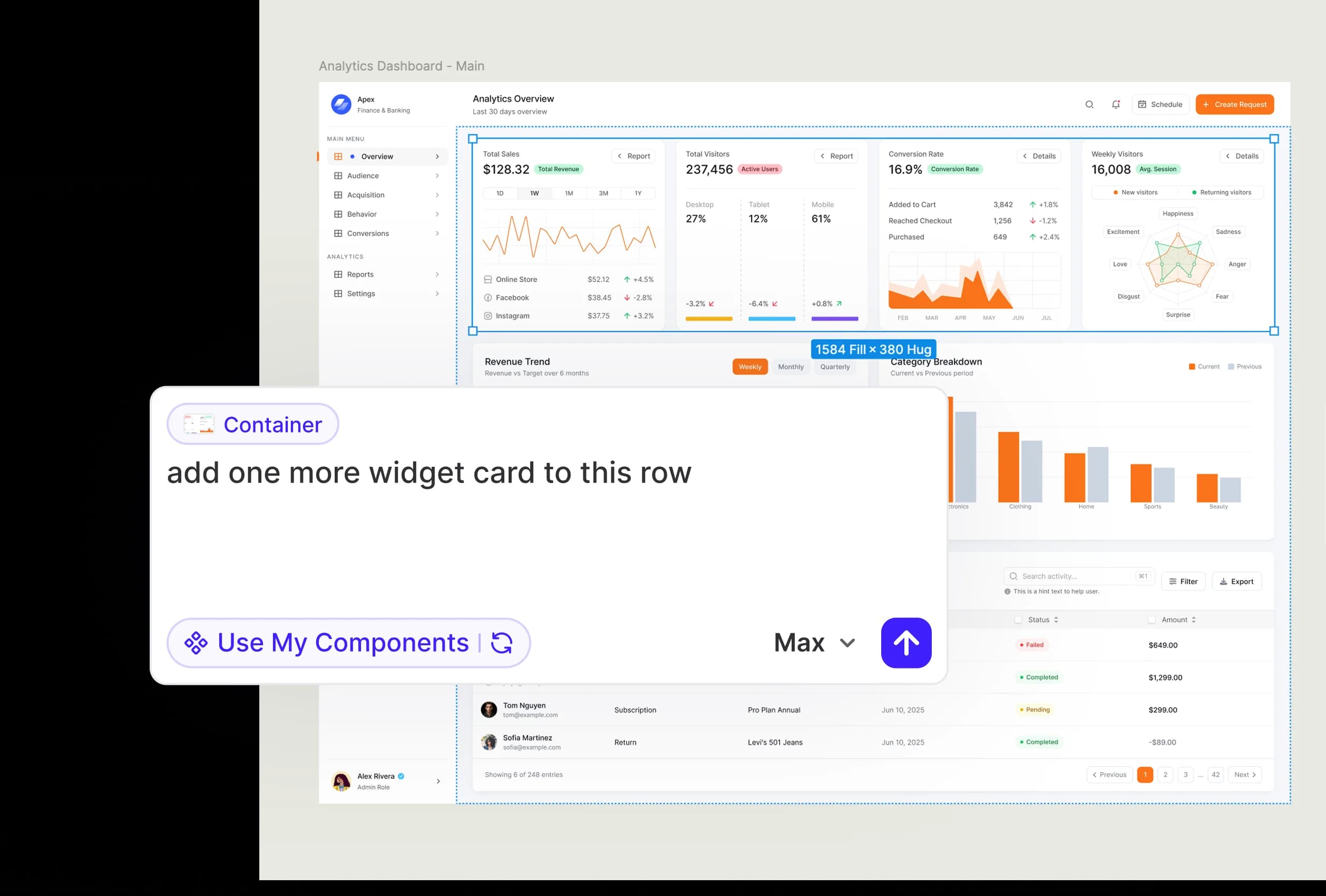
UX Pilot plugin in Figma
Design inside Figma with Nodey
Nodey, the UX Pilot plugin, is an AI design agent on your Figma canvas. Describe a screen or a flow and it builds editable frames in your file. Select a frame and ask for changes, or turn on Use My Components to design with the components your file already has.
MagicPath works with Figma through copy and paste: Figma frames come in as React code, and Copy to Figma sends designs back as editable layers.
Made in UX Pilot
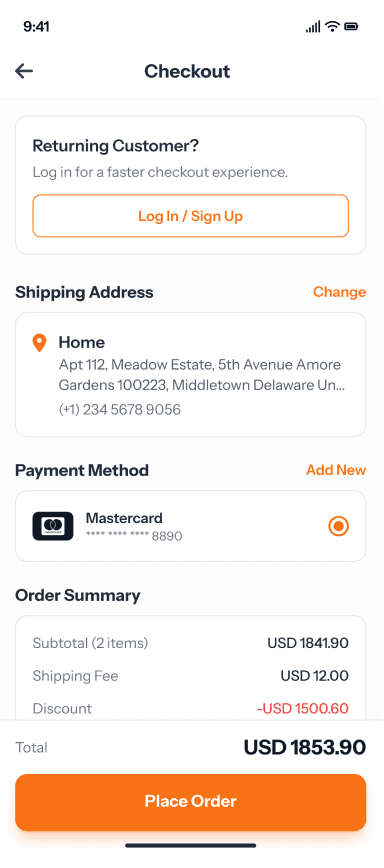
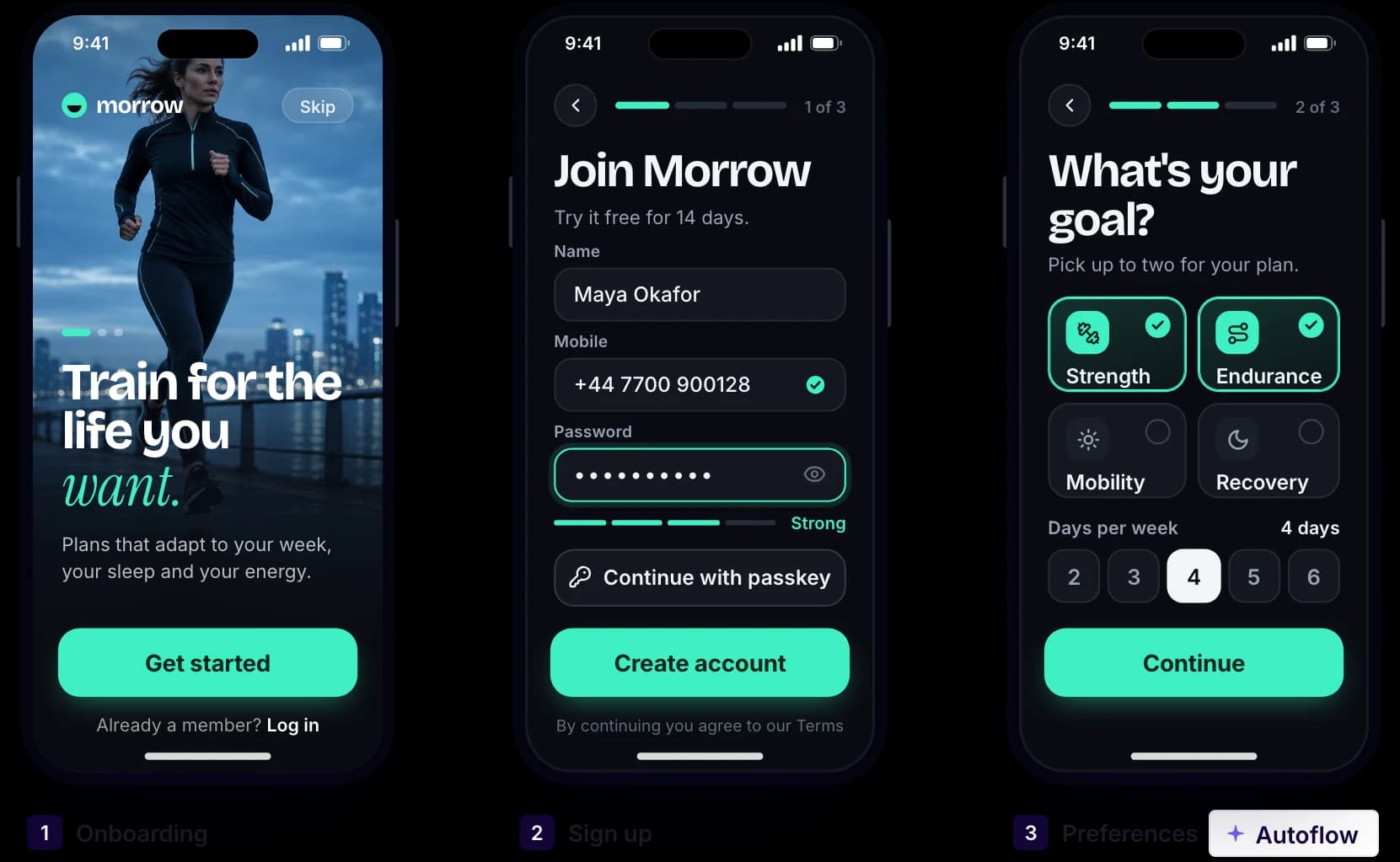
A whole user journey from one prompt
Autoflow generates every screen of a journey, such as onboarding, checkout or booking, with consistent navigation and shared components. You can also start at low fidelity with wireframes and flowcharts, then move to finished UI once the structure is right.
MagicPath also builds several screens at once, with a designer agent for each task, so both tools handle multi-screen work. UX Pilot adds the UX steps around it, from wireframes and flowcharts to review.
Made in UX Pilot
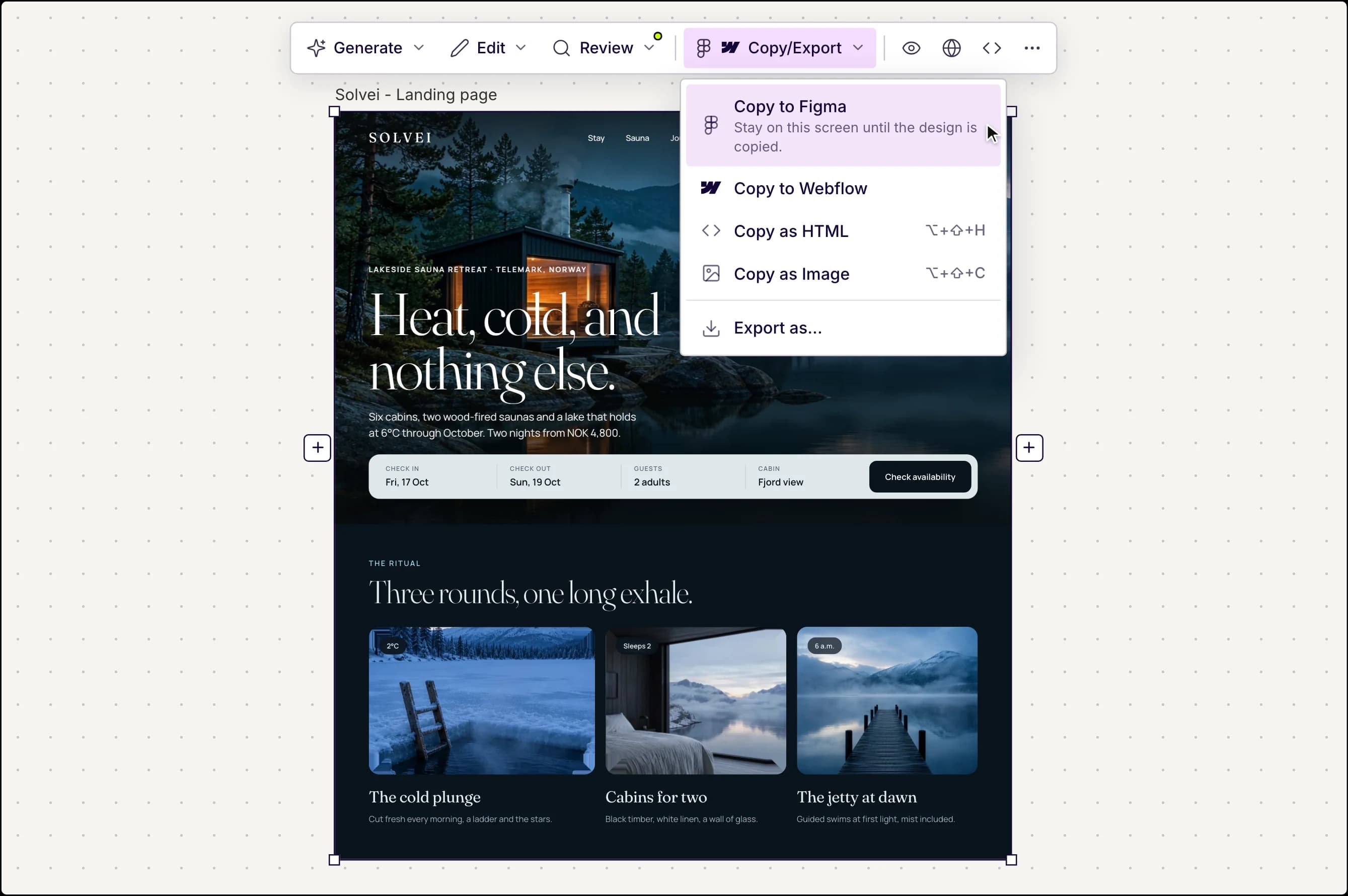
Copy to Figma, Webflow or code in one click
Copy any design to Figma as editable layers with auto layout, or to Webflow, in one click. When it is time to build, export HTML, CSS and Tailwind, generate a React prototype, or sync the code to GitHub.
MagicPath is strong here too: every design is already React with TypeScript and Tailwind CSS, and coding agents can add it straight to your repo. If production React is your main output, that is a real advantage.
Design systems in UX Pilot
Bring your design system, or build one
Start from scratch with AI, or import from a website, a Figma file, a GitHub repository, your codebase or a DESIGN.md. New screens then use your tokens and components.
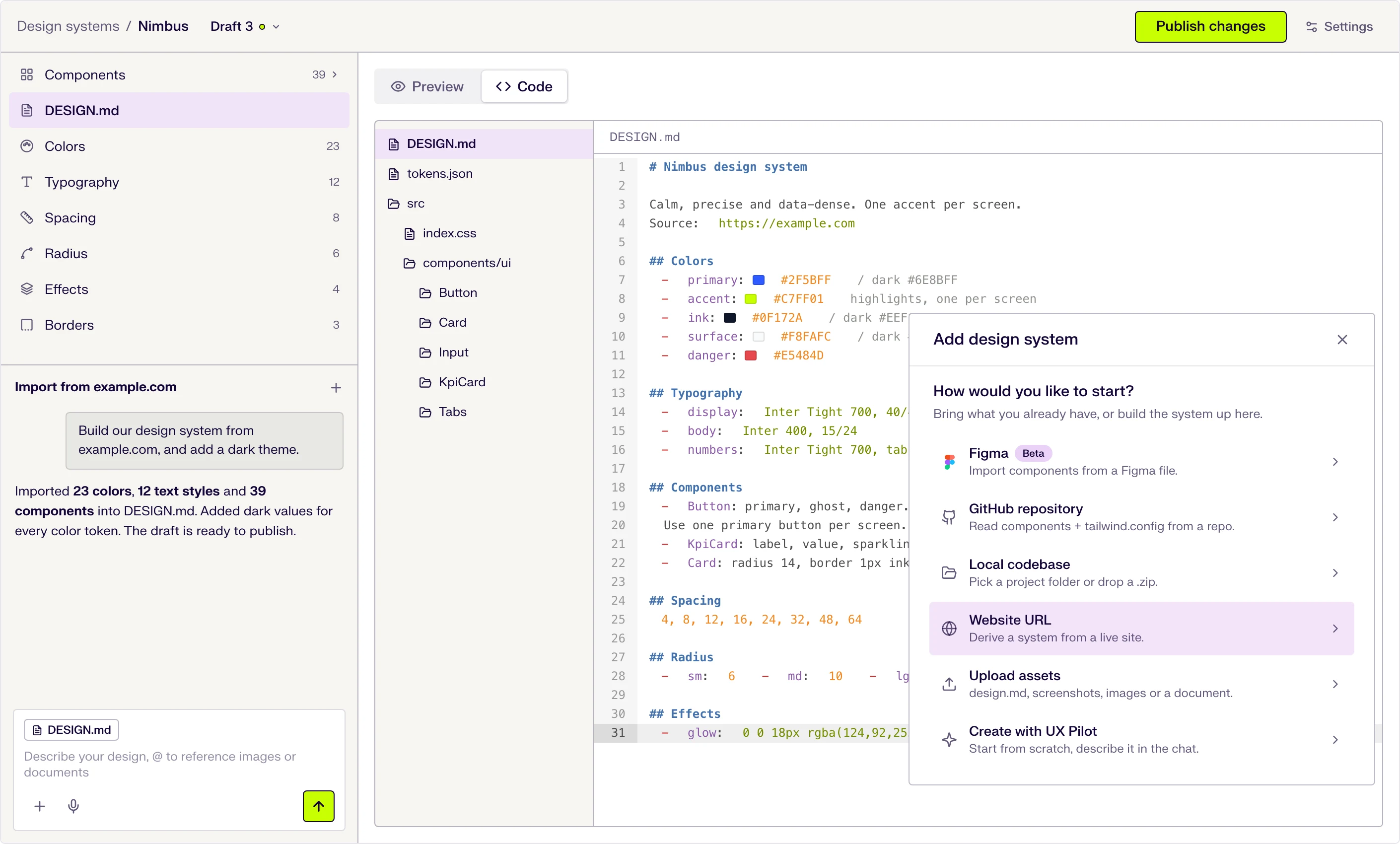
Six ways to start
Describe it in the chat, or import from a website URL, a Figma file (beta), a GitHub repository, a local codebase or uploaded files.
DESIGN.md at the core
Tokens and usage guidance live in one DESIGN.md file that the AI follows when it designs. Edit a token and the file updates.
Draft, publish, repeat
Changes stay in draft until you publish them, and version history keeps every release.

Kresimir Retih,
Project Manager"It has been a game-changer for me! Since signing up, my workflow has become much smoother, and my productivity has increased significantly. I love how intuitive and user-friendly the platform is, making UX tasks much easier and more efficient. Highly recommend it to anyone looking to streamline their UX process!"
PRICING differences
As of October 2026, MagicPath has four plans. Free gives you 20 credits a day, up to 120 a month. Builder costs $10 a month, or $7 a month billed annually, and adds unlimited external agent calls and Figma exports. Pro starts at $30 a month, or $21 a month billed annually, with a 600-credit pack and bigger packs available. Teams adds SSO and 1,000 credits per seat.
UX Pilot has a free plan with no credit card required. Pro costs $19 a month billed annually, or $29 billed monthly, and includes the full design toolkit.
Free
Billed monthly
Billed annually
Credits work differently in each tool, so compare the work you do each month rather than headline prices.
Both tools let you start for free without a credit card, so the fairest test is to run the same brief in each.
UX Pilot vs MagicPath: which is right for me?
MagicPath fits better if your team builds in React and already works with Claude Code, Codex or Cursor. Every design is code from the start, agents can drive it even when the app is closed, and teammates and agents share one live canvas.
UX Pilot fits better if the design itself is the job. You get connected flows, four directions per prompt, predictive heatmaps and design reviews, and a Figma plugin that works in your own file, with code export when you are ready to build.
The two approaches can also work together. UX Pilot's MCP server connects it to Claude Code, Cursor and other agents, and its code export hands designs to whichever tool builds them.
Choose UX Pilot if you want to design, test and hand off UI in one place. Choose MagicPath if you want every design to be React code that your coding agents build on.
Made in UX Pilot
Frequently asked questions
Everything you want to know about UX Pilot vs MagicPath.
Design it, test it, then hand it off
Finished screens, connected flows and heatmaps from your first prompt, with Figma and code when you need them.
Generate designs in seconds