Trusted 1M+ designers, founders, and product teams
Free AI PRD Generator
Turn product ideas into structured requirements and interface designs in seconds. Describe your feature or product concept and UX Pilot generates a complete PRD with user stories, specs, and visual UI screens you can refine and export.
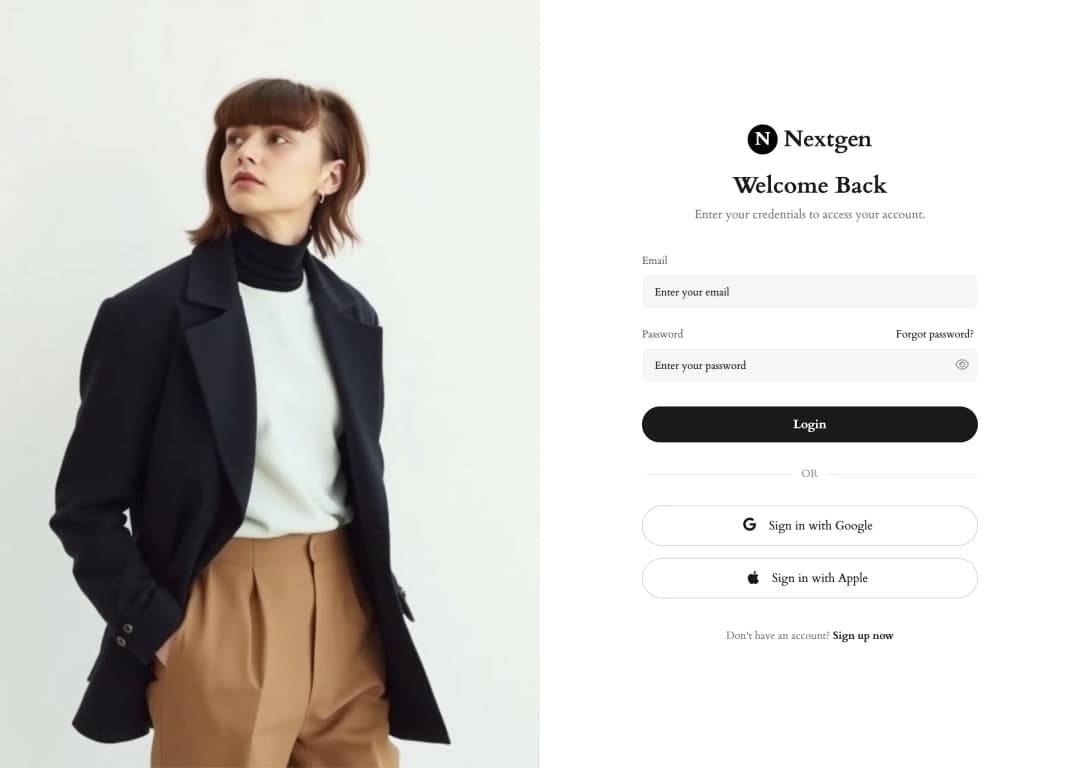
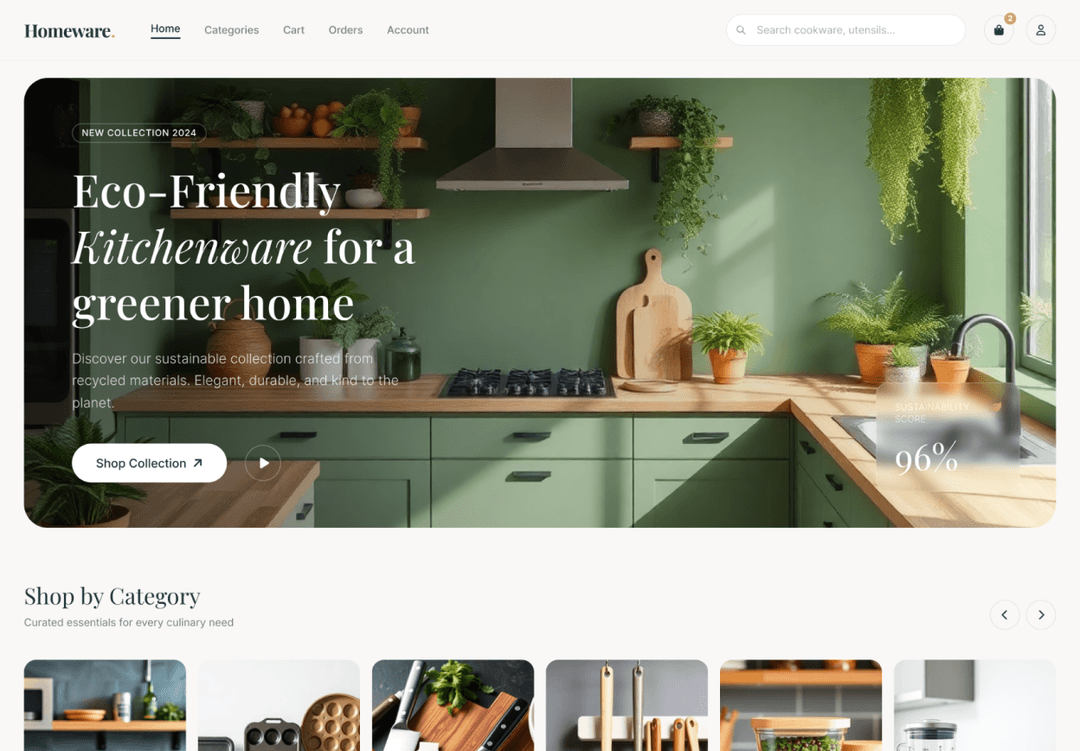
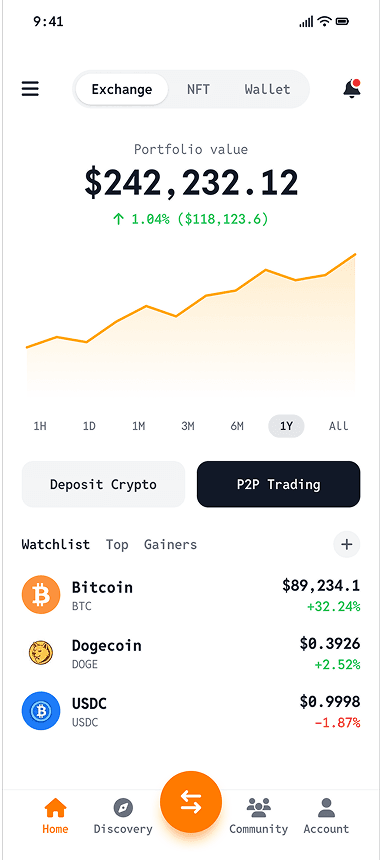
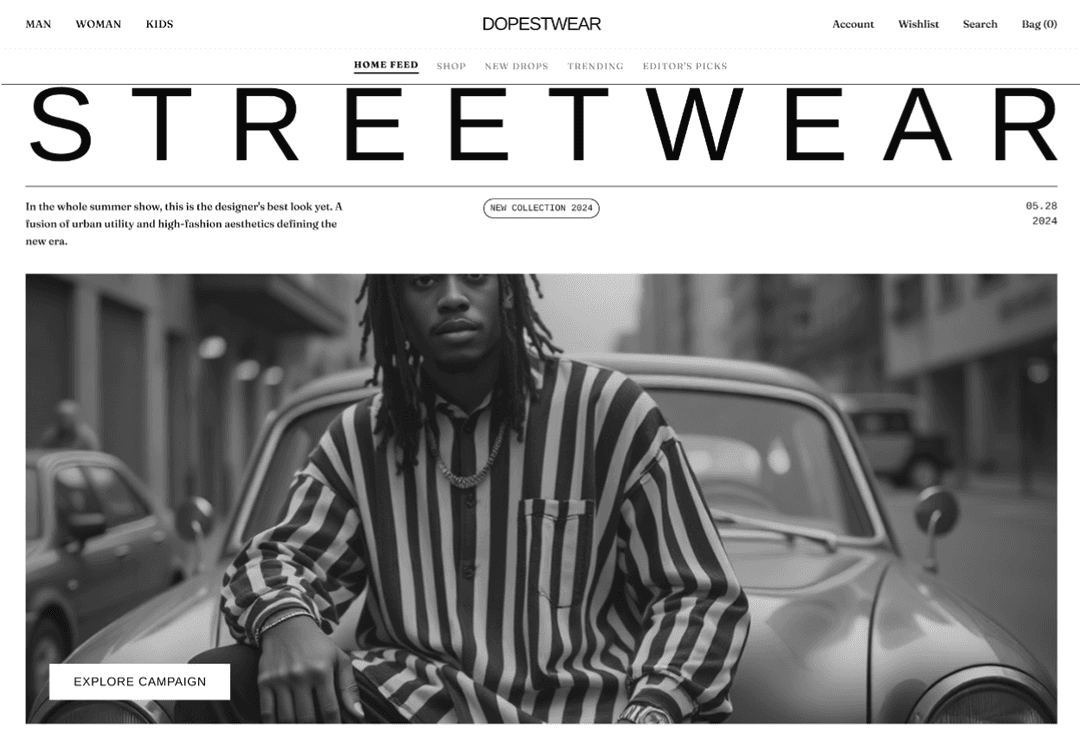
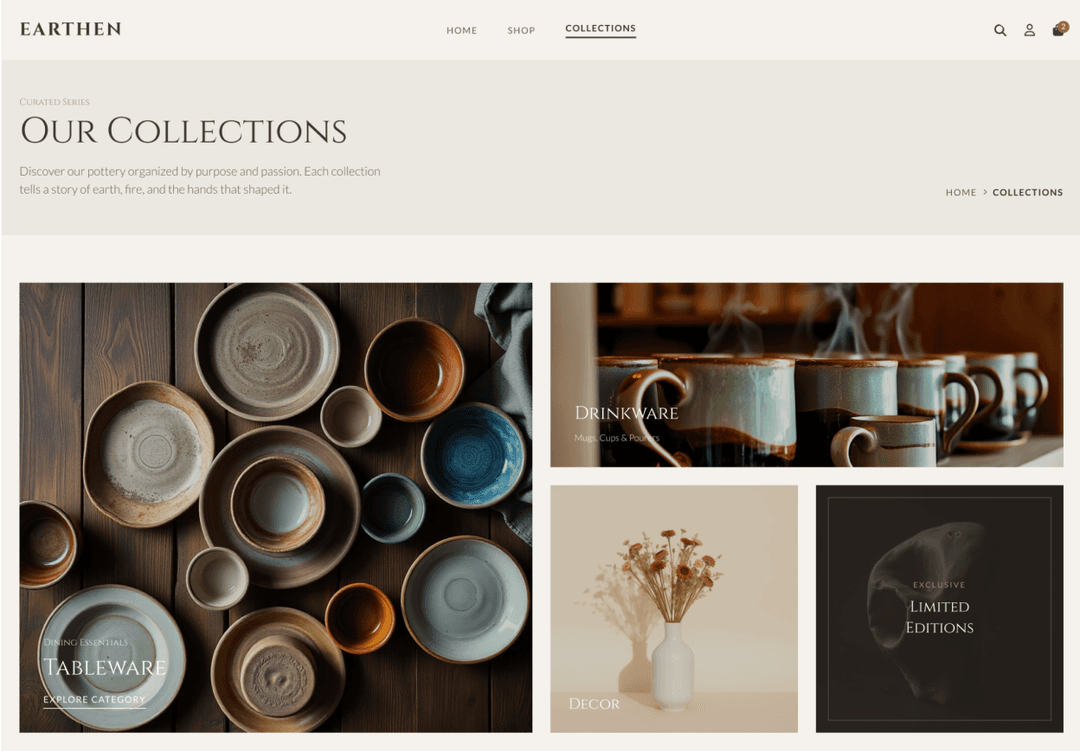
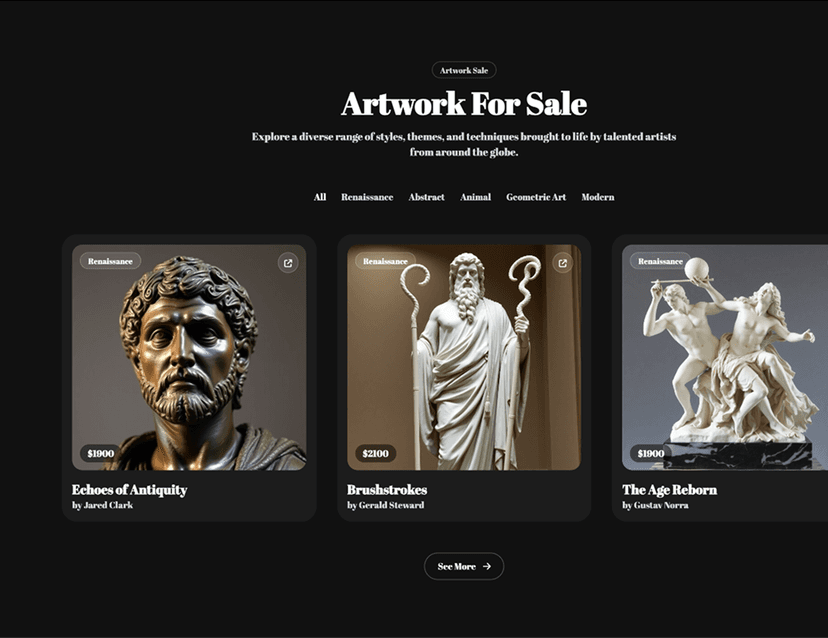
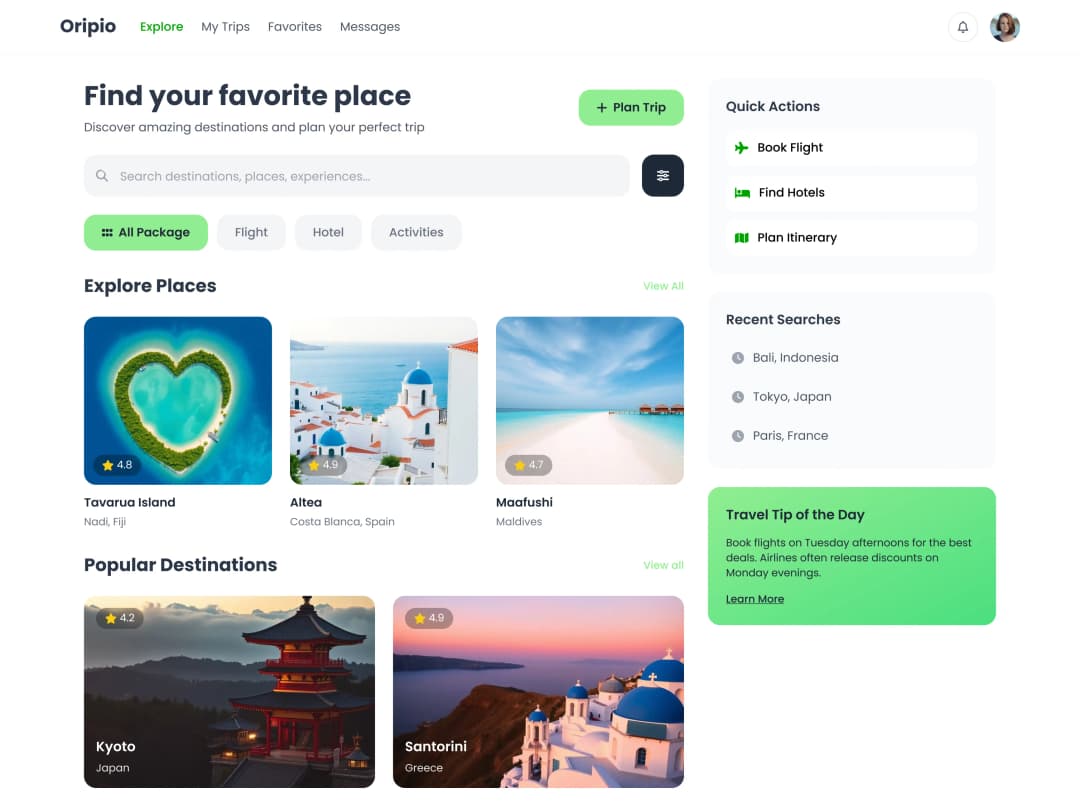
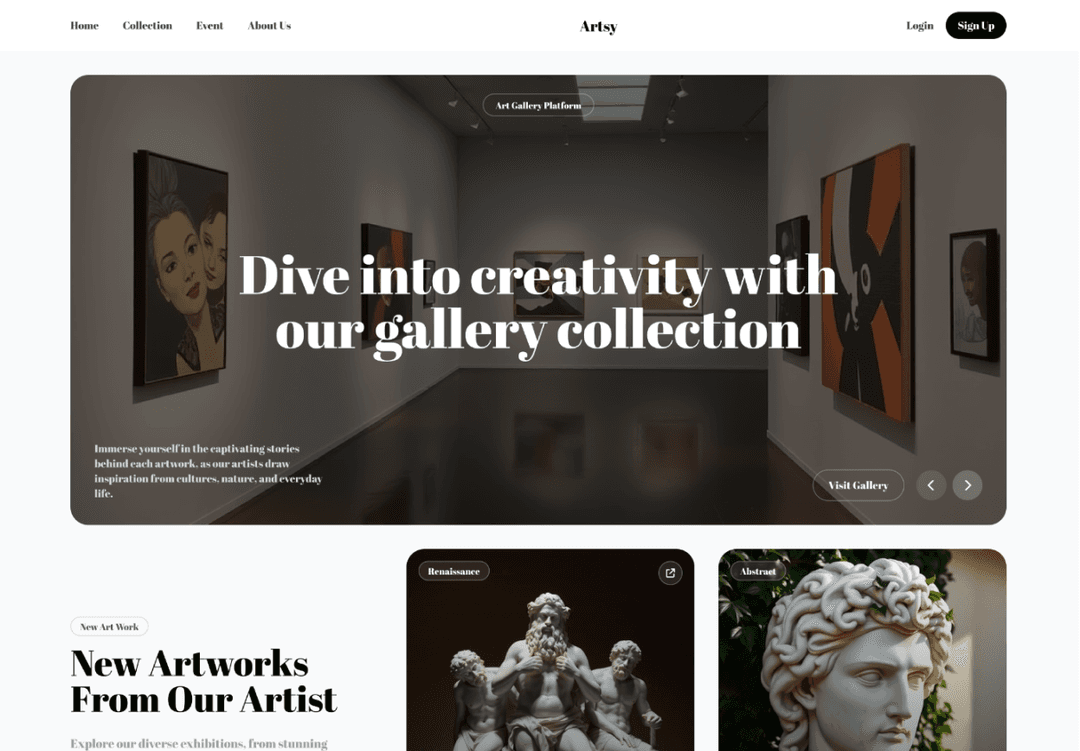
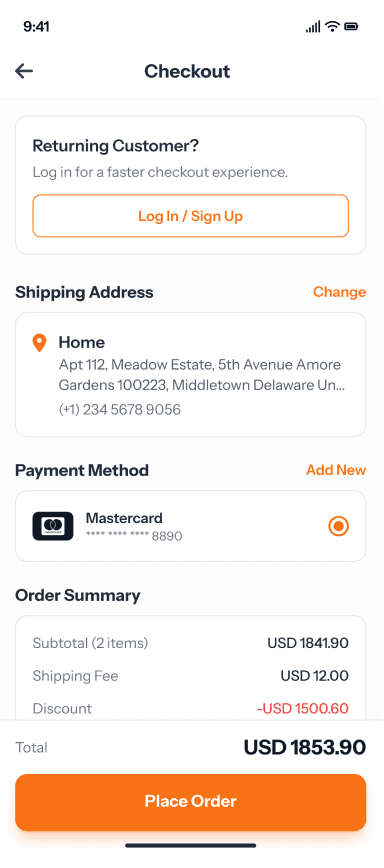
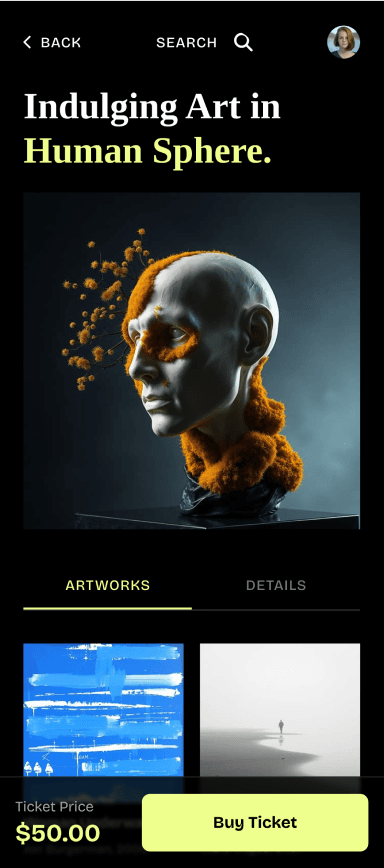
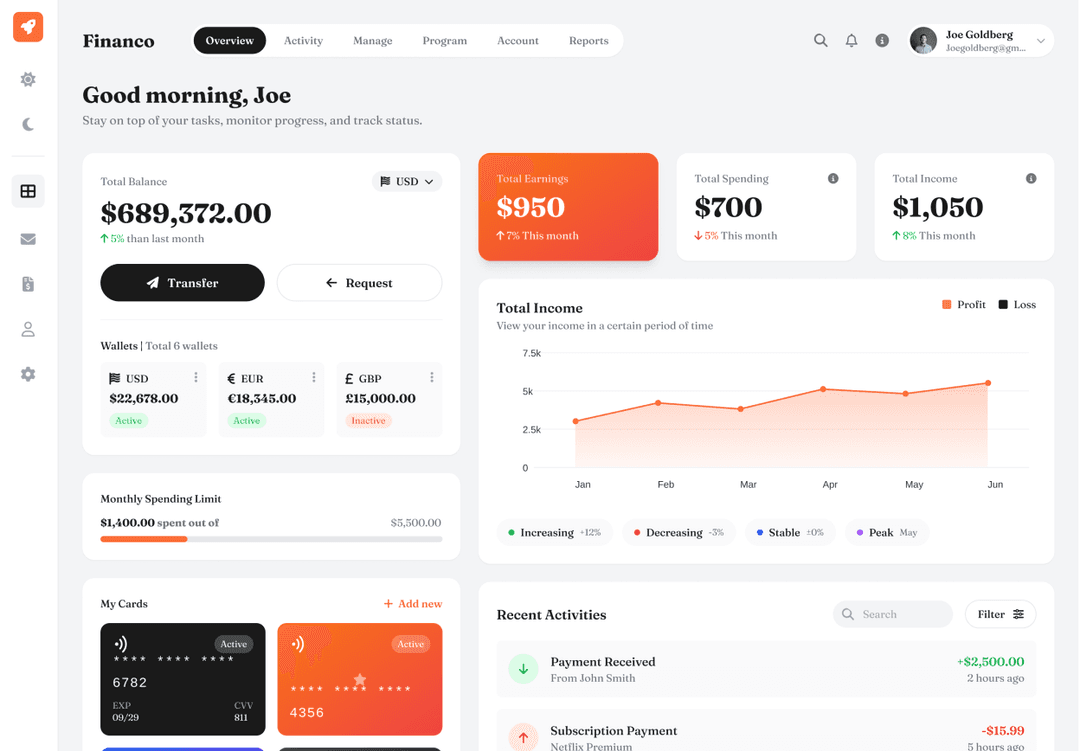
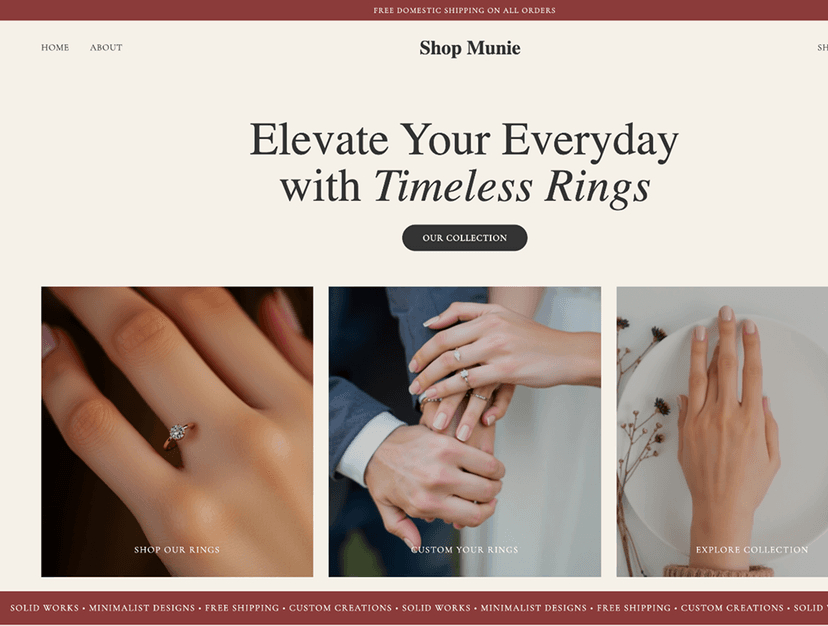
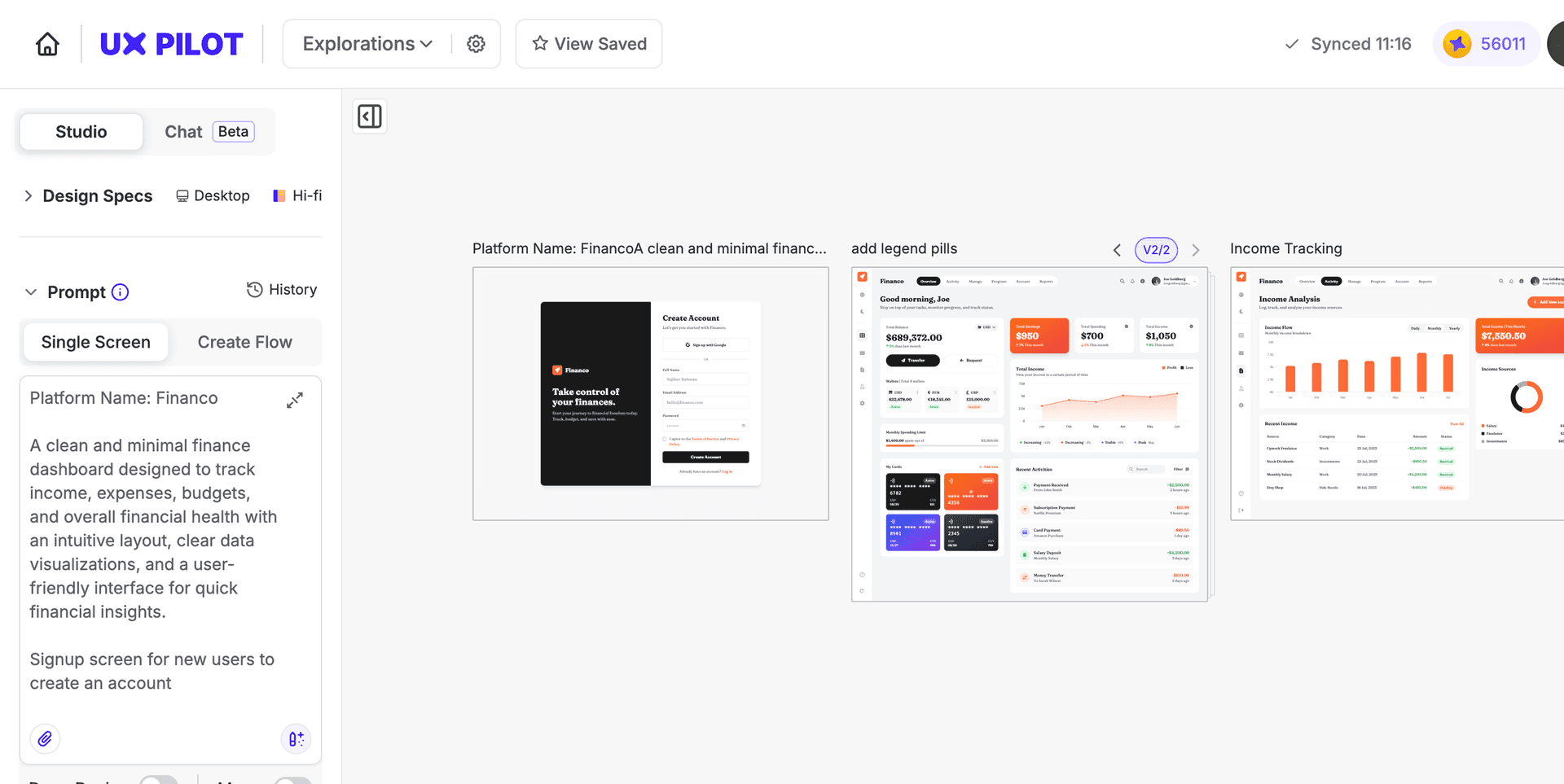
Turn product requirements into UI designs with AI
Connect product requirements directly to interface designs so nothing gets lost between what you define and what gets built.
// Generate a PRD from a product description
// Generate a PRD from a product description
Describe your features and key requirements in plain language. UX Pilot structures your input into a complete product requirements document with user stories, flows, and acceptance criteria.
Describe your features and key requirements in plain language. UX Pilot structures your input into a complete product requirements document with user stories, flows, and acceptance criteria.
// Translate requirements into UI screens
// Translate requirements into UI screens
Turn the requirements in your PRD directly into interface designs for each screen and workflow. UX Pilot generates high-fidelity UI that reflects your documented specs and user stories.
Turn the requirements in your PRD directly into interface designs for each screen and workflow. UX Pilot generates high-fidelity UI that reflects your documented specs and user stories.
// Iterate on specs with follow-up prompts
// Iterate on specs with follow-up prompts
Update requirements, add edge cases, or adjust screen layouts by describing the change you need. UX Pilot modifies the spec and its associated screens together so your documentation stays aligned.
Update requirements, add edge cases, or adjust screen layouts by describing the change you need. UX Pilot modifies the spec and its associated screens together so your documentation stays aligned.
// Export designs for engineering handoff
// Export designs for engineering handoff
Export your PRD screens to Figma for collaborative review or download production-ready HTML for engineering handoff. Every design stays connected to the requirements that define it.
Export your PRD screens to Figma for collaborative review or download production-ready HTML for engineering handoff. Every design stays connected to the requirements that define it.

Kresimir Retih,
Project Manager"It has been a game-changer for me! Since signing up, my workflow has become much smoother, and my productivity has increased significantly. I love how intuitive and user-friendly the platform is, making UX tasks much easier and more efficient. Highly recommend it to anyone looking to streamline their UX process!"
Trusted by designers, product professionals and data-driven teams
Join a growing community of professionals who have created over 2 million high-fidelity designs and saved countless hours with our AI-powered tools.
0M+
users
0M+
screens generated
0
rating from designers and developers
0+
countries
How to create a PRD with UX Pilot
No design or coding skills required
Describe your product or feature
Write out the product concept, user goals, key requirements, and any constraints or acceptance criteria you already have in mind.
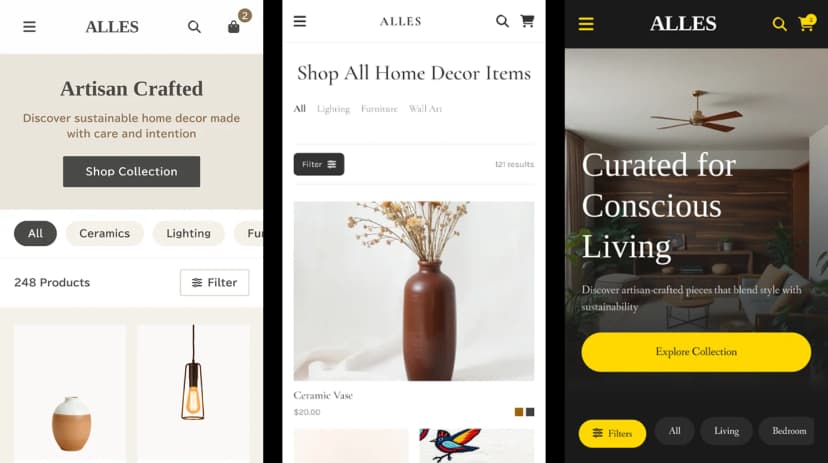
Generate your PRD and screens
Build a structured requirements document with user stories and corresponding interface designs generated from your description in seconds.

Refine and export
Update requirements, adjust screen designs, and iterate on the spec with follow-up prompts. Then export to Figma for design review or download production-ready code for engineering handoff.
FREQUENTLY ASKED QUESTIONS
Everything you want to know about UX Pilot's AI PRD Generator
Turn any product spec into UI designs in seconds
Describe your product concept, user goals, and requirements and generate a structured PRD with corresponding UI screens you can refine, review, and hand off. Start from what you know instead of a blank canvas.
Generate designs in seconds