Trusted by top product teams globally






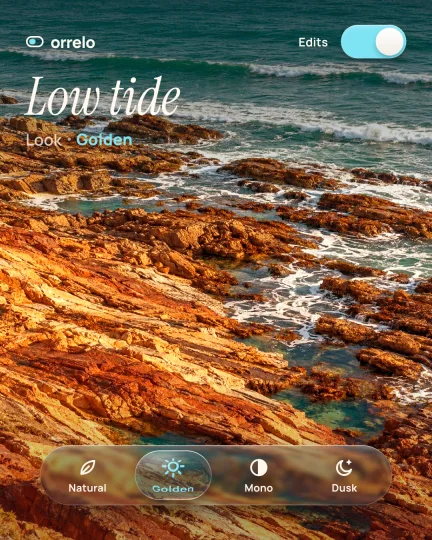
Glass lens menu
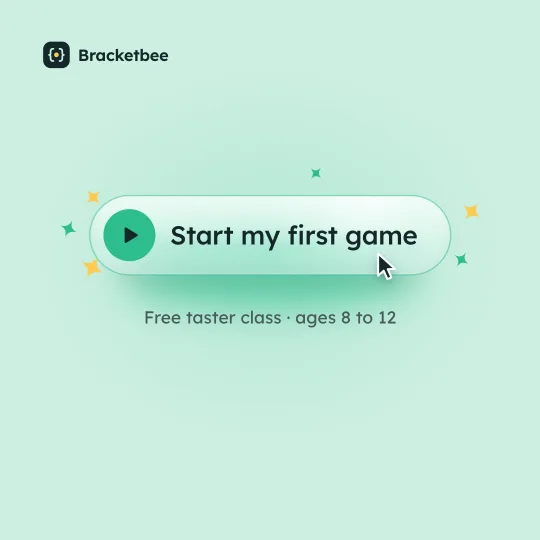
Frost shimmer button
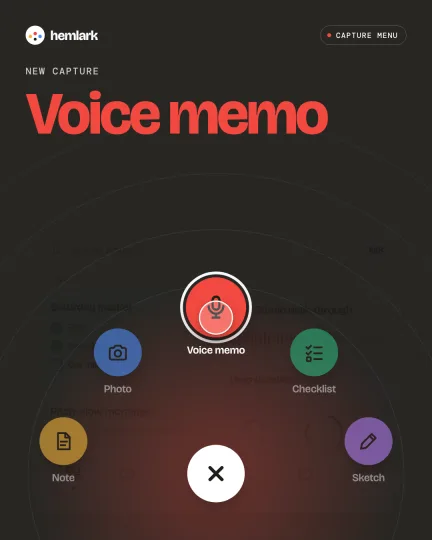
Hold-drag action fan
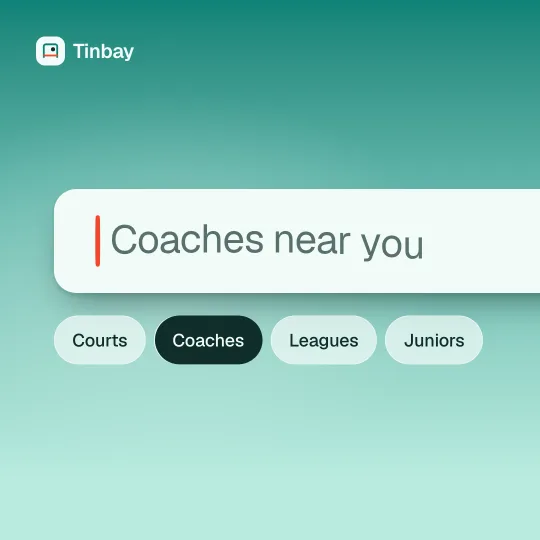
Search caret morph
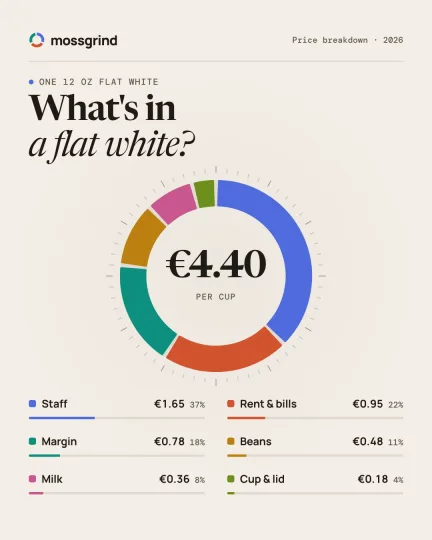
Donut breakdown
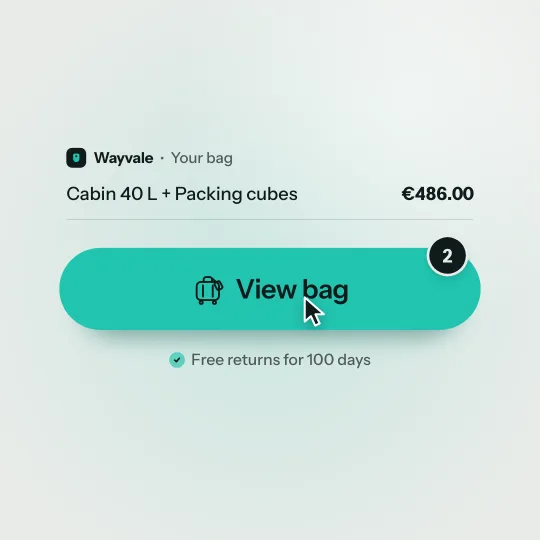
Badge arc checkout
Card axis flip
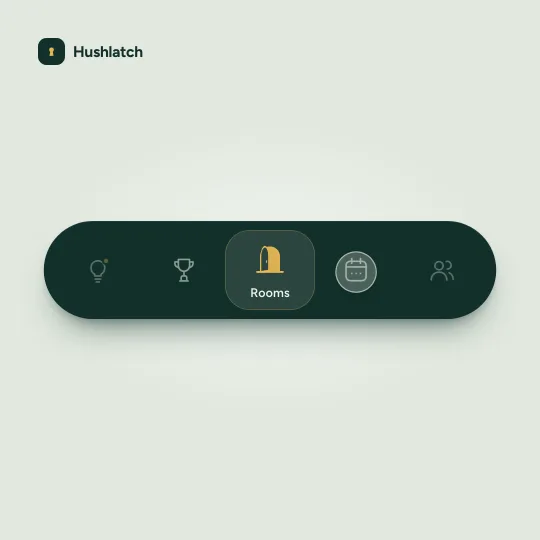
Tab wheel focus
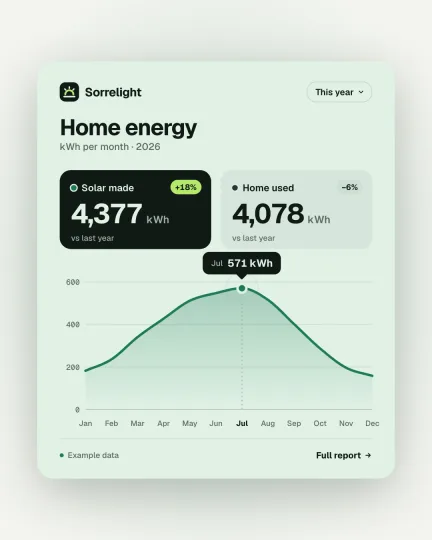
Self-drawing line chart
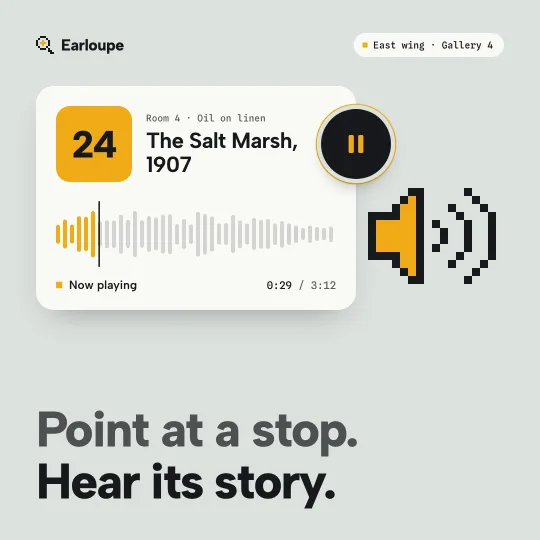
Pixel cursor states
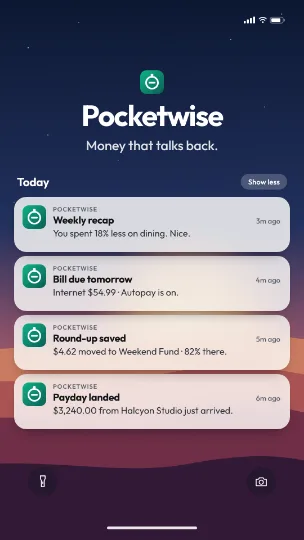
Notification stack
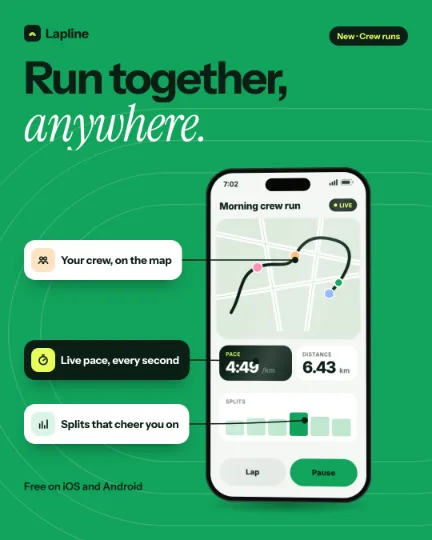
Phone turn reveal
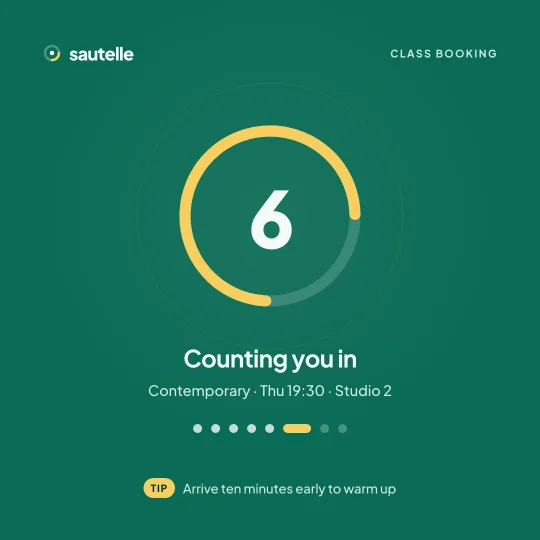
Ring spinner beat
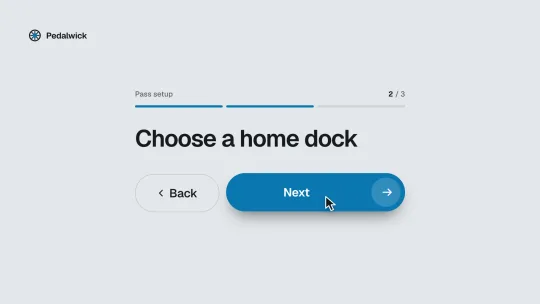
Step button states
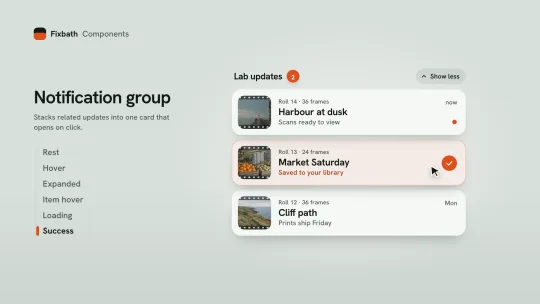
Stack group expand
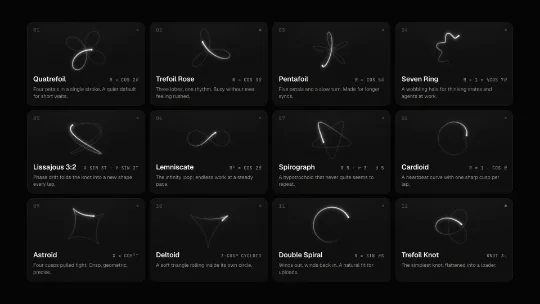
Curve loaders
Every kind of UI motion
Real renders, all made in UX Pilot. Each one exports as a video (MP4, WebM or GIF) for a launch, a doc or a design spec, not as code for your app.
- 01
Loading animations
Spinners, dots and progress rings that keep people company while something loads.
Rule of thumb
Loop it seamlessly, so the last frame meets the first. Fill a bar or ring when you know the progress, and spin when you don't.
- 02
Button animations
The press, the loading state and the success that follows, for add to cart, publish or sign up.
Rule of thumb
Answer the press right away, then keep each state change short, around 200 to 300 ms.
- 03
Micro-interactions
Toggles, likes, tabs and menus: small moments that answer what someone just did.
Rule of thumb
Most UI motion runs 200 to 500 ms. Ease out when things enter, and ease in when they leave.
- 04
Number counters
Totals, milestones and stats that count up to the number that matters.
Rule of thumb
Ease out so the count slows into the final number, and use fixed-width digits so it doesn't jitter.
How it works
UI motion in three steps
- 01
Describe it or bring your screens
Say what should move: a loader, a button press, a toggle, a counter. Paste your website and the AI uses its colors, fonts and copy, or design the screens in UX Pilot first.
- 02
Tune the timing
Ask for a snappier press or a softer landing in the chat, or switch to expert mode for the timeline, keyframes and the easing editor. Every version is kept.
- 03
Export the video
Download MP4 or WebM, or a GIF for docs and email, and ask for vertical, square or 4:5 cuts. Paid plans export at up to 60 fps.
UI animation templates
Buttons, menus, loaders, counters and app screens, all made in UX Pilot. Start from one, or have the AI make one like it for your product.
- Pro
Search caret morph
- Pro
Ring spinner beat
Donut breakdown
Notification stack
- Pro
Glass lens menu
Curve loaders
- Pro
Tooltip tally pop
- Pro
Island charge approval
- Sign up to access them
300+ templates
Launch videos, explainers, logo reveals, kinetic type, UI interactions and more, ready to make yours.
Where your UI videos go
UX Pilot makes videos of UI motion, cut for every place you show your product.
Launches and changelogs
Show the new interaction moving in your launch post, release notes or update email.
Docs and help centers
A short GIF or video next to the steps, so people see what happens when they click.
Product pages and app stores
A short loop that shows a feature at work, where people decide to try it.
Social posts
Vertical, square and 4:5 cuts of the same piece, with sound, for every feed.
Design specs and handoff
Show developers the timing and easing you mean, instead of describing it in a ticket.
Pitch decks and demos
Drop a loop into a slide to show the product moving, not a static screenshot.
Everything else you get

Kresimir Retih,
Project Manager"It has been a game-changer for me! Since signing up, my workflow has become much smoother, and my productivity has increased significantly. I love how intuitive and user-friendly the platform is, making UX tasks much easier and more efficient. Highly recommend it to anyone looking to streamline their UX process!"
Trusted by product teams, designers and founders
Join a growing community of professionals who design, prototype and animate their products with UX Pilot's AI-powered tools.
0M+
users
0M+
screens generated
0
rating from designers and developers
0+
countries
FREQUENTLY ASKED QUESTIONS
Everything you want to know about UI animation and making it with UX Pilot
Animate your UI today
Describe the motion or paste your website, and get a UI animation video you can refine and export.
