Trusted by top product teams globally






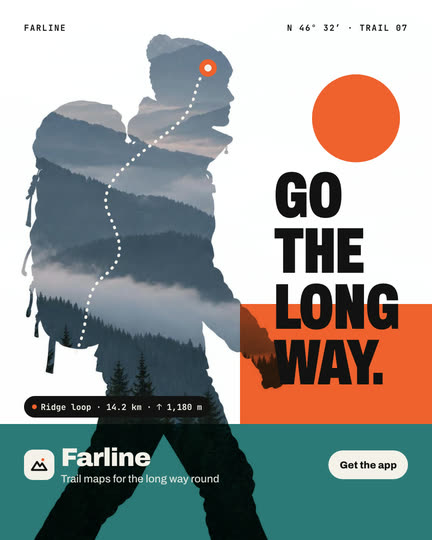
Double exposure
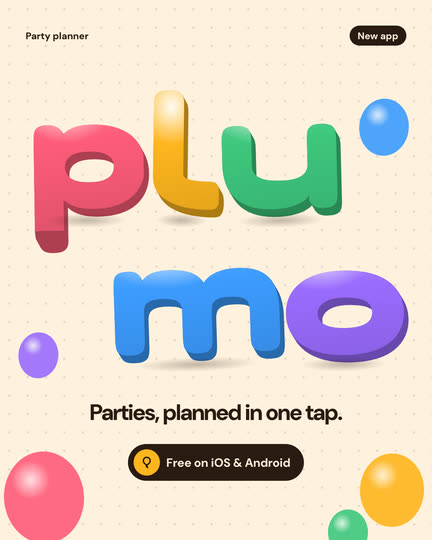
Inflate type
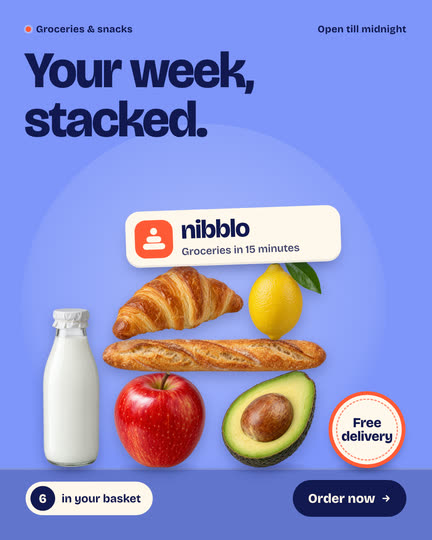
Bounce drop stack
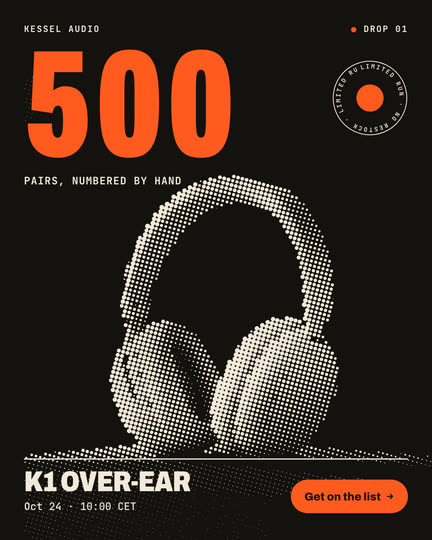
Halftone drop poster

Nested collection teaser
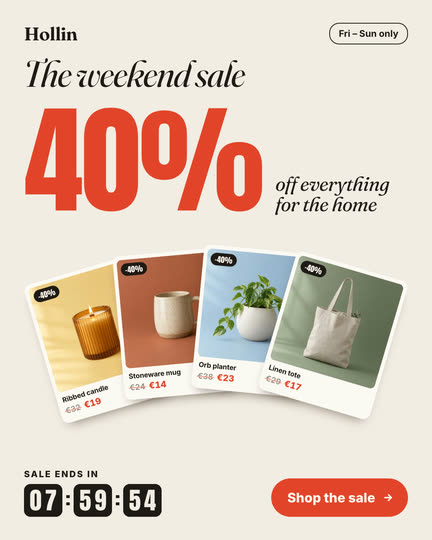
Sale countdown stack
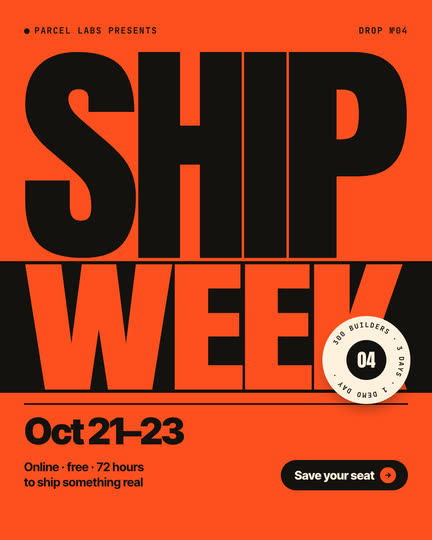
Stretch type poster
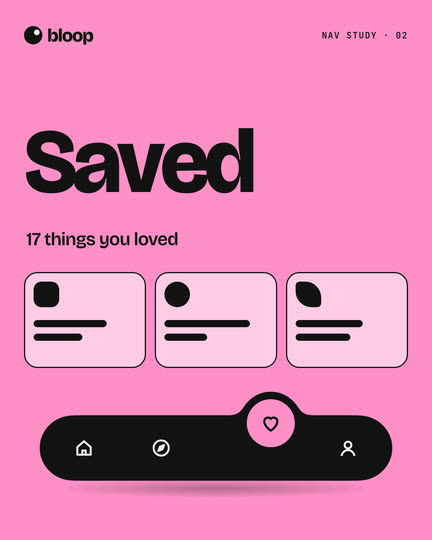
Gooey tab menu
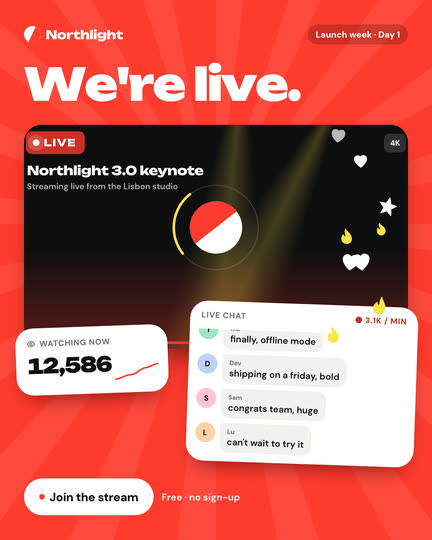
Live launch
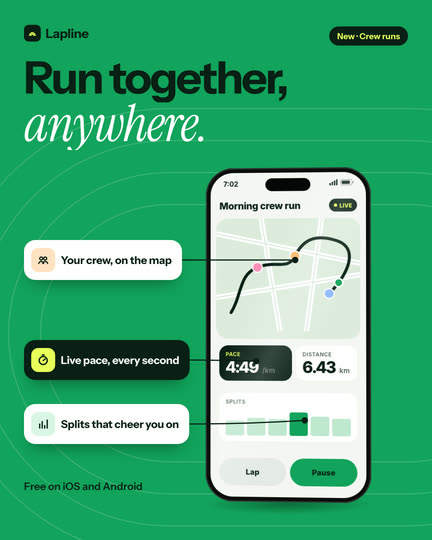
Phone turn reveal
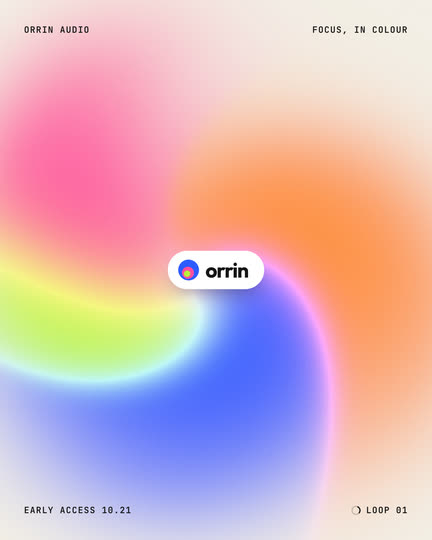
Blob swirl
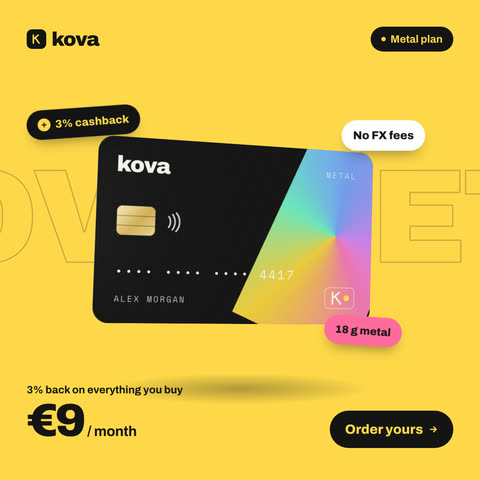
Card flip pricing
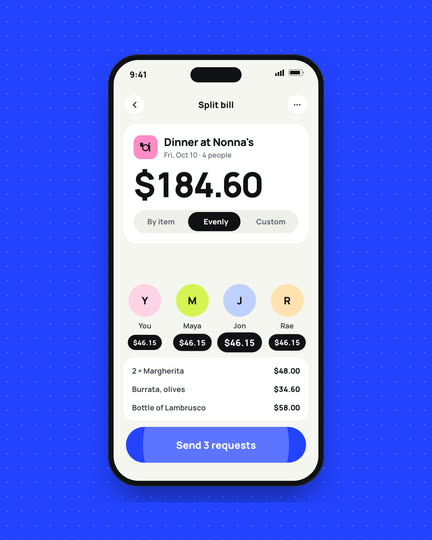
Screen split reveal
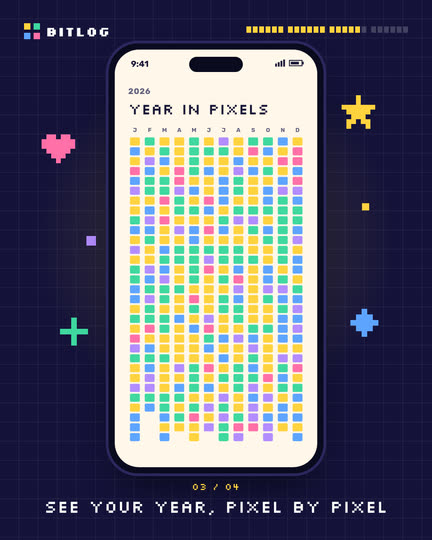
Pixel screen slideshow
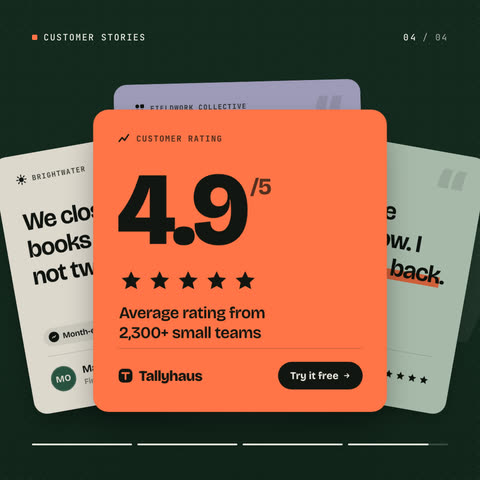
Quote card deck
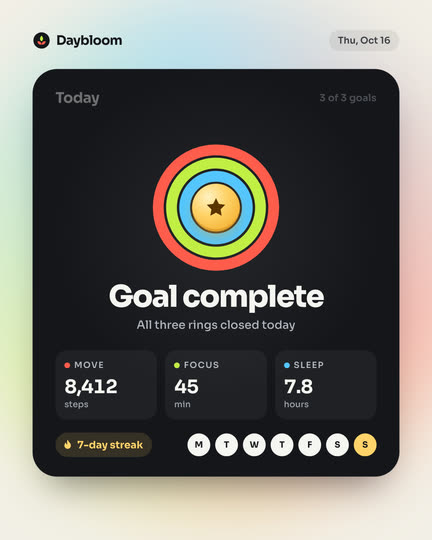
Goal complete card
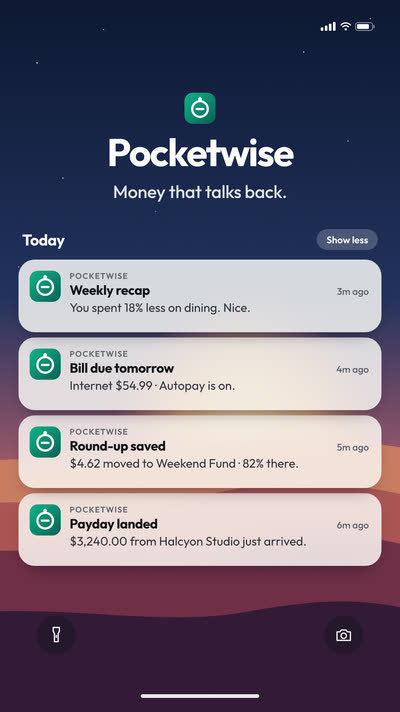
Notification stack
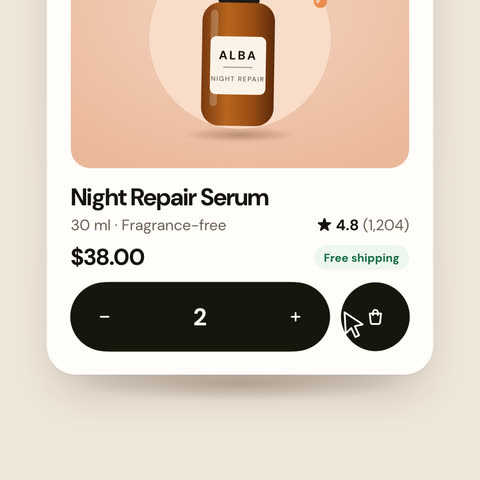
Add to cart split
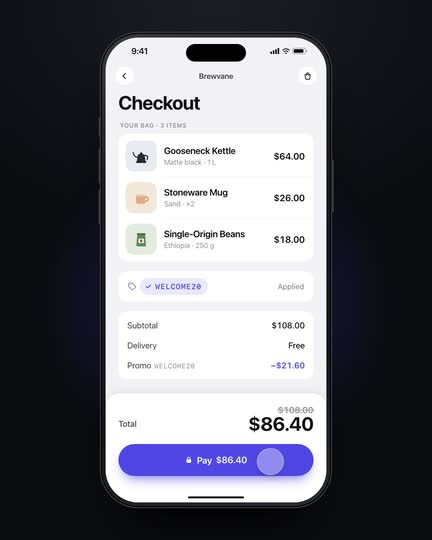
Checkout interactions
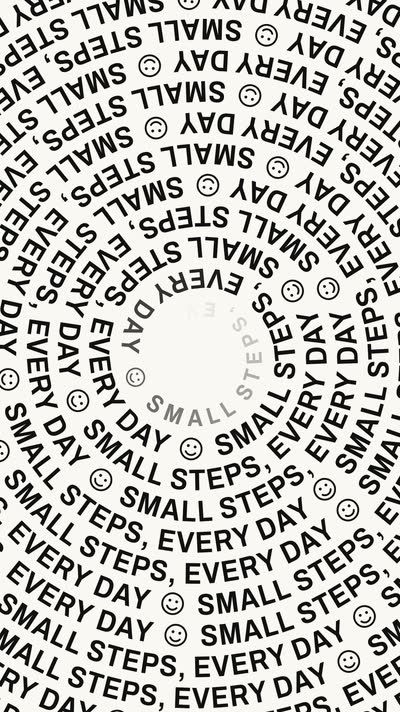
Spiral type
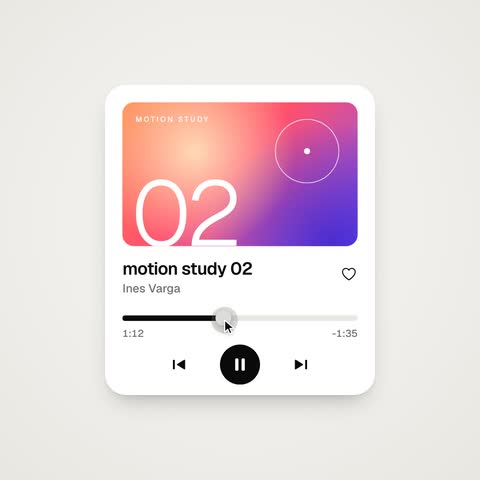
UI states loop
Thinking orb
Simple when you want it, expert when you need it
Let the AI and the chat do the work, or switch to expert mode: a timeline with tracks and keyframes, an easing editor, layers and properties, like the motion tools you know.
How it works
Describe it. Refine it. Ship it everywhere.
- 01
Describe it
Type the animation you want, or paste your website. The AI writes a complete, editable animation with your colors, fonts and copy, scene by scene.
- 02
Refine every detail
Ask in the chat (slower, bouncier, darker) or switch to expert mode for the timeline, tracks, keyframes and an easing editor. Every version is kept.
- 03
Ship it everywhere
Export MP4 or WebM at 30 or 60 fps, a GIF, or an interactive HTML file. Ask for vertical and square cuts, add music and captions, or share a link.
Start from an example
UI interactions, logo reveals, kinetic type, loops, charts and app animations, all made in UX Pilot. Pick one and make your own version.
Double exposure
Inflate type
Bounce drop stack
Photo grid expand
Halftone drop poster
Shape morph mark
Nested collection teaser
Sale countdown stack
Photo ripple hero
UX Pilot vs Jitter
Both make motion in the browser. They start from different places.
Choose UX Pilot if you
- Want the AI to make the whole animation or video from a sentence or your website
- Design your product's screens too, and want to animate them in the same place
- Make launch videos, explainers and social cuts with music, sound effects and captions
| UX Pilot | Jitter | |
|---|---|---|
| Start from | A sentence, your website, screens on your canvas or a template | A blank canvas, a template or a Figma import |
| AI | Writes and animates the whole piece, scene by scene, with your brand; you change it by chatting | AI agents that generate editable animations, effects and variations; image to video |
| Hands-on control | Simple mode, or expert mode with timeline, tracks, keyframes, easing editor, layers and properties | Full keyframe animation with presets, pen tool and morphing, gradients, blur and blend modes |
| Design the product too | Screens, flows and design systems on the same canvas | Import designs from Figma |
| Sound | Music beds, sound effects on the cuts, your own audio, captions | Add audio and video files |
| Export | MP4 and WebM (30 or 60 fps), GIF, interactive HTML, share links | Video, GIF and Lottie; ProRes and WebM from Pro; 4K, transparent and frame-by-frame from Max |
| Free plan | Free to start, no watermark; the AI makes short teasers | 3 workspace files, 720p export with a watermark |
| Teams | Team plans, comments on the canvas, links anyone can watch | Shared workspace, real-time collaboration and comments |
Jitter details are from jitter.video and its pricing page, October 2026.
Everything else you get

Kresimir Retih,
Project Manager"It has been a game-changer for me! Since signing up, my workflow has become much smoother, and my productivity has increased significantly. I love how intuitive and user-friendly the platform is, making UX tasks much easier and more efficient. Highly recommend it to anyone looking to streamline their UX process!"
Trusted by product teams, designers and founders
Join a growing community of professionals who design, prototype and animate with UX Pilot's AI-powered tools.
0M+
users
0M+
screens generated
0
rating from designers and developers
0+
countries
FREQUENTLY ASKED QUESTIONS
Everything you want to know about UX Pilot as a Jitter alternative
Make your first animation in minutes
Describe it or paste your website, and refine the result in simple or expert mode.
