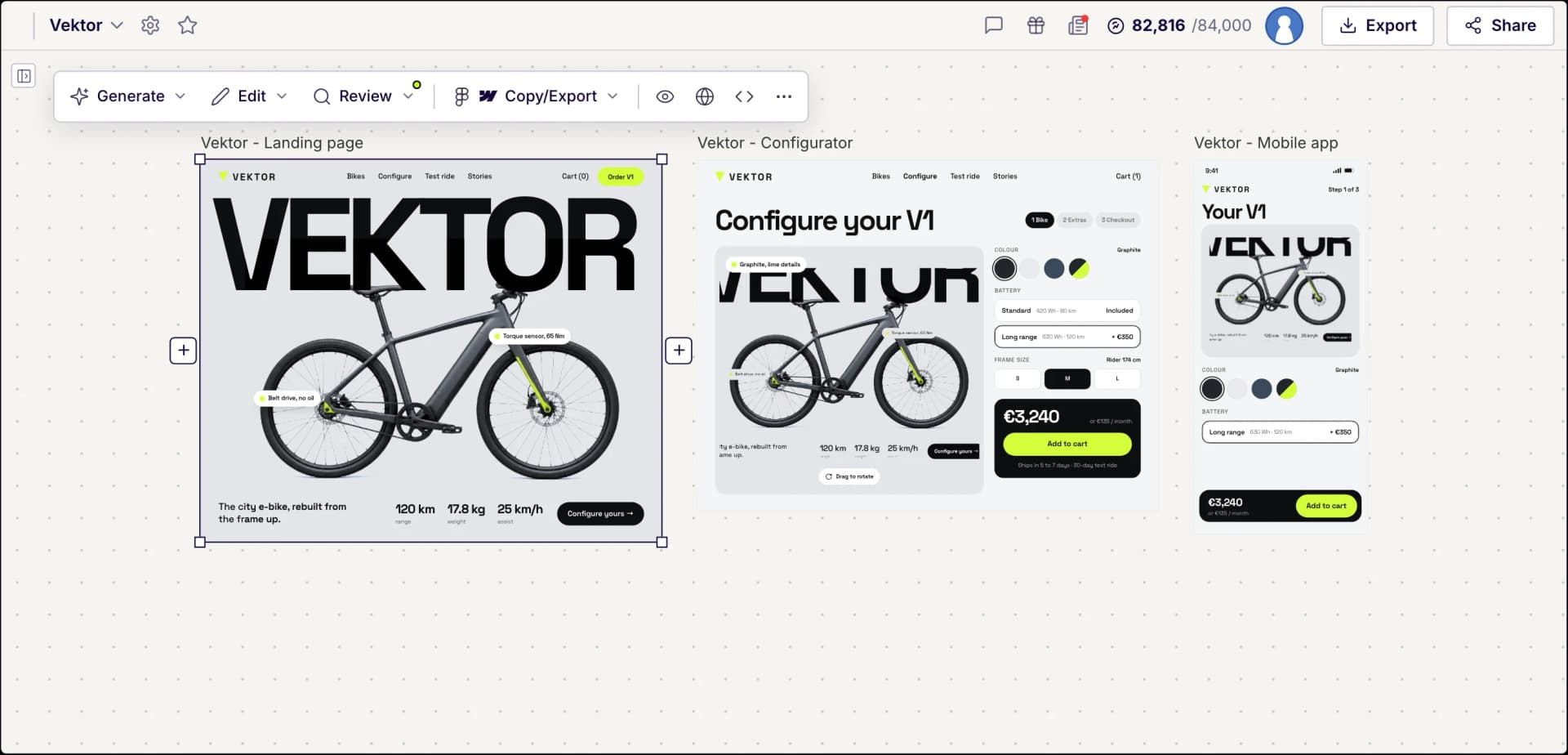
Free AI Design Systems Generator
Build consistent, scalable design systems in minutes instead of weeks. Describe the components and patterns you need, or import your existing Figma library, and UX Pilot generates a structured system you can extend, refine, and export to Figma or code.
Design systems in UX Pilot
Bring your design system, or build one
Start from scratch with AI, or import from a website, a Figma file, a GitHub repository, your codebase or a DESIGN.md. New screens then use your tokens and components.
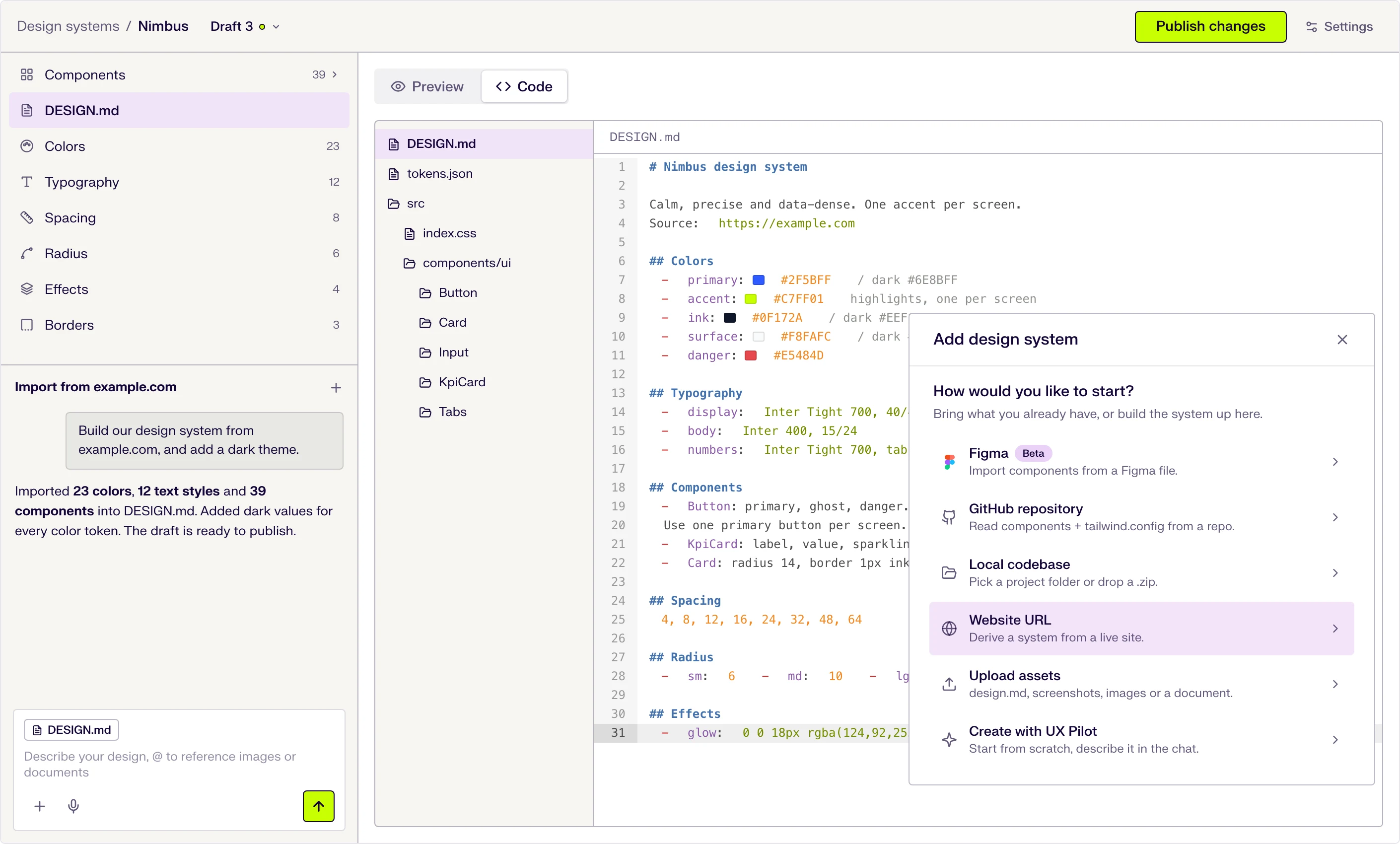
Six ways to start
Describe it in the chat, or import from a website URL, a Figma file (beta), a GitHub repository, a local codebase or uploaded files.
DESIGN.md at the core
Tokens and usage guidance live in one DESIGN.md file that the AI follows when it designs. Edit a token and the file updates.
Draft, publish, repeat
Changes stay in draft until you publish them, and version history keeps every release.
Build and scale design systems with AI
Create consistent component libraries and visual standards from a text description. Spend your time on design decisions instead of manually building and documenting every element.
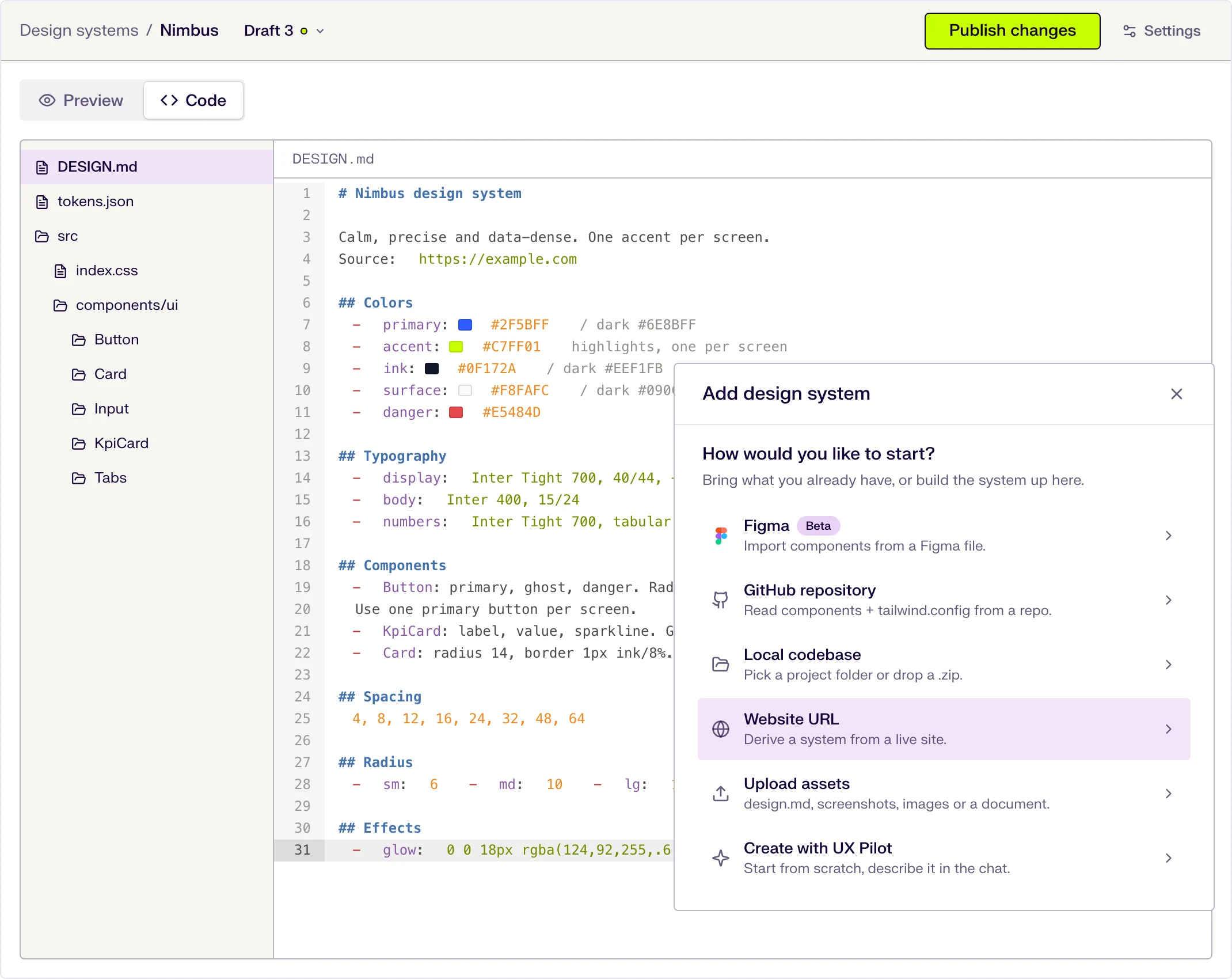
Generate component libraries from a prompt
Describe the component types, variants, and visual style your product requires. UX Pilot generates a structured library with consistent spacing, typography, and styling your team can build on.
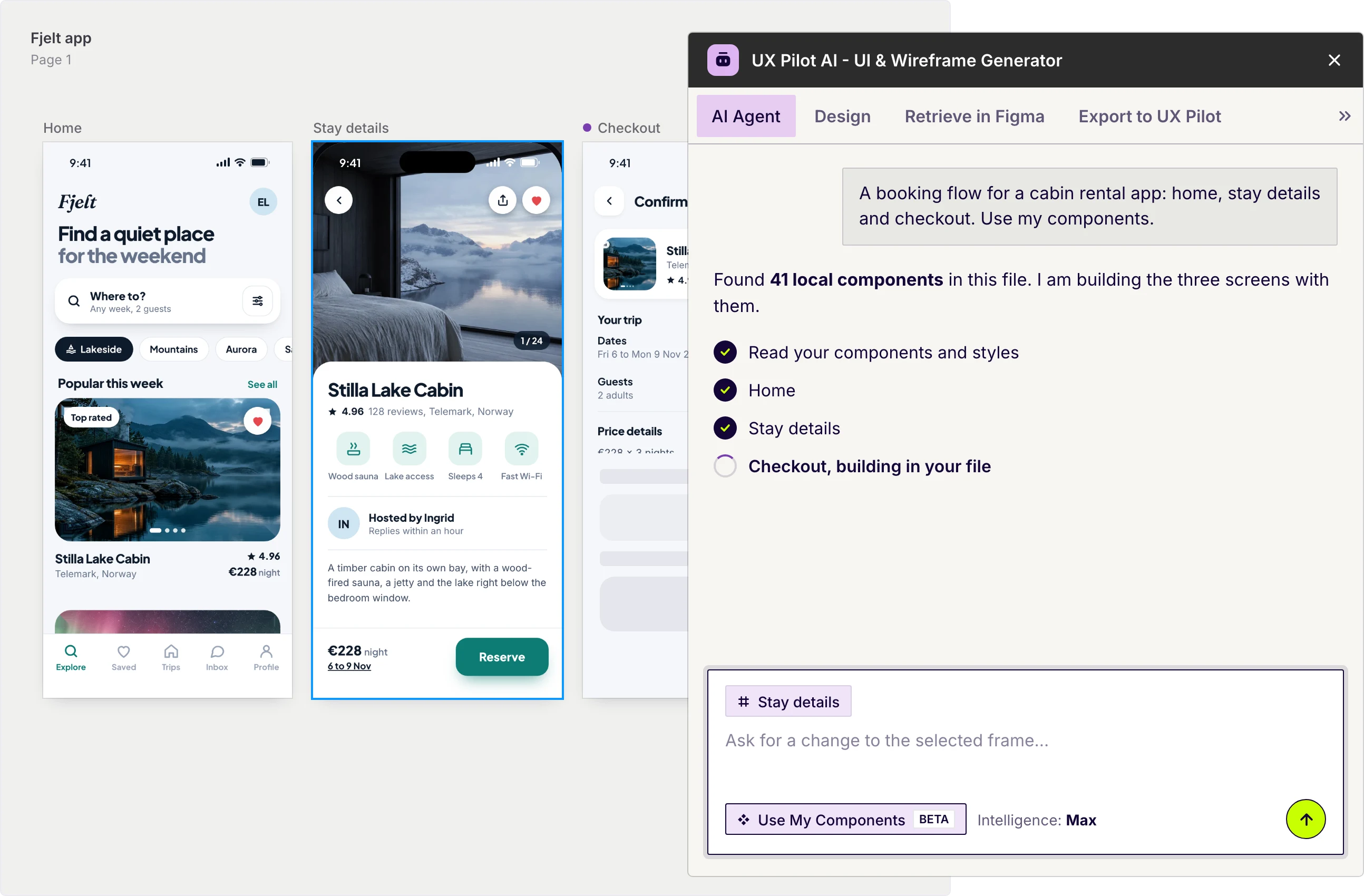
Import your Figma design system
Bring your existing Figma components into UX Pilot and save them as a custom model. Every screen you generate stays consistent with your established design language and brand identity.
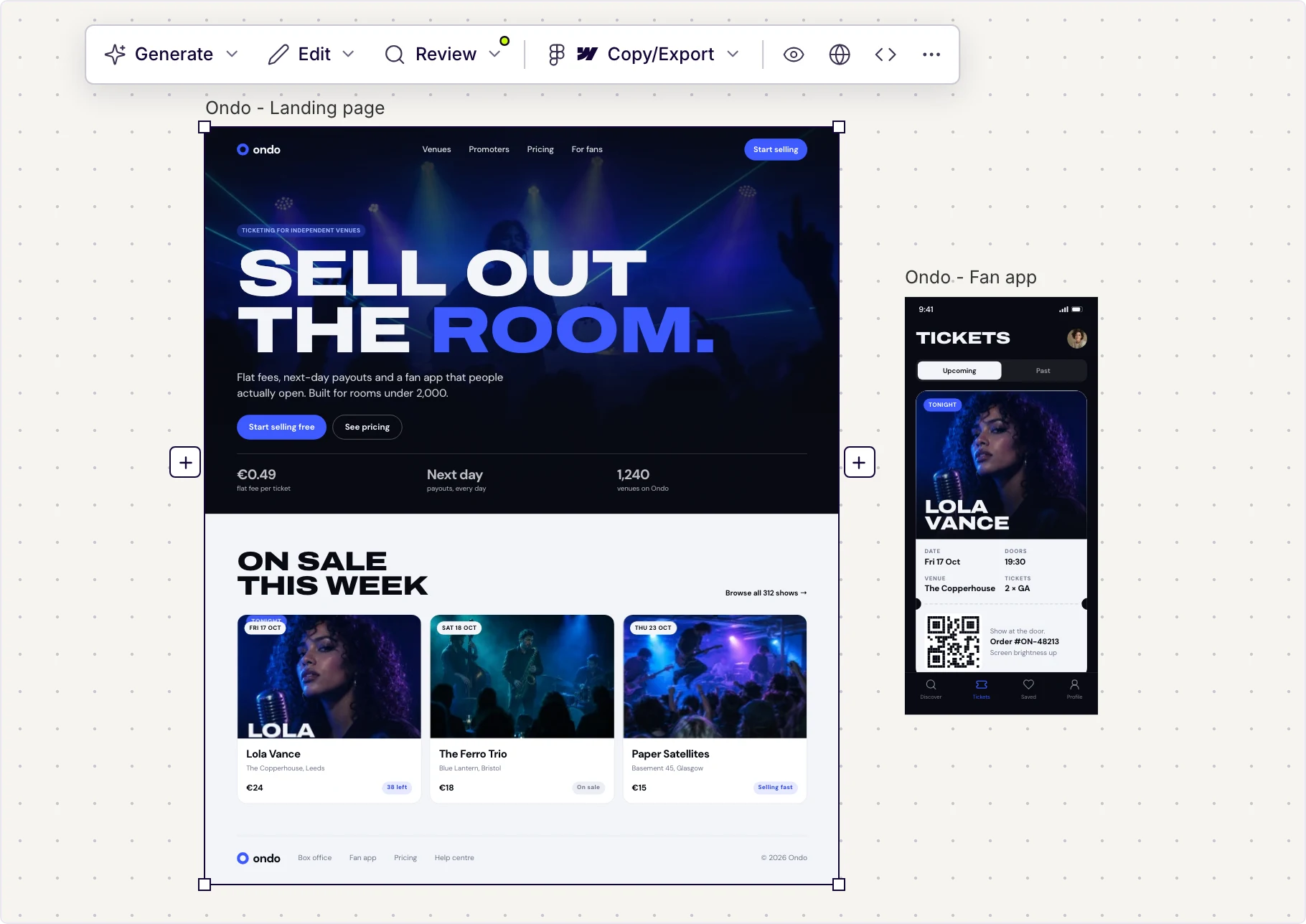
Made in UX Pilot
Maintain style consistency at scale
UX Pilot checks new designs against your imported system to ensure visual consistency. Generate screens that match your tokens, spacing, and component patterns without manual review.
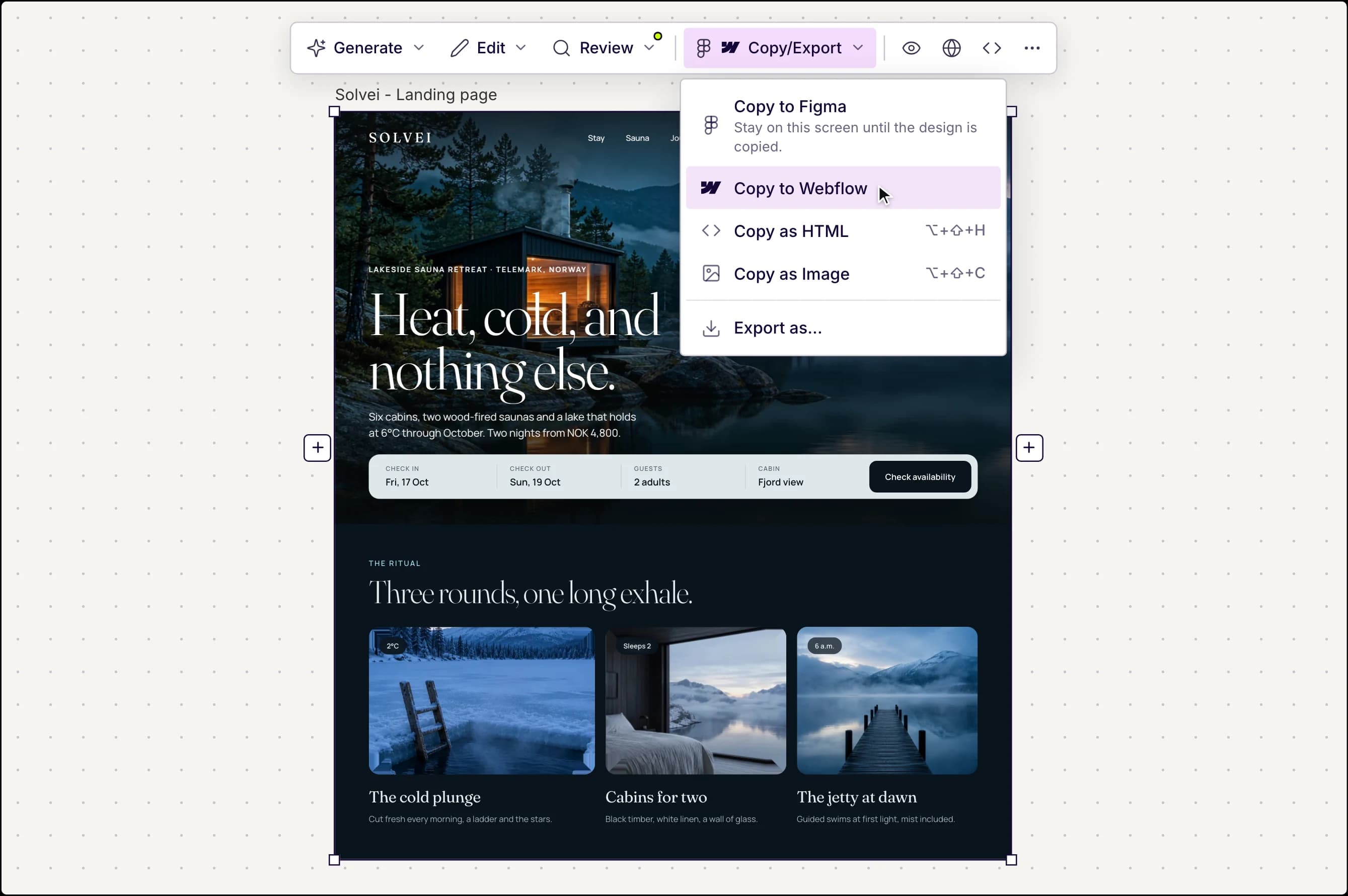
Made in UX Pilot
Export components to Figma or code
Move your generated components directly into production workflows. Export to Figma for collaborative design work, or download production-ready HTML with proper component structure for handoff.

Kresimir Retih,
Project Manager"It has been a game-changer for me! Since signing up, my workflow has become much smoother, and my productivity has increased significantly. I love how intuitive and user-friendly the platform is, making UX tasks much easier and more efficient. Highly recommend it to anyone looking to streamline their UX process!"
Trusted by designers, product professionals and data-driven teams
Join a growing community of professionals who have created over 2 million high-fidelity designs and saved countless hours with our AI-powered tools.
0M+
users
0M+
screens generated
0
rating from designers and developers
0+
countries
How to build a design system with UX Pilot
No design or coding skills required
Describe your system
Define the component types, visual style, and patterns your product needs. Include details like button variants, form elements, card layouts, and navigation patterns.
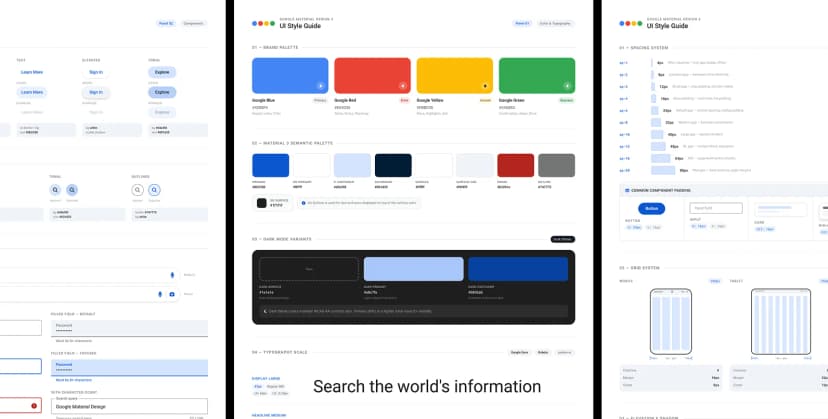
Generate your components
Build a structured design system with consistent typography, spacing, color, and component styling based on your description in seconds.

Refine and export
Adjust individual components, update styling, and iterate with follow-up prompts. Then export to Figma for team collaboration or download production-ready code for developer handoff.
FREQUENTLY ASKED QUESTIONS
Everything you want to know about UX Pilot's AI Design Systems Generator
Build design systems in minutes, not weeks
Describe the components and patterns you need, or import your existing Figma library, and generate a consistent, scalable design system you can refine and hand off. Start building instead of documenting.
Generate designs in seconds