Motiff alternative
Motiff has shut down. Here is how UX Pilot compares, and how to move your work.
Motiff went offline on June 23, 2026, and its data export closes on October 31, 2026. Export your files first, then keep designing in UX Pilot.
No credit card needed
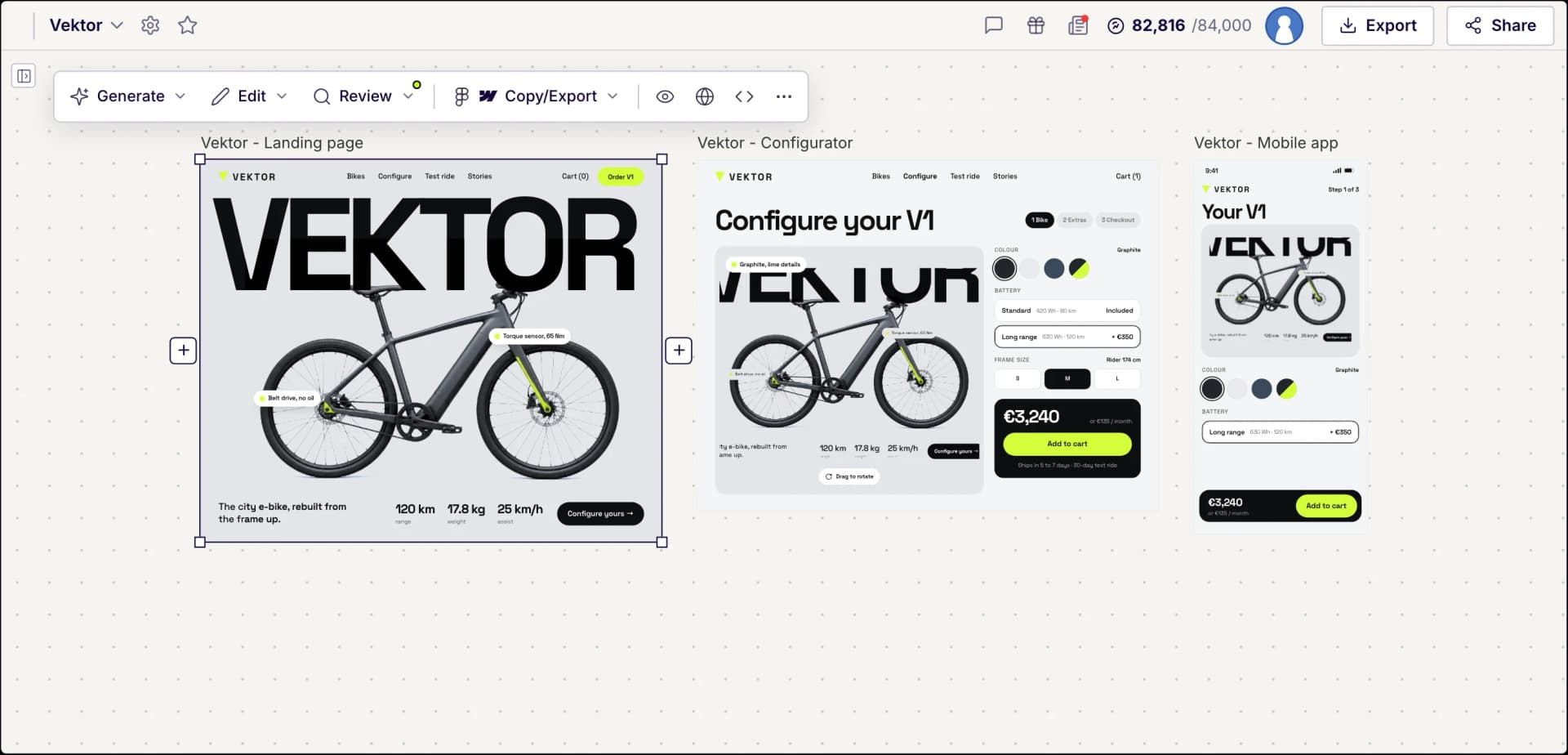
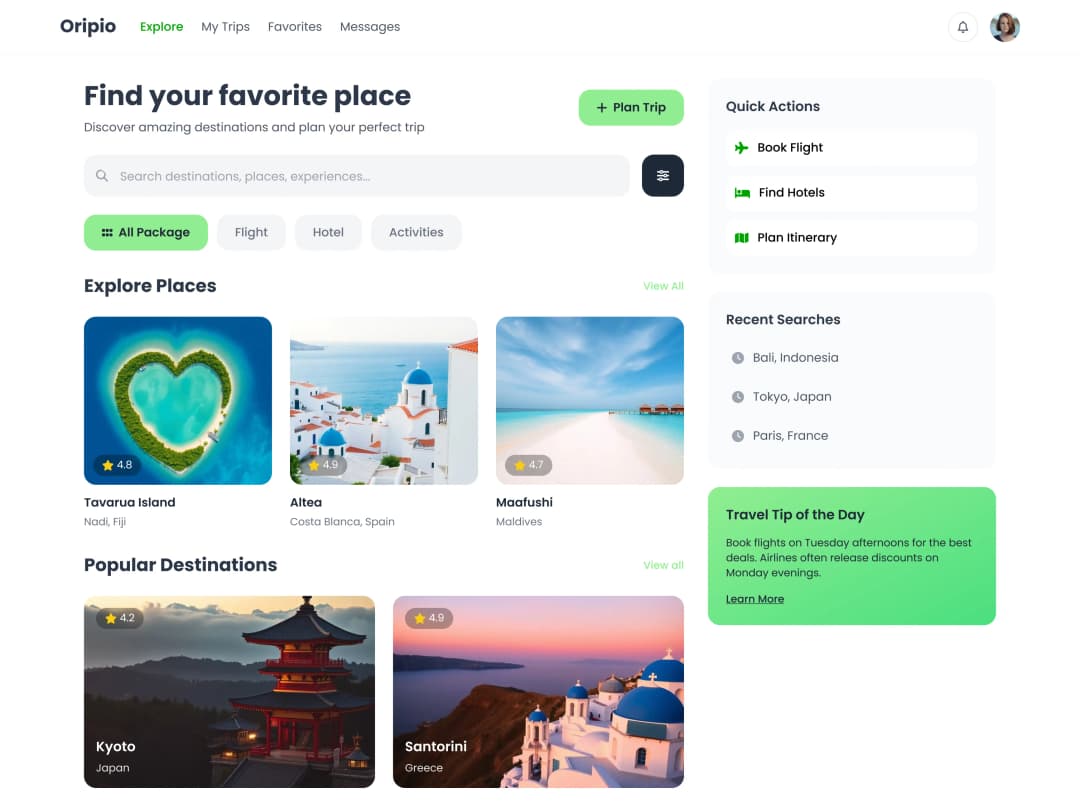
Screens generated in UX Pilot, ready for Figma
What happened to Motiff
Motiff started out as an AI-powered UI design tool, an alternative to Figma with AI tools, design systems, prototyping and a Dev Mode for developers.
On August 22, 2025, Motiff retired its design editor and focused on Motiff AI, a UI generator that turned text, wireframes, screenshots and PRDs into screens.
On April 24, 2026, Motiff announced it would shut down as part of a business restructuring. New signups and renewals stopped that day, and the service went offline on June 23, 2026.
Data export closes on October 31, 2026. Motiff says all remaining data will be permanently deleted after that date, so export anything you want to keep now.
Made in UX Pilot
UX Pilot vs Motiff comparison

Status in October 2026
New accounts
Inputs
Styling
Edit by prompt
Multi-screen work
Design feedback
Copy to Figma
Code export
Best suited for
Immersive websites, made in UX Pilot
Websites with motion and depth
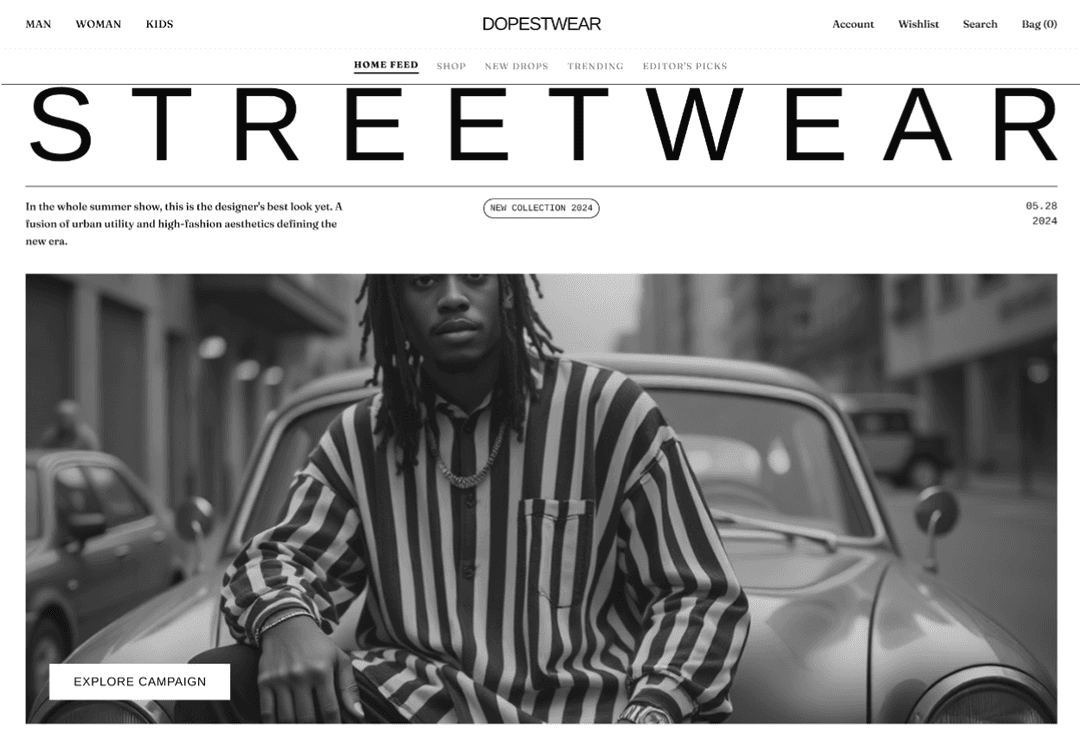
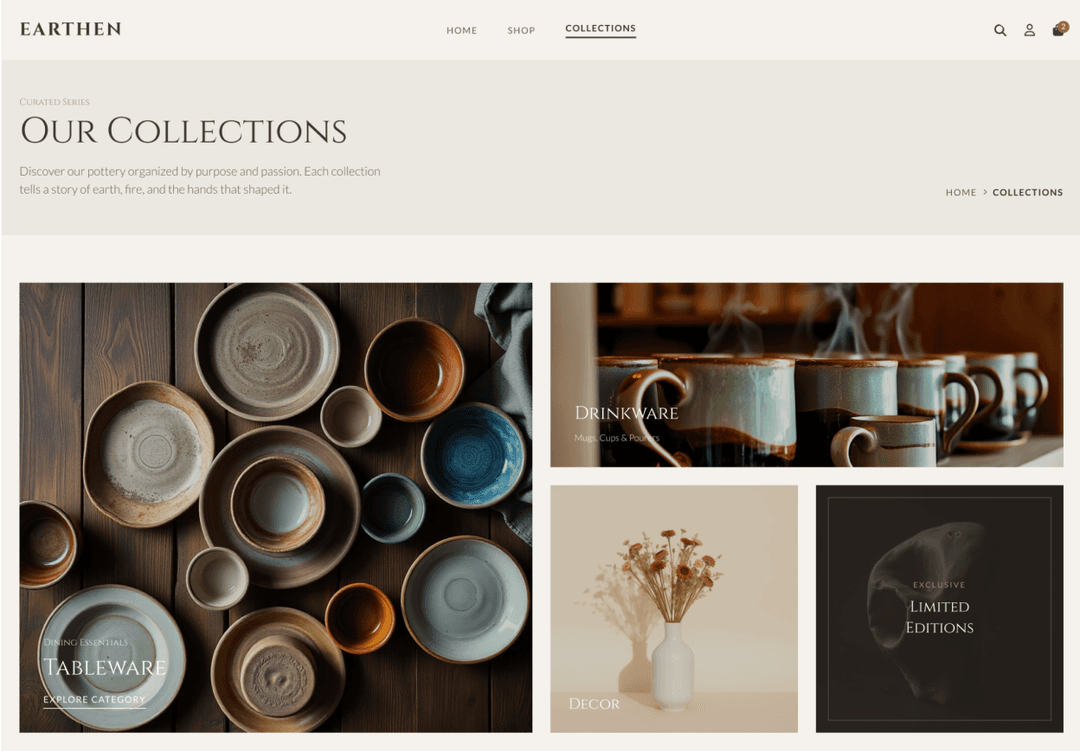
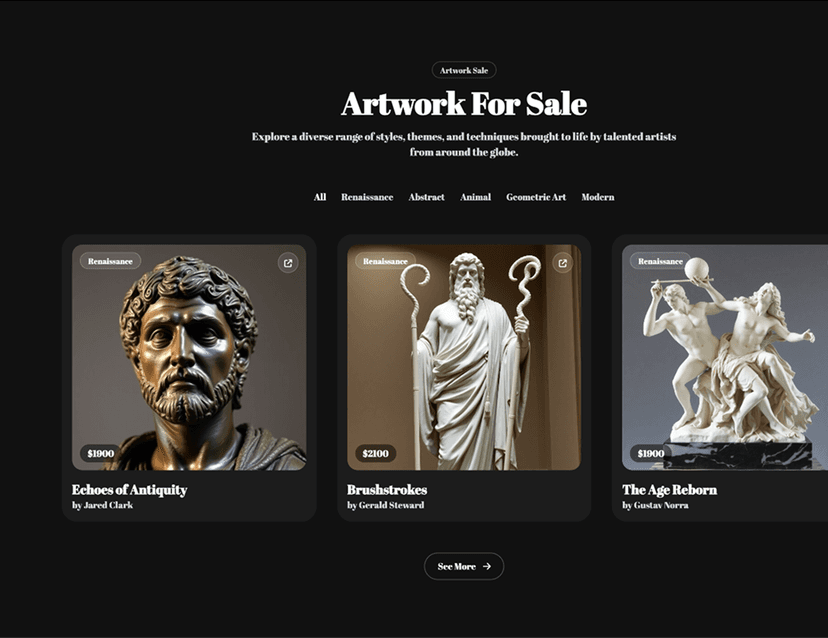
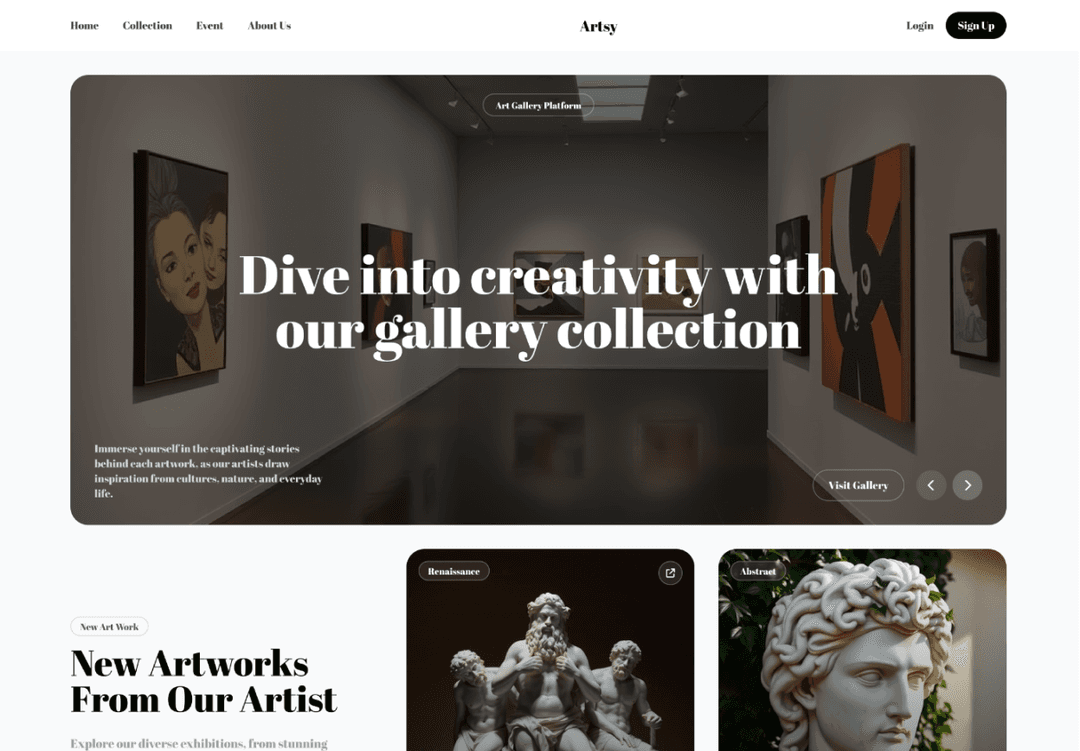
UX Pilot designs immersive marketing sites too, with bold type, depth and motion.
Real estate
Made in UX PilotProduct launch
Made in UX PilotE-commerce
Made in UX PilotDesign studio
Made in UX PilotTravel
Made in UX PilotFintech
Made in UX PilotFashion lookbook
Made in UX PilotMusic festival
Made in UX PilotArchitecture studio
Made in UX PilotFashion drop
Made in UX PilotAudio hardware
Made in UX Pilot
How to move from Motiff to UX Pilot
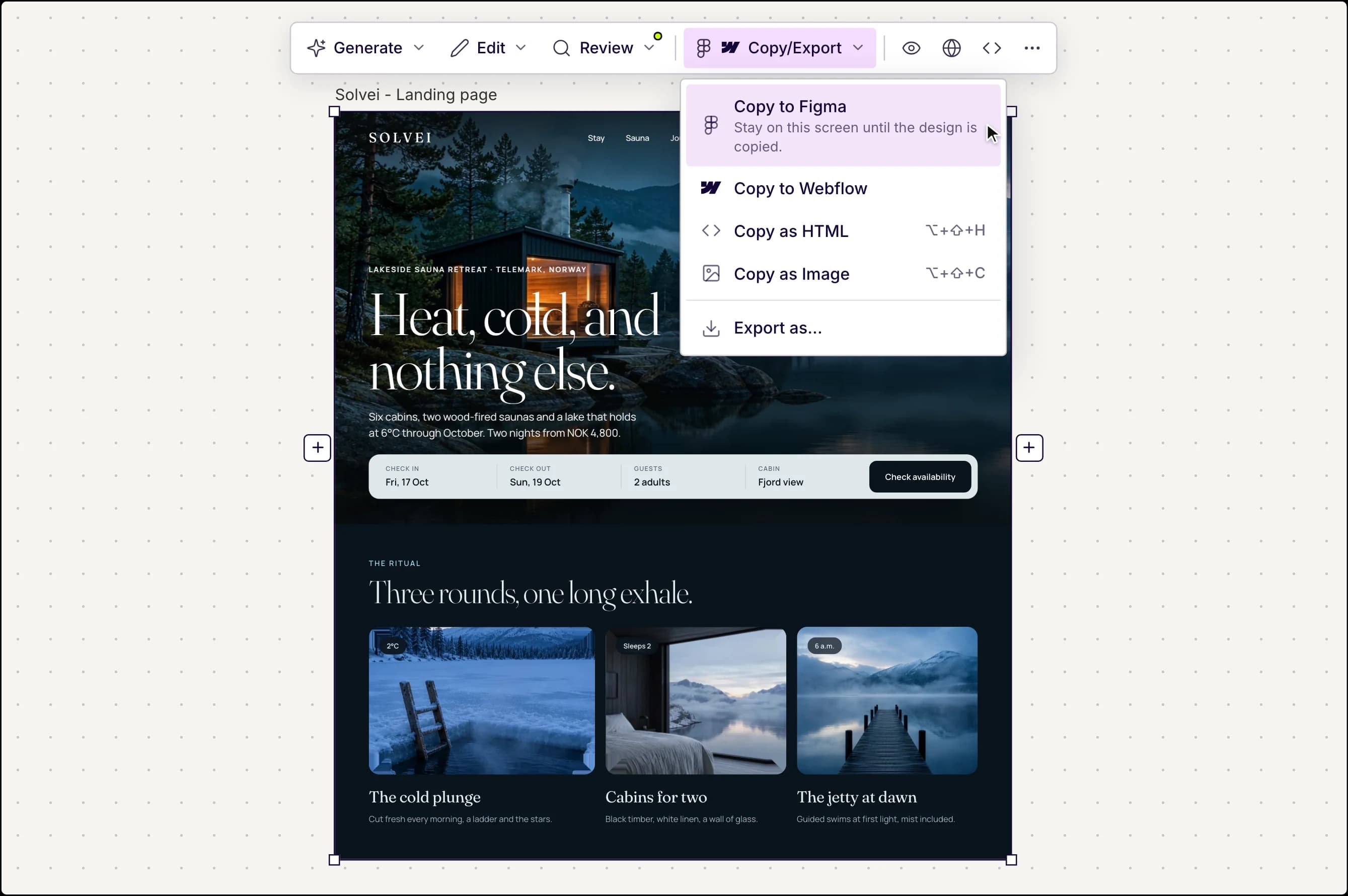
1. Export from Motiff before October 31, 2026. Use Copy to Figma for screens you want to keep editing, PNG or PDF for references, and HTML or React code for your developers.
2. Bring your screens into UX Pilot. Upload exported screenshots and UX Pilot turns them into editable designs you can restyle and extend. If you moved your files to Figma, open Nodey, the UX Pilot plugin, right in that file.
3. Keep designing. Import your design system, generate new flows with Autoflow, check them with heatmaps and reviews, then copy the result to Figma or export code.
Motiff lists these export formats as free for every user until October 31, 2026: PNG, JPEG, WebP, PDF, Copy to Figma, HTML code, React code and Project ZIP. UX Pilot cannot open Motiff files directly, so export first.
Made in UX Pilot
What you get in UX Pilot
UX Pilot covers the jobs people used Motiff AI for, generating UI from text, images and documents, and adds flows, testing and a Figma plugin.
Made in UX Pilot
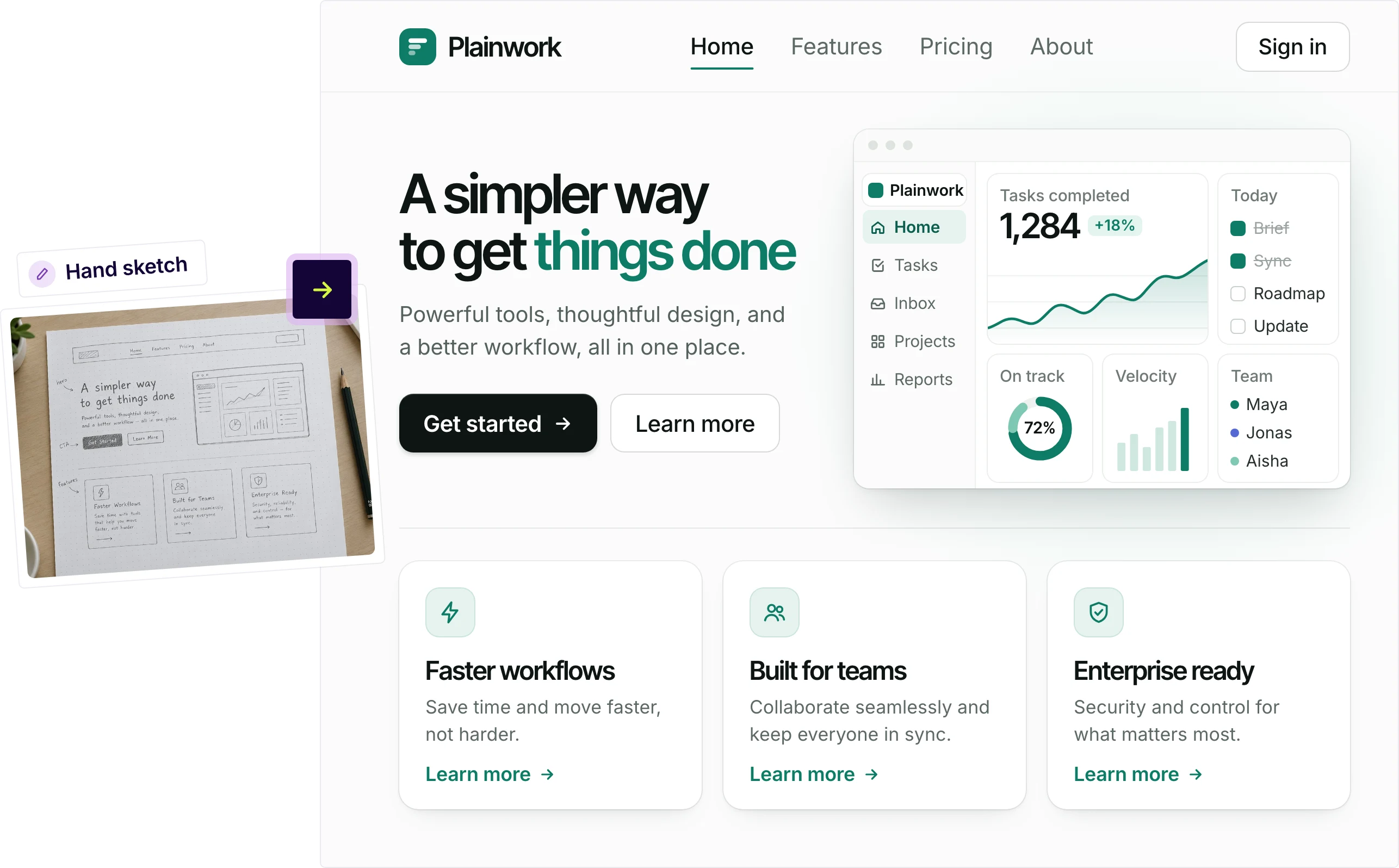
Start from a prompt, sketch, screenshot or PDF
Describe a product, or upload a sketch, screenshot or PDF, and UX Pilot generates finished, editable screens that keep your structure. It is the closest match to Motiff AI's text, wireframe, screenshot and PRD to UI modes.
Motiff AI offered style presets such as Material Design, Ant Design and shadcn/ui. In UX Pilot you can import your own design system once, and new screens follow your tokens and components.
Made in UX Pilot
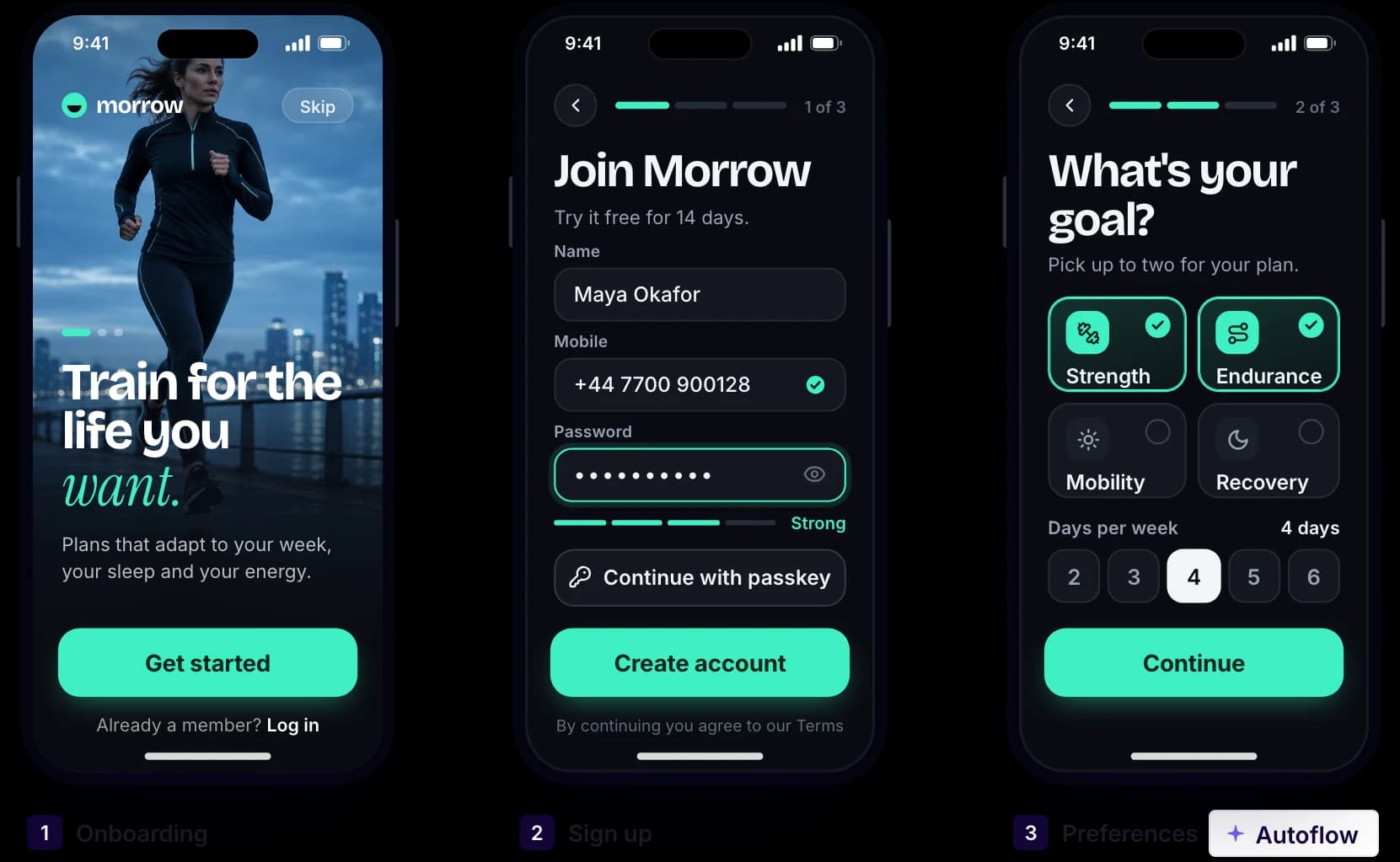
Whole user journeys with Autoflow
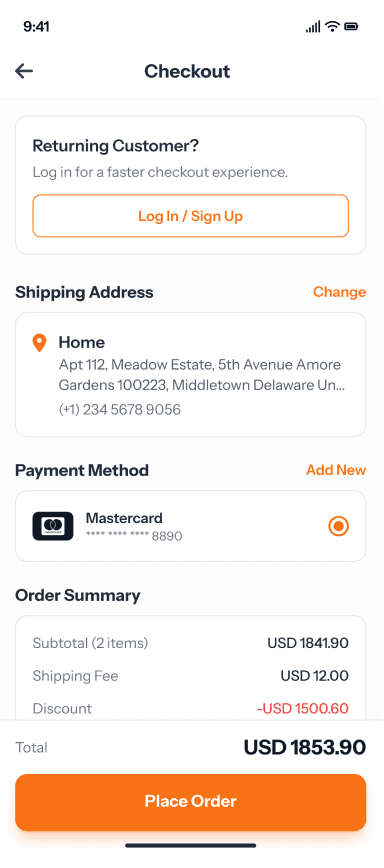
Autoflow generates every screen of a journey, such as onboarding, checkout or booking, with consistent navigation and shared components, so you design the product, not one screen at a time.
You can also start at low fidelity with wireframes and flowcharts, then move to finished UI once the structure is right.
Made in UX Pilot
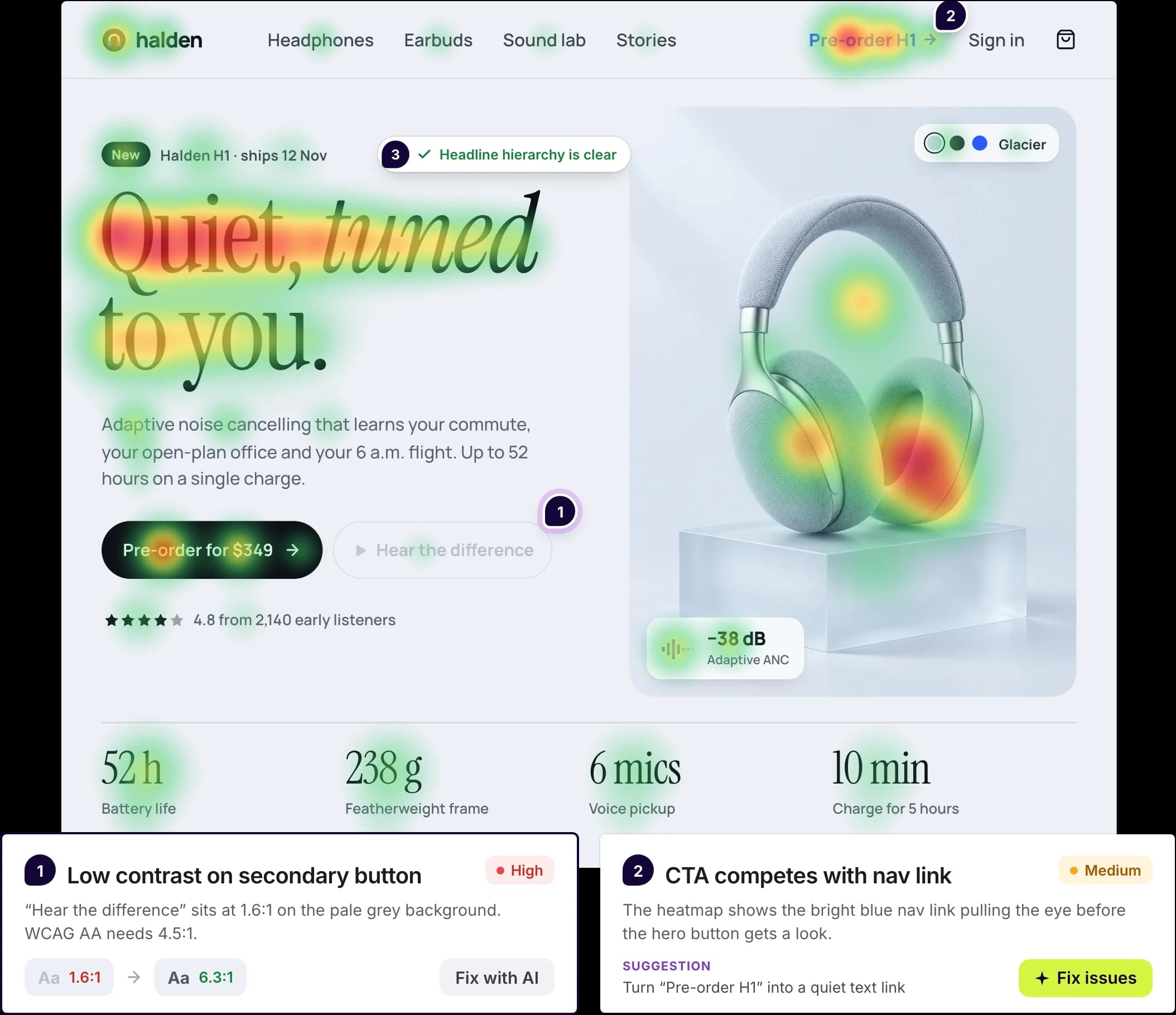
Predictive heatmaps and design reviews
UX Pilot predicts where attention is likely to land and runs automated reviews for hierarchy, consistency and accessibility, including WCAG contrast checks, so you can fix issues before handoff.
Motiff AI could analyze a design and suggest improvements. UX Pilot adds a visual attention map and flags specific accessibility issues on the screen.
UX Pilot plugin in Figma
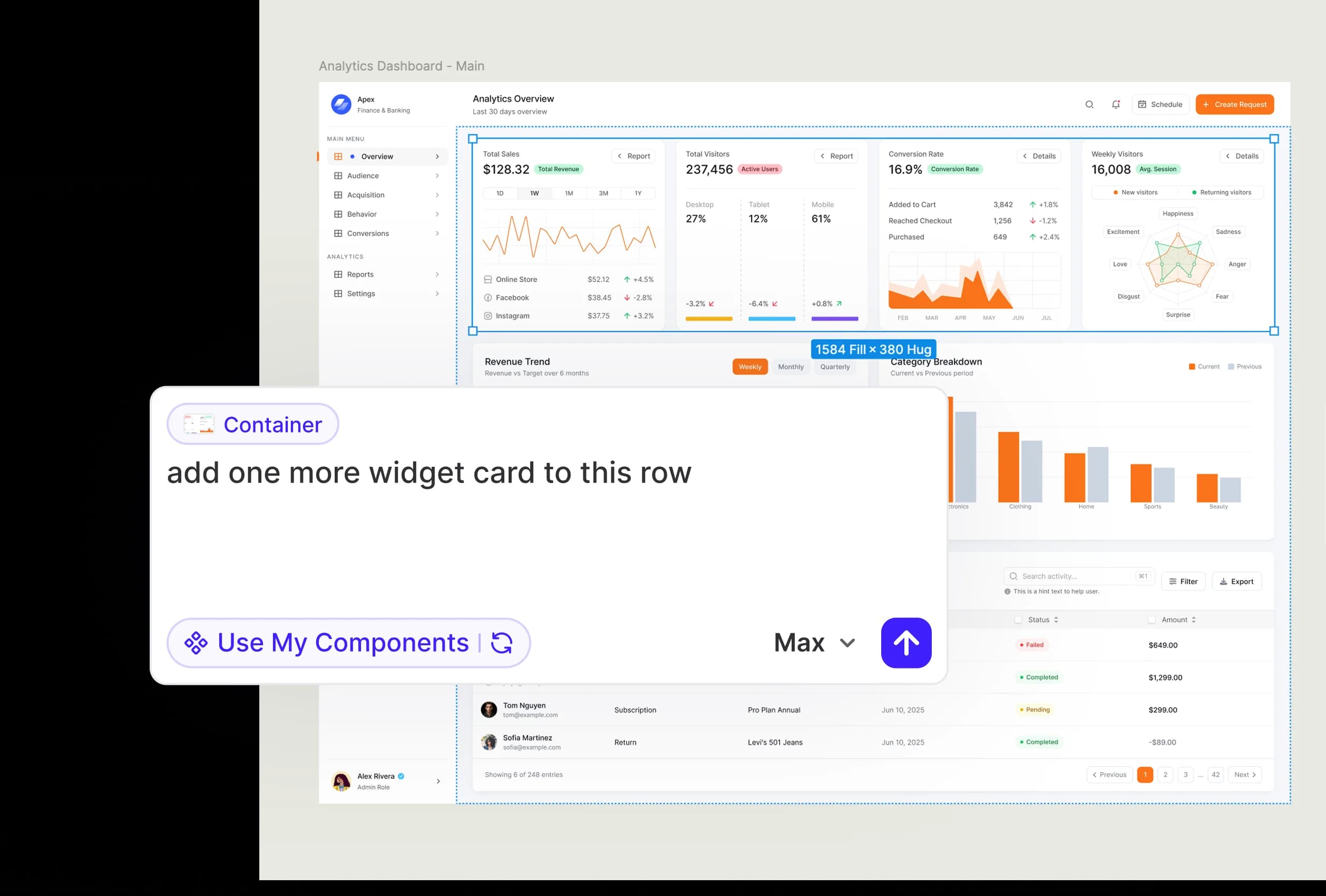
Work in Figma with Copy to Figma and Nodey
Copy any UX Pilot design to Figma as editable layers with auto layout. Or stay in Figma with Nodey, the UX Pilot plugin: describe a screen or flow, edit a selected frame by prompt, and design with the components already in your file.
Motiff started as an alternative to Figma. If your Motiff files now live in Figma, Nodey lets you keep designing with AI right there.
Design systems in UX Pilot
Bring your design system, or build one
Start from scratch with AI, or import from a website, a Figma file, a GitHub repository, your codebase or a DESIGN.md. New screens then use your tokens and components.
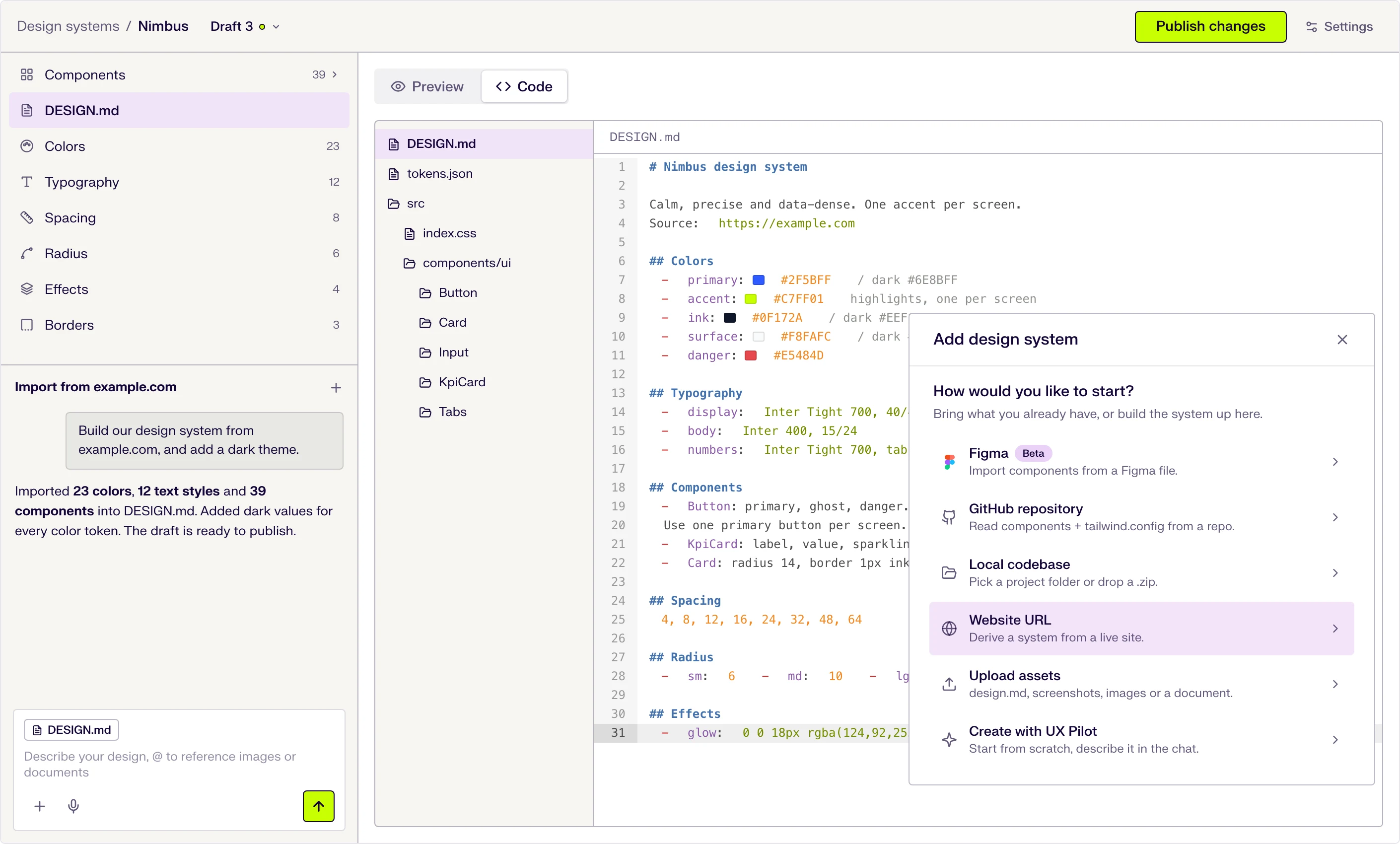
Six ways to start
Describe it in the chat, or import from a website URL, a Figma file (beta), a GitHub repository, a local codebase or uploaded files.
DESIGN.md at the core
Tokens and usage guidance live in one DESIGN.md file that the AI follows when it designs. Edit a token and the file updates.
Draft, publish, repeat
Changes stay in draft until you publish them, and version history keeps every release.

Kresimir Retih,
Project Manager"It has been a game-changer for me! Since signing up, my workflow has become much smoother, and my productivity has increased significantly. I love how intuitive and user-friendly the platform is, making UX tasks much easier and more efficient. Highly recommend it to anyone looking to streamline their UX process!"
UX Pilot vs Motiff: what should you use now?
Motiff is no longer an option for new work. Its service went offline on June 23, 2026, so the real question is where your Motiff work goes next.
If you mainly used Motiff as a manual design editor, Figma may suit you better than any AI generator. Motiff's Copy to Figma export keeps your layers editable, and you can add UX Pilot to Figma later with the Nodey plugin.
If you used Motiff AI to turn prompts, screenshots or PRDs into UI, UX Pilot covers the same ground and adds connected flows, predictive heatmaps, design reviews and a Figma plugin.
Whatever you choose, export your Motiff files before October 31, 2026. After that date, Motiff says remaining data will be permanently deleted.
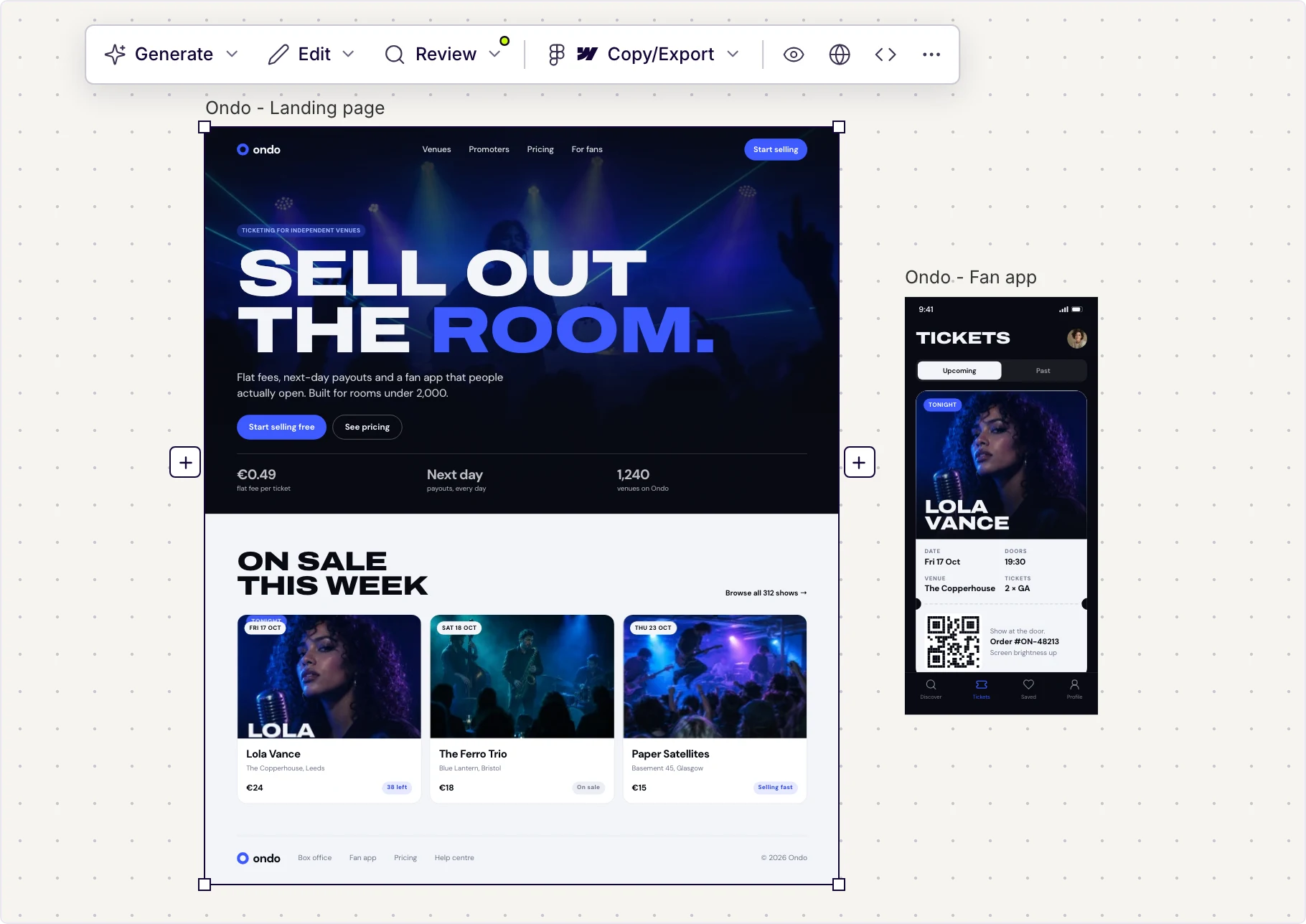
Made in UX Pilot
Frequently asked questions
Everything you want to know about Motiff's shutdown and UX Pilot.
Keep designing after Motiff
Bring your screens over and get finished UI, connected flows and heatmaps from your first prompt.
Generate designs in seconds