Trusted 1M+ designers, founders, and product teams
Free AI Design to Code Generator
Convert any design file, screenshot, or mockup into production-ready HTML code in seconds. Upload your visual design and UX Pilot generates clean, responsive code you can refine, export to Figma, or sync directly to Github.
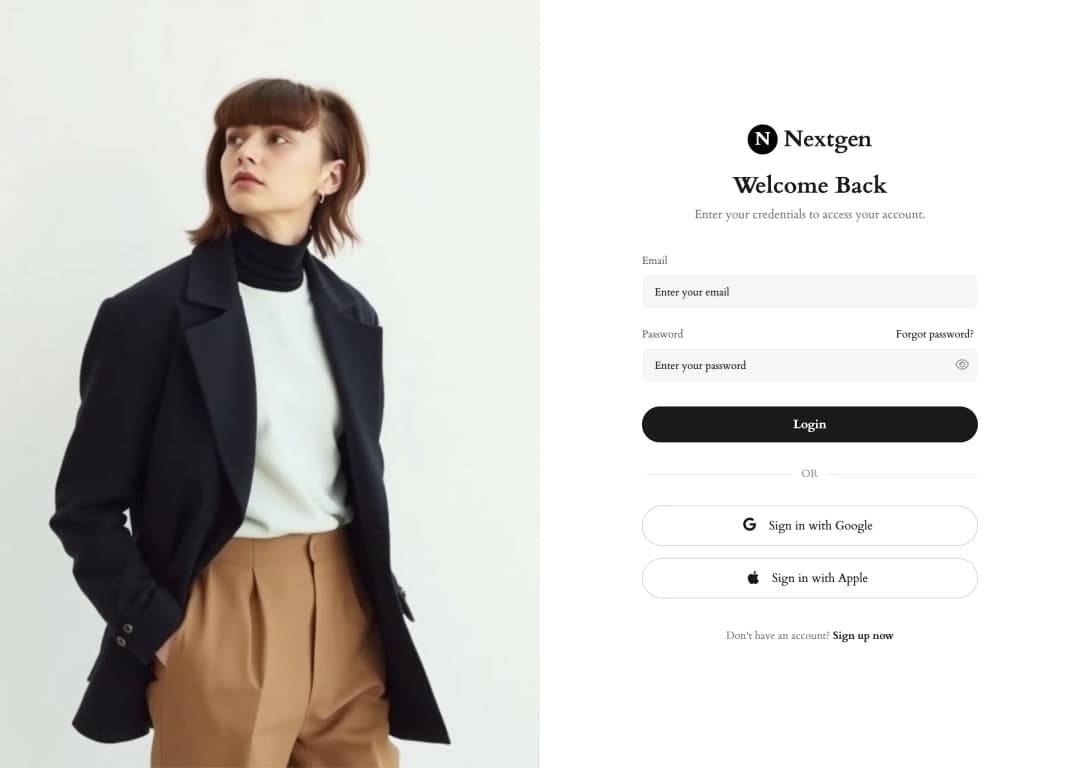
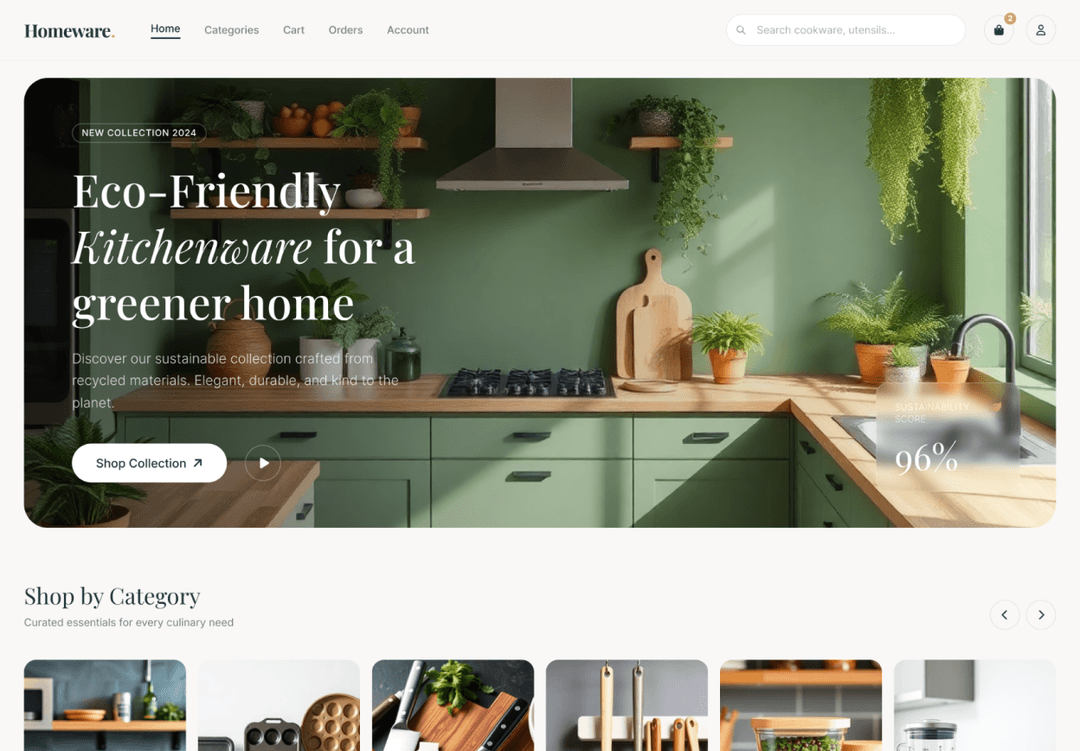
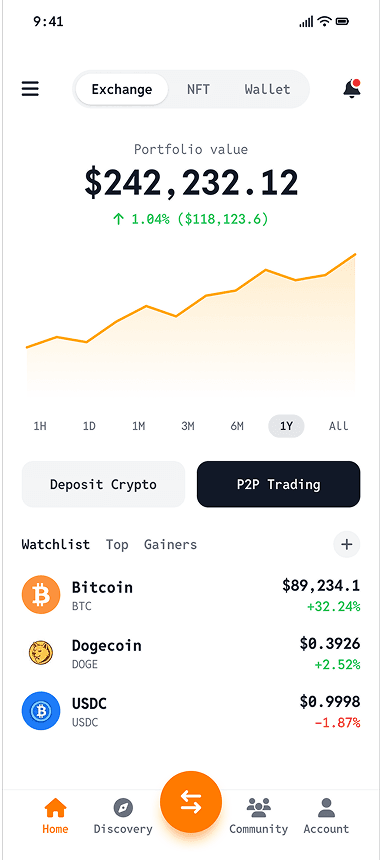
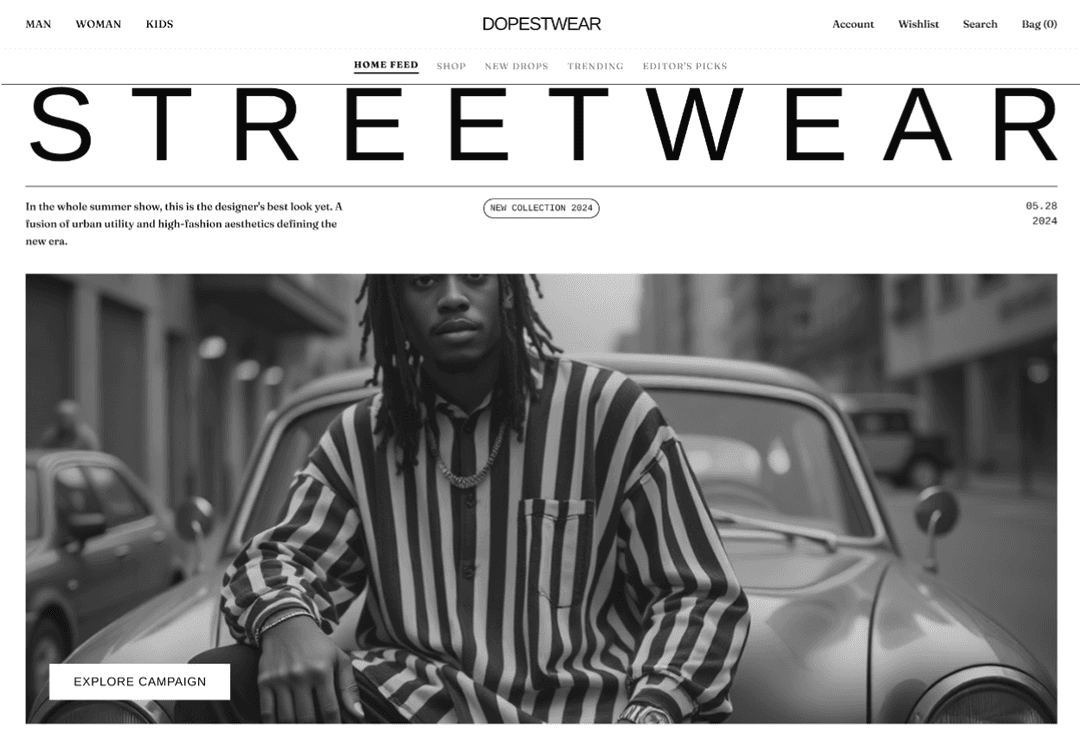
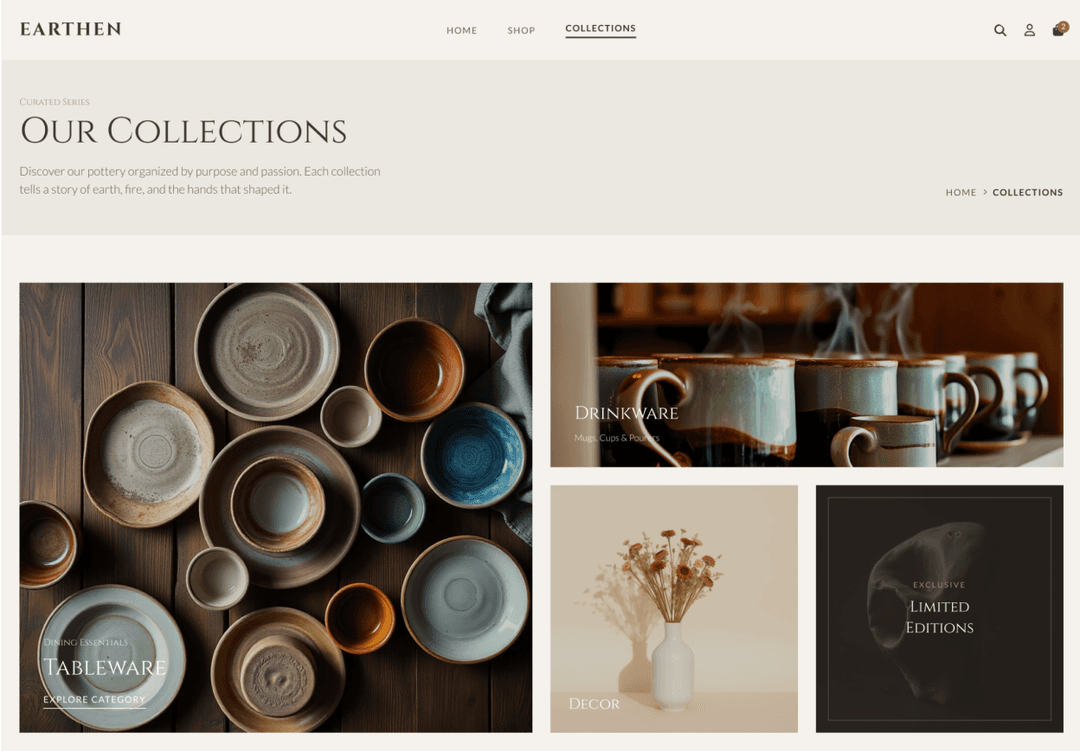
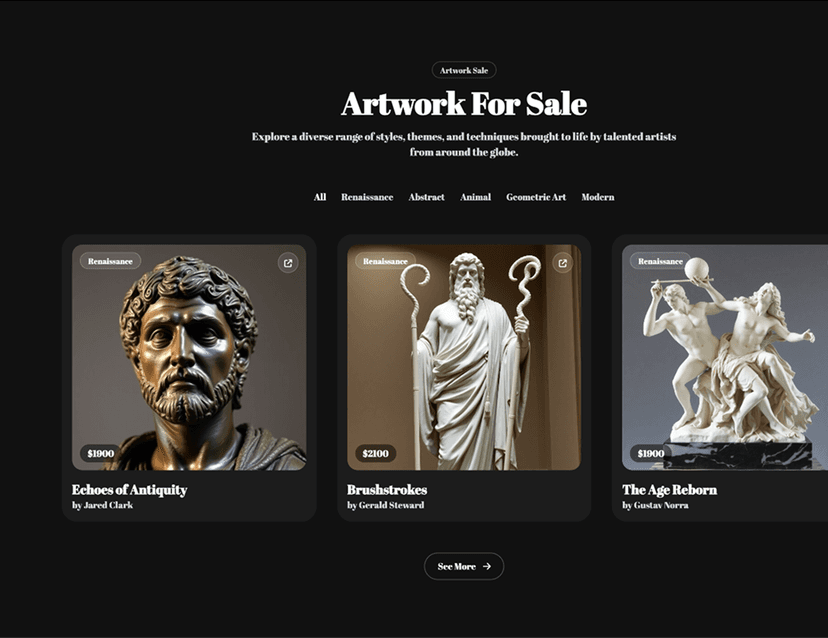
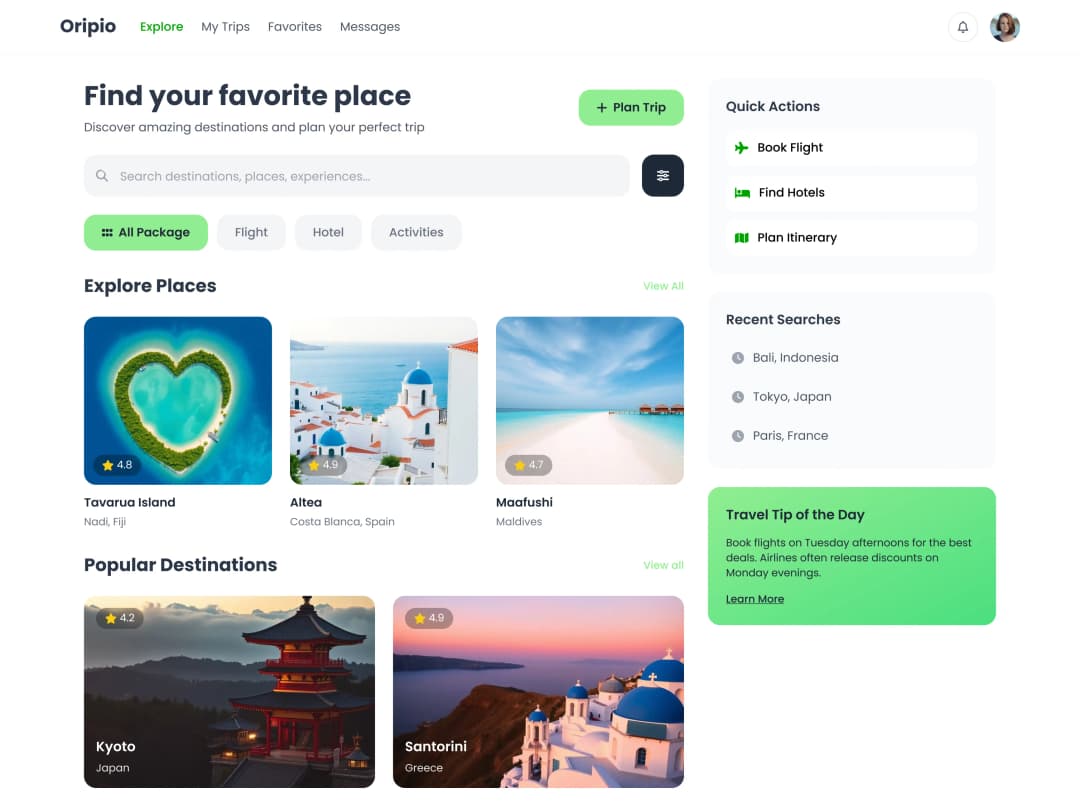
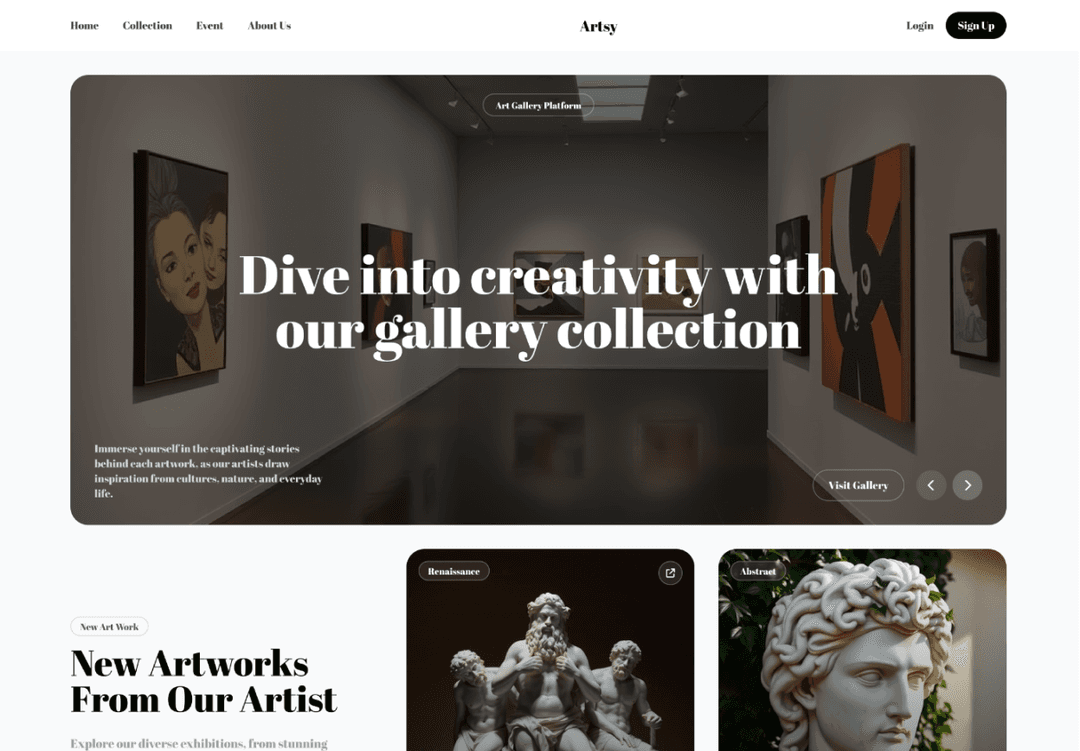
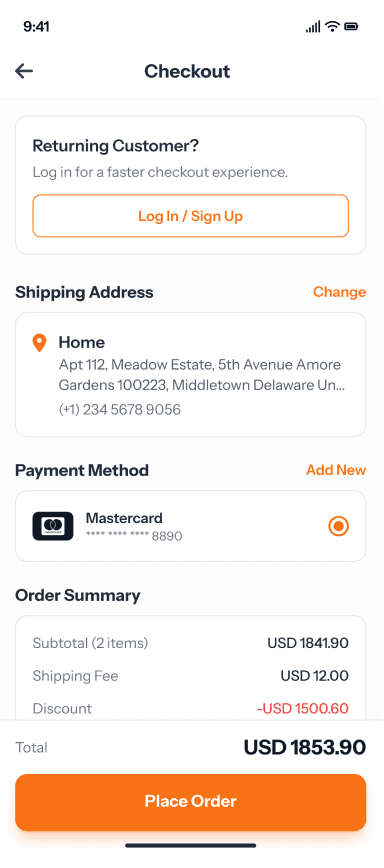
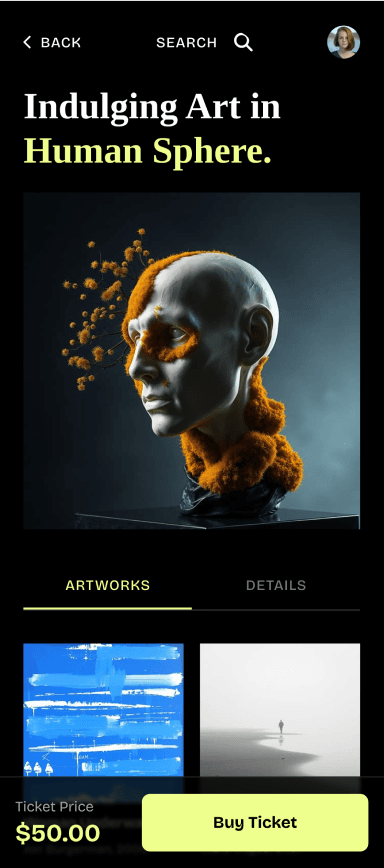
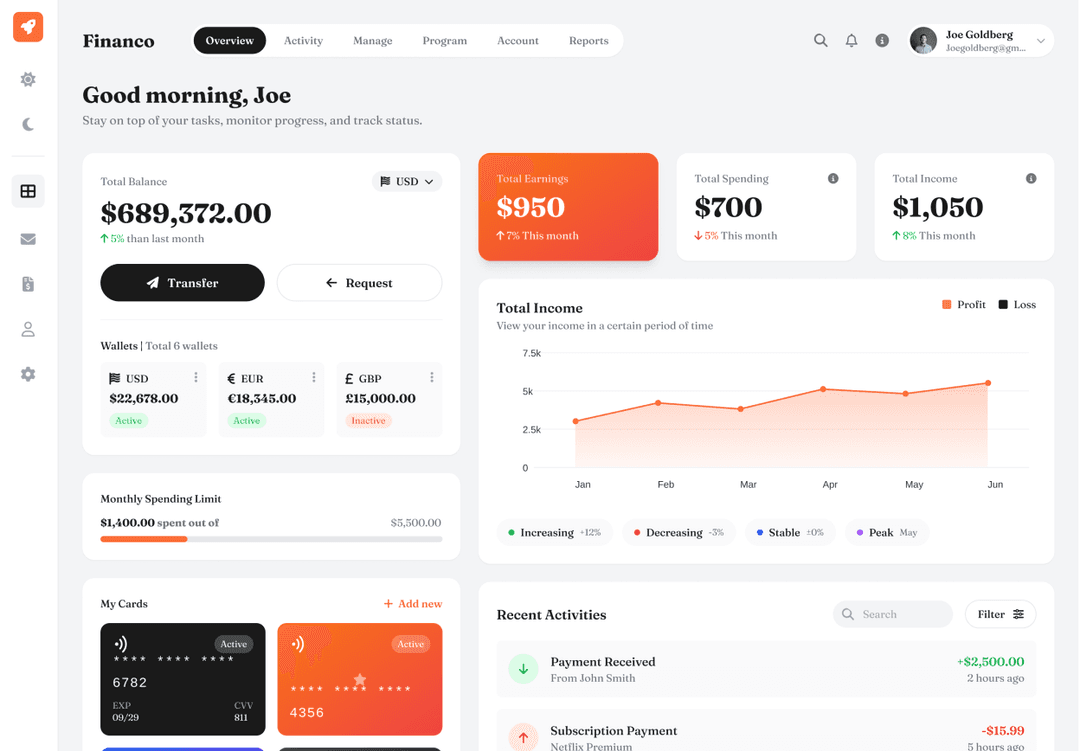
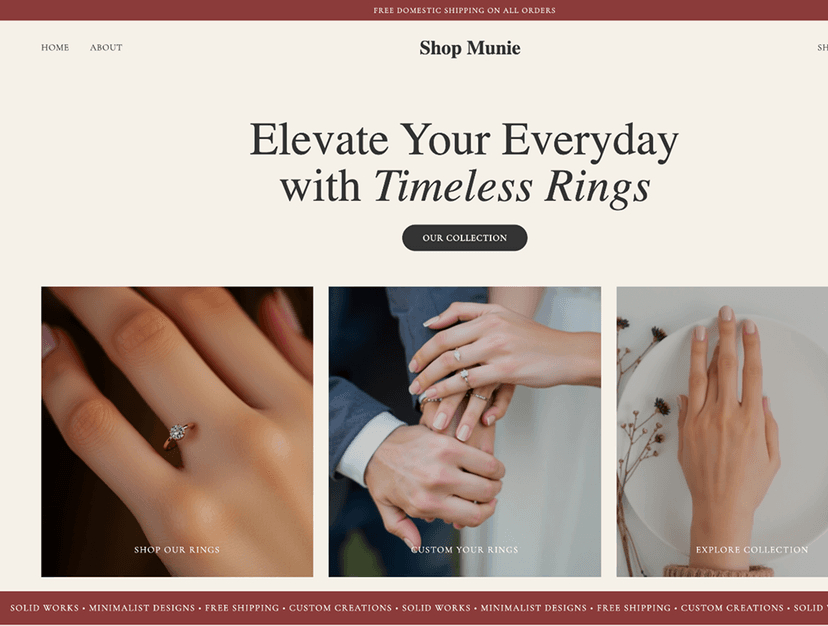
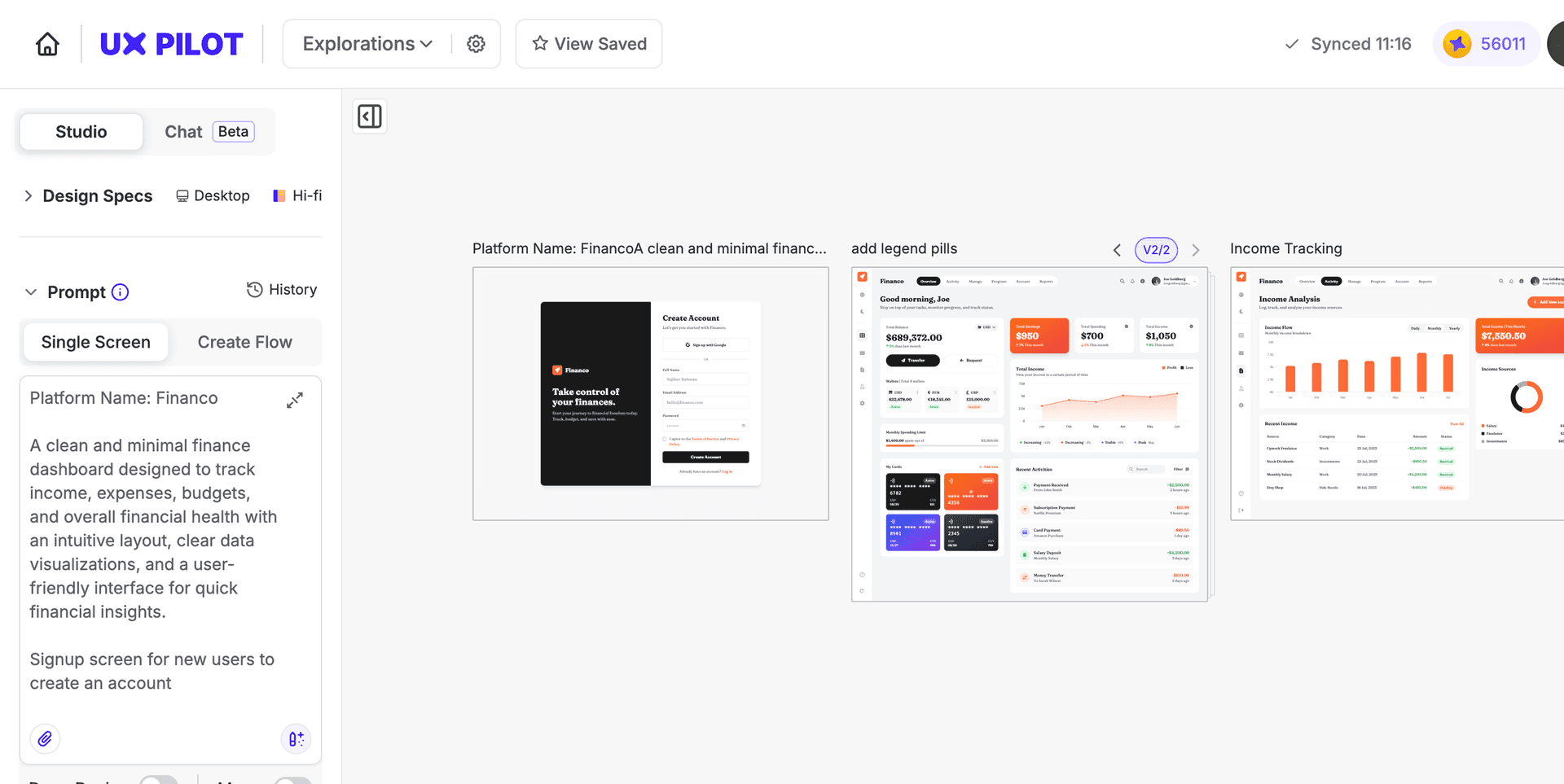
Convert any design into clean, usable code
Bridge the gap between finished designs and production development. Upload your mockups, screenshots, or sketches and get standards-compliant code your engineering team can ship.
// Upload screenshots, mockups, or sketches
// Upload screenshots, mockups, or sketches
Drop in screenshots, mockups, PDFs, or sketches from any source. UX Pilot analyzes the visual structure and generates semantic HTML that preserves your original layout and hierarchy.
Drop in screenshots, mockups, PDFs, or sketches from any source. UX Pilot analyzes the visual structure and generates semantic HTML that preserves your original layout and hierarchy.
// Get pixel-perfect responsive code
// Get pixel-perfect responsive code
UX Pilot converts your design into clean, standards-compliant HTML and CSS that adapts across devices. The generated code maintains visual fidelity with proper element positioning and styling.
UX Pilot converts your design into clean, standards-compliant HTML and CSS that adapts across devices. The generated code maintains visual fidelity with proper element positioning and styling.
// Sync exported code with Github
// Sync exported code with Github
Push generated code directly to your repository so your development team can access it immediately. Design-to-code output stays versioned and connected to your existing engineering workflow.
Push generated code directly to your repository so your development team can access it immediately. Design-to-code output stays versioned and connected to your existing engineering workflow.
// Refine the conversion with text prompts
// Refine the conversion with text prompts
Adjust layout structure, component grouping, or responsive behavior by describing the change you need. UX Pilot updates the code in place so you iterate without restarting the conversion.
Adjust layout structure, component grouping, or responsive behavior by describing the change you need. UX Pilot updates the code in place so you iterate without restarting the conversion.

Kresimir Retih,
Project Manager"It has been a game-changer for me! Since signing up, my workflow has become much smoother, and my productivity has increased significantly. I love how intuitive and user-friendly the platform is, making UX tasks much easier and more efficient. Highly recommend it to anyone looking to streamline their UX process!"
Trusted by designers, product professionals and data-driven teams
Join a growing community of professionals who have created over 2 million high-fidelity designs and saved countless hours with our AI-powered tools.
0M+
users
0M+
screens generated
0
rating from designers and developers
0+
countries
How to convert designs to code with UX Pilot
No design or coding skills required
Upload your design
Drop in a screenshot, mockup, PDF, or sketch of the interface you want to convert. Any visual design file works as input for the code generator.
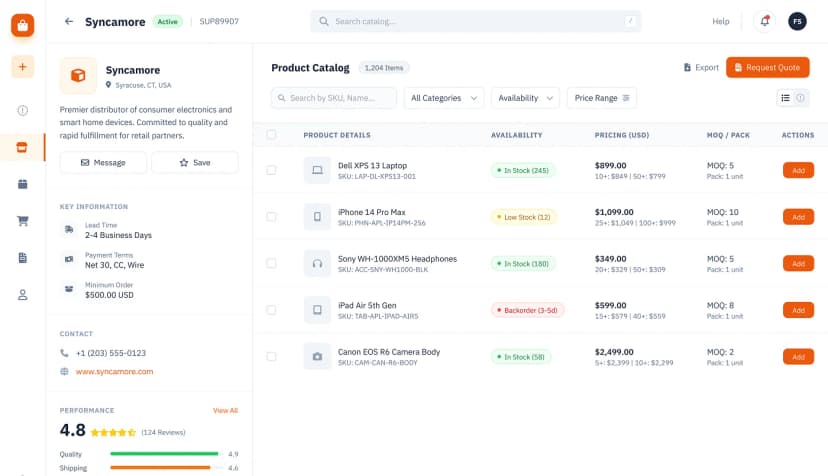
Generate your code
UX Pilot analyzes the visual layout, element positioning, and hierarchy of your design and generates clean, responsive HTML and CSS that matches the original in seconds.

Refine and export
Adjust structure or responsive behavior with follow-up prompts. Then sync to Github, export to Figma for team review, or download production-ready code for direct integration.
FREQUENTLY ASKED QUESTIONS
Everything you want to know about UX Pilot's AI Design to Code Generator
Convert designs to production code in seconds
Upload any screenshot, mockup, or sketch and get clean, responsive HTML you can refine and ship. Close the design-to-development gap without manual coding or handoff documentation.
Generate designs in seconds