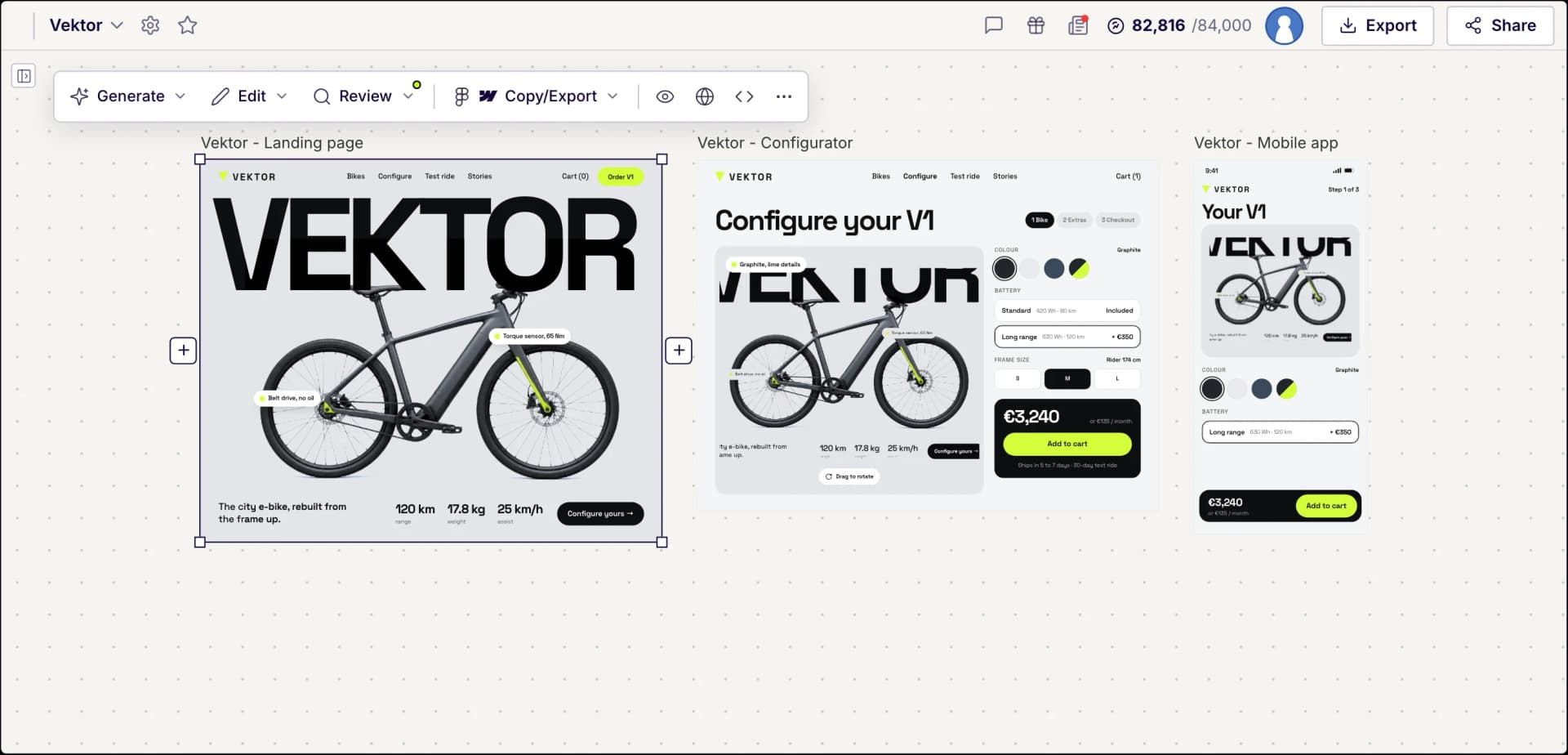
Figr AI vs UX Pilot
A side-by-side comparison of features, Figma handoff and pricing.
Figr is an AI product design agent that learns your existing product first. UX Pilot turns a prompt, sketch or screenshot into finished screens and whole flows, then helps you test them before handoff.
No credit card needed
Screens generated in UX Pilot
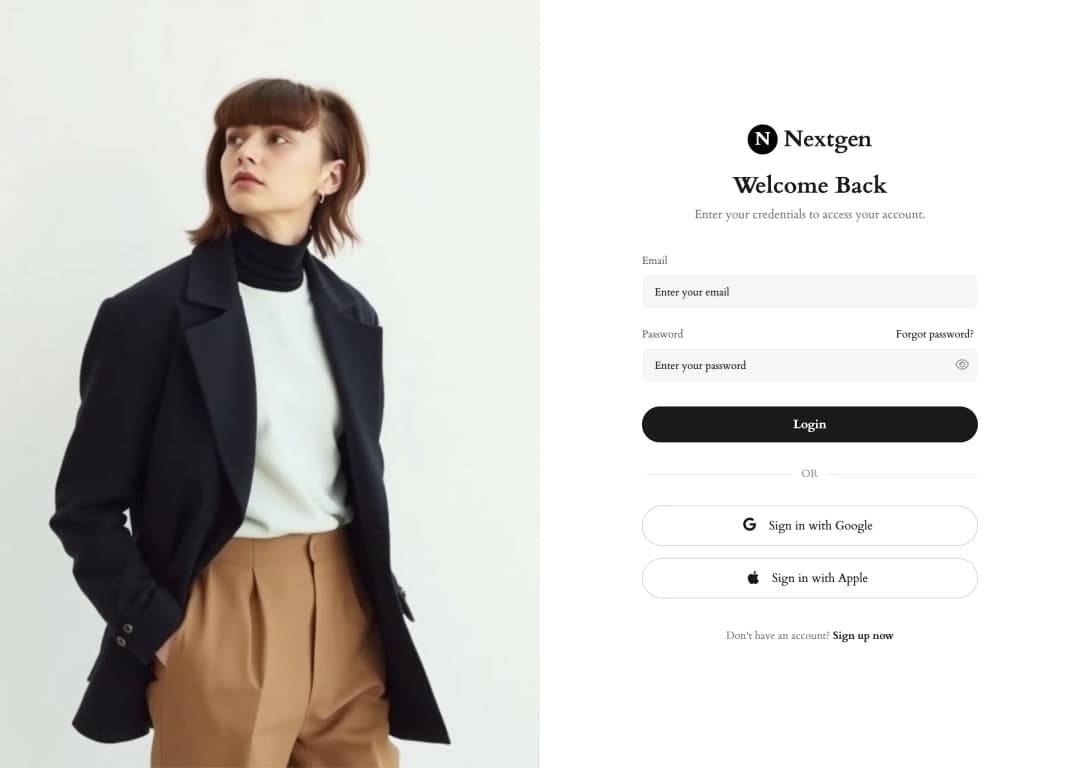
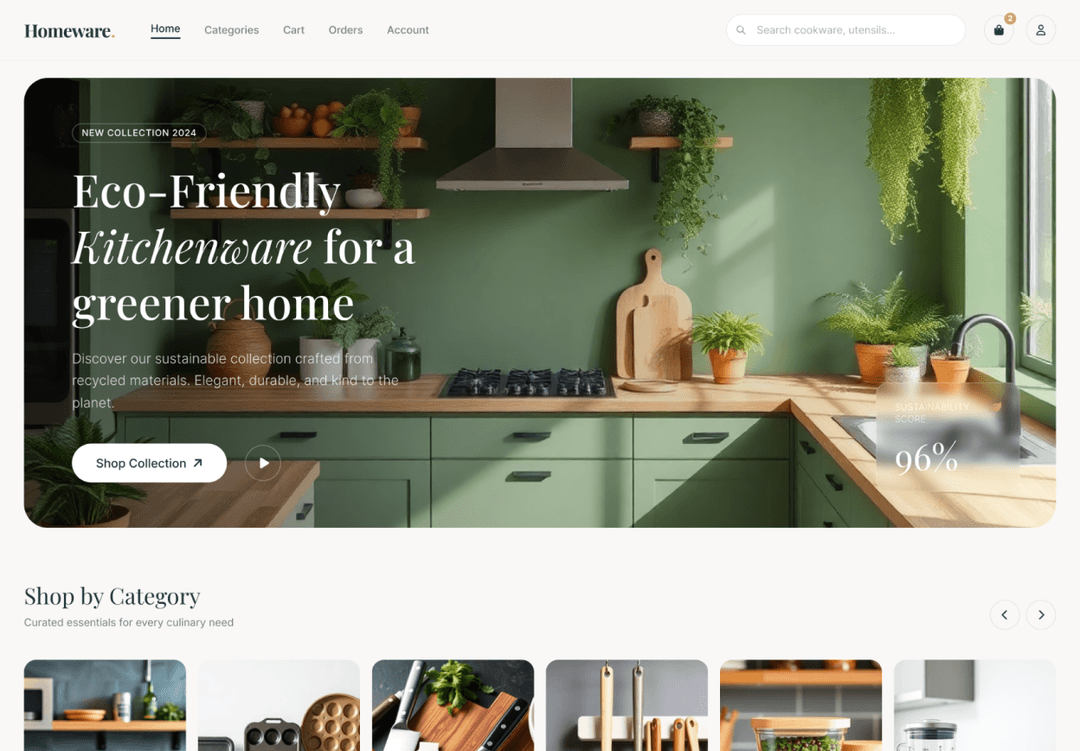
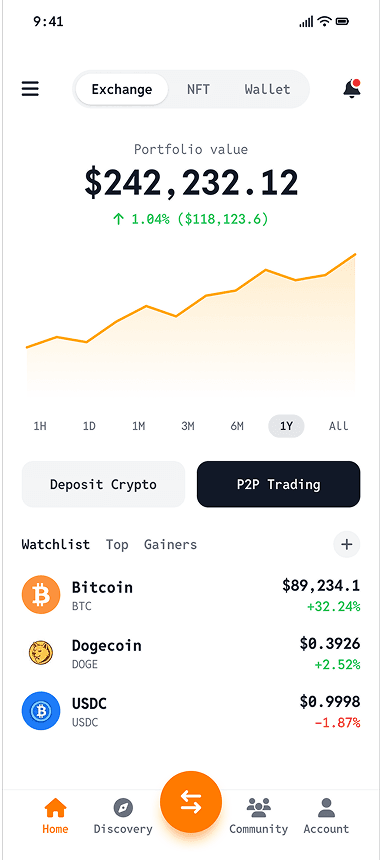
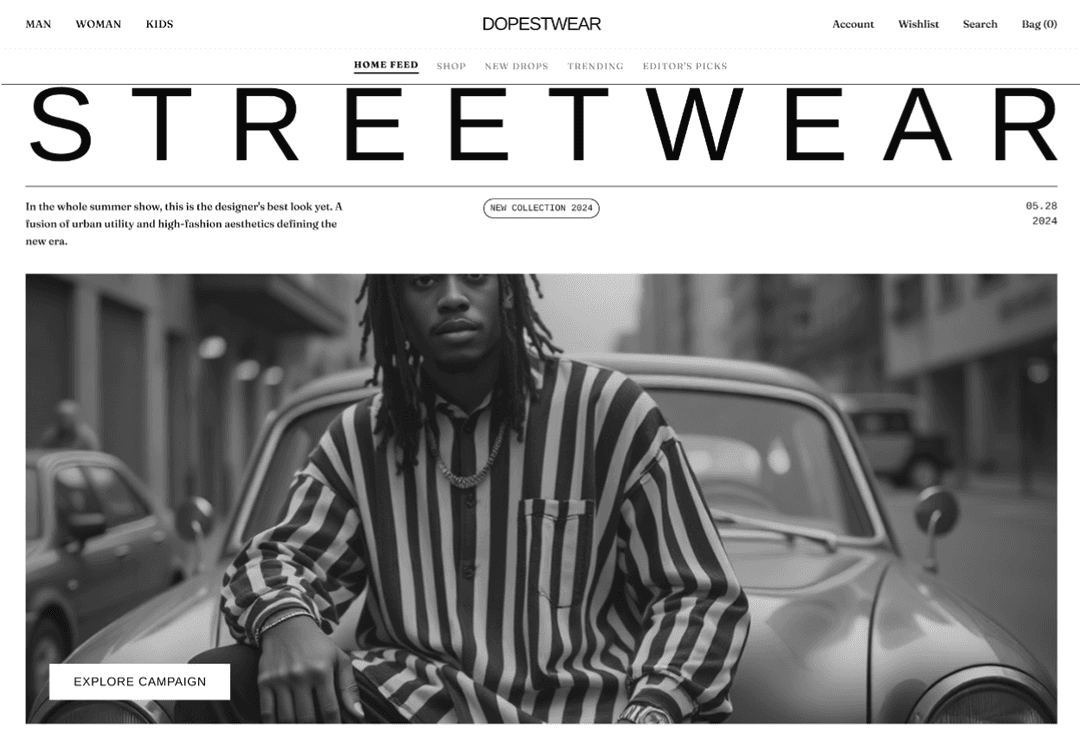
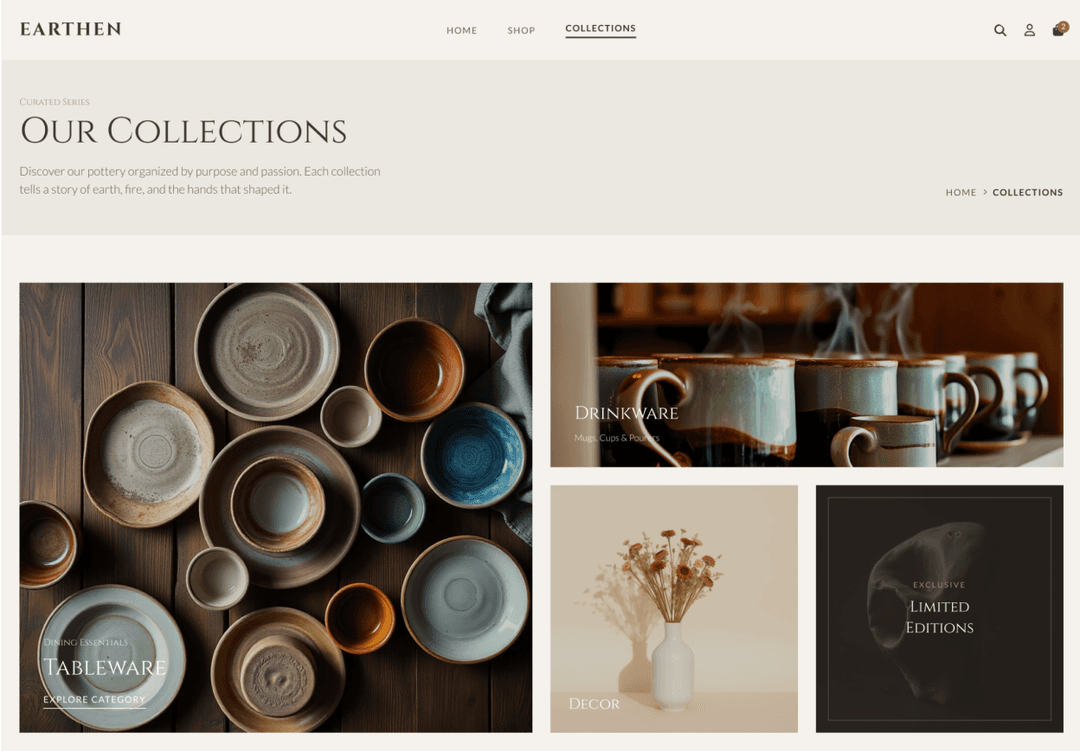
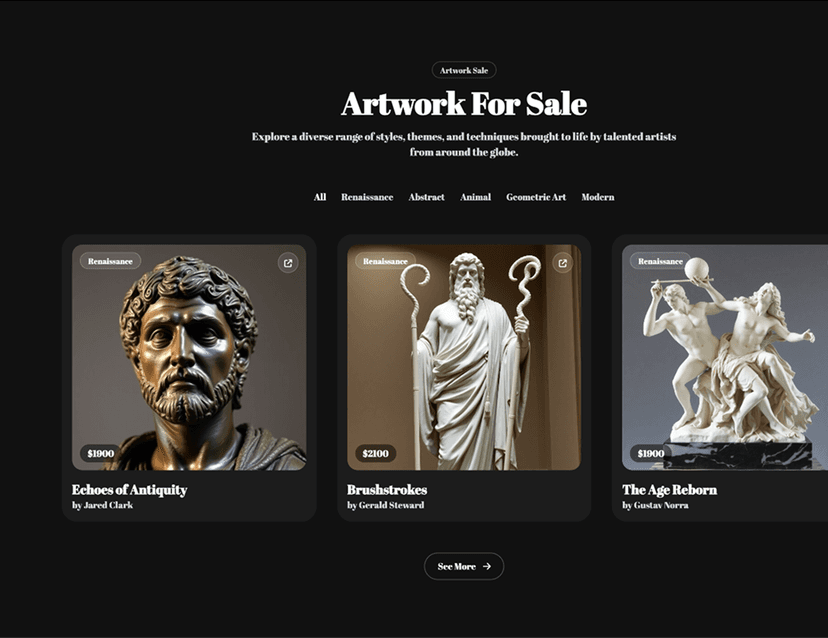
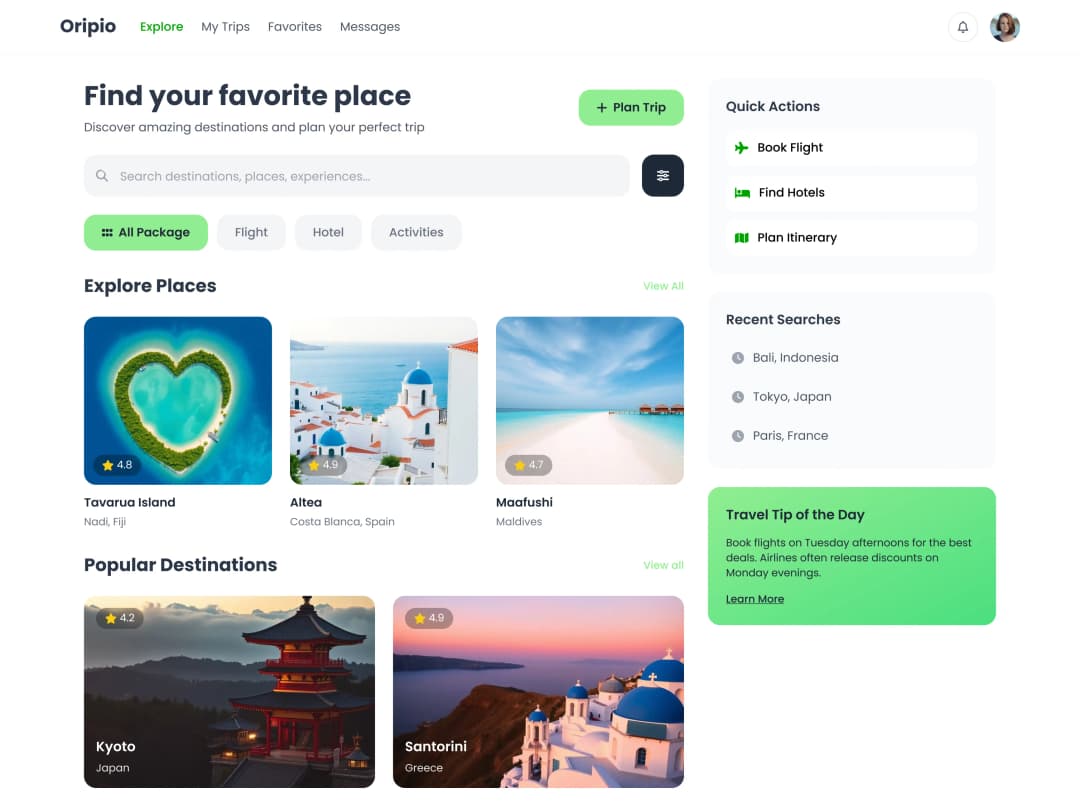
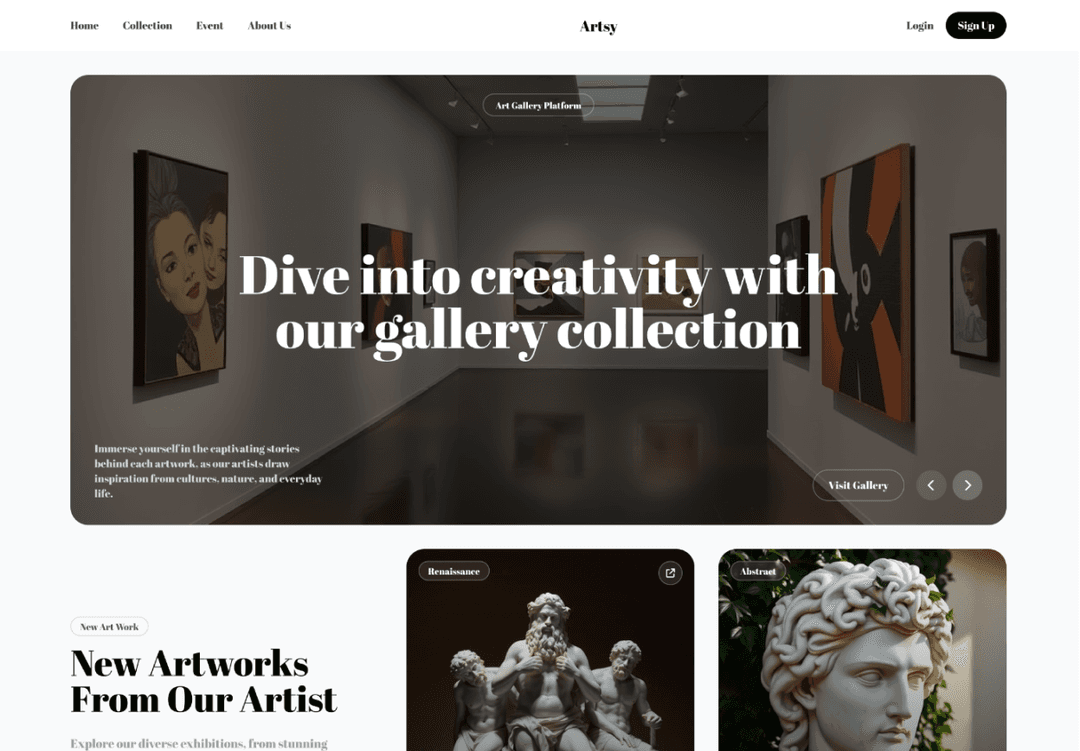
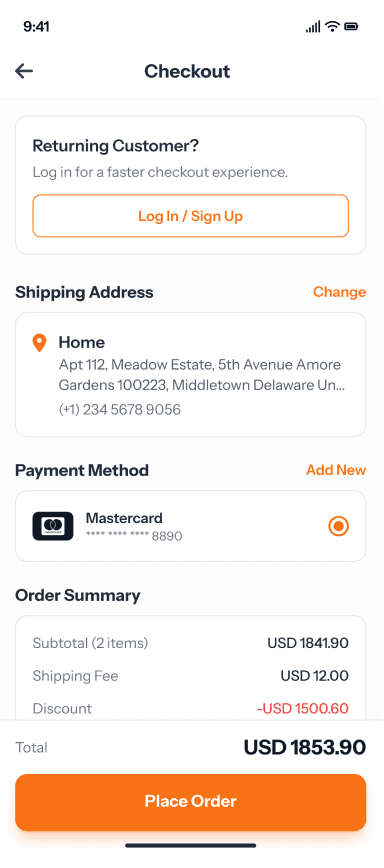
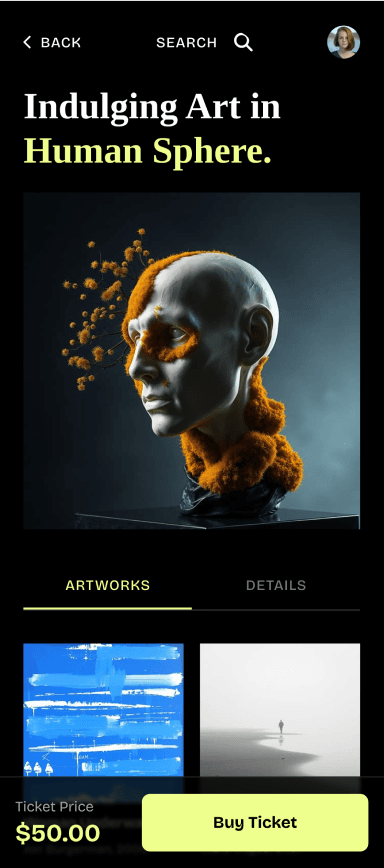
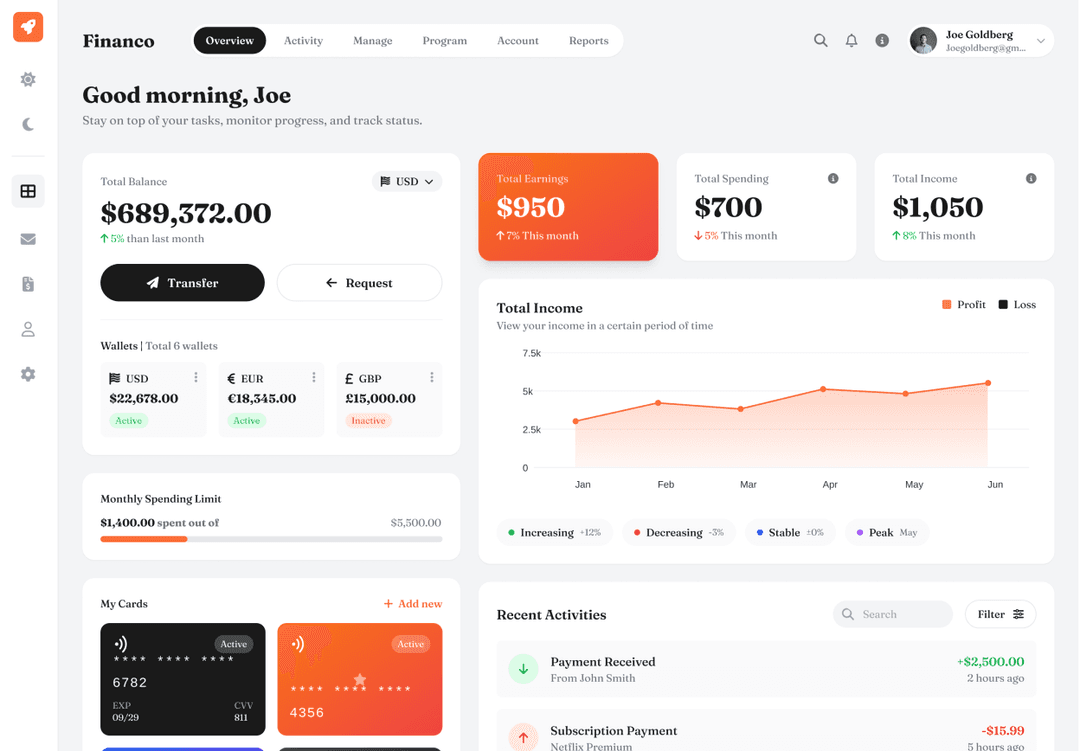
UX Pilot vs Figr AI comparison
Figr facts come from figr.design and docs.figr.design, as of October 2026. "Not listed" means we could not find the feature in Figr's public docs or plans.

What it is
Where you start
Recommended workflow
Product documents
Multi-screen flows
Exploring directions
Predictive heatmaps
UX and accessibility review
Figma
Copy to Webflow
Code
Free plan
Paid plans from
Best suited for
Immersive websites, made in UX Pilot
Websites with motion and depth
UX Pilot designs immersive marketing sites too, with bold type, depth and motion.
Real estate
Made in UX PilotProduct launch
Made in UX PilotE-commerce
Made in UX PilotDesign studio
Made in UX PilotTravel
Made in UX PilotFintech
Made in UX PilotFashion lookbook
Made in UX PilotMusic festival
Made in UX PilotArchitecture studio
Made in UX PilotFashion drop
Made in UX PilotAudio hardware
Made in UX Pilot
Where UX Pilot is stronger
Figr is built to reason about a product you already have. UX Pilot is built to get you to finished, tested design quickly.
Made in UX Pilot
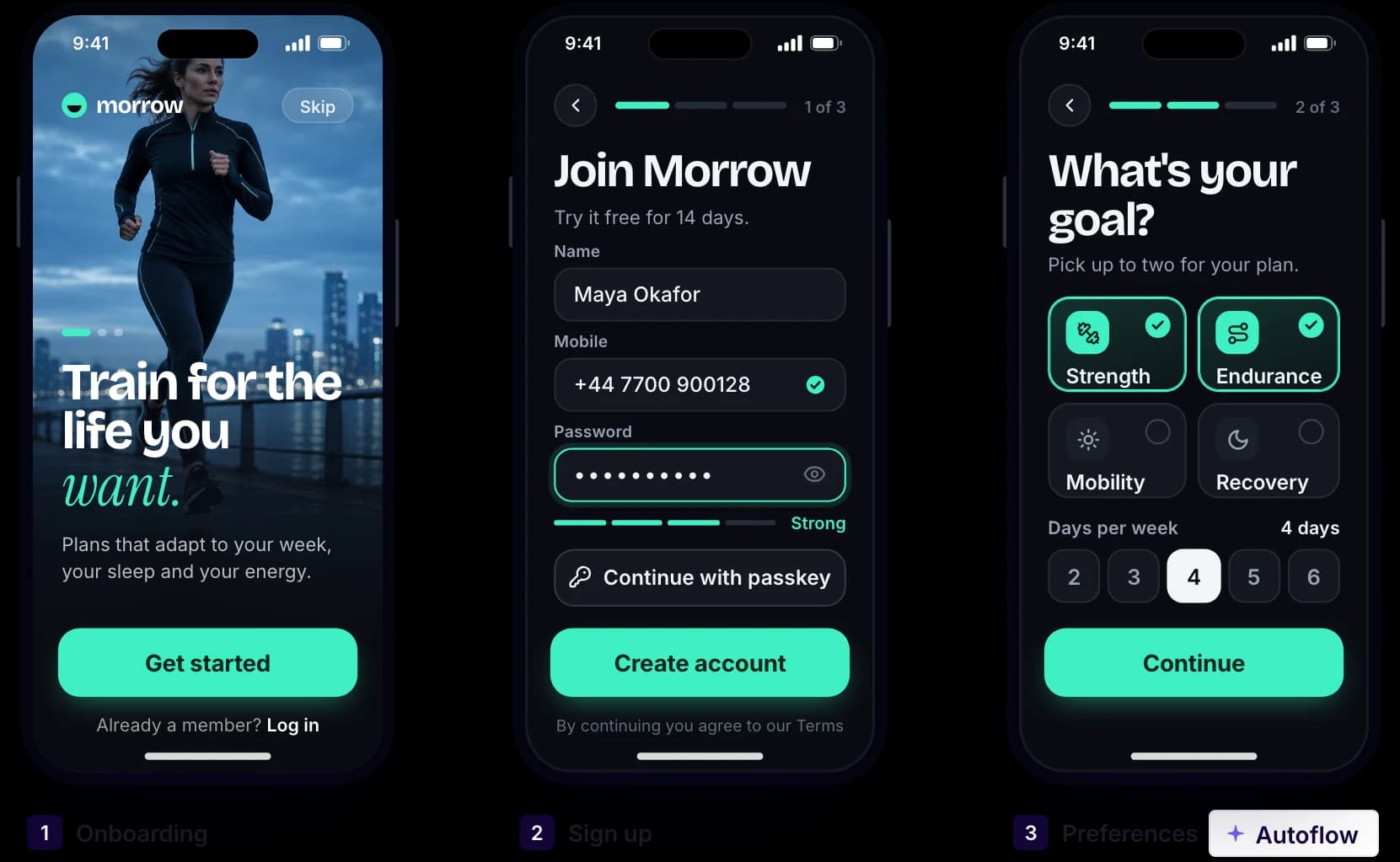
A whole flow from one prompt
Describe the job, such as onboarding or sign-up, and Autoflow designs every connected screen with shared navigation and components. You review real, high-fidelity screens from the first run.
Figr also maps user flows and can show every route and state of a prototype on one board. Its docs recommend setting up product context, a UX review and product documents before you generate the prototype.
Made in UX Pilot
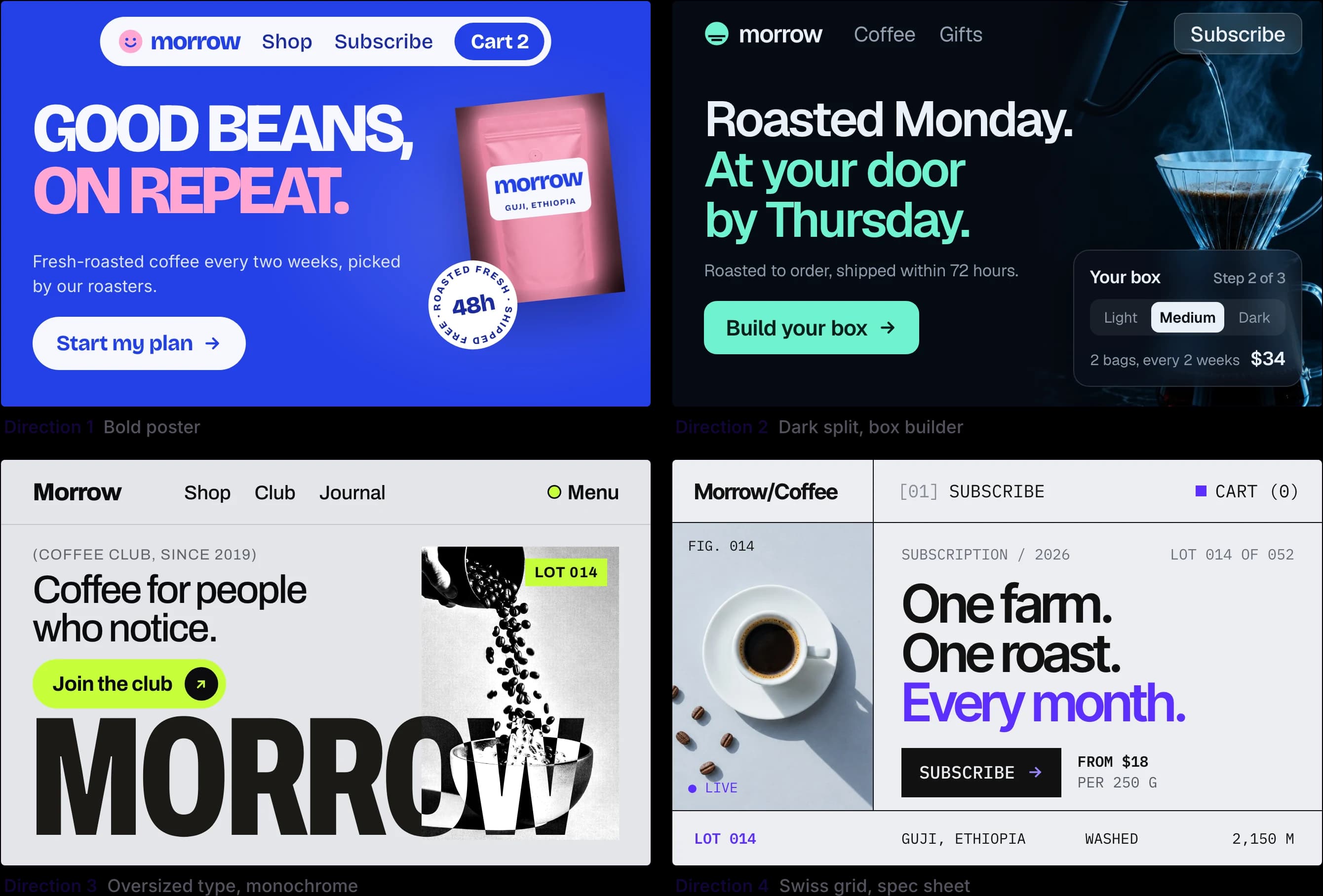
Several directions, side by side
Get different layouts and visual styles for the same screen, compare them on the canvas and keep the one that works. It is a quick way to explore before you commit to a structure.
In Figr, you explore another direction by forking a chat, so the original stays unchanged.
Made in UX Pilot
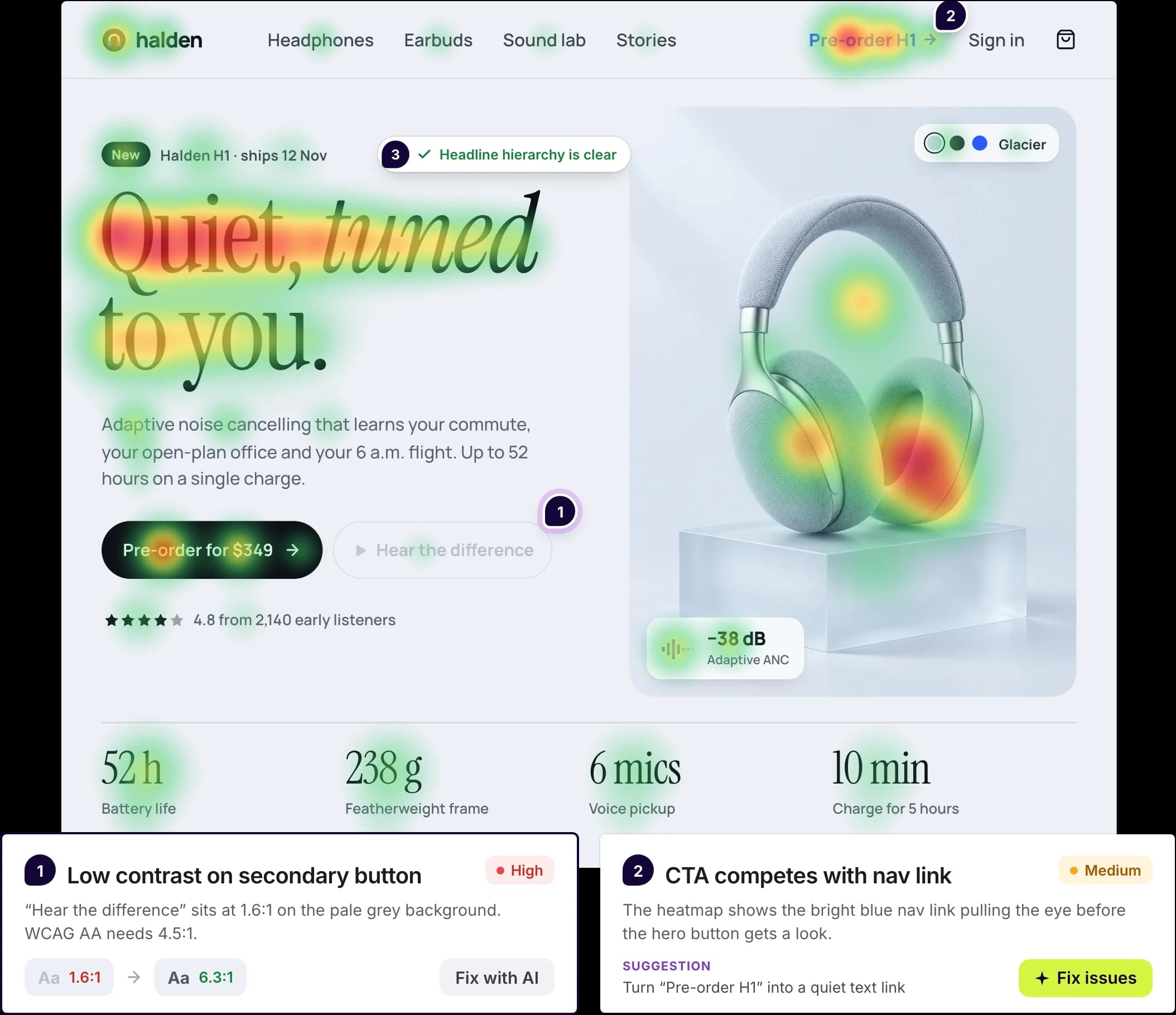
Predictive heatmaps and design review
See where attention is likely to land before anyone tests the page. Design review then flags contrast, hierarchy and accessibility issues and suggests fixes you can apply with AI.
Figr also reviews designs for UX and WCAG issues. We could not find predictive attention heatmaps in its docs or plans.
Made in UX Pilot
Hand off to Figma, Webflow or code
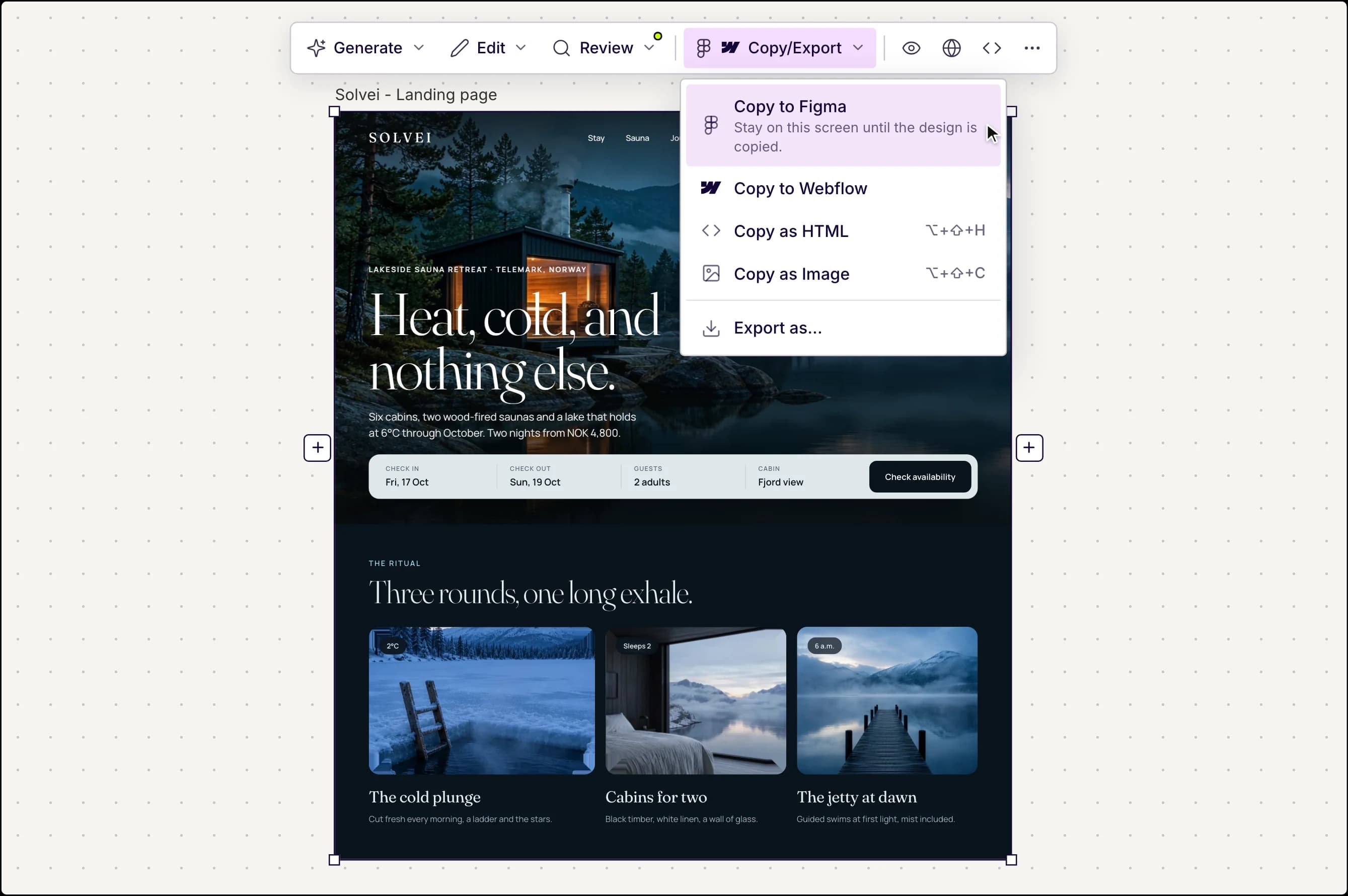
Copy any screen to Figma as editable layers with auto layout, copy it to Webflow, or export HTML, CSS and Tailwind code and sync it to GitHub. In Figma, Nodey, the UX Pilot plugin, builds new frames from a prompt and edits a selected frame when you ask.
Figr exports prototypes to Figma through its Figma Sync plugin. It also offers a front-end code download, React/TSX export on its Max and Enterprise plans, and an MCP server. We could not find a Webflow export in its docs.
Design systems in UX Pilot
Bring your design system, or build one
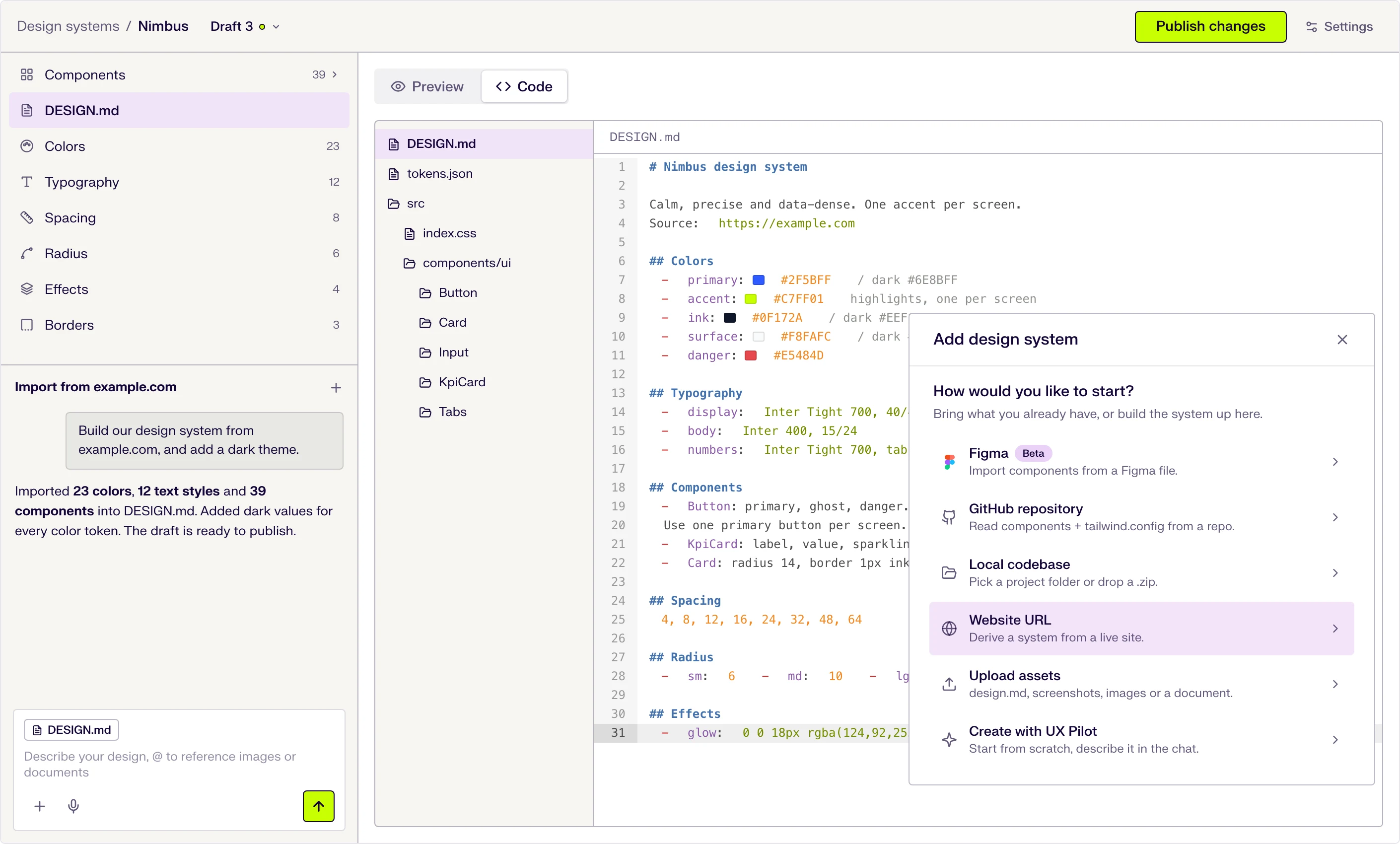
Start from scratch with AI, or import from a website, a Figma file, a GitHub repository, your codebase or a DESIGN.md. New screens then use your tokens and components.
Six ways to start
Describe it in the chat, or import from a website URL, a Figma file (beta), a GitHub repository, a local codebase or uploaded files.
DESIGN.md at the core
Tokens and usage guidance live in one DESIGN.md file that the AI follows when it designs. Edit a token and the file updates.
Draft, publish, repeat
Changes stay in draft until you publish them, and version history keeps every release.

Kresimir Retih,
Project Manager"It has been a game-changer for me! Since signing up, my workflow has become much smoother, and my productivity has increased significantly. I love how intuitive and user-friendly the platform is, making UX tasks much easier and more efficient. Highly recommend it to anyone looking to streamline their UX process!"
PRICING differences
As of October 2026, Figr has a Free plan with 10 credits a month and up to 3 canvases. Starter costs $32 per month billed yearly, or $39 billed monthly, with 200 credits a month and 1 full-access seat. Max costs $124 per month billed yearly, or $149 billed monthly, with 1,000 shared credits and up to 3 full-access seats. Enterprise pricing is on request.
Both tools meter AI work in credits, and a credit buys different work in each. Compare plans on the screens and checks you need, not on credit counts.
Free
Individual plan
UX Pilot Pro costs $19 per month billed yearly, or $29 billed monthly, and includes export to Figma and code and the website cloner. You can start on the Free plan without a credit card.
When Figr is the better fit
Figr is a strong choice when your team works inside a large, existing product and wants the AI to learn it first. It reads screen recordings, live pages captured with its Chrome extension, docs, analytics files and your design system, and keeps that knowledge in Context Pods.
It also writes the documents around the design: PRDs, user stories, acceptance criteria, test cases and edge-case maps, connected on one canvas. If those documents are the main output you need, Figr is built for that.
UX Pilot fits when the design itself is the deliverable. You get finished screens and whole flows from a prompt or a sketch, compare several directions, check them with heatmaps and design review, and hand off to Figma, Webflow or code.
Choose Figr for product-context work on an existing product. Choose UX Pilot for fast, finished UI that you can test and hand off.
Made in UX Pilot
Frequently asked questions
Everything you want to know about UX Pilot vs Figr AI.
Design it, test it, hand it off.
Finished screens and whole flows from your first prompt, with heatmaps and design review built in.
Generate designs in seconds