Trusted 1M+ designers, founders, and product teams
Free AI Swimlane Diagram Maker
Visualize cross-functional processes with role-based lanes in seconds. Describe the teams and steps involved, and UX Pilot generates a structured, editable swimlane diagram you can refine and export to Figma or code.
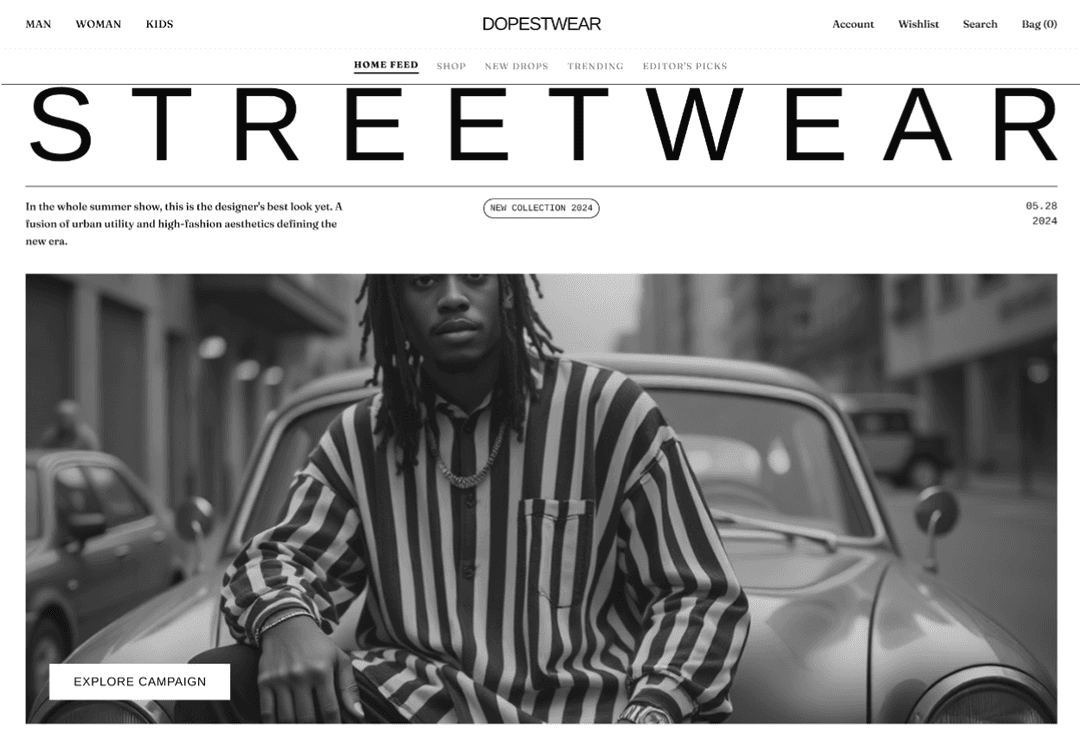
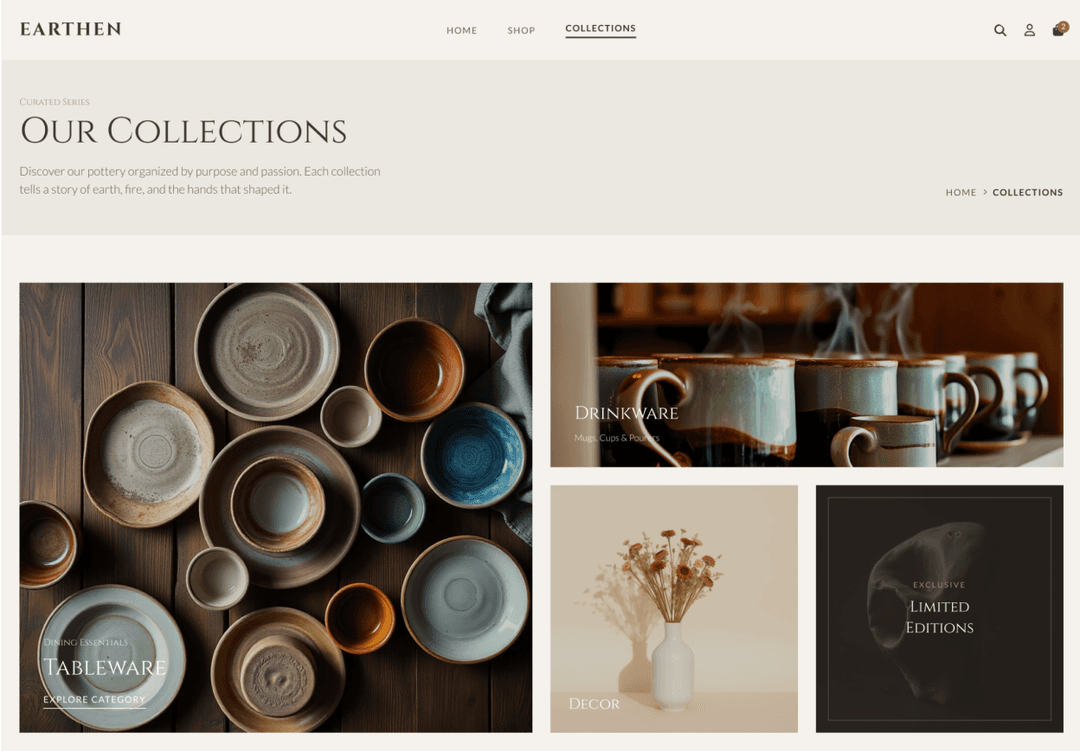
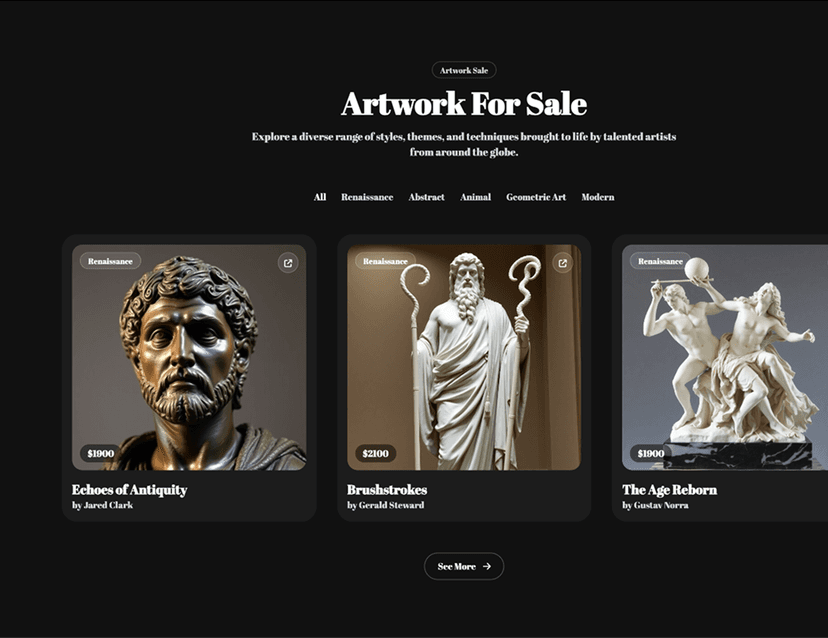
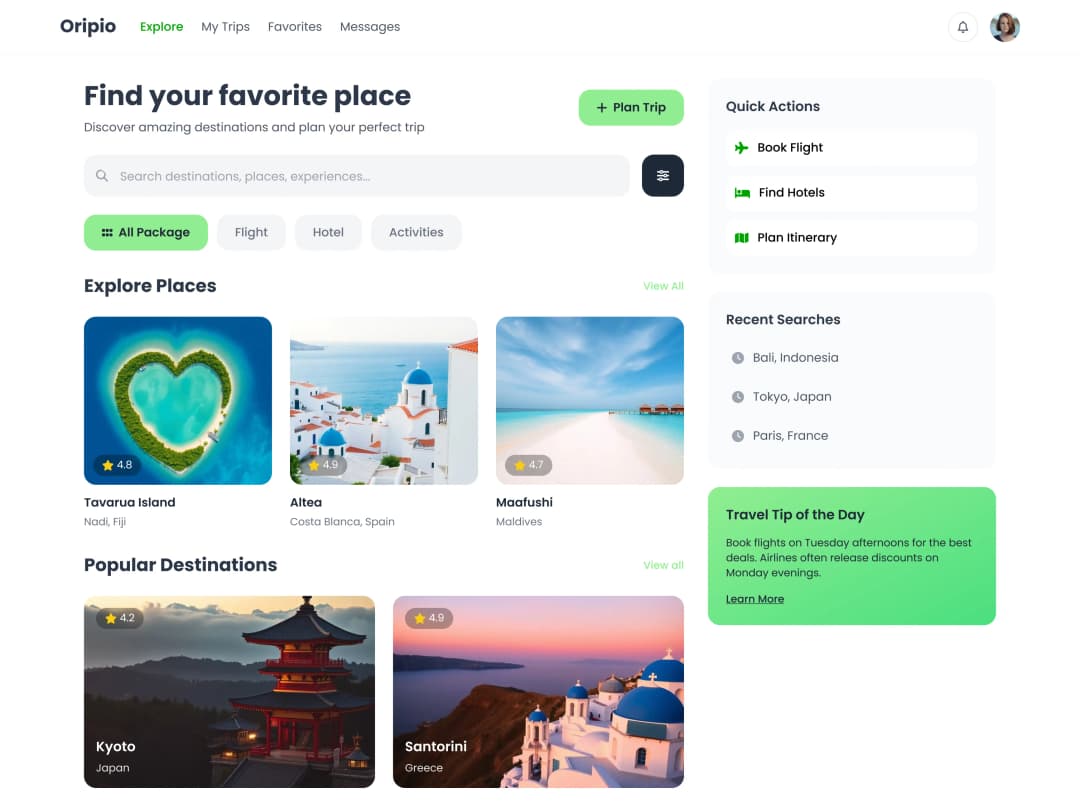
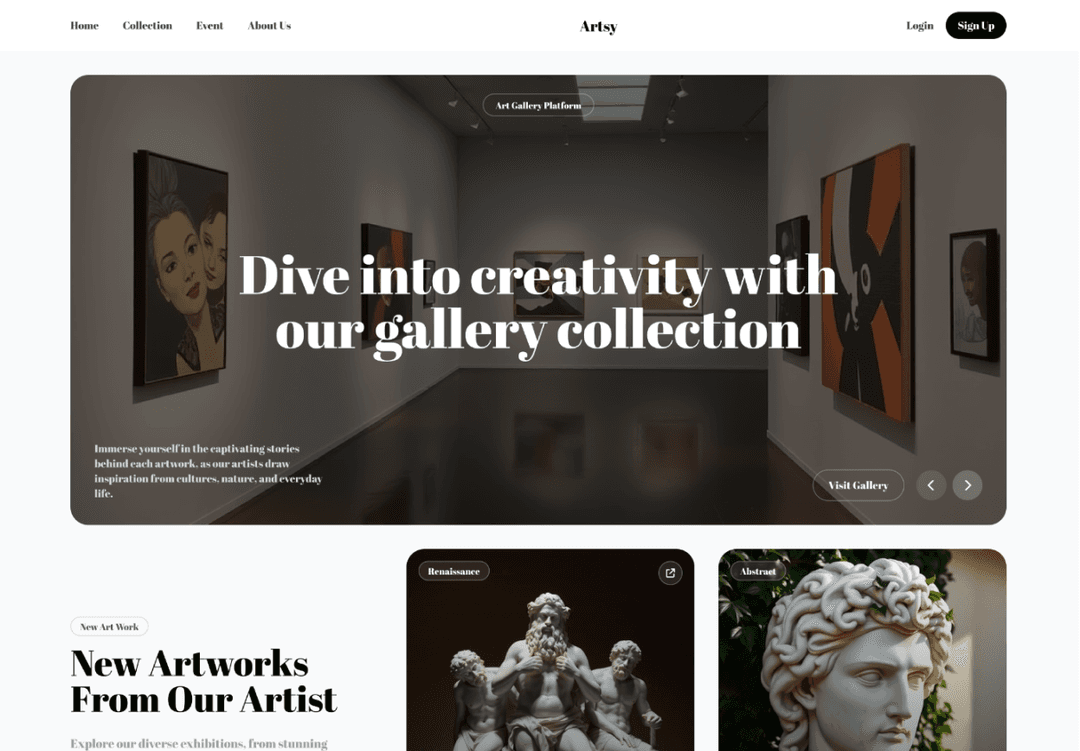
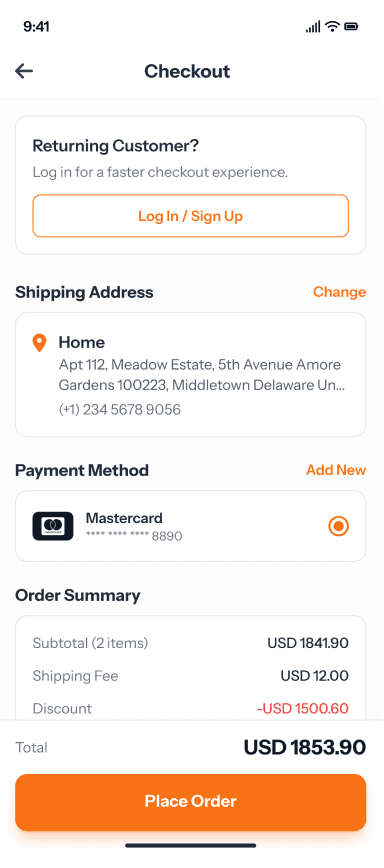
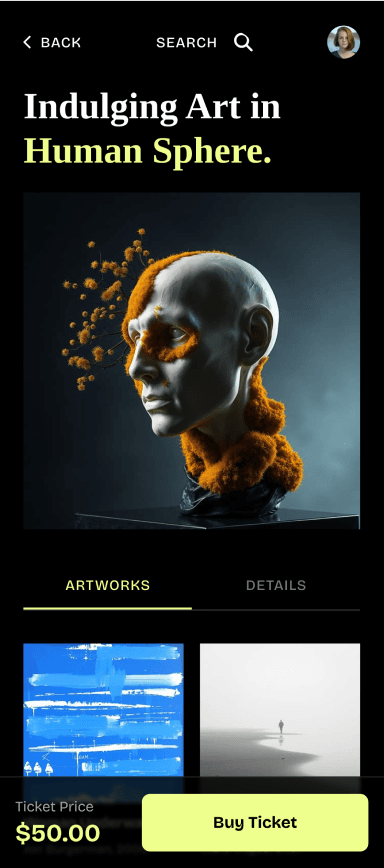
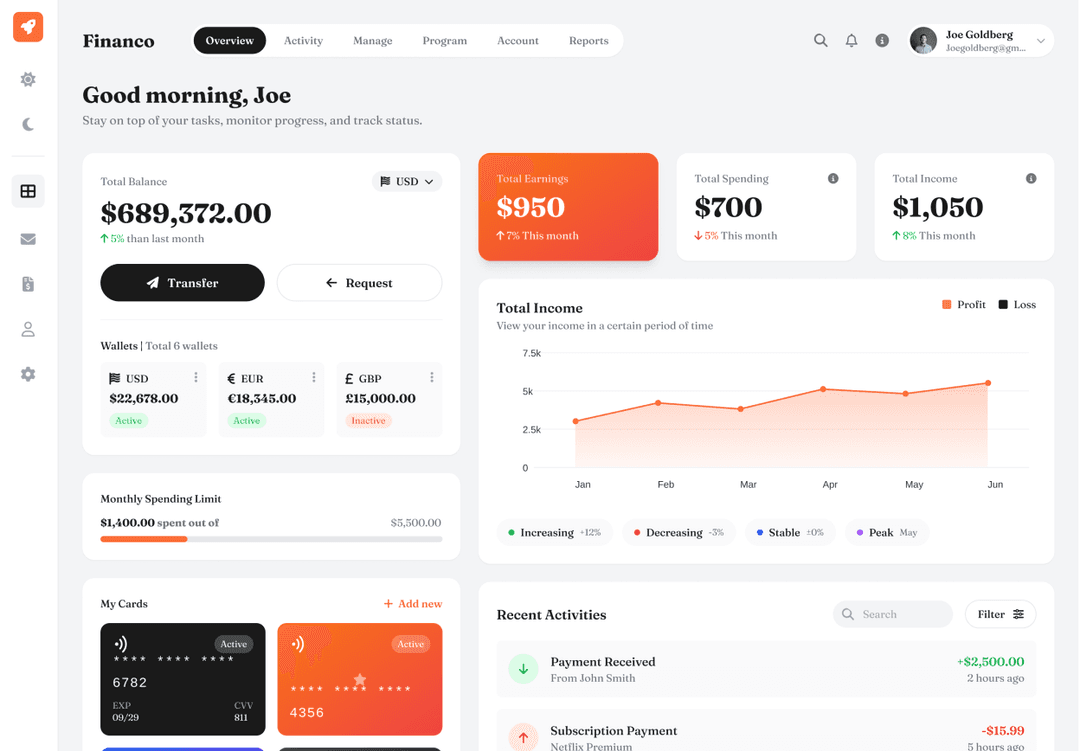
Map cross-functional processes with AI swimlanes
Assign clear ownership to every step in a shared workflow and see exactly where responsibilities shift between teams, roles, or departments.
// Generate swimlane diagrams from text
// Generate swimlane diagrams from text
Describe your cross-functional process and the teams involved in plain language. UX Pilot organizes the workflow into role-based lanes with steps, handoffs, and decision points ready to review.
Describe your cross-functional process and the teams involved in plain language. UX Pilot organizes the workflow into role-based lanes with steps, handoffs, and decision points ready to review.
// Clarify handoffs between teams and roles
// Clarify handoffs between teams and roles
Each step sits inside a specific lane so responsibility is visible at every stage of the process. Cross-lane connections highlight exactly where work transfers between departments or team members.
Each step sits inside a specific lane so responsibility is visible at every stage of the process. Cross-lane connections highlight exactly where work transfers between departments or team members.
// Restructure lanes and flows with prompts
// Restructure lanes and flows with prompts
Add lanes, reassign steps, or reroute decision branches by describing the change you need. UX Pilot updates the swimlane structure in place so you can iterate without manually repositioning elements.
Add lanes, reassign steps, or reroute decision branches by describing the change you need. UX Pilot updates the swimlane structure in place so you can iterate without manually repositioning elements.
// Turn swimlane diagrams into UI screens
// Turn swimlane diagrams into UI screens
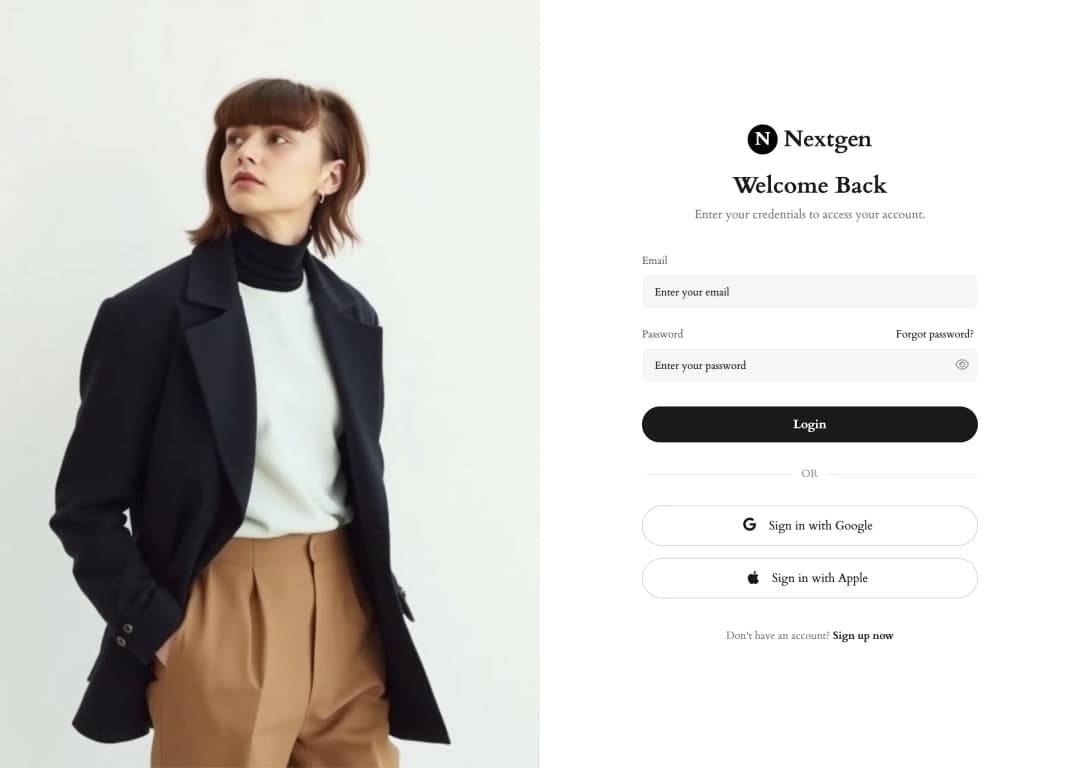
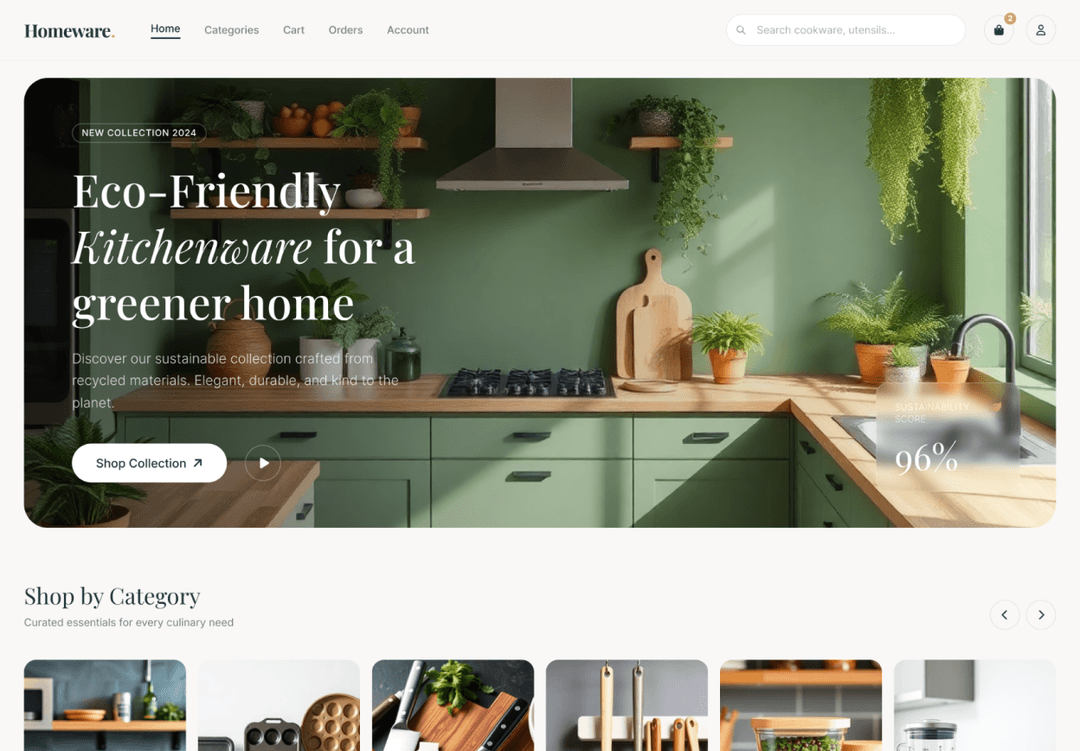
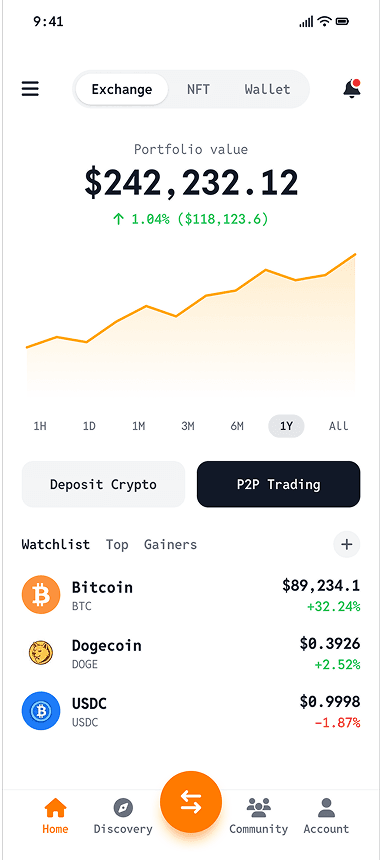
Use your swimlane diagram as a blueprint to generate interface screens for each process step. UX Pilot connects process logic to UI design so the screens you build reflect the workflow you mapped.
Use your swimlane diagram as a blueprint to generate interface screens for each process step. UX Pilot connects process logic to UI design so the screens you build reflect the workflow you mapped.

Kresimir Retih,
Project Manager"It has been a game-changer for me! Since signing up, my workflow has become much smoother, and my productivity has increased significantly. I love how intuitive and user-friendly the platform is, making UX tasks much easier and more efficient. Highly recommend it to anyone looking to streamline their UX process!"
Trusted by designers, product professionals and data-driven teams
Join a growing community of professionals who have created over 2 million high-fidelity designs and saved countless hours with our AI-powered tools.
0M+
users
0M+
screens generated
0
rating from designers and developers
0+
countries
How to create a swimlane diagram with UX Pilot
No design or coding skills required
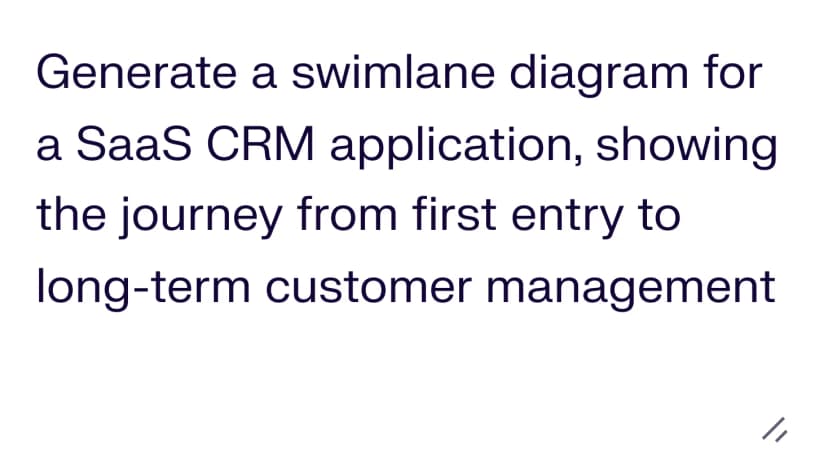
Describe your process
List the teams, roles, or departments involved and outline the steps each one handles. Include decision points and handoffs between lanes.
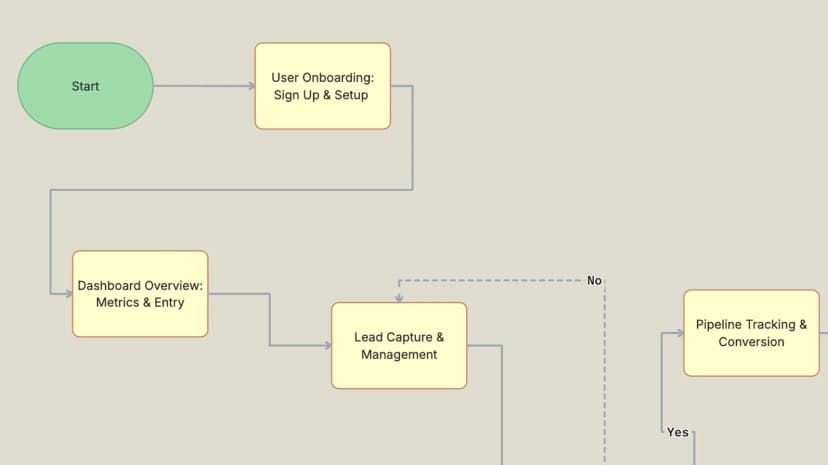
Generate your swimlane diagram
Build a complete cross-functional diagram with role-based lanes, connected steps, decision branches, and logical sequencing structured around your description in seconds.

REFINE and export
Rearrange lanes, reassign steps, update labels, and adjust the flow. Then export to Figma for collaborative editing or download production-ready code for handoff.
FREQUENTLY ASKED QUESTIONS
Everything you want to know about UX Pilot's swimlane diagram maker
Visualize cross-functional processes in seconds
Describe the teams, steps, and decisions in your workflow and generate a structured swimlane diagram with clear ownership at every stage. Start from what you know instead of a blank canvas.
Generate designs in seconds