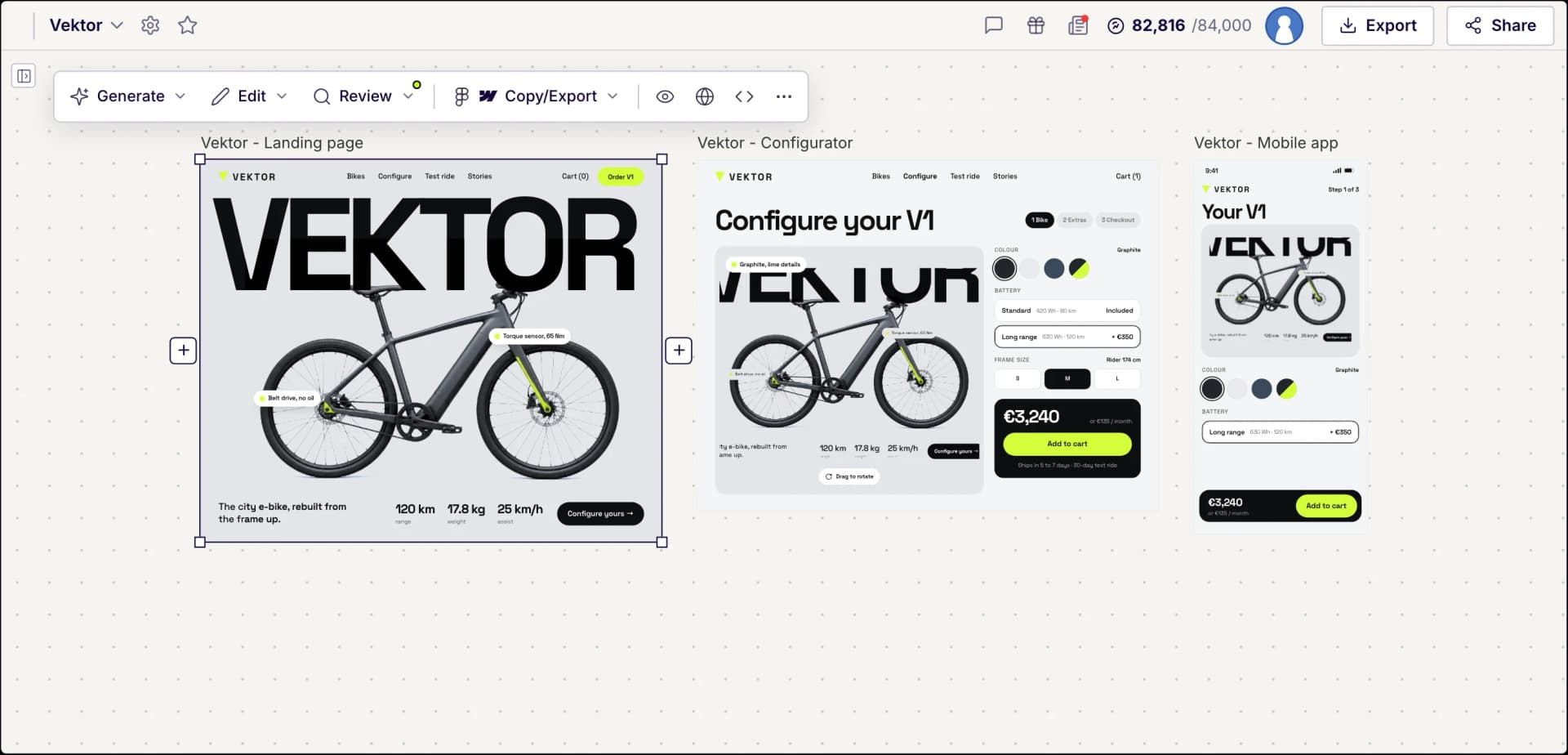
Superfast Design with Figma AI
Generate stunning, professional Figma designs in seconds, not days.
No credit card needed
Trusted 1M+ designers, founders, and product teams
Screens generated in UX Pilot, ready for Figma
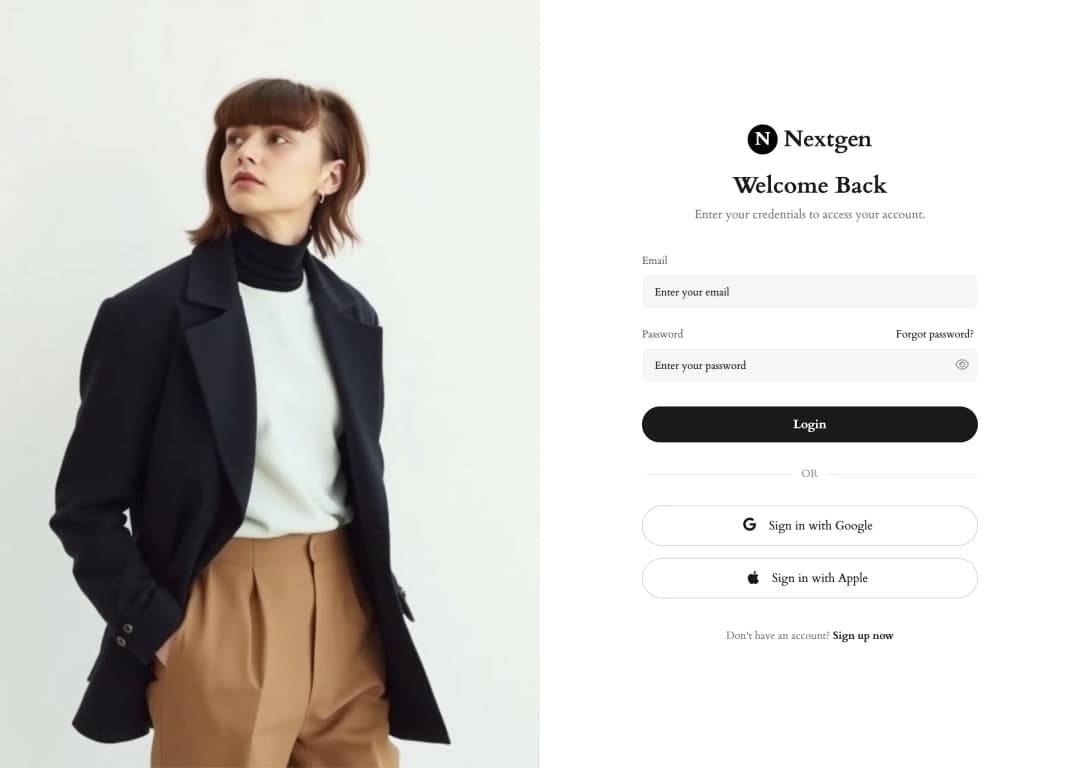
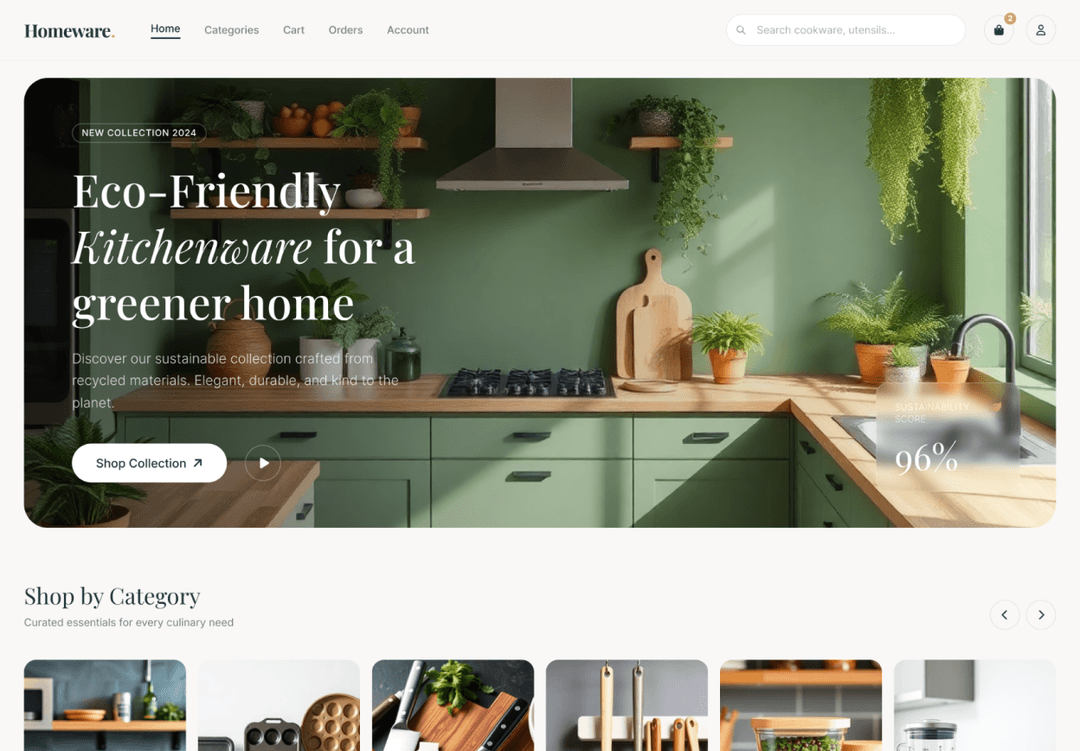
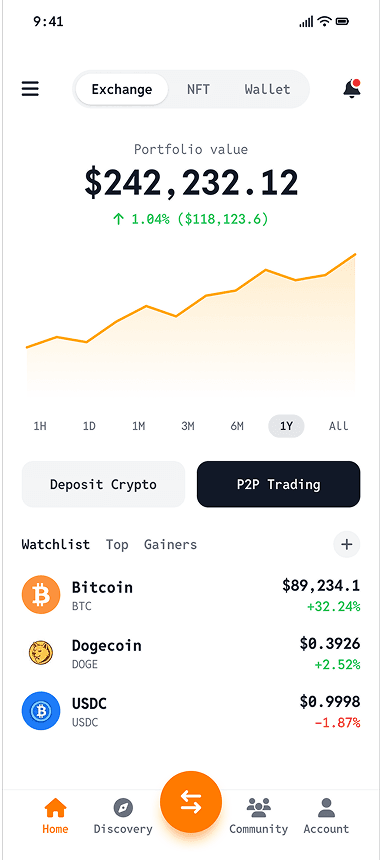

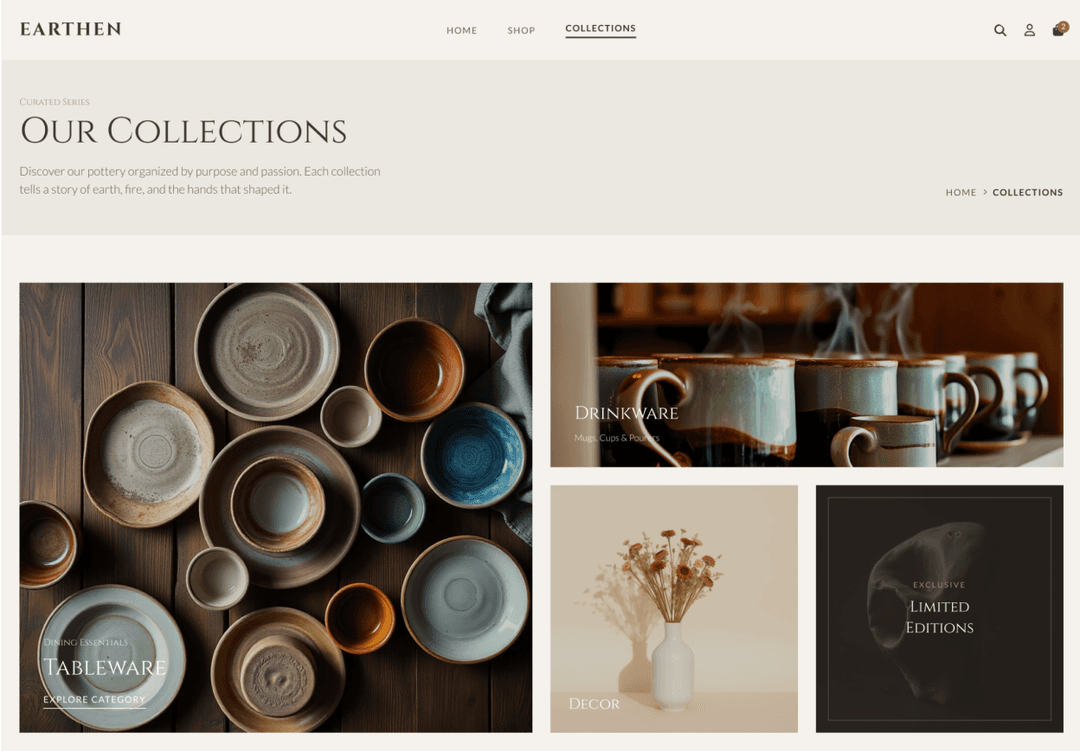
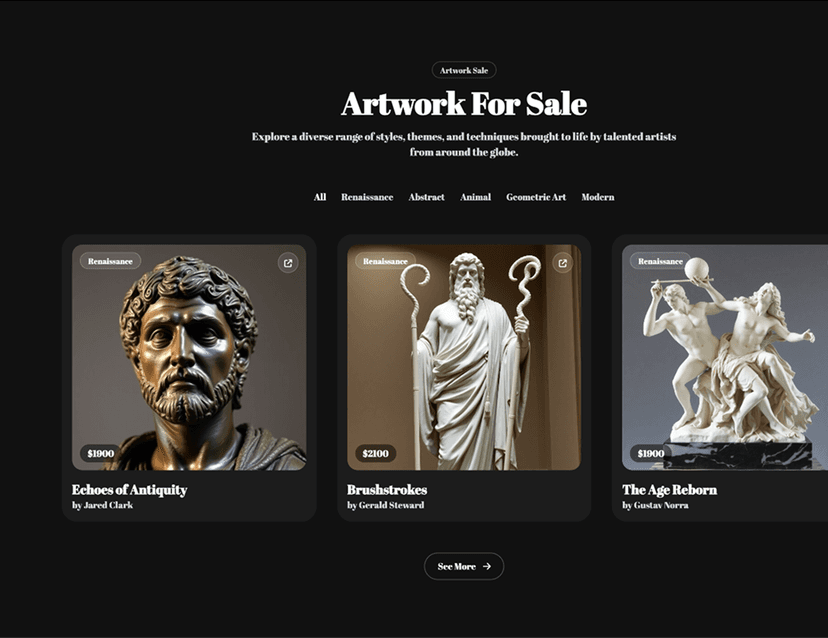
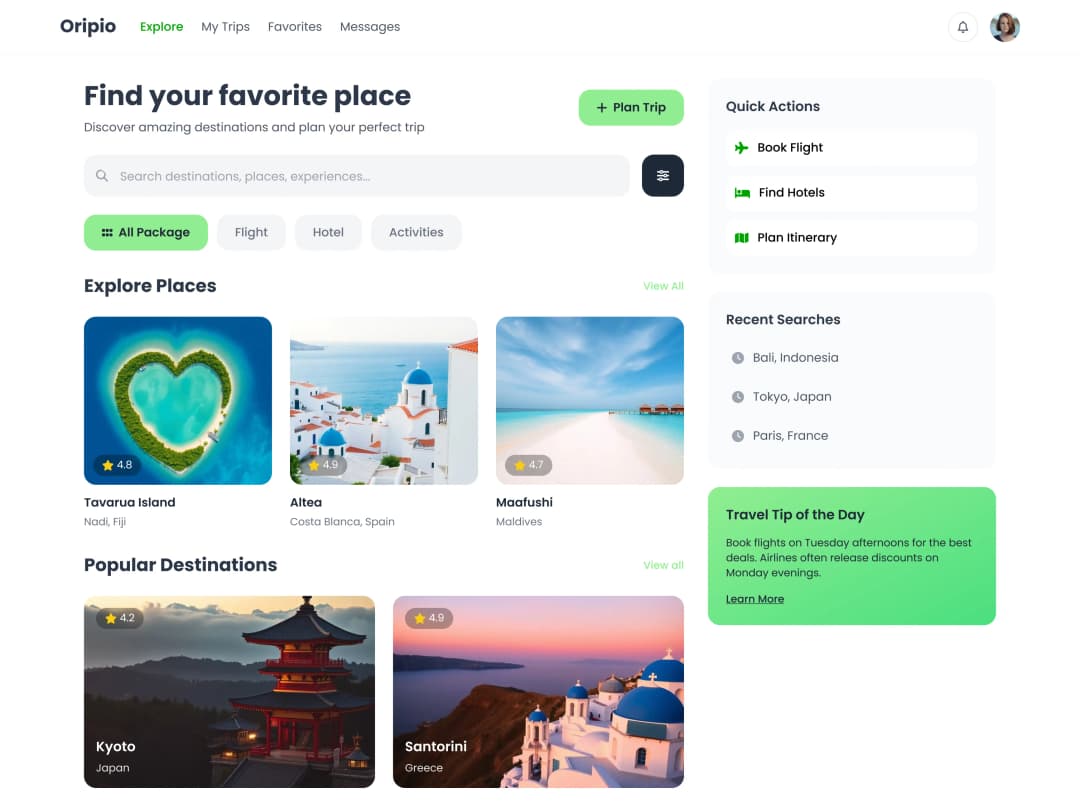
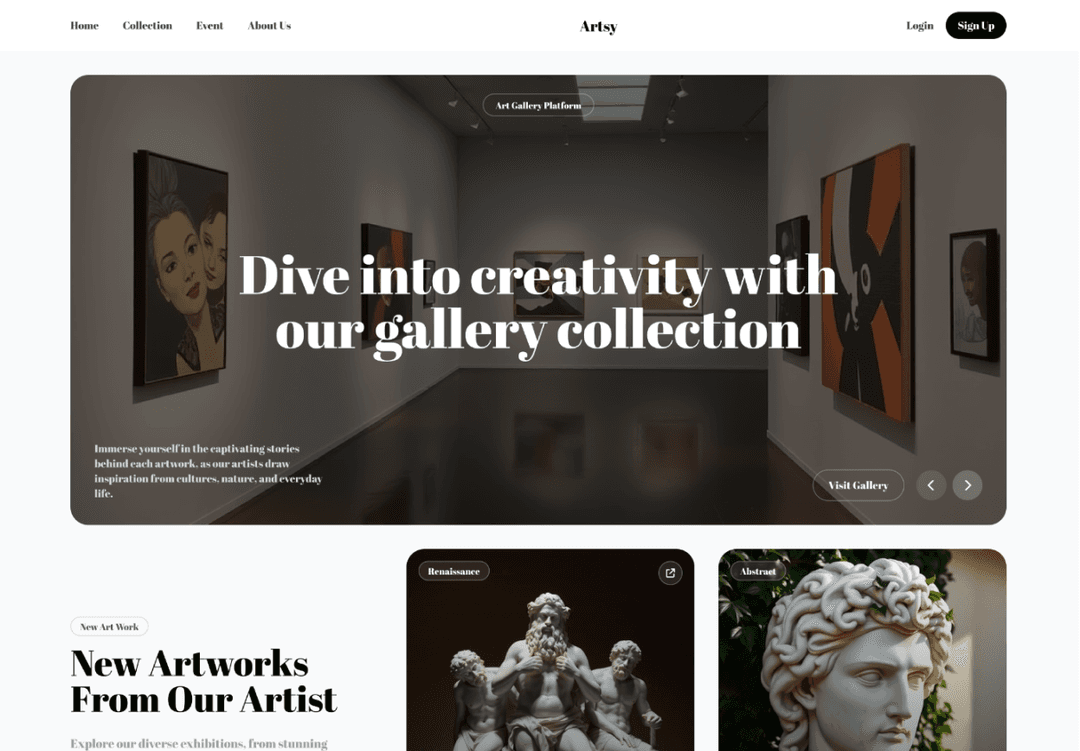
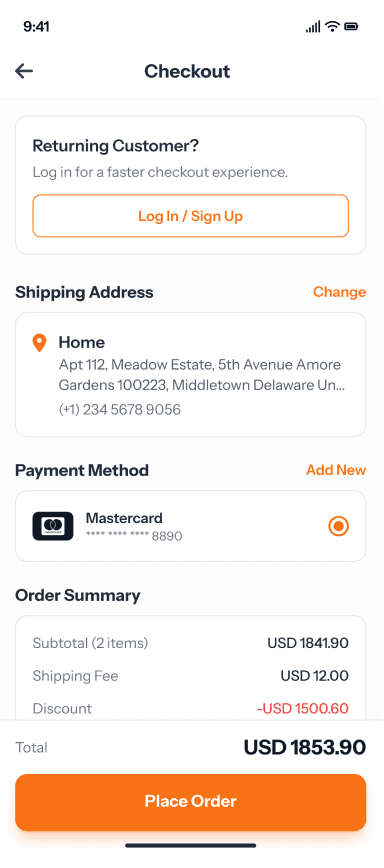
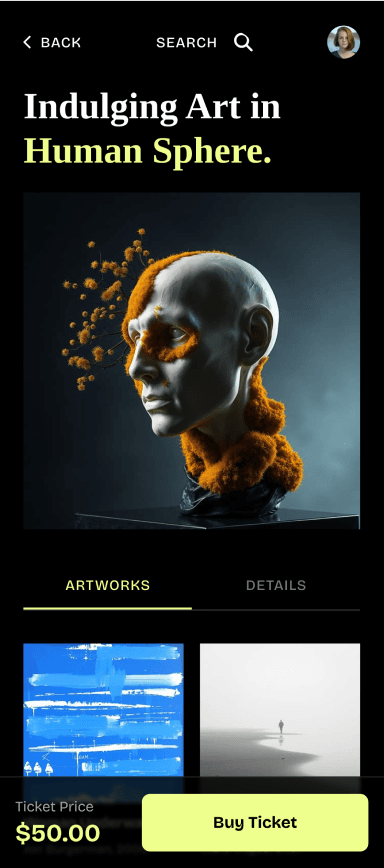
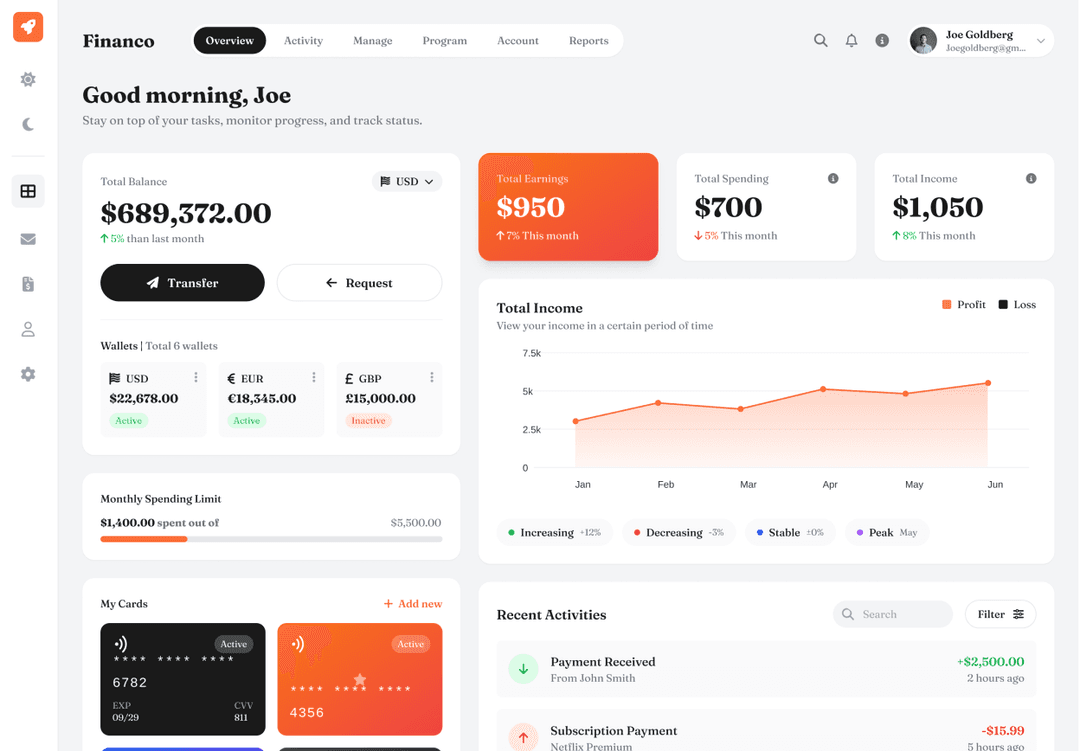
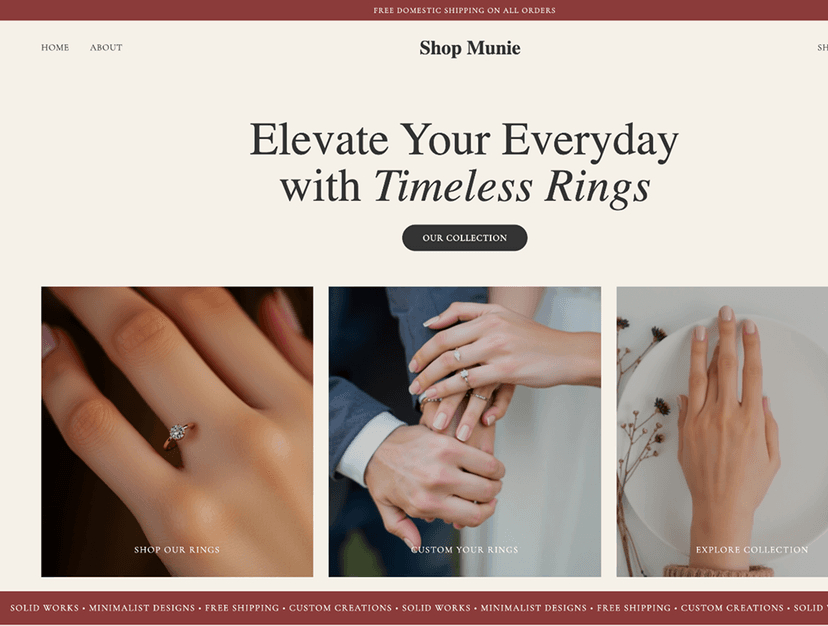
Two ways to design with AI for Figma
Start in the browser or inside your Figma file. Both use your UX Pilot account, and designs move between them.
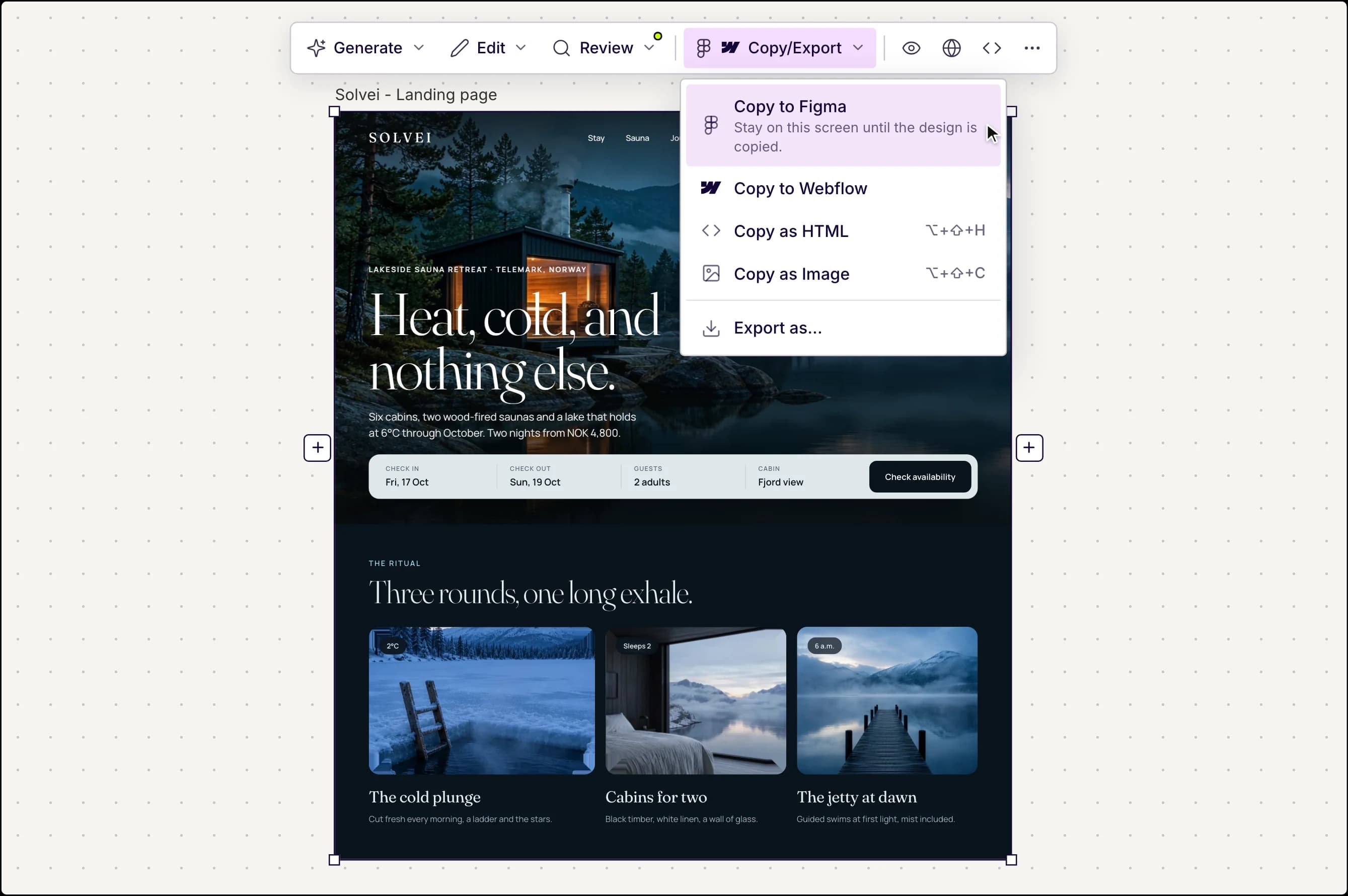
Made in UX Pilot
Design in the UX Pilot web app
Write a prompt, or upload a sketch or screenshot, and get finished screens on an open canvas.
- Whole flows from one prompt, not single screens
- Several design directions to choose from
- Heatmaps and design review before handoff
- Copy to Figma as editable layers with auto layout
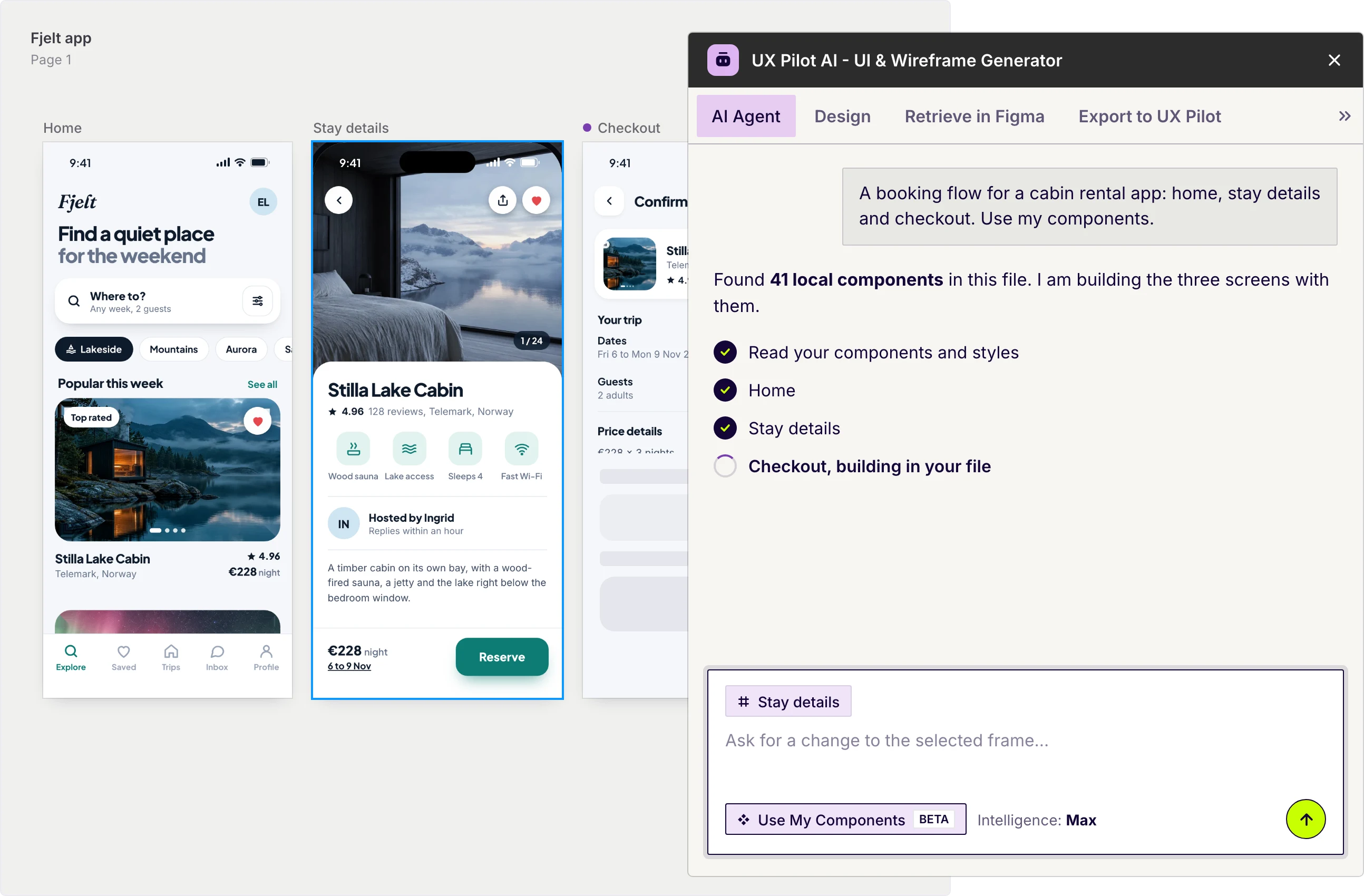
UX Pilot plugin in Figma
Or stay in Figma with Nodey
Nodey is the UX Pilot plugin: an AI design agent that works on your Figma canvas.
- Describe a screen, flow or component and Nodey builds it in your file
- Select a frame and ask for changes
- Design with the components already in your file
- Pull designs over from the web app, or send Figma frames to UX Pilot
Free to install. Works inside your existing file.
What you can bring into Figma
Real product design, generated in UX Pilot and pasted into Figma as layers you can keep editing.
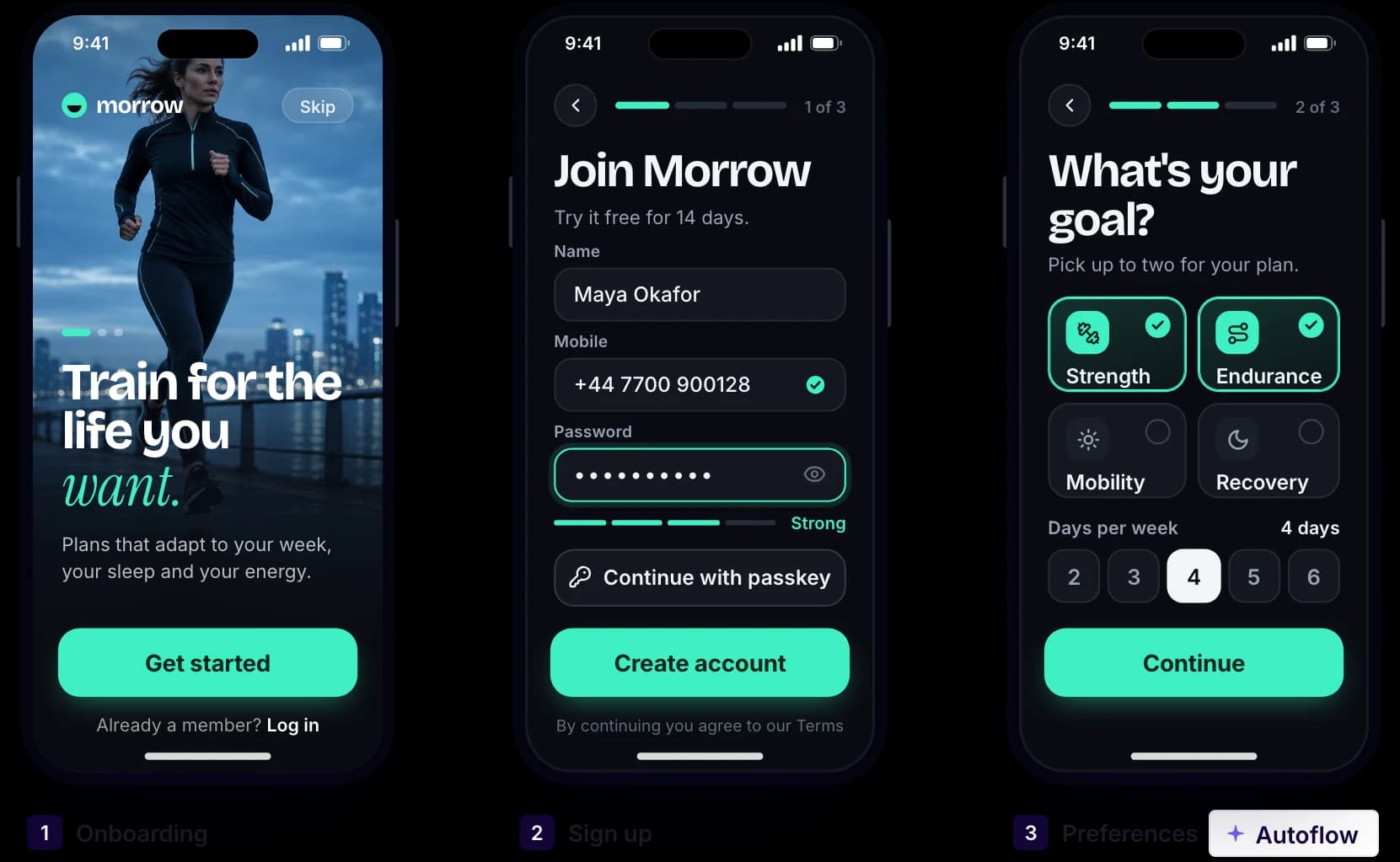
Made in UX Pilot
A whole flow from one prompt
Describe the job, such as onboarding or checkout, and get every connected screen in one run, ready to copy into Figma.
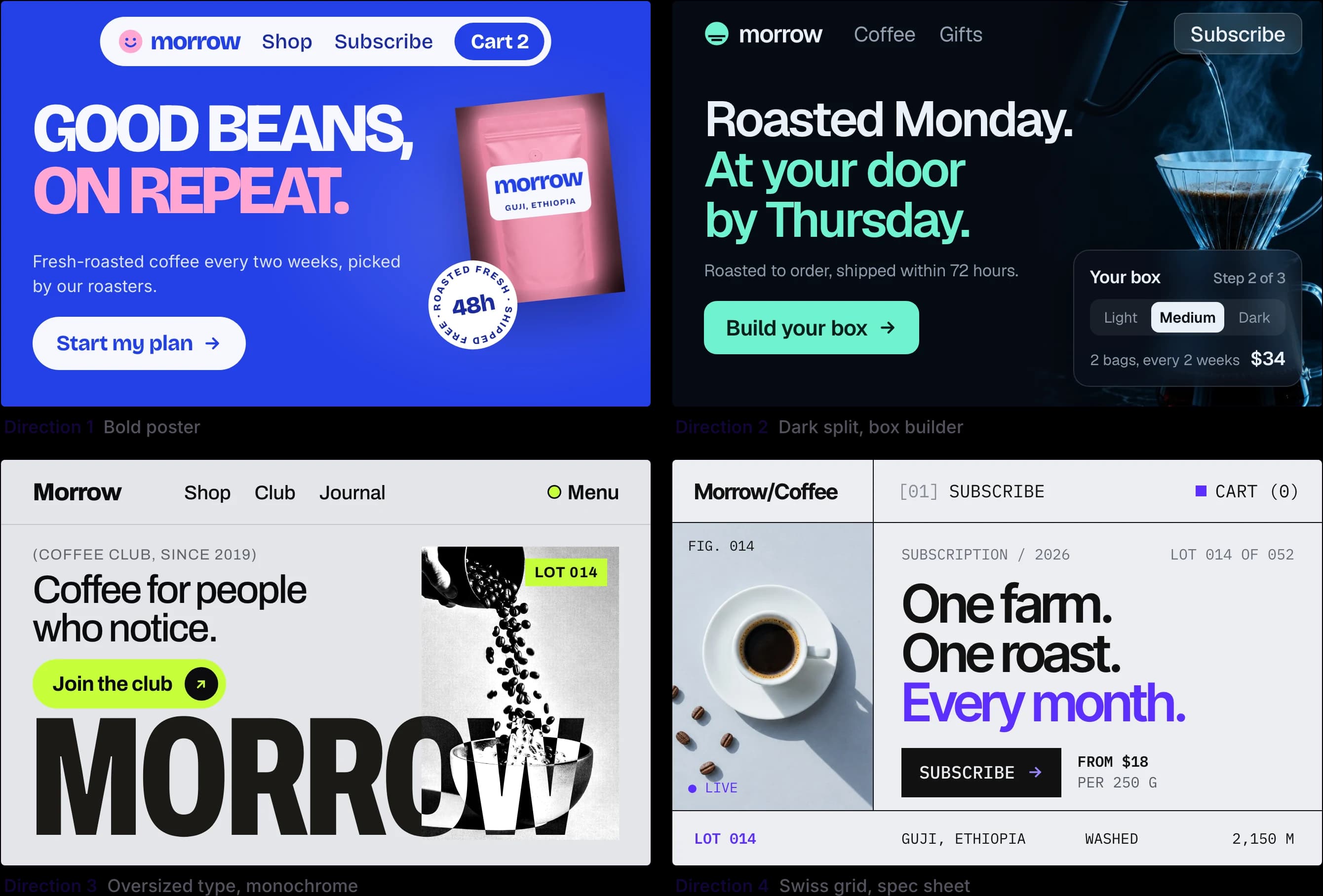
Made in UX Pilot
Several directions, then pick one
Compare different layouts and styles for the same screen side by side before anything goes into your file.
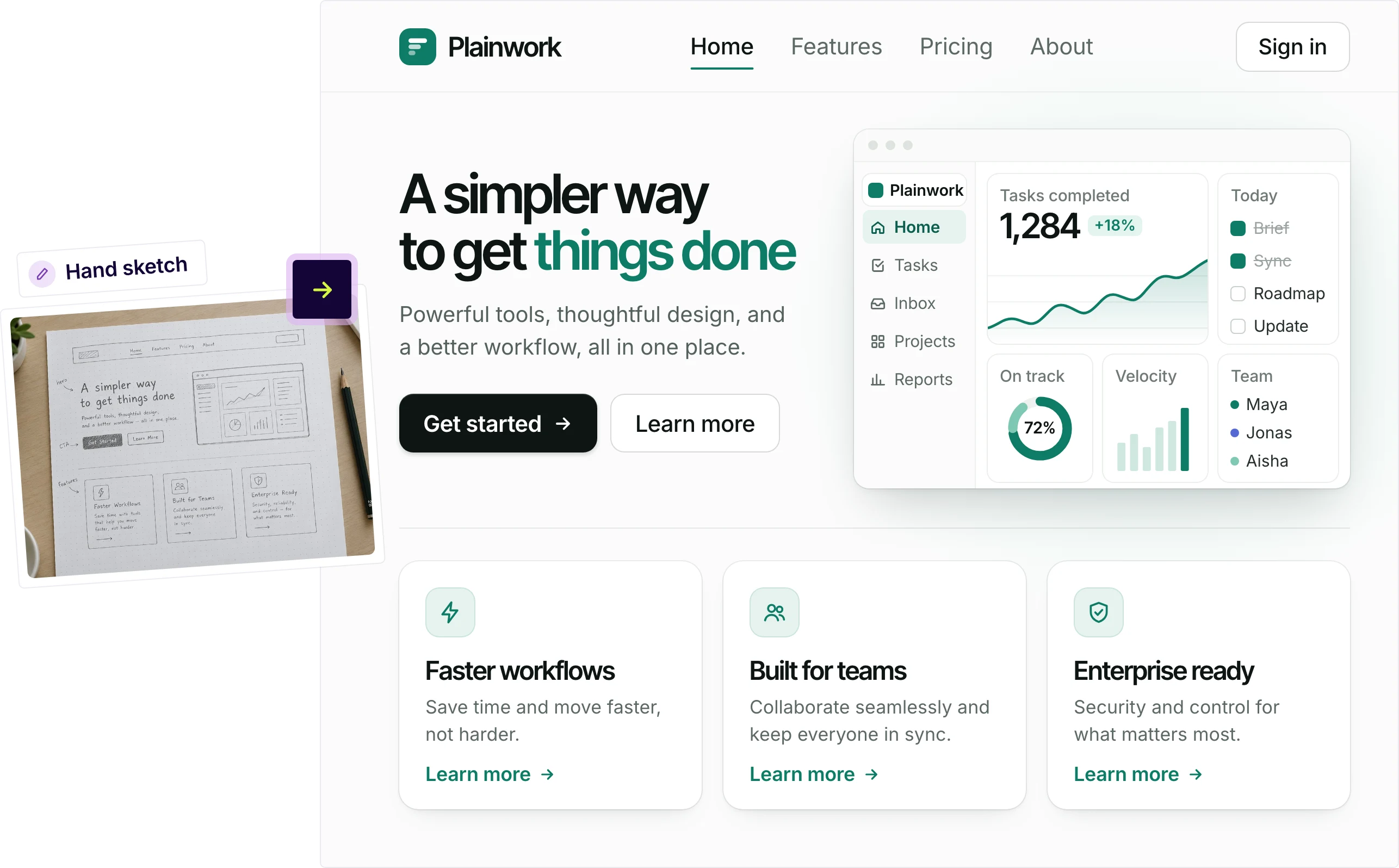
Made in UX Pilot
From a sketch to a finished screen
Upload a hand sketch or wireframe and get a polished design that keeps your structure.
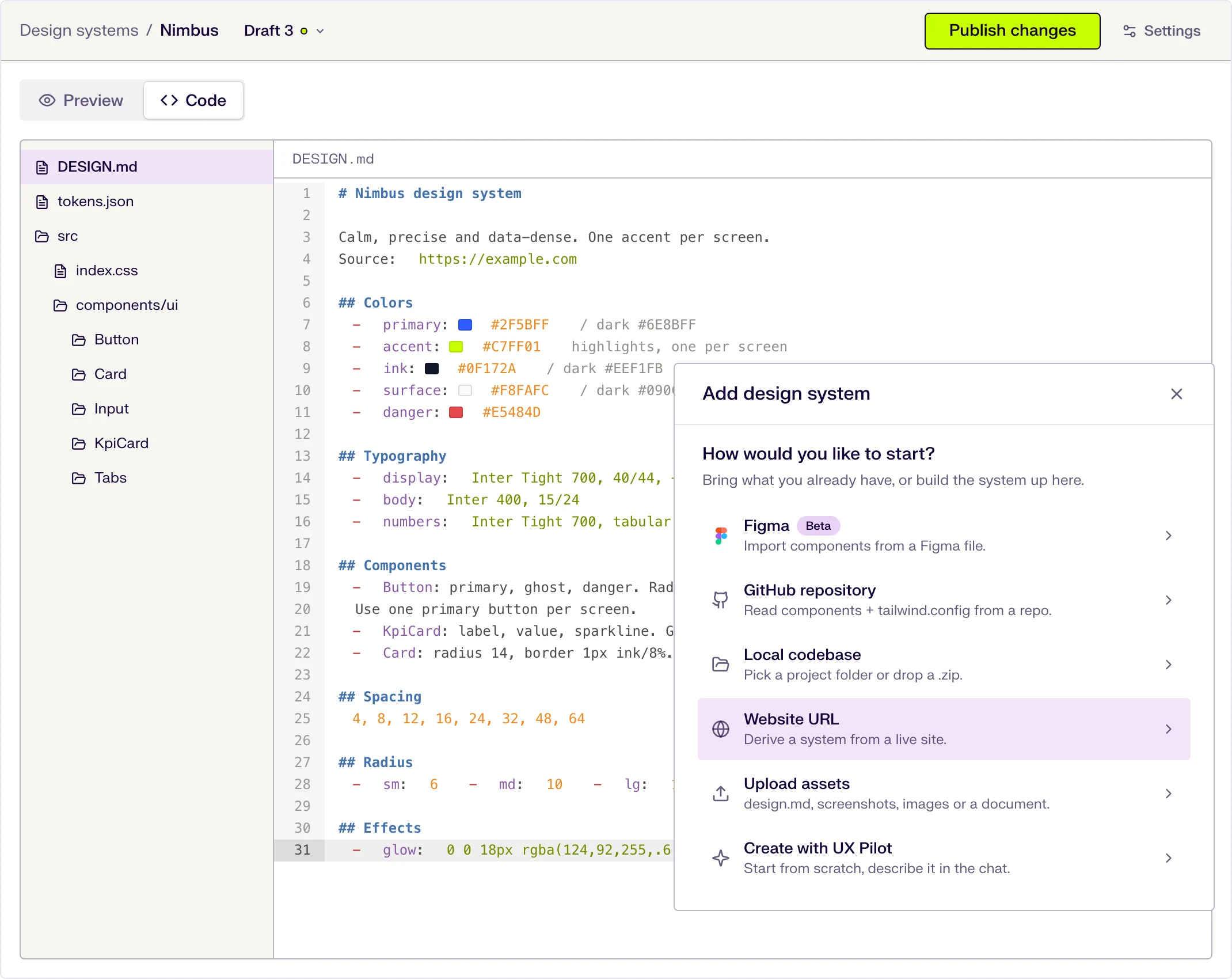
On brand with your design system
Import your design system once and UX Pilot designs with your tokens and components. In Figma, Nodey can use the components already in your file.

Kresimir Retih,
Project Manager"It has been a game-changer for me! Since signing up, my workflow has become much smoother, and my productivity has increased significantly. I love how intuitive and user-friendly the platform is, making UX tasks much easier and more efficient. Highly recommend it to anyone looking to streamline their UX process!"
Nodey works where you already design
Everything happens on your canvas, in your own file.
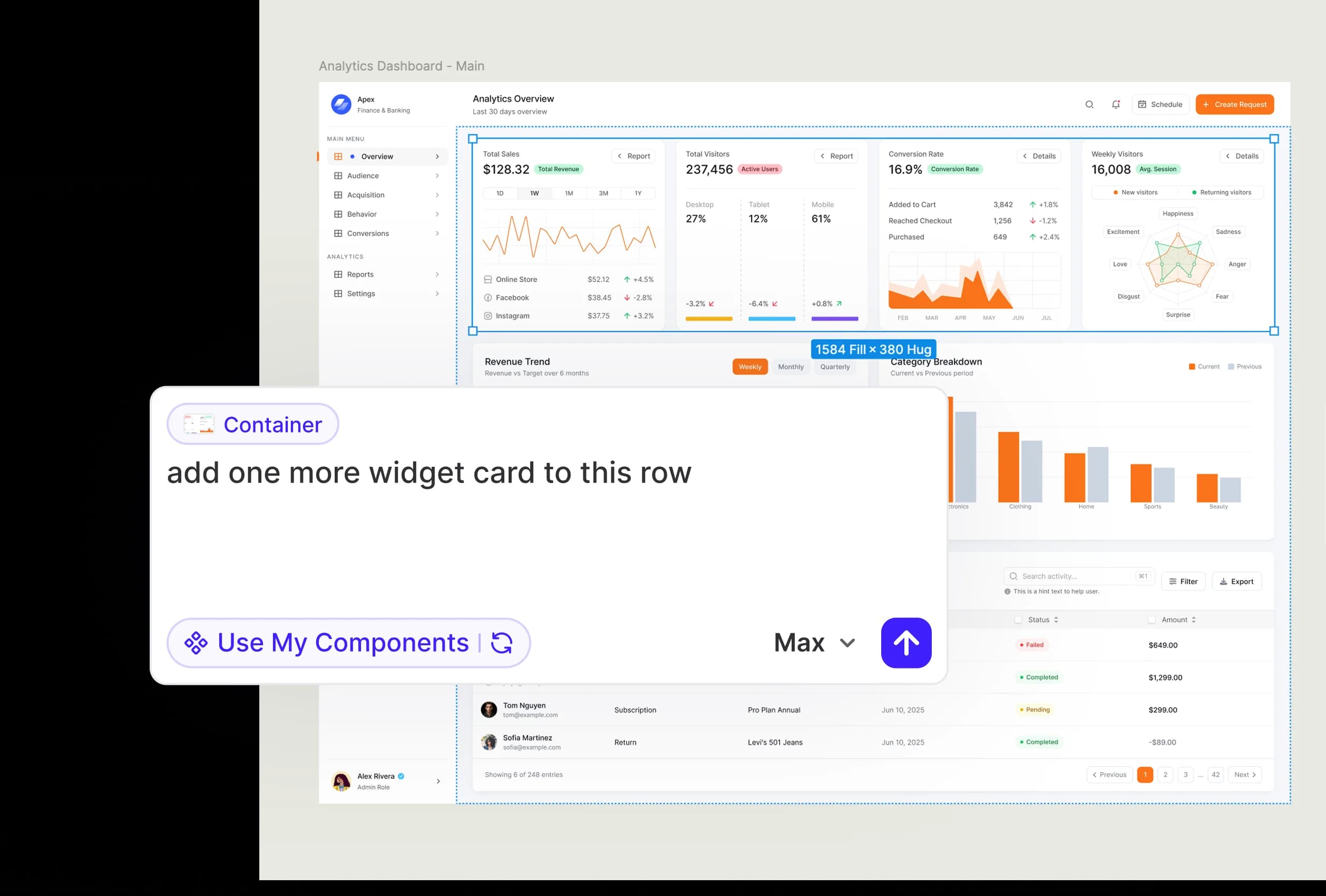
UX Pilot plugin in Figma
Edit any frame by asking
Select a frame, describe the change, and Nodey updates it in place.
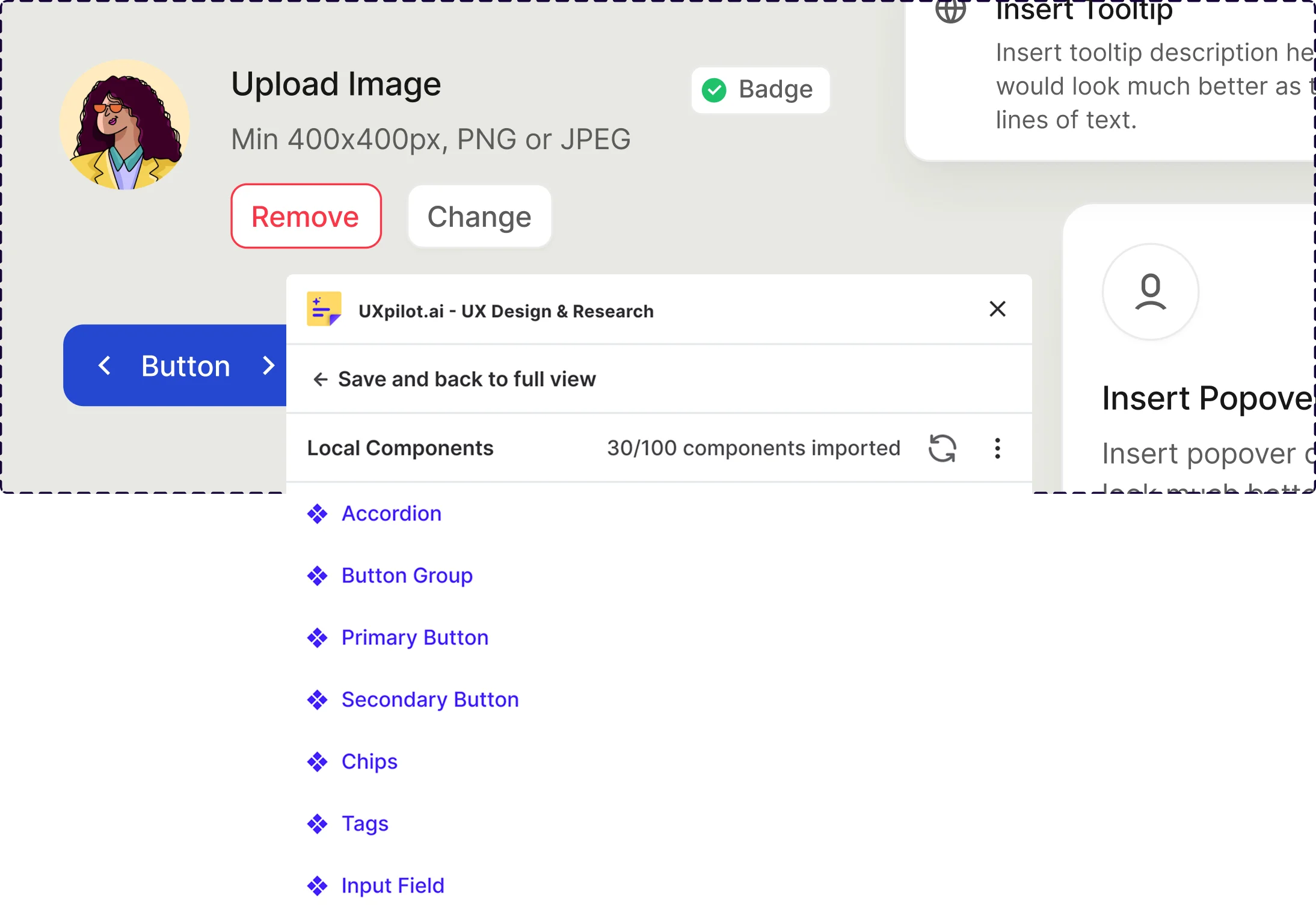
UX Pilot plugin in Figma
Builds with your components
Turn on Use My Components and Nodey designs with the components your file already has.
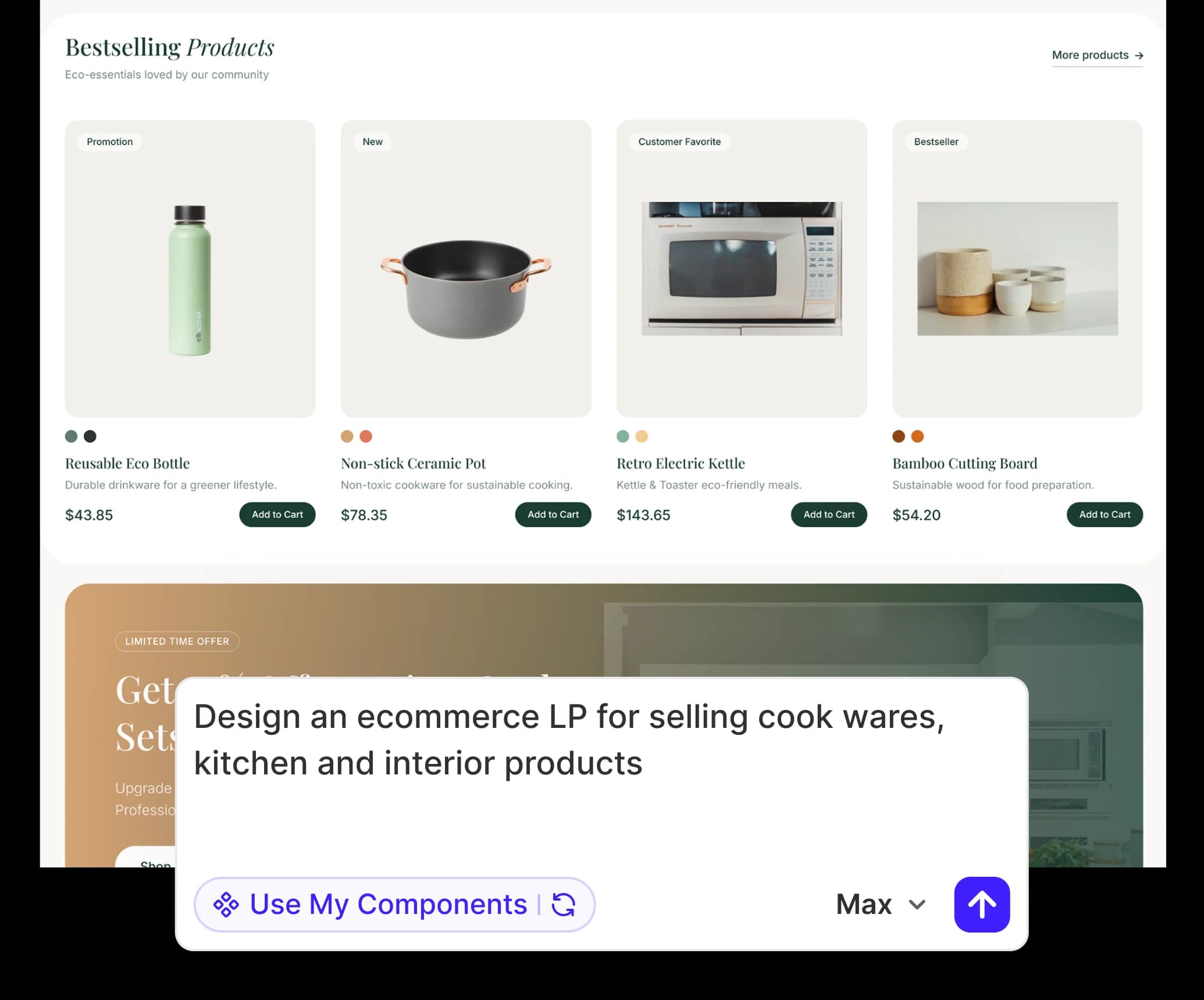
UX Pilot plugin in Figma
New pages from a prompt
Ask for a landing page, dashboard or onboarding flow and get editable frames on your canvas.
Frequently asked questions
UX Pilot, Figma and the Nodey plugin.
Design it with AI, finish it in Figma
Start for free in the web app, or install Nodey in Figma.
Generate designs in seconds