Try your first design for free + 45 credits to explore

Trusted by 600,000+ Users

Nodey: The Figma-native AI design agent

Design in Figma using natural language and keep native Figma layers, full editability, and AI powered generation that respects your design system, all without leaving the canvas.

Free to installWorks inside your existing Figma file

Nodey vs Figma Make

Both tools generate UI from a prompt inside the Figma ecosystem, but they're built for different jobs.

(-1)
(-1)
(0)
(0)
Compare Features
Figma Make
Nodey
Where output livesStandalone prototype in a fresh fileInside your existing Figma file
Design system reuseGenerates from scratch, outside your product's systemReuses your real components through Simple Sync
Output editabilityPrototype-grade, often flattened or limitedNative Figma layers with auto-layout and tokens preserved
RefinementRegenerate to changePrompt to refine specific sections, components, or screens
Best ForExploring a new idea in a fresh fileShipping product design inside your existing workflow
(1)
(1)

Nodey vs Claude Design

Claude Design and Nodey solve different problems for different teams.

(-1)
(-1)
(0)
(0)
Compare Features
Claude Design
Nodey
Primary use caseWeb pages, marketing assets, prototypesProduct UI inside an existing design system
Where it runsInside Claude's own canvasInside your existing Figma file
Design system handlingReads codebase or design filesReuses your real Figma components through Simple Sync
Output formatStandalone assets outside your productNative Figma layers ready for handoff
Credit efficiencyRegenerates full screens from zeroOptimized to reuse components, sessions stretch further
(1)
(1)

Powered by UX Pilot

Nodey runs on the same generation engine that powers UX Pilot, the AI design platform trusted by 600k+ product teams.

Work inside Figma with Nodey

Generate, refine, and ship product UI without leaving the canvas your team already works in.

Design inside UX Pilot

Use UX Pilot for end-to-end workflows from prompt to multi-screen flows, design system management, and Figma export.

  • Same models, same design system intelligence, same context-aware generation.
  • Signing up for Nodey is signing up for UX Pilot, which means your account, your design system, and your work move with you between the Figma plugin and the full UX Pilot studio

One UX Pilot account works across Nodey in Figma and the full UX Pilot studio.

Show Cookie Preferences

End-to-end PRD to handoff inside one Figma file

Nodey covers the full path from idea to handoff without leaving Figma. Paste a PRD or a rough concept and generate a first-pass flow.

  • Refine specific screens, sections, or components through follow-up prompts.
  • Sync your design system once and every generation after that reuses your real components.

When the work is ready, the output is already native Figma layers, so handoff is the same export your team already runs.

No more random components in your design system

No more random components in your design system

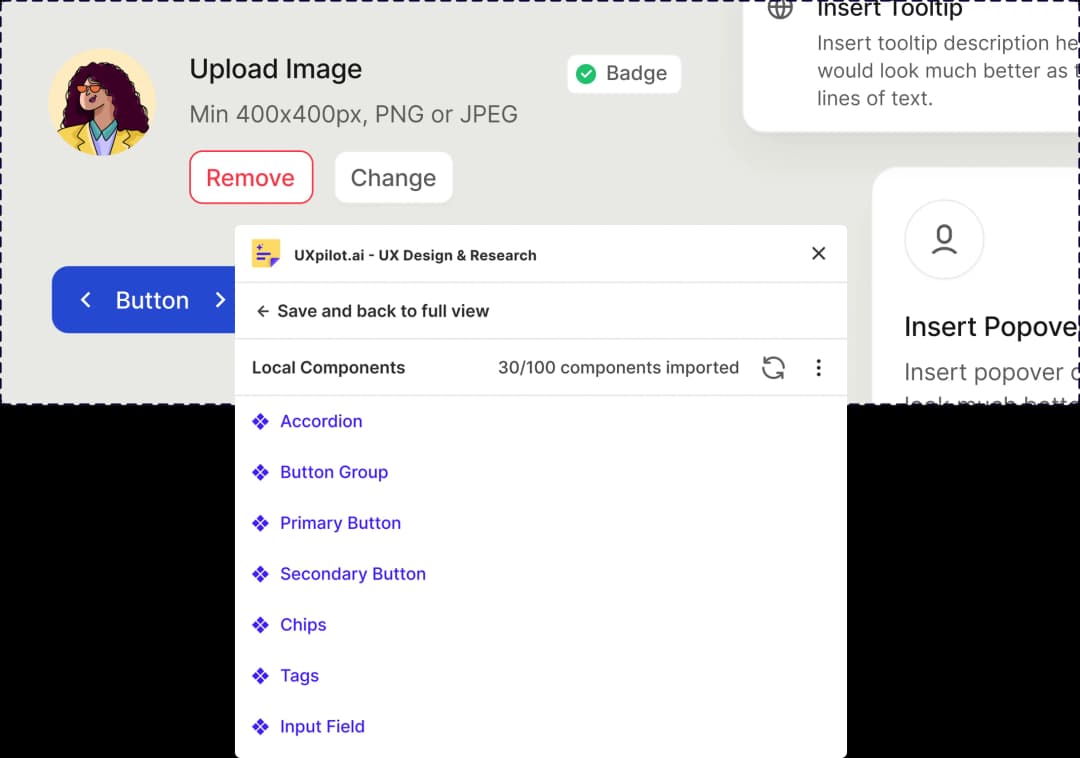
AI design tools often generate visually plausible elements that are stylistically disconnected from your real product. Nodey solves this with Simple Sync, a one-click step that reads all of your design components and makes them available to the agent.

Every generation after that draws from your real library, so the output is visually consistent with the rest of your product and maintainable over time.

  • Sync your design system with one click
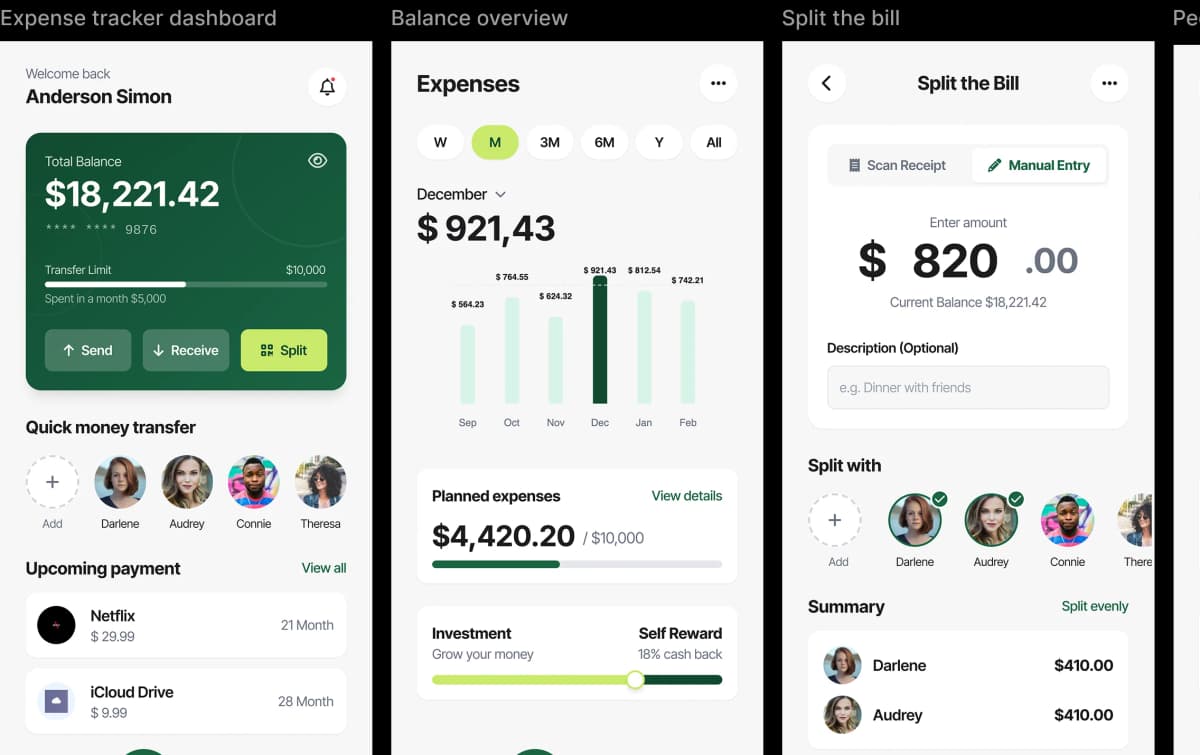
  • Generate screens that feel closer to your real product
  • Reuse existing components as instances instead of disconnected copies
  • Keep design output easier to maintain over time

Works inside your existing Figma workflow. Built for product teams and UX/UI designers working with design systems.

Iterate without rebuilding

Iterate without rebuilding

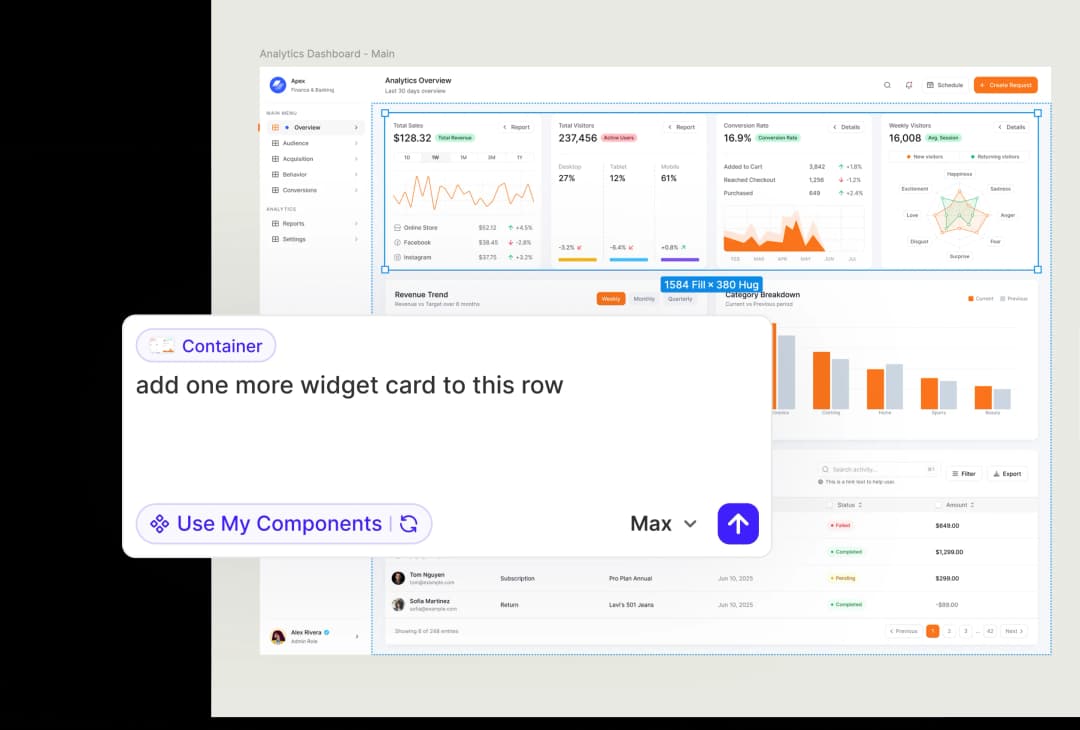
Nodey lets you refine specific areas with natural language, so you can keep improving the design without breaking momentum.

Every generation after that draws from your real library, so the output is visually consistent with the rest of your product and maintainable over time.

  • Update specific parts of a design without starting over
  • Refine layouts, sections, and flows through follow-up prompts
  • Explore new directions while keeping what already works
  • Move from idea to iteration faster

Generate faster, reuse your design system, and keep iterating without starting over.

Nodey is built to help product designers move faster inside Figma.

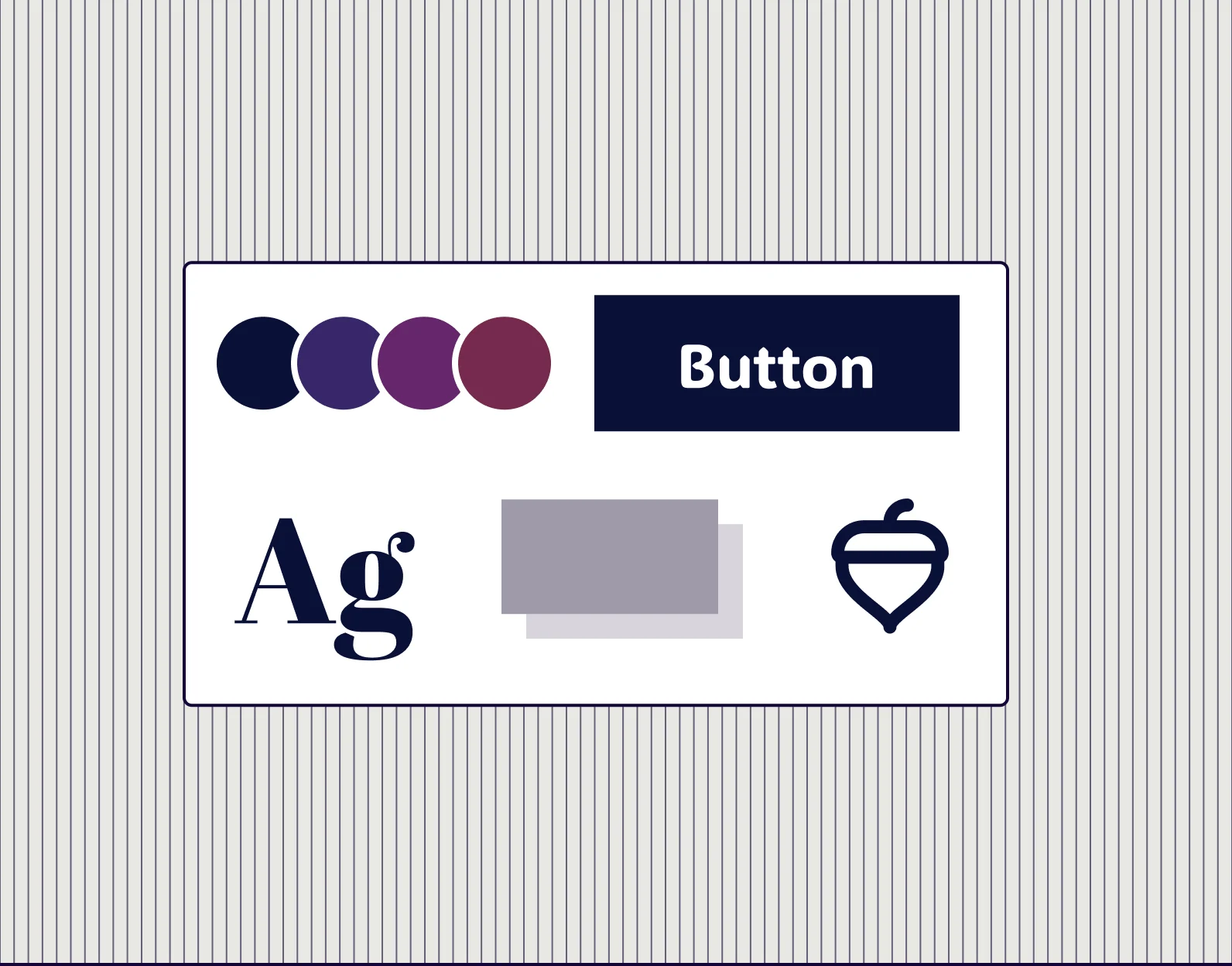
Create styling and brand artifacts

Create styling and brand artifacts

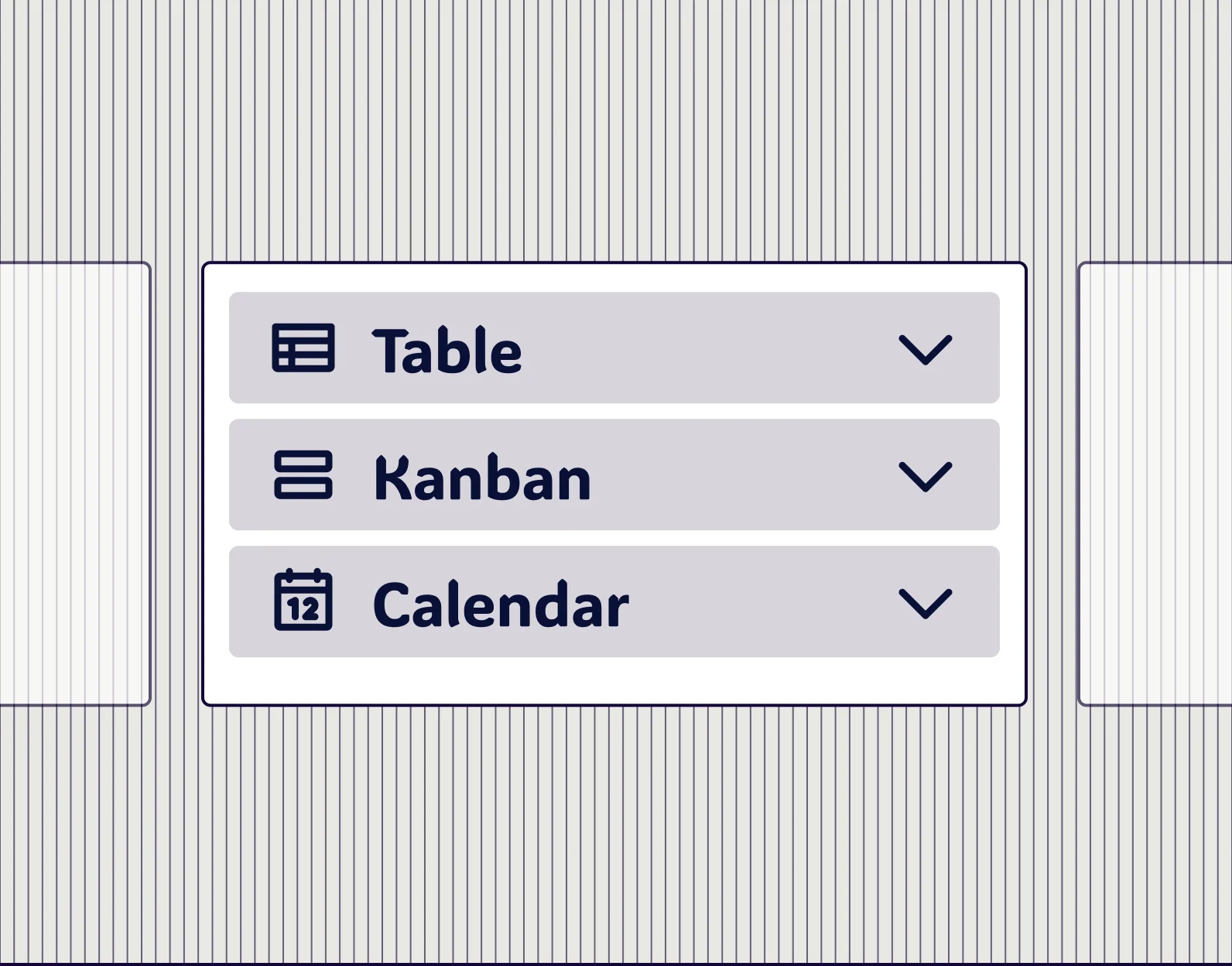
Create UI kits for you

Create UI kits for you

Clone existing web and mobile apps

Clone existing web and mobile apps

How Nodey works

No separate Figma subscription required.
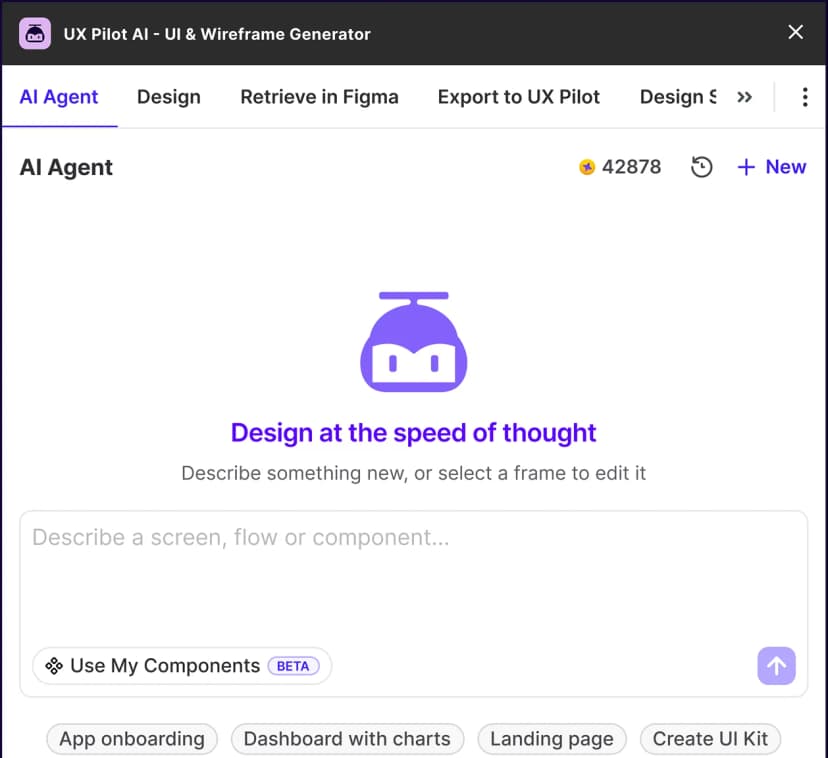
Launch Nodey inside Figma
1

Launch Nodey inside Figma

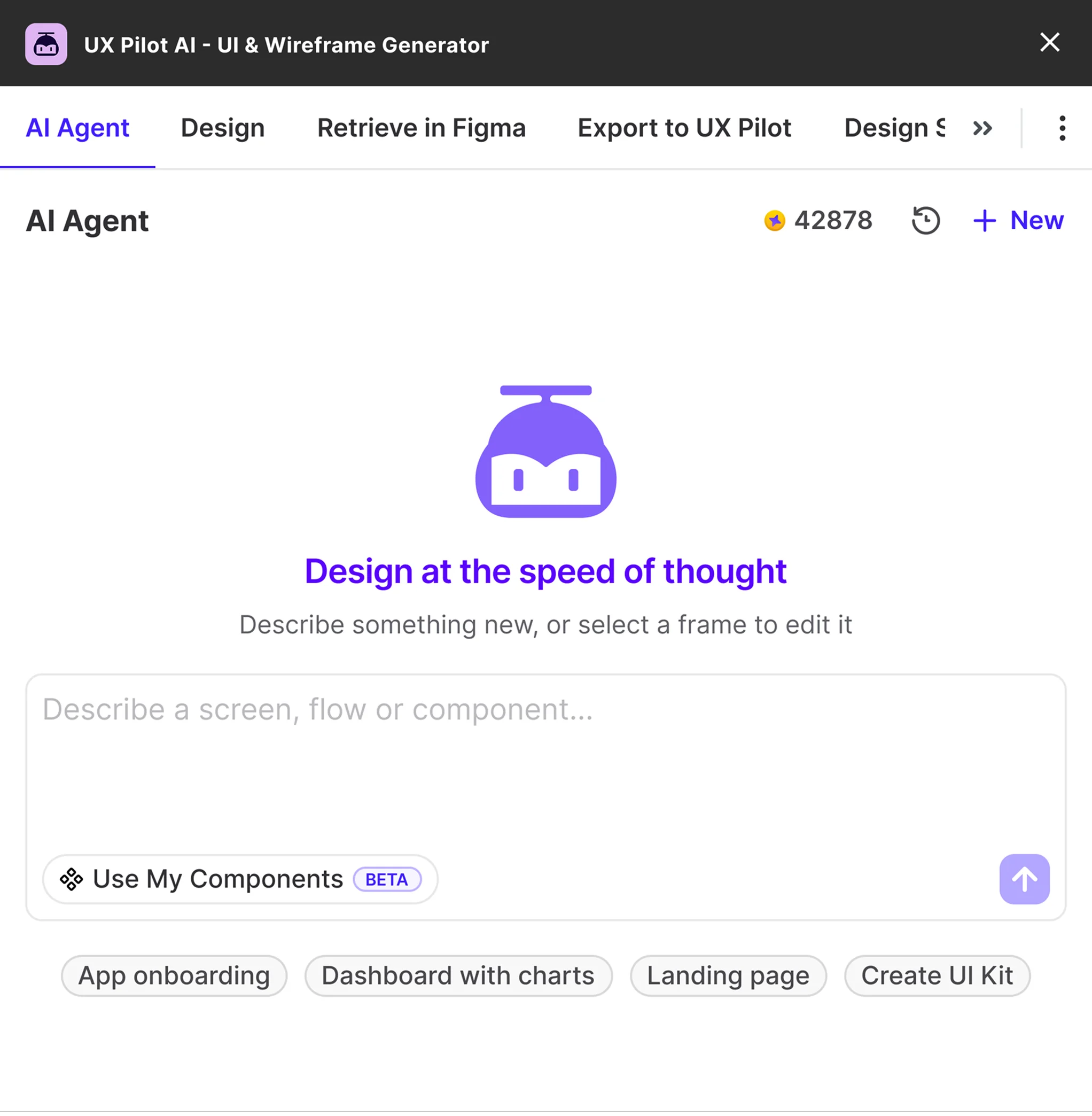
Hit Cmd+K to open Nodey in the Figma canvas and type in a brief or paste a PRD or screenshot.
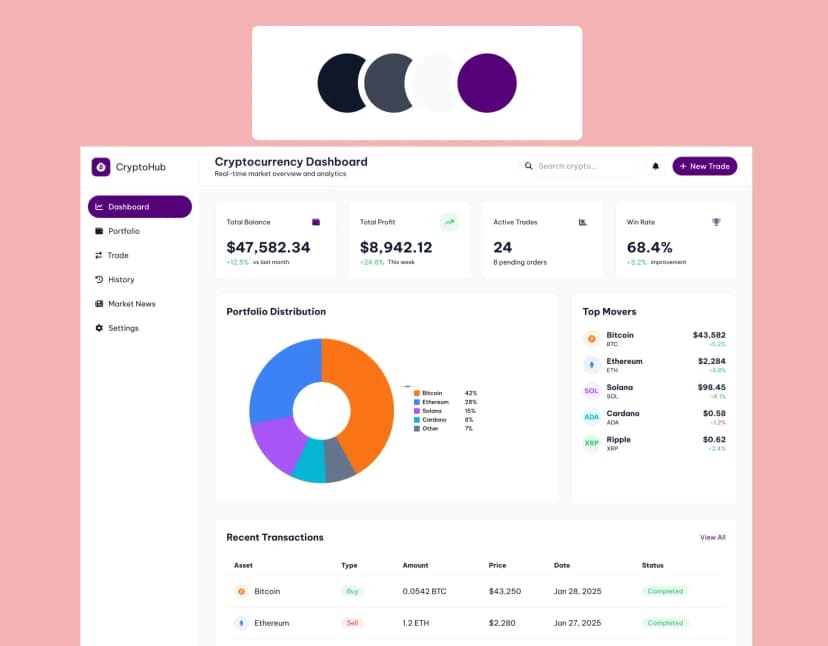
Get editable Figma layers that respect your design system
2

Get editable Figma layers that respect your design system

Nodey generates output as native Figma layers you can open, inspect, and hand off.
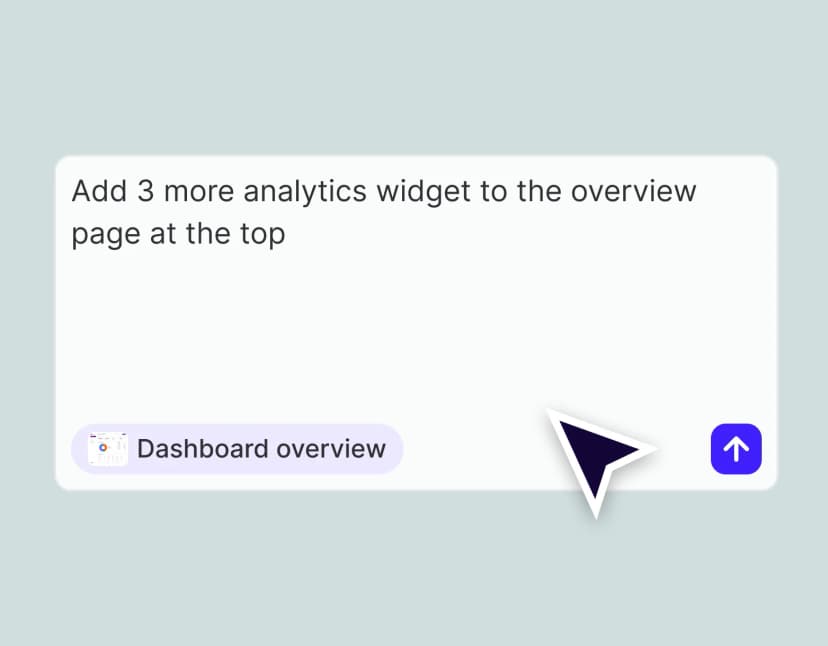
Refine any part of the output with follow-up prompts
3

Refine any part of the output with follow-up prompts

Select a section, a component, or a full screen and prompt Nodey to change just that part while keeping the rest of the work intact.

Built for real product design workflows

For product designers

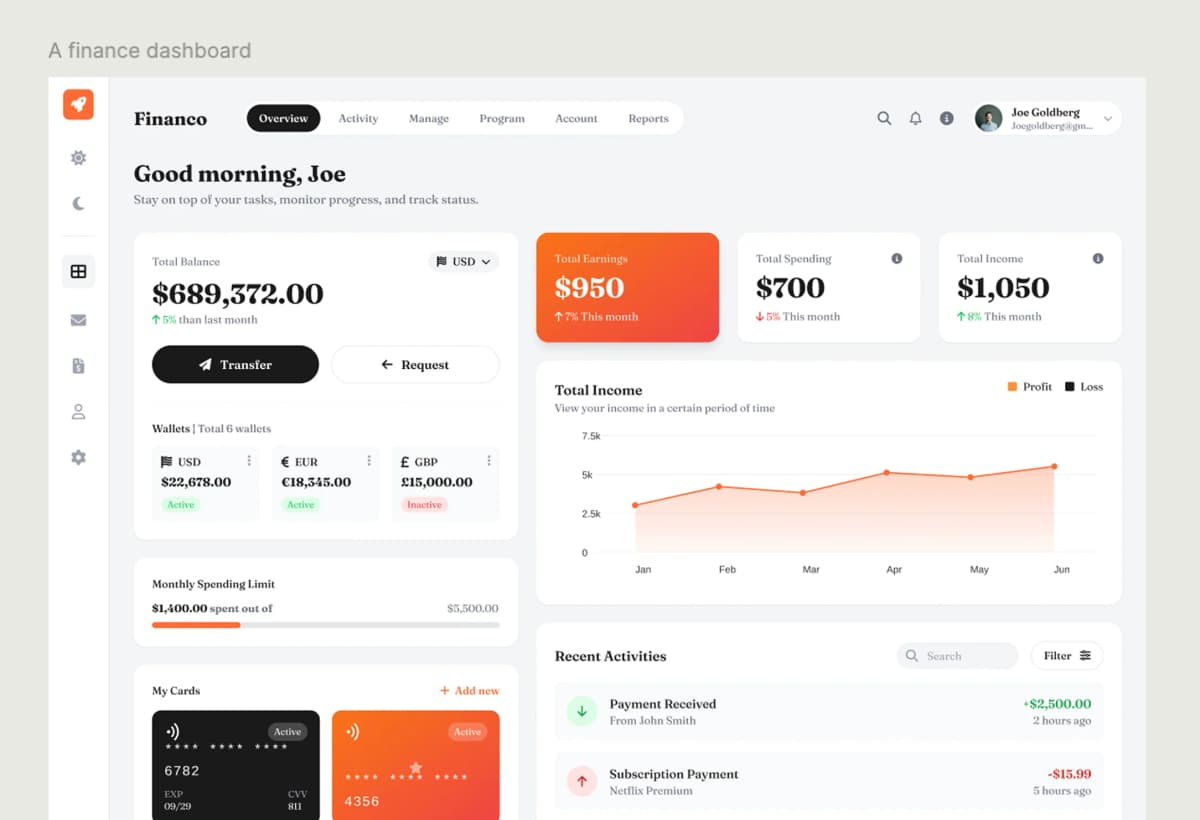
Take a PRD or feature brief and generate four to five layout directions in a single session instead of one. Spend production time on the decisions that actually matter, like hierarchy, states, and edge cases, rather than on first-pass setup.

AI generated designs that match the prompt

For UX/UI designers

Replace the blank canvas with a structured starting point that already respects your design system. A 12-screen flow that would normally take a day of setup becomes a first pass you can critique and refine in the same morning.

Ideas to finished UX designs

For design teams

Ship consistent work across projects without each designer rebuilding the same patterns. Because Nodey reuses your existing components as instances, design system adoption goes up rather than down as the team moves faster.

Non-designer accessibility

For PMs and cross-functional teams

Bring a visual to the kickoff instead of waiting for one. Pasting a PRD into Nodey turns a written spec into a screen your team can react to in the same meeting, which pulls alignment earlier in the cycle.

Non-designer accessibility

FREQUENTLY ASKED QUESTIONS

Everything you want to know about Nodey, the Figma-native AI design agent.

Product

NodeyAI Wireframe GeneratorAI UI GeneratorAI Dashboard GeneratorAI Landing Page GeneratorAI Website BuilderAI Diagram GeneratorAI Flowchart GeneratorAI Website DesignerWebsite GeneratorWebsite ClonerMockup GeneratorPrototype GeneratorImage to HTMLFigma AIFigma Plugin

Compare UX Pilot

Galileo AIUizardUXPinMagic PatternsPaper DesignGoogle StitchPencil.devVisilyFigma MakeClaude DesignRelume AIBoltLovable

Resources

Figma GuideBlogsMobile TemplatesWebsite TemplatesUX WorkshopsTestimonialsAffiliates

Company

About usPricingUX Pilot for AgenciesUX Pilot for EnterpriseCareersContact Us

Legal

Privacy PolicyTerms of Service

©2026 UX Pilot AI

Follow

TwitterTikTokInstagramLinkedInYoutube

Ship real product design faster, inside Figma

Nodey is free to install and runs inside the Figma file you already have open. There is no new canvas to learn, no separate export step, and no handoff layer to rebuild.

Install Nodey in Figma, generate your first screen in under a minute, and keep the output as real, editable Figma work.

Generate designs in seconds

UX Pilot Dashboard