Try your first design for free + 45 credits to explore

Trusted by 1M+ Users

Free AI Workflow Diagram Generator

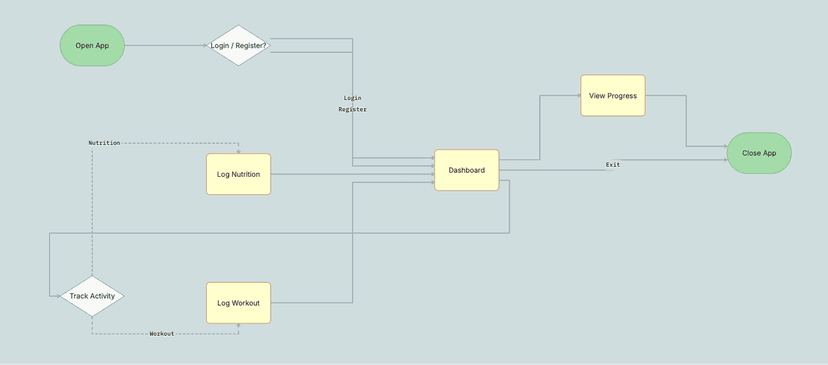
Map any sequential workflow from start to finish in seconds. Describe your tasks and dependencies, and UX Pilot generates a structured, editable workflow diagram you can refine and export to Figma or code.

Marketing website for a B2B SaaS analytics platform
screen-0
screen-1
screen-2
screen-3
screen-4
screen-5
screen-0
screen-1
screen-2
screen-3
screen-4
screen-5
screen-0
screen-1
screen-2
screen-3
screen-4
screen-5
screen-0
screen-1
screen-2
screen-3
screen-4
screen-5
screen-0
screen-1
screen-2
screen-3
screen-4
screen-5
screen-0
screen-1
screen-2
screen-3
screen-4
screen-5
screen-0
screen-1
screen-2
screen-3
screen-4
screen-5
screen-0
screen-1
screen-2
screen-3
screen-4
screen-5
Generate a workflow diagram
Kresimir Retih's avatar

Kresimir Retih,

Project Manager

"It has been a game-changer for me! Since signing up, my workflow has become much smoother, and my productivity has increased significantly. I love how intuitive and user-friendly the platform is, making UX tasks much easier and more efficient. Highly recommend it to anyone looking to streamline their UX process!"

(Testimonial)

Trusted by designers, product professionals and data-driven teams

Join a growing community of professionals who have created over 2 million high-fidelity designs and saved countless hours with our AI-powered tools.

(-1)
(-1)

0M+

users

(0)
(0)
(0)
(1)

0M+

screens generated

(0)
(1)

0

rating from designers and developers

(0)
(1)

0+

countries

(1)
(1)
(0)
(1)
(0)
(1)

How to create a workflow diagram with UX Pilot

No design or coding skills required
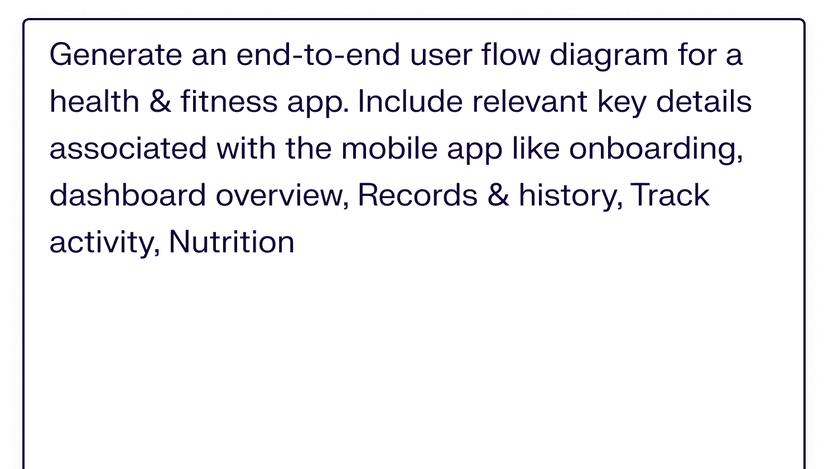
Describe your workflow
1

Describe your workflow

Write out the task sequence, dependencies, and decision points that define your project or operation. Include key milestones and any parallel tracks.

Generate your workflow diagram
2

Generate your workflow diagram

Build a complete visual workflow with connected steps, task dependencies, parallel paths, and decision branches structured around your description in seconds.

REFINE and export
3

REFINE and export

Reorder steps, add parallel tracks, update labels, and adjust the flow. Then export to Figma for collaborative editing or download production-ready code for handoff.

Compare UX Pilot

Tools

Resources

Blogs

Company

Contact Us

Legal

Privacy PolicyTerms of Service

©2026 UX Pilot AI

Follow

LinkedInYouTubeInstagramX (Twitter)TikTok
Show Cookie Preferences

Turn any workflow into a visual diagram with AI

Translate project workflows, approval sequences, and multi-step operations into clear visual diagrams your team can follow, refine, and act on.

(-1)
(-1)

// Build workflow diagrams from a description

// Build workflow diagrams from a description

Describe your task sequence and dependencies in plain language. UX Pilot generates a structured workflow diagram with logical ordering, parallel paths, and decision points your team can review and act on.

Describe your task sequence and dependencies in plain language. UX Pilot generates a structured workflow diagram with logical ordering, parallel paths, and decision points your team can review and act on.

(0)
(0)

// Visualize task dependencies end to end

// Visualize task dependencies end to end

Generate workflow diagrams that capture the full task sequence from initial trigger to final deliverable. Each step connects logically so your diagram reflects the way the project actually runs.

Generate workflow diagrams that capture the full task sequence from initial trigger to final deliverable. Each step connects logically so your diagram reflects the way the project actually runs.

(1)
(1)

// Refine workflows with follow-up prompts

// Refine workflows with follow-up prompts

Add steps, insert parallel tracks, or redirect decision branches by describing the change. UX Pilot restructures the workflow in place so you iterate on the diagram without manual repositioning.

Add steps, insert parallel tracks, or redirect decision branches by describing the change. UX Pilot restructures the workflow in place so you iterate on the diagram without manual repositioning.

(2)
(2)

// Go from workflow diagrams to screens

// Go from workflow diagrams to screens

Use your workflow diagram as a foundation to generate interface screens for each task or stage. UX Pilot keeps project logic and UI design connected so nothing gets lost between planning and production.

Use your workflow diagram as a foundation to generate interface screens for each task or stage. UX Pilot keeps project logic and UI design connected so nothing gets lost between planning and production.

(3)
(3)
(4)
(4)
Galileo AI
Uizard
UXPin
Magic Patterns
Paper Design
Google Stitch
Pencil.dev
Visily
Figma Make
Claude Design
Canva AI
Relume AI
Bolt
Lovable
AI Mind Map Maker
AI App Builder
AI Swimlane Diagram Maker
AI Web Design Generator
AI Workflow Diagram Generator
AI Process Mapping Tool
AI Concept Map Maker
AI PRD Generator
AI Roadmap Generator
AI MVP Builder
Figma Guide
Mobile Templates
Website Templates
Testimonials
Affiliates
About us
Pricing
Careers

FREQUENTLY ASKED QUESTIONS

Everything you want to know about UX Pilot's workflow diagram generator

Map any workflow visually in seconds, not hours

Describe your task sequence, dependencies, and decision points and generate a structured, editable workflow diagram your team can follow and build from. Start from what you know instead of a blank canvas.

Free to start
No credit card
No design skills required

Generate designs in seconds

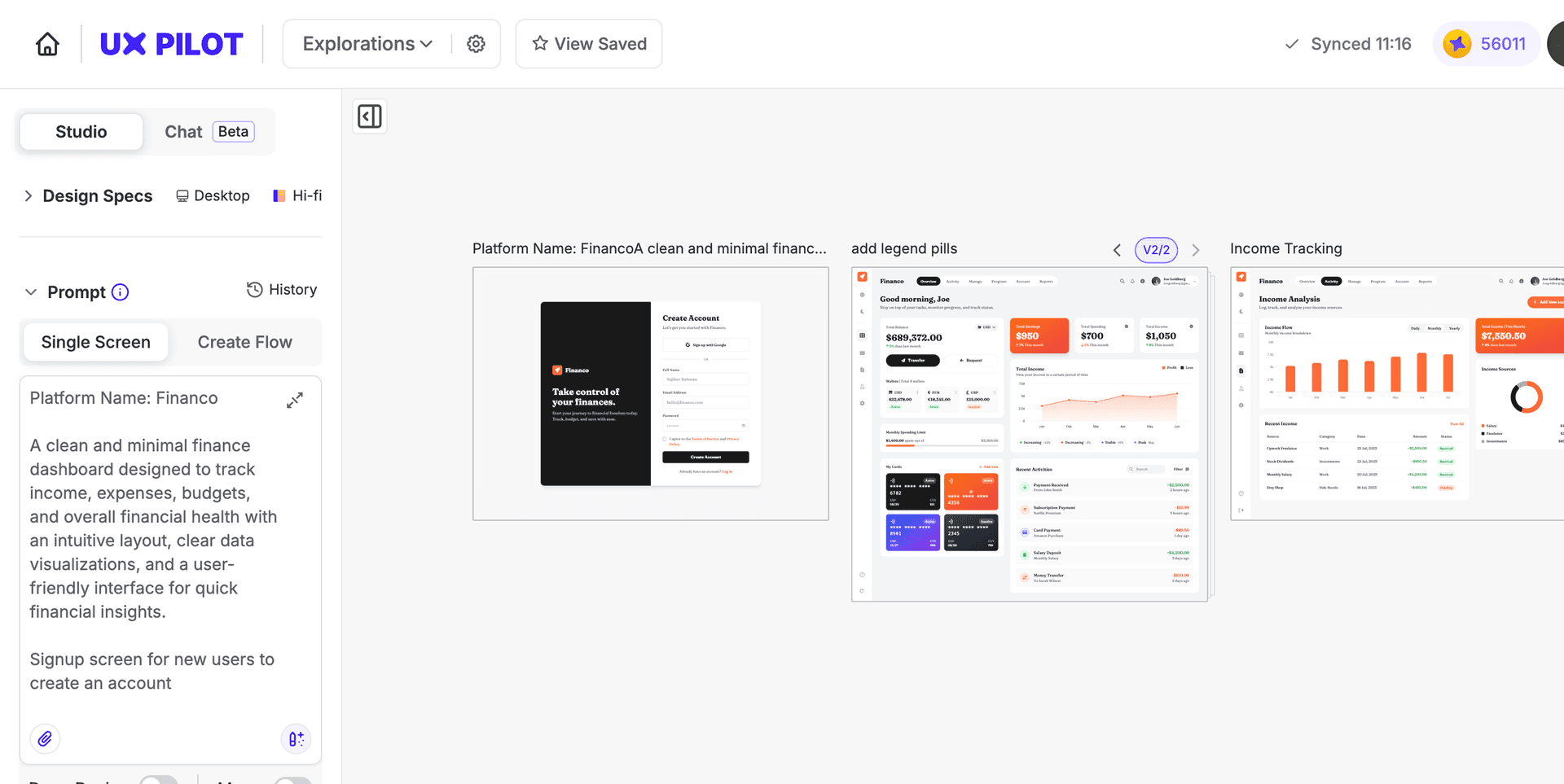
UX Pilot Dashboard