Trusted 1M+ designers, founders, and product teams
Free AI Wireframe generator
Turn any idea into a structured, editable wireframe in seconds. Describe what you need or upload a photo, pdf or URL and UX Pilot generates wireframes you can refine, iterate on, and export to Figma or code.
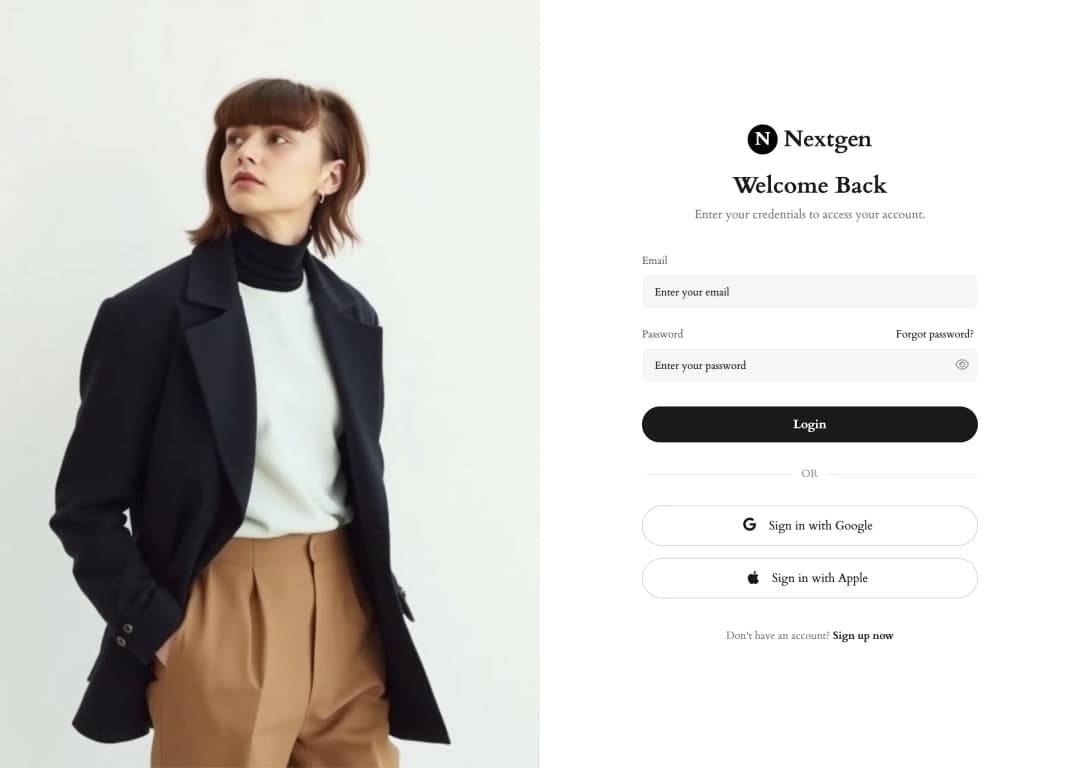
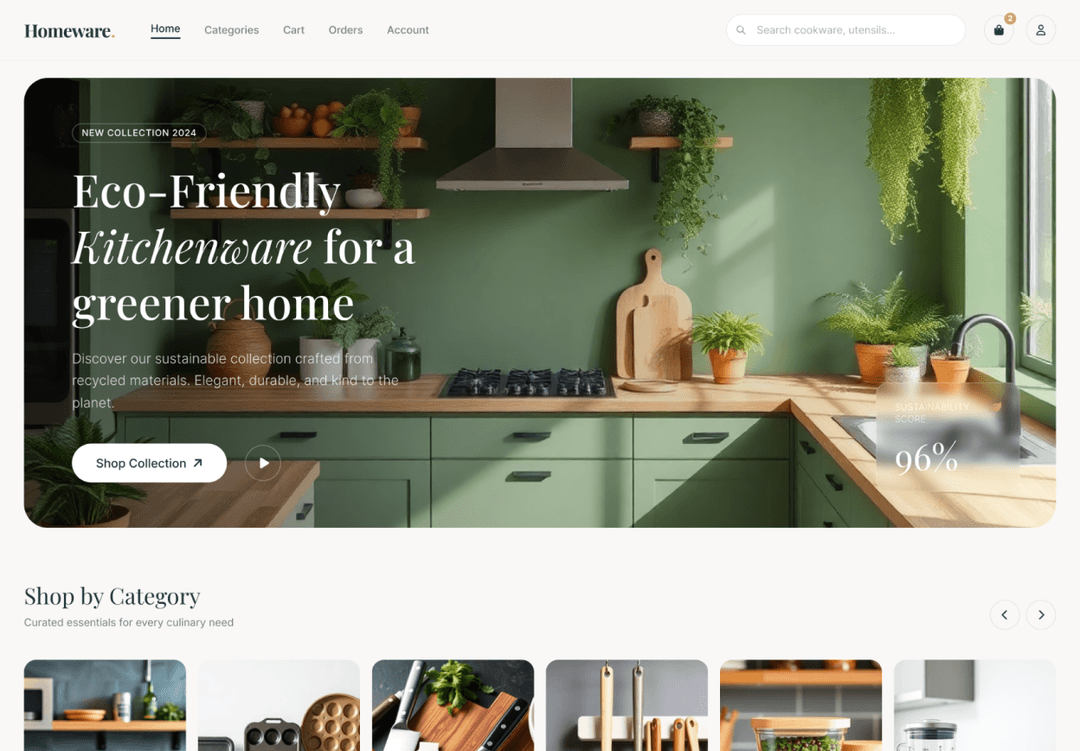
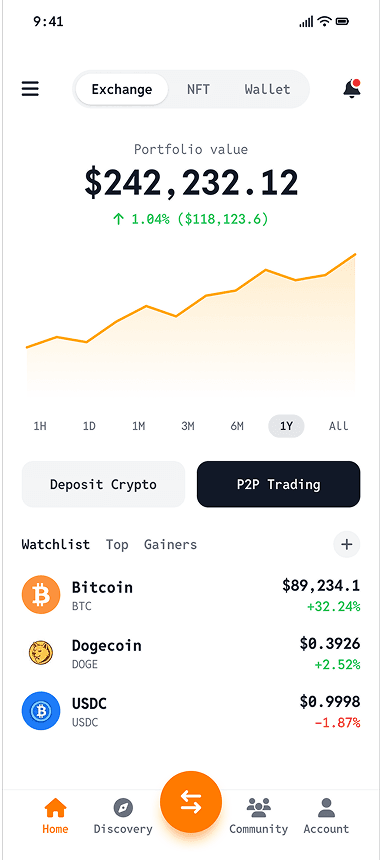

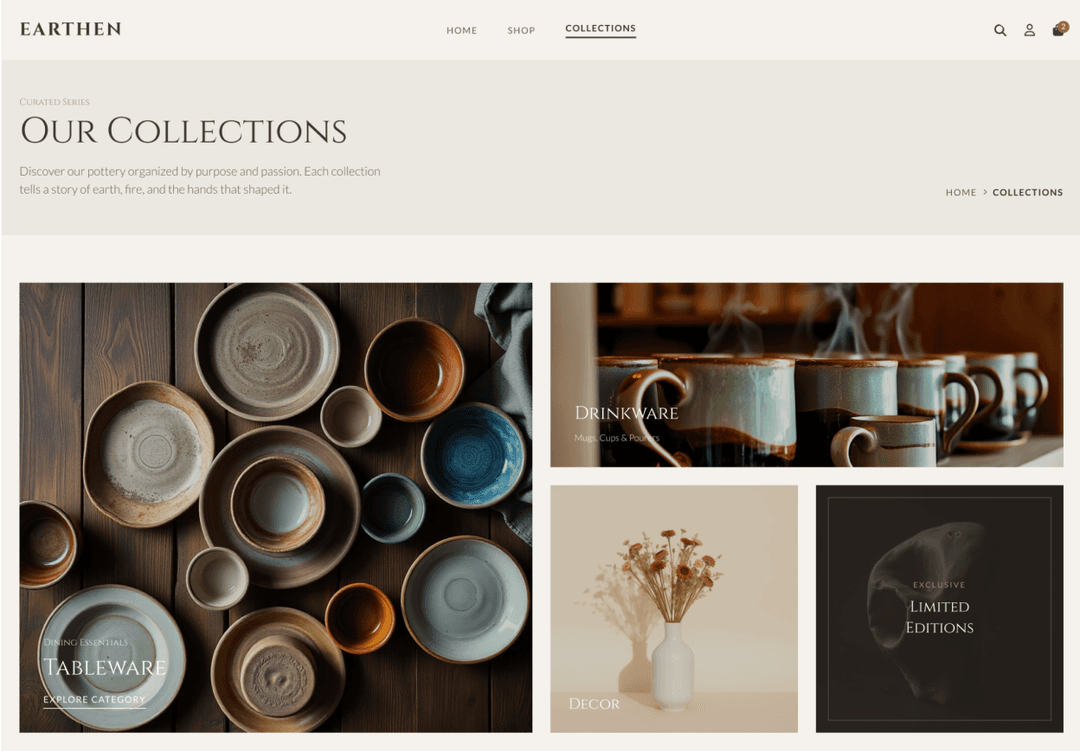
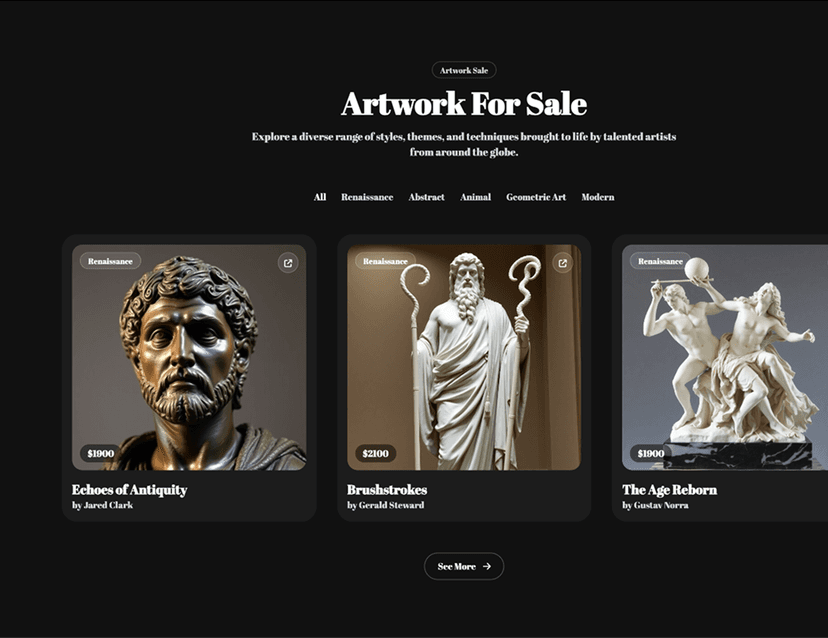
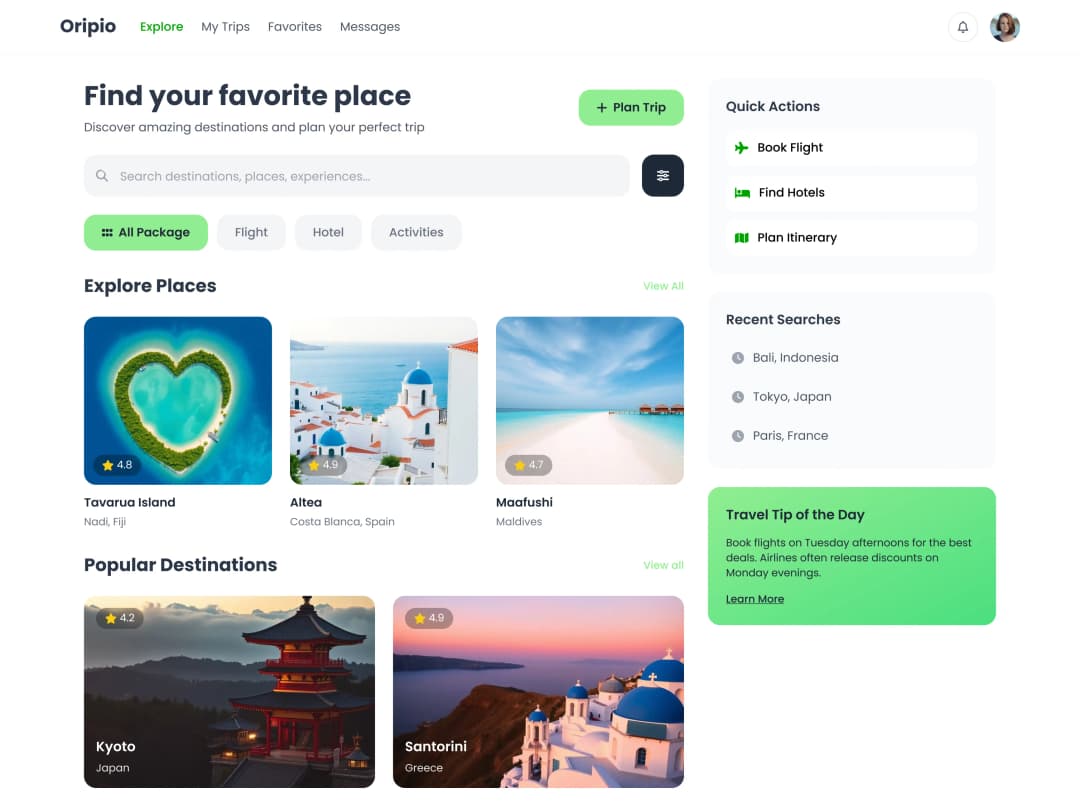
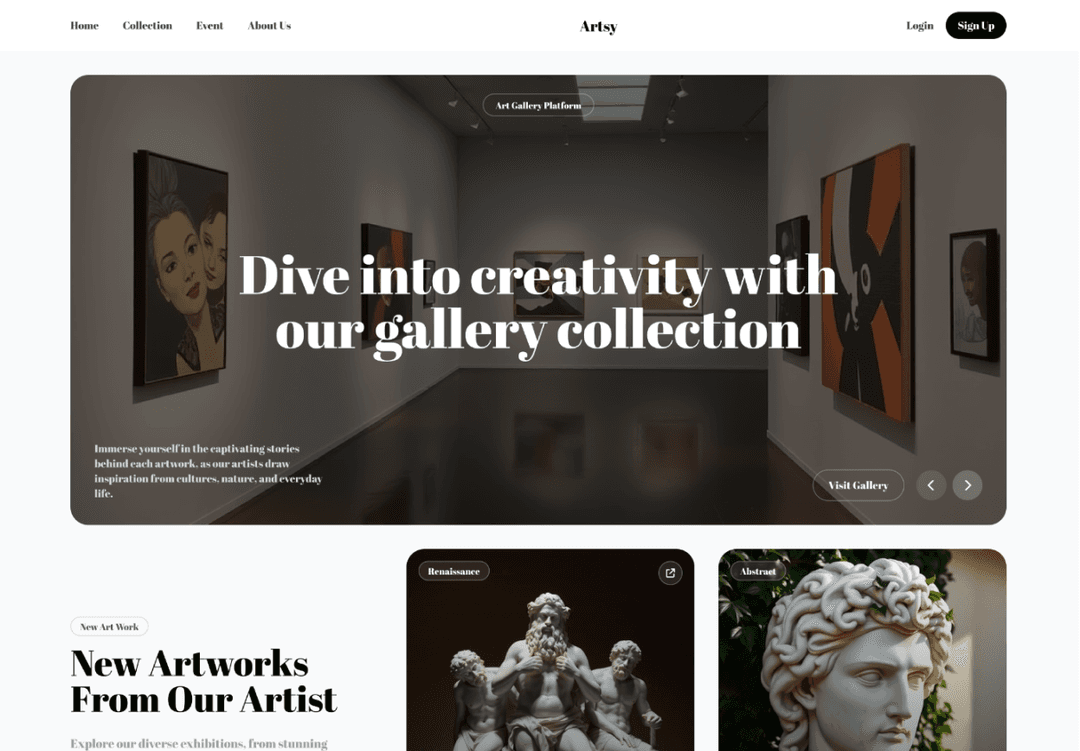
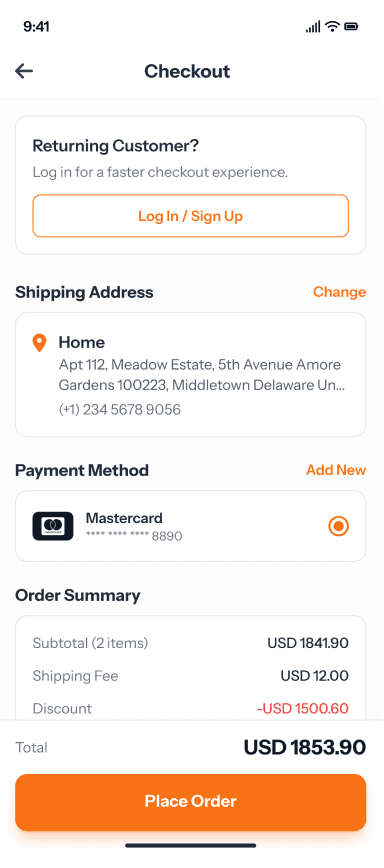
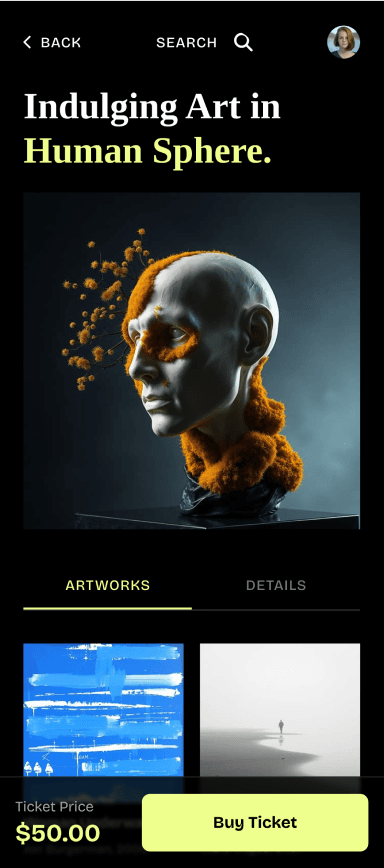
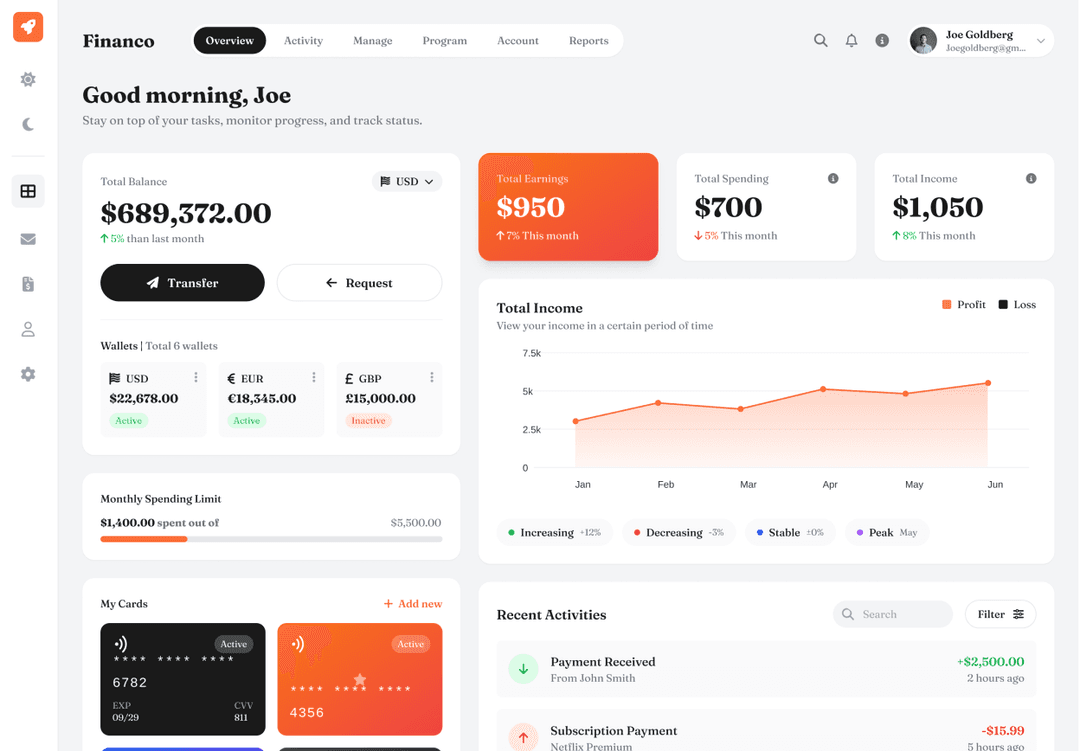
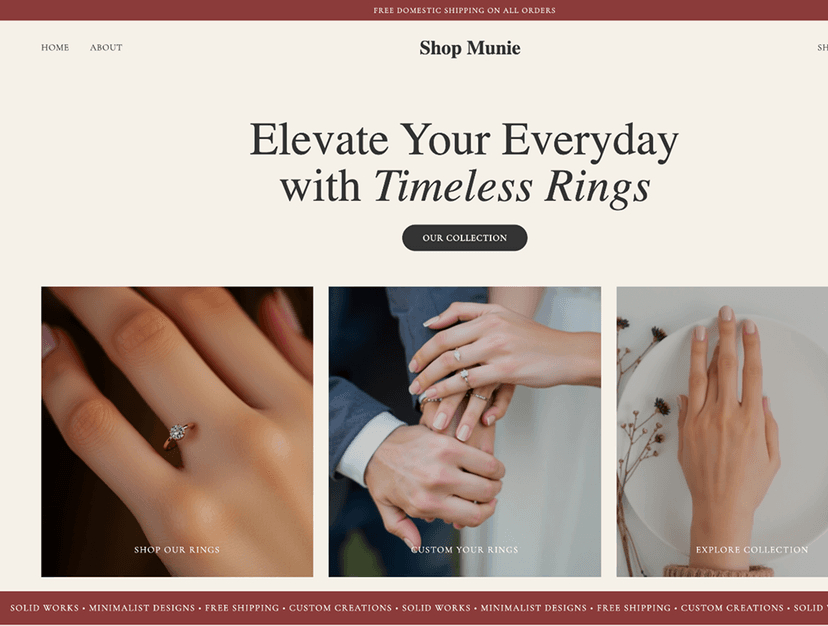
Generate low, mid and high fidelity wireframes with AI in seconds
Skip the blank canvas and start with structured, editable low or high fidelity wireframes generated from a description, sketch, or reference.
// Describe a screen and get a wireframe
// Describe a screen and get a wireframe
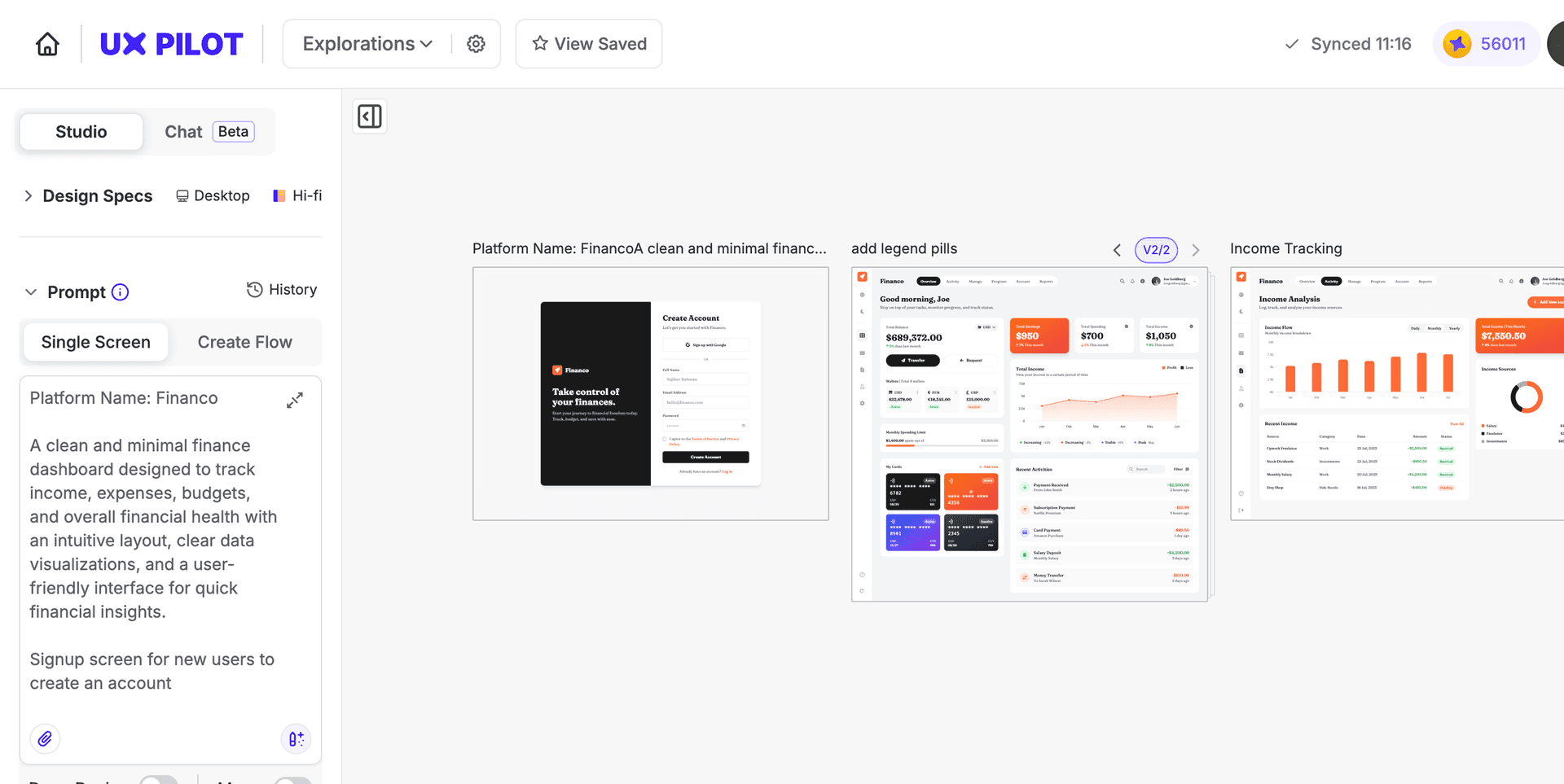
Type a plain-language description of the screen or page you need. UX Pilot interprets your intent, layout structure, content hierarchy, and navigation to generate an editable wireframe.
Type a plain-language description of the screen or page you need. UX Pilot interprets your intent, layout structure, content hierarchy, and navigation to generate an editable wireframe.
// Generate complete screen flows
// Generate complete screen flows
UX Pilot's Autoflow mode builds multi-screen user journeys in a single pass, from onboarding wireframes and dashboards to settings and checkout with consistent navigation and logical page structure across every screen.
UX Pilot's Autoflow mode builds multi-screen user journeys in a single pass, from onboarding wireframes and dashboards to settings and checkout with consistent navigation and logical page structure across every screen.
// Refine wireframes with conversation
// Refine wireframes with conversation
Adjust layouts, swap sections, update placeholder copy, or restructure content hierarchy by chatting with UX Pilot. Each prompt updates your wireframe in place so you iterate without starting over.
Adjust layouts, swap sections, update placeholder copy, or restructure content hierarchy by chatting with UX Pilot. Each prompt updates your wireframe in place so you iterate without starting over.
// Produce high-fidelity wireframes for approval and handoff
// Produce high-fidelity wireframes for approval and handoff
High-fidelity wireframes include precise spacing, realistic content, and detailed components so stakeholders can approve a direction and developers can start building from clear structure.
High-fidelity wireframes include precise spacing, realistic content, and detailed components so stakeholders can approve a direction and developers can start building from clear structure.

Kresimir Retih,
Project Manager"It has been a game-changer for me! Since signing up, my workflow has become much smoother, and my productivity has increased significantly. I love how intuitive and user-friendly the platform is, making UX tasks much easier and more efficient. Highly recommend it to anyone looking to streamline their UX process!"
Trusted by designers, product professionals and data-driven teams
Join a growing community of professionals who have created over 2 million high-fidelity designs and saved countless hours with our AI-powered tools.
0M+
users
0M+
screens generated
0
rating from designers and developers
0+
countries
How to generate wireframes with UX Pilot
No design or coding skills required
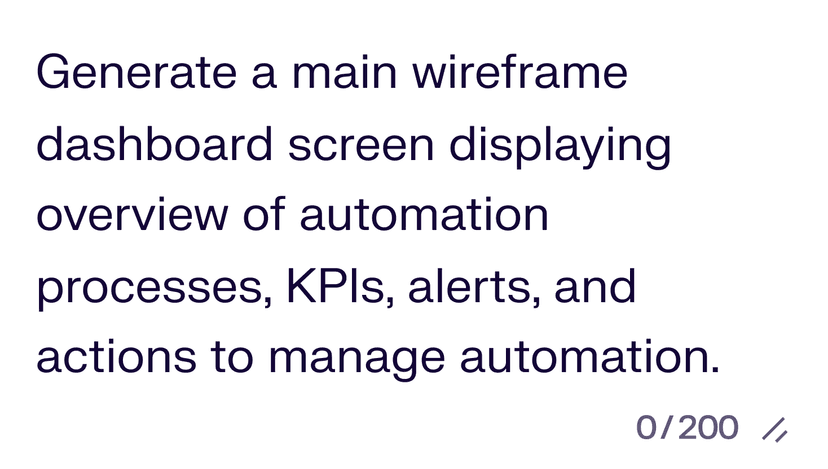
Describe or upload your reference
Type a description of the screen you need, paste a URL, or upload a sketch to generate a wireframe with layout, placeholder content, and logical navigation.
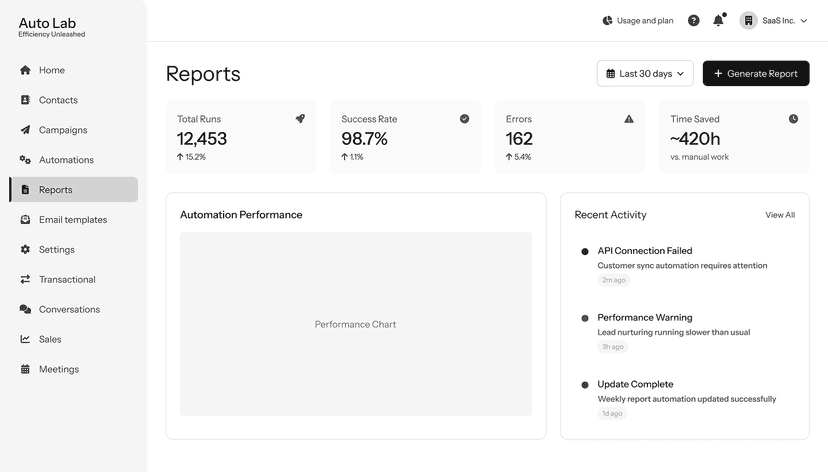
Generate your wireframe
Use Autoflow to build multiple wireframes in seconds, or generate individual screens one at a time. UX Pilot handles section structure, content hierarchy, and responsive layout automatically.

Refine and export
Edit layouts with follow-up prompts, swap sections, apply your brand direction, and adjust fidelity from low-fi to high-fi. Then export to Figma or download production-ready HTML.
Convert any live website into an editable wireframe
Paste a URL and UX Pilot reverse-engineers the structure into an editable wireframe. Useful for redesigns, competitor benchmarking, and pitching direction against a real reference your client already knows.
Wireframes ready to refine and export
Generate wireframes and high-fidelity screens ready to refine and export.
Wireframes for every screen size
Generate desktop wireframes and build mobile-optimized versions, or start mobile-first and scale up. Your layouts adapt to screen size without additional configuration.
Export wireframes to Figma or code
Push wireframes directly into Figma with the UX Pilot plugin for further refinement, or download production-ready HTML for developer handoff.
FREQUENTLY ASKED QUESTIONS
Everything you want to know about UX Pilot's AI wireframe generator
Start wireframing instantly.
Describe what you need, upload a sketch, or paste a reference and get an editable wireframe in seconds. Skip the manual layout work and move straight to refining your product.
Generate designs in seconds