AI for UX design, from user flow to handoff
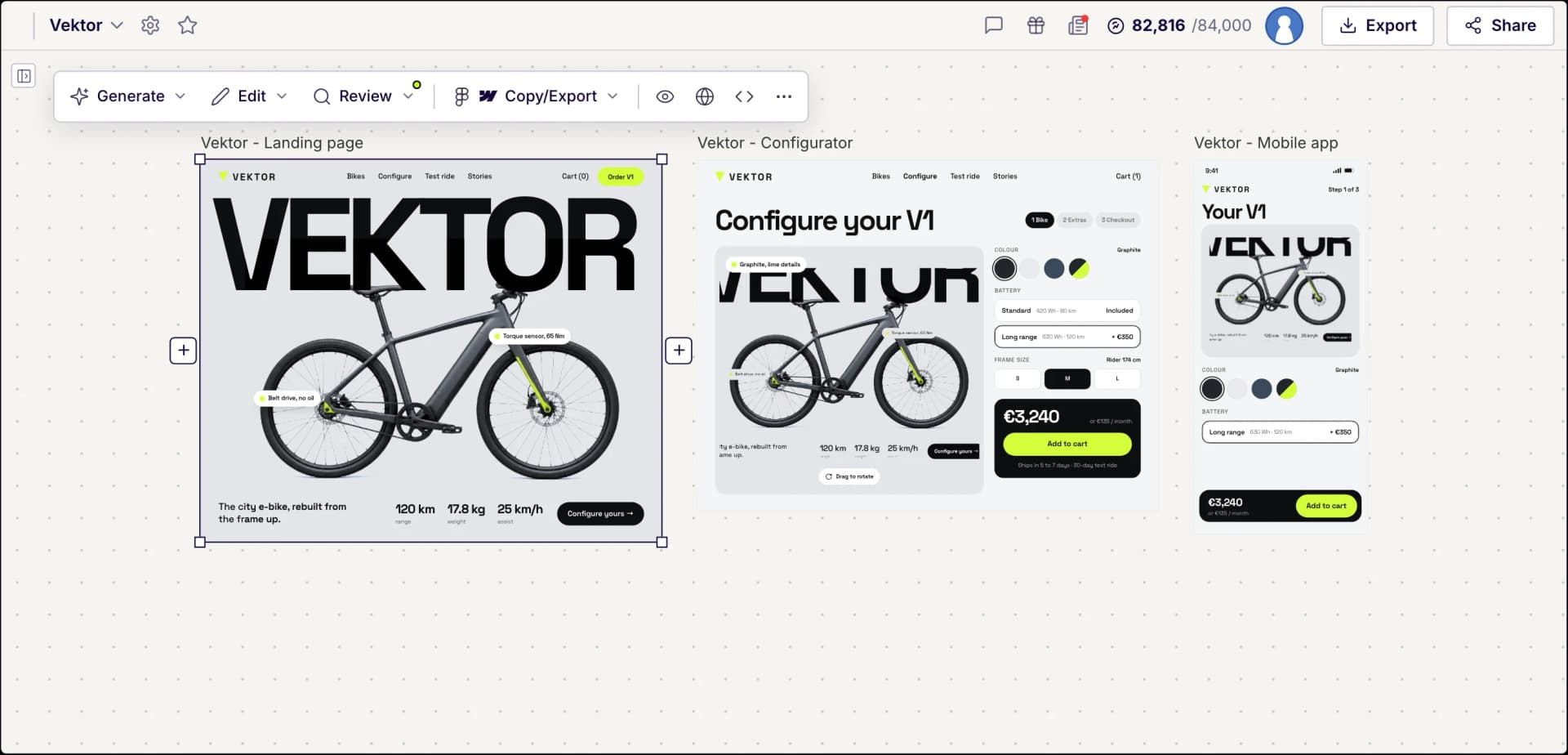
Describe a user journey and UX Pilot designs every connected screen.
Screens generated in UX Pilot
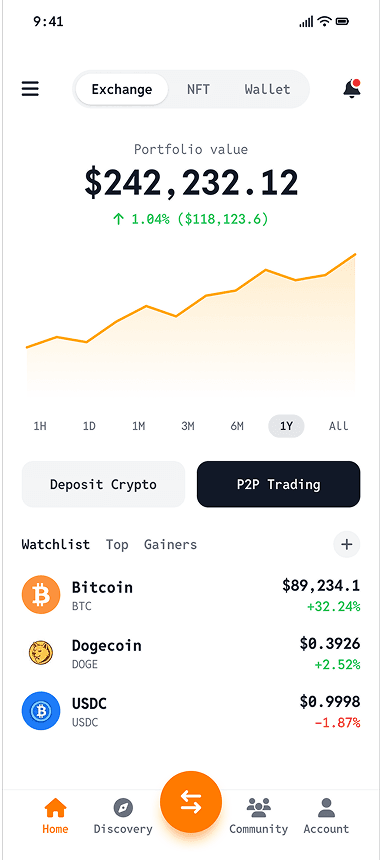
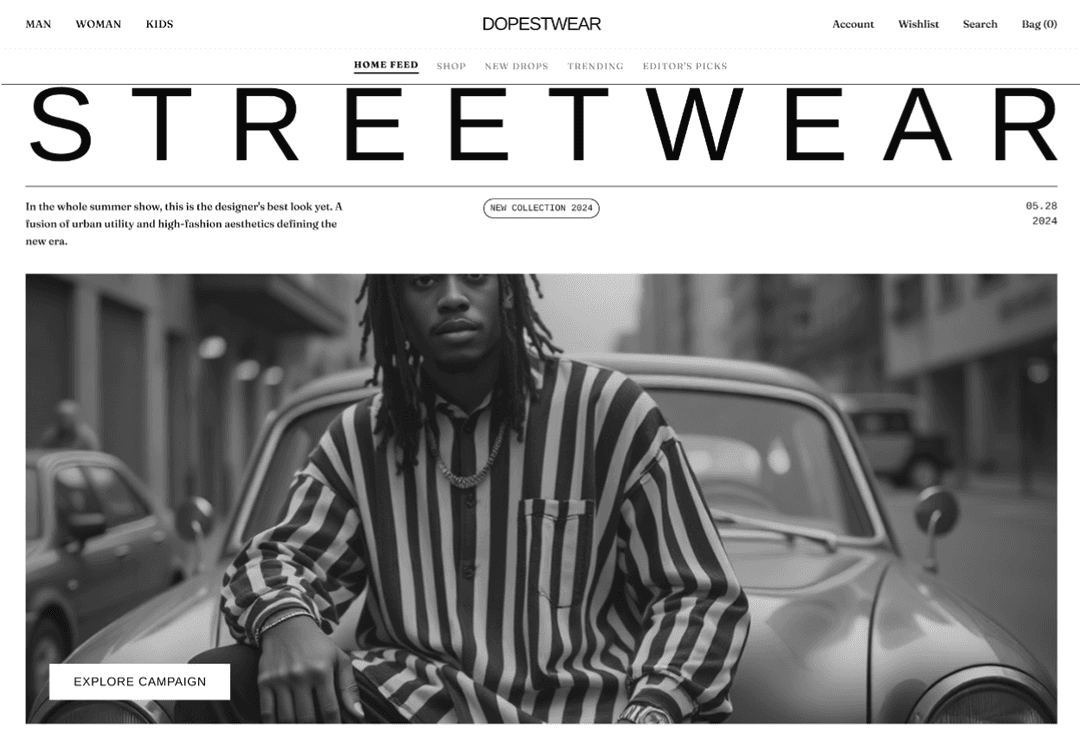
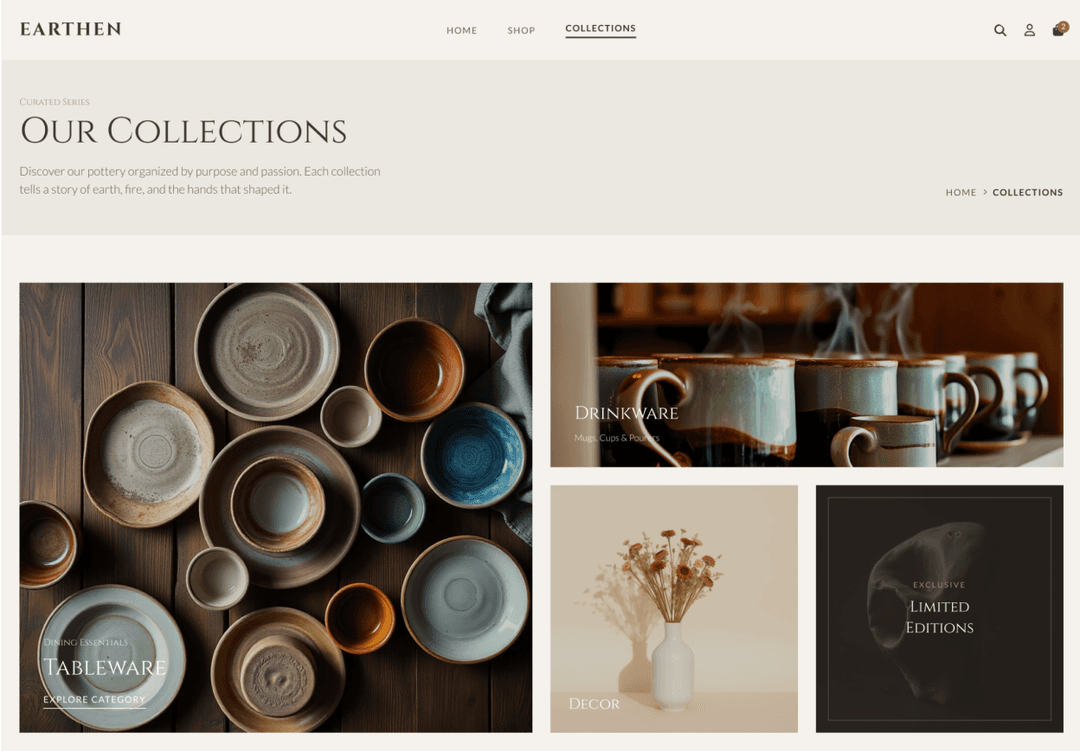
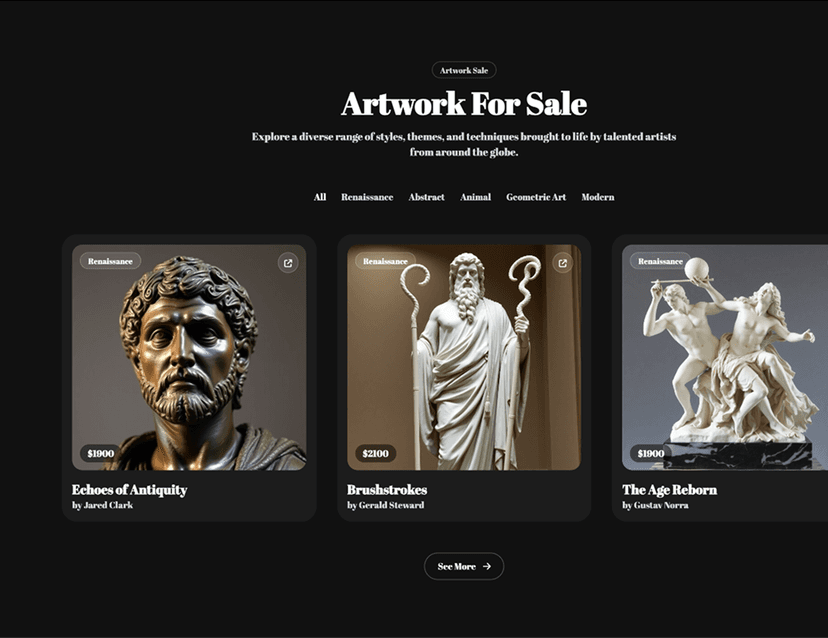
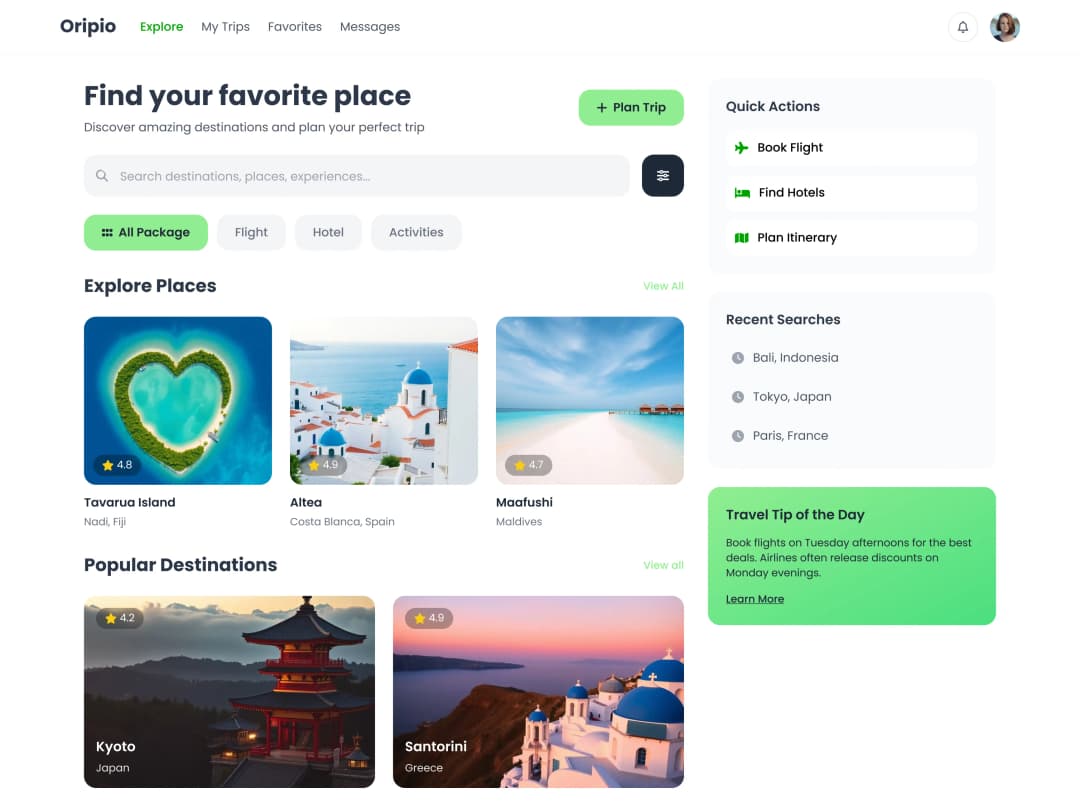
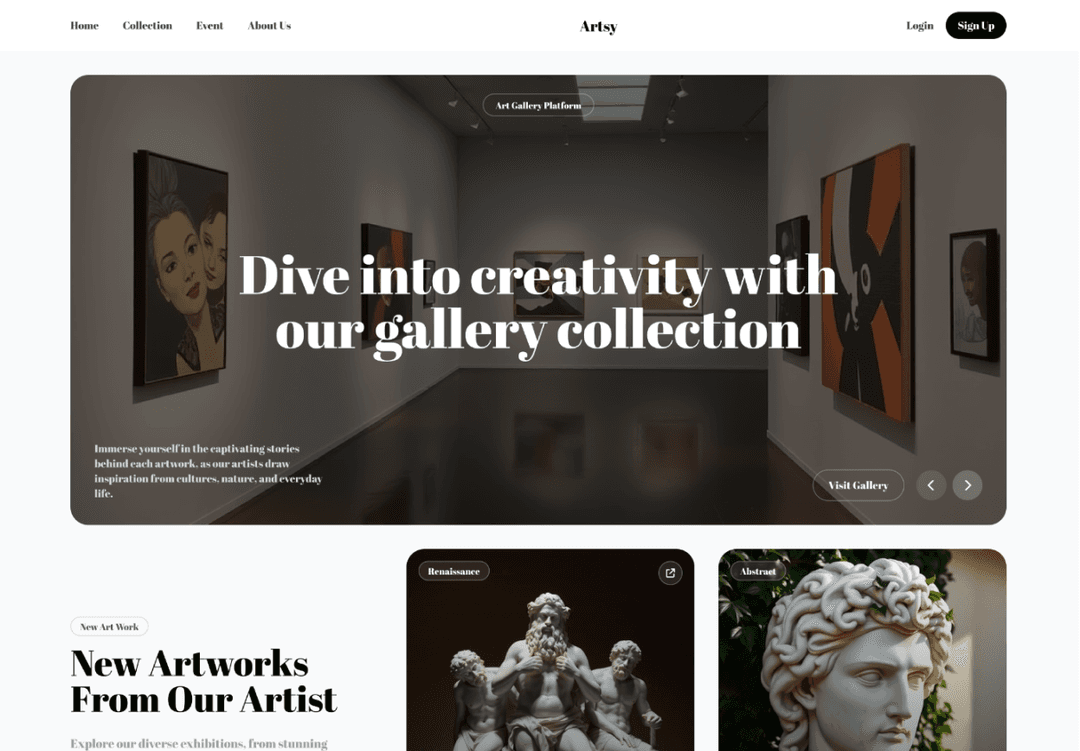
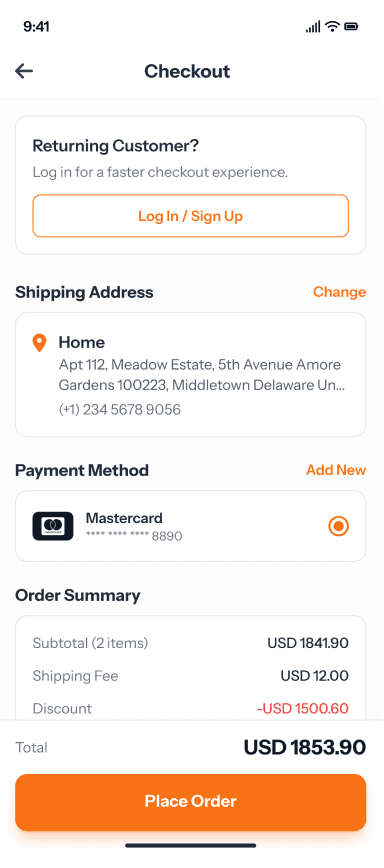
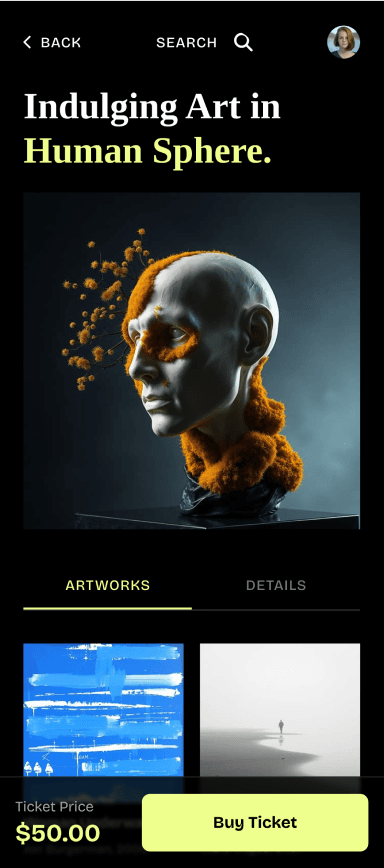
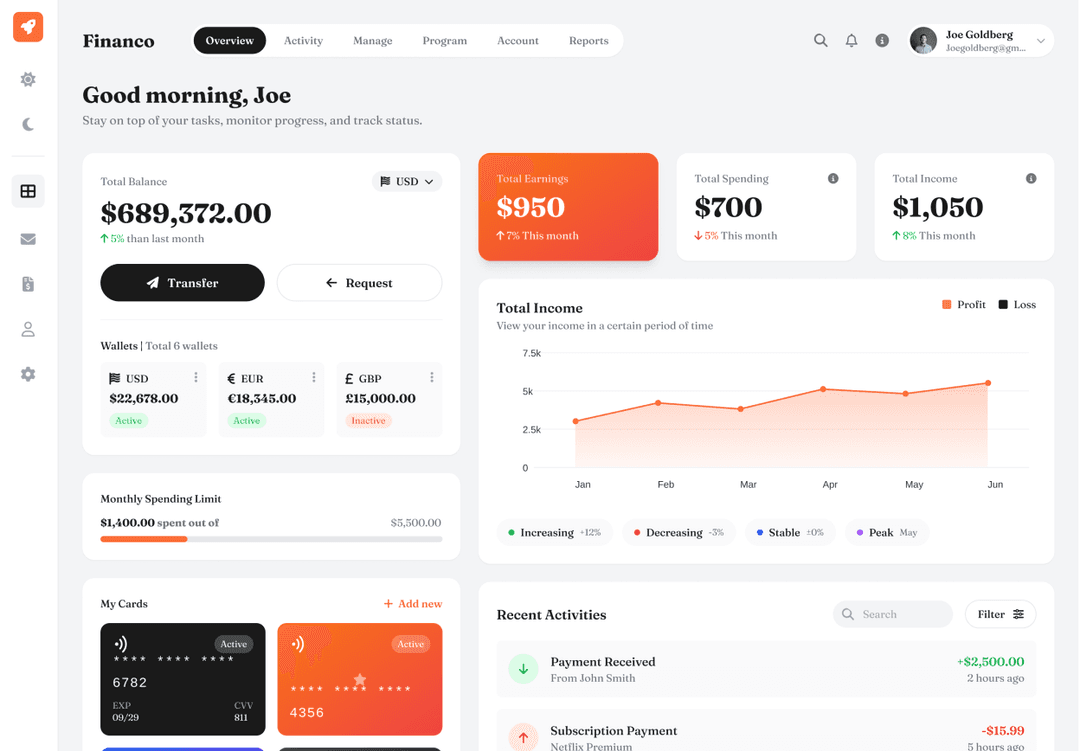
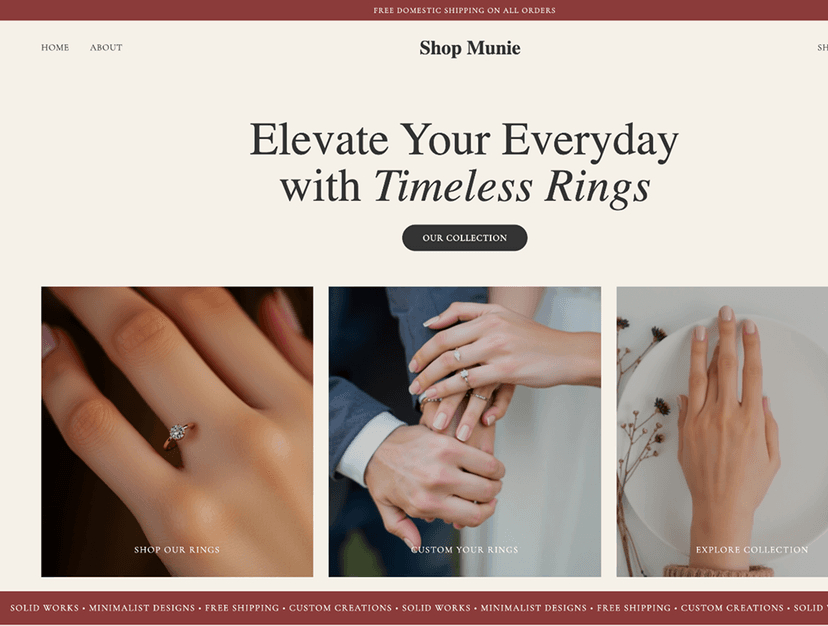
AI for every step of UX design
Go from a user problem to a flow you can test and hand off, without drawing every screen by hand.
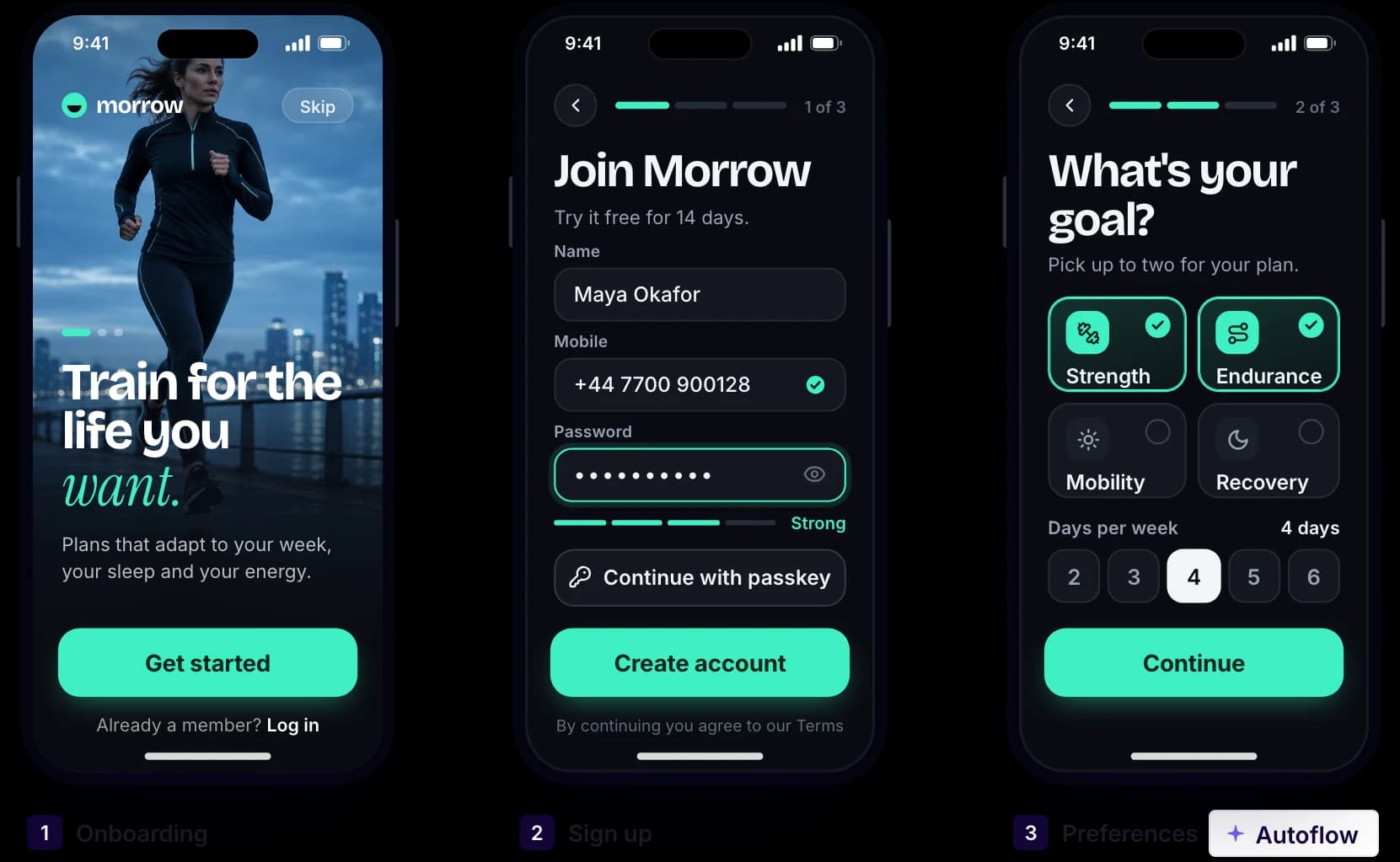
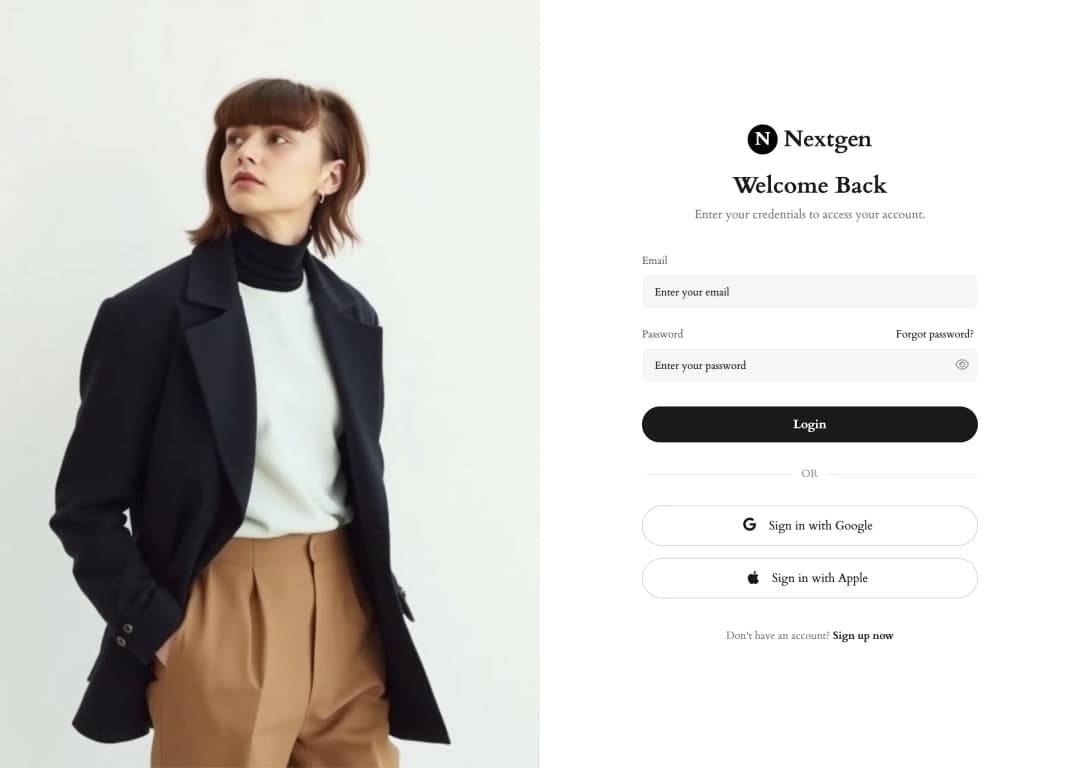
Made in UX Pilot
Design the flow, not one screen
Describe a user journey, such as onboarding or checkout, and get the connected screens from one prompt. The screens stay consistent, so the flow reads as one product.
Want to settle the structure first? Map the journey as a user flow diagram, or start with low-fidelity wireframes and turn them into high-fidelity screens.
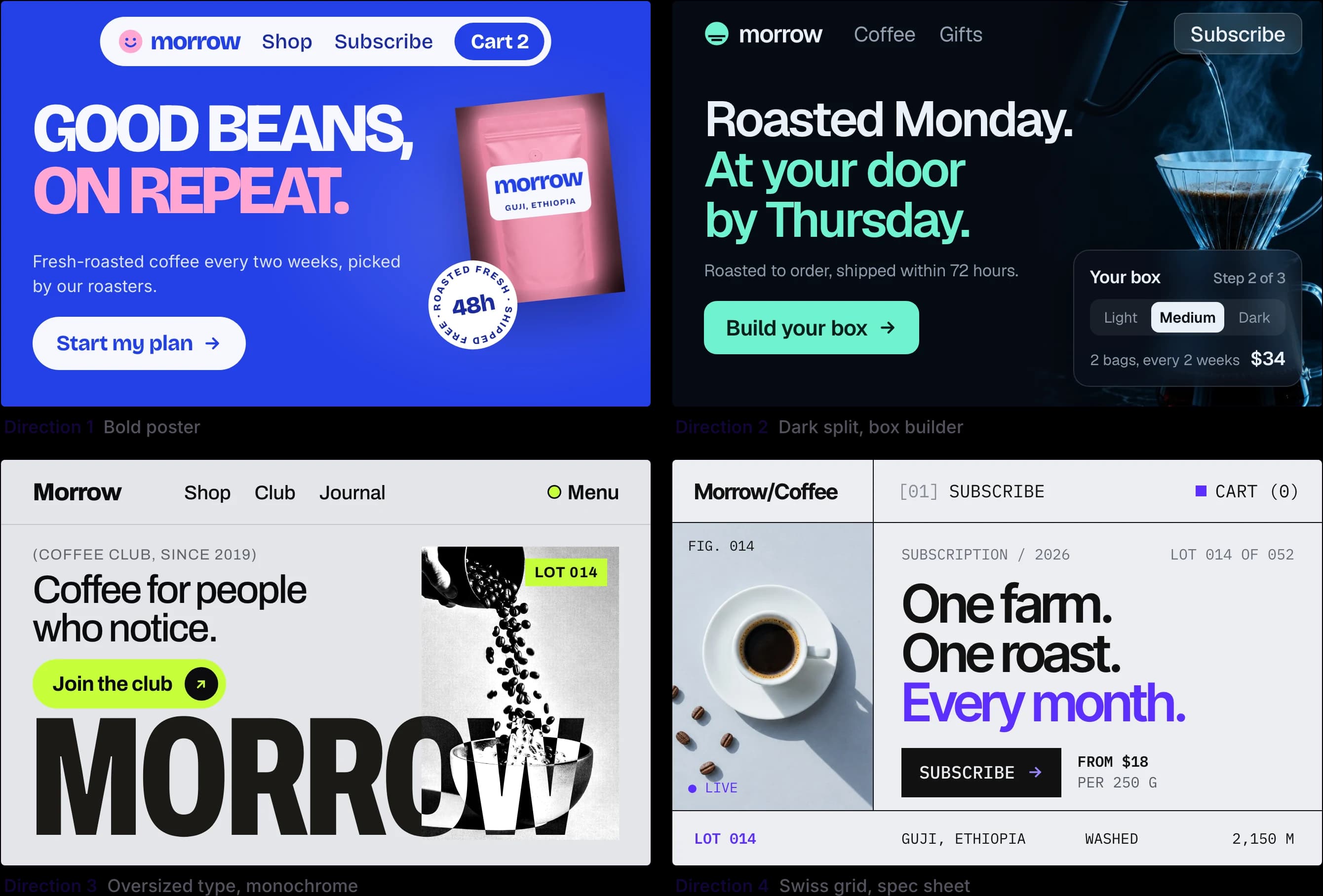
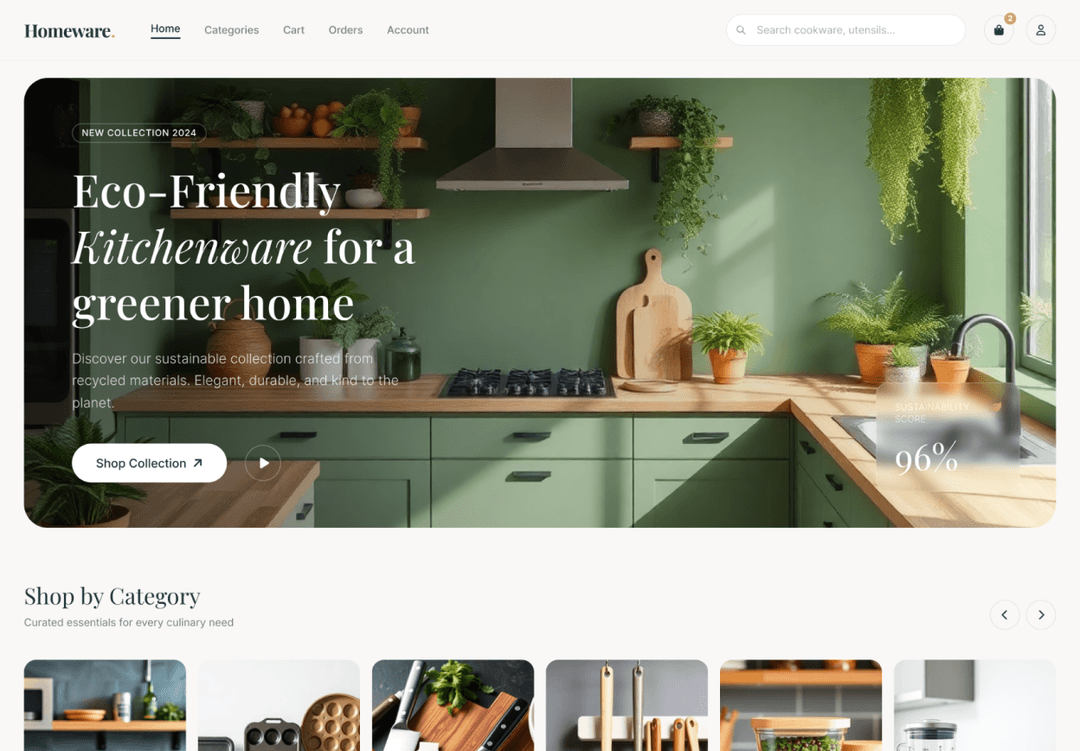
Made in UX Pilot
Compare directions before you commit
Generate variations of any screen and compare different layouts and styles side by side. Keep the one that solves the problem best and refine it with follow-up prompts.
Need another device? Generate the mobile version of a desktop screen, or the other way around.
Made in UX Pilot
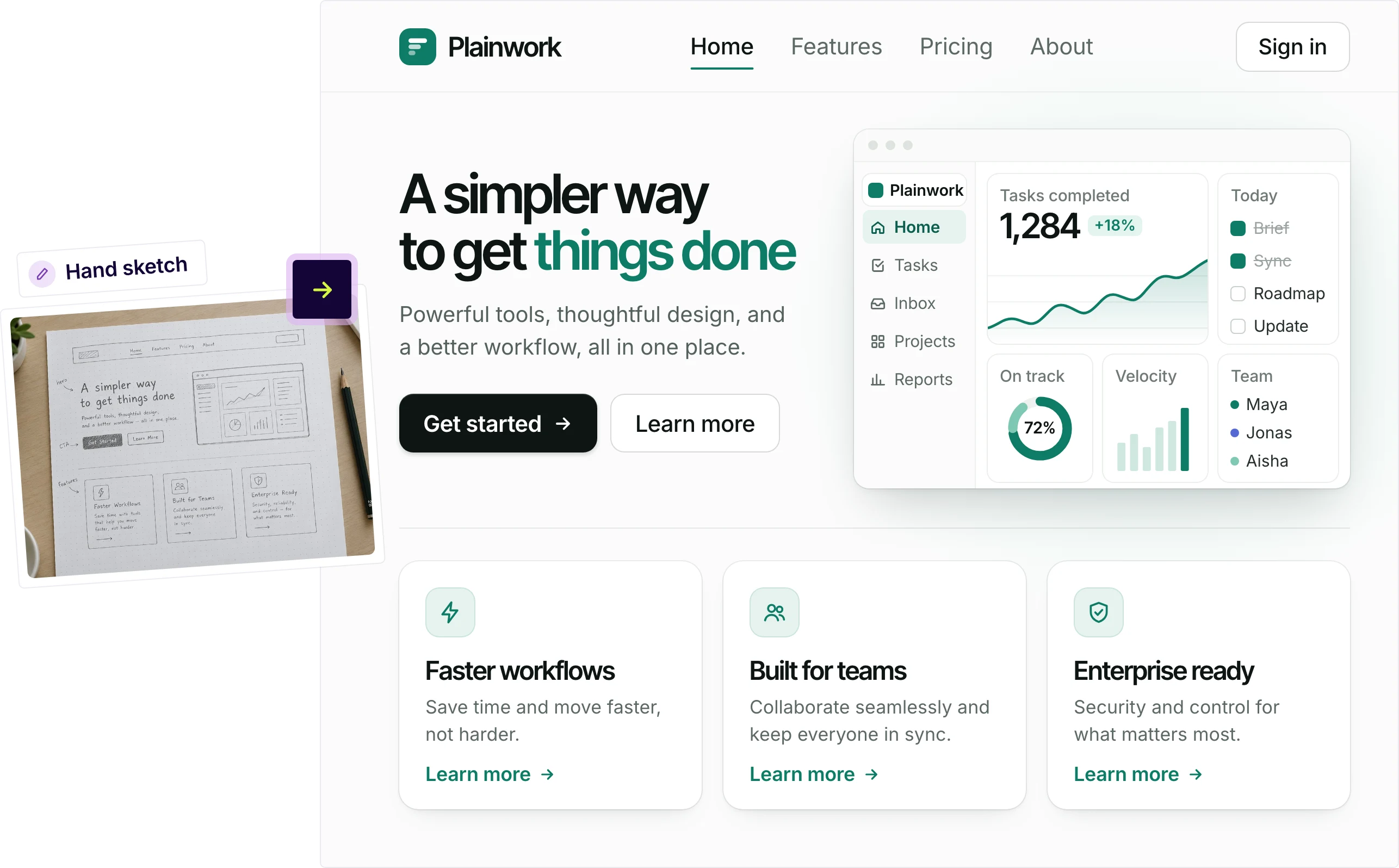
Start from a sketch, wireframe or screenshot
Upload a whiteboard sketch, a wireframe or a screenshot of your current product. UX Pilot turns it into a finished design that keeps your structure.
Use any screen as a reference for the next one, so new screens match the ones you already have.
Made in UX Pilot
Test it before handoff
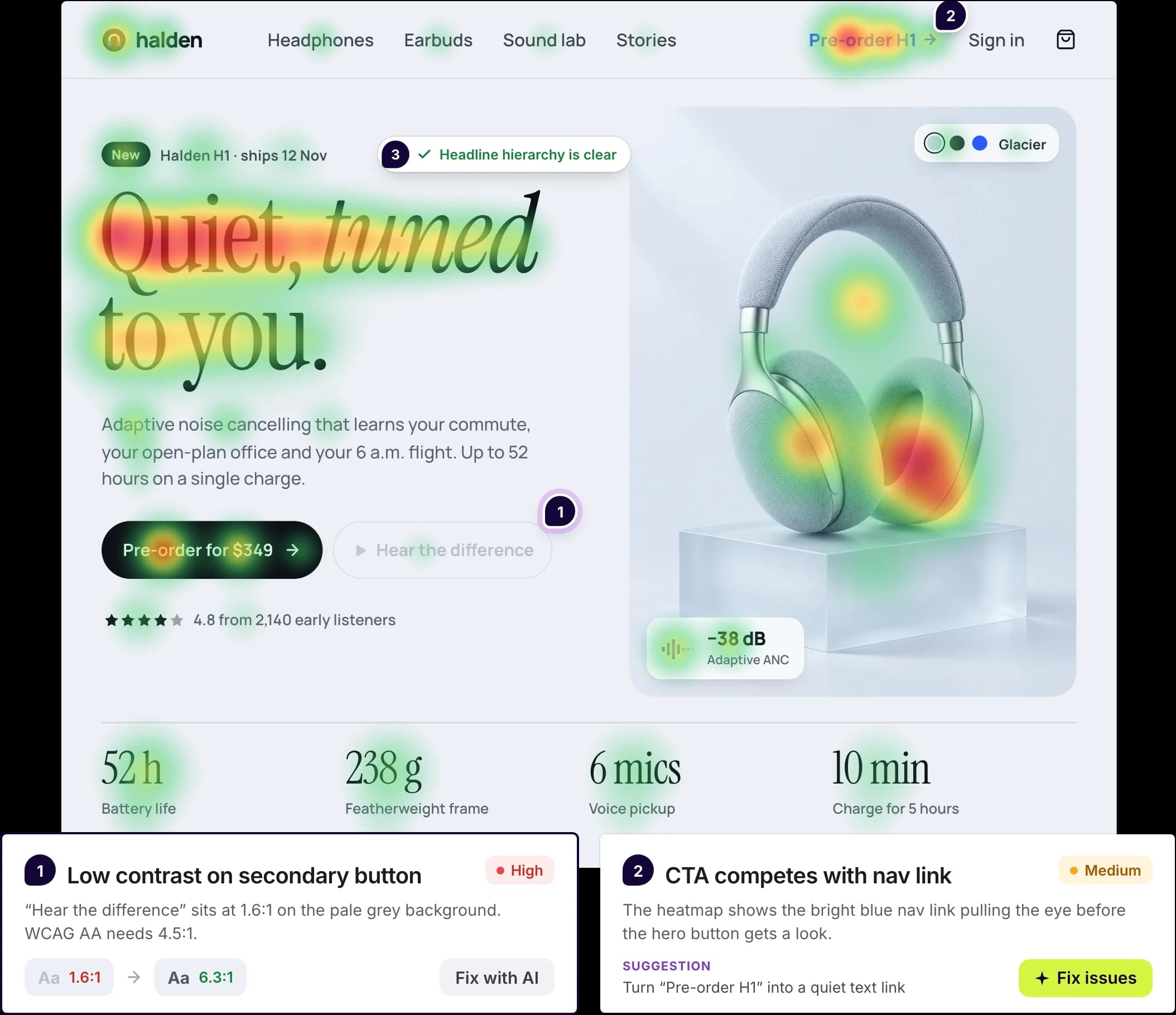
Check screens before they reach developers or users. UX review, heatmaps and gaze flow also work on screenshots of a live product.
- Predictive heatmap: where attention is likely to go
- Gaze flow: the order people are likely to look
- UX review: issues ranked by severity, with fixes you can apply
- Accessibility review: checks against WCAG
- Persona audit: objections and questions from a first-time user, a skeptical CTO or your own persona
On brand with your design system
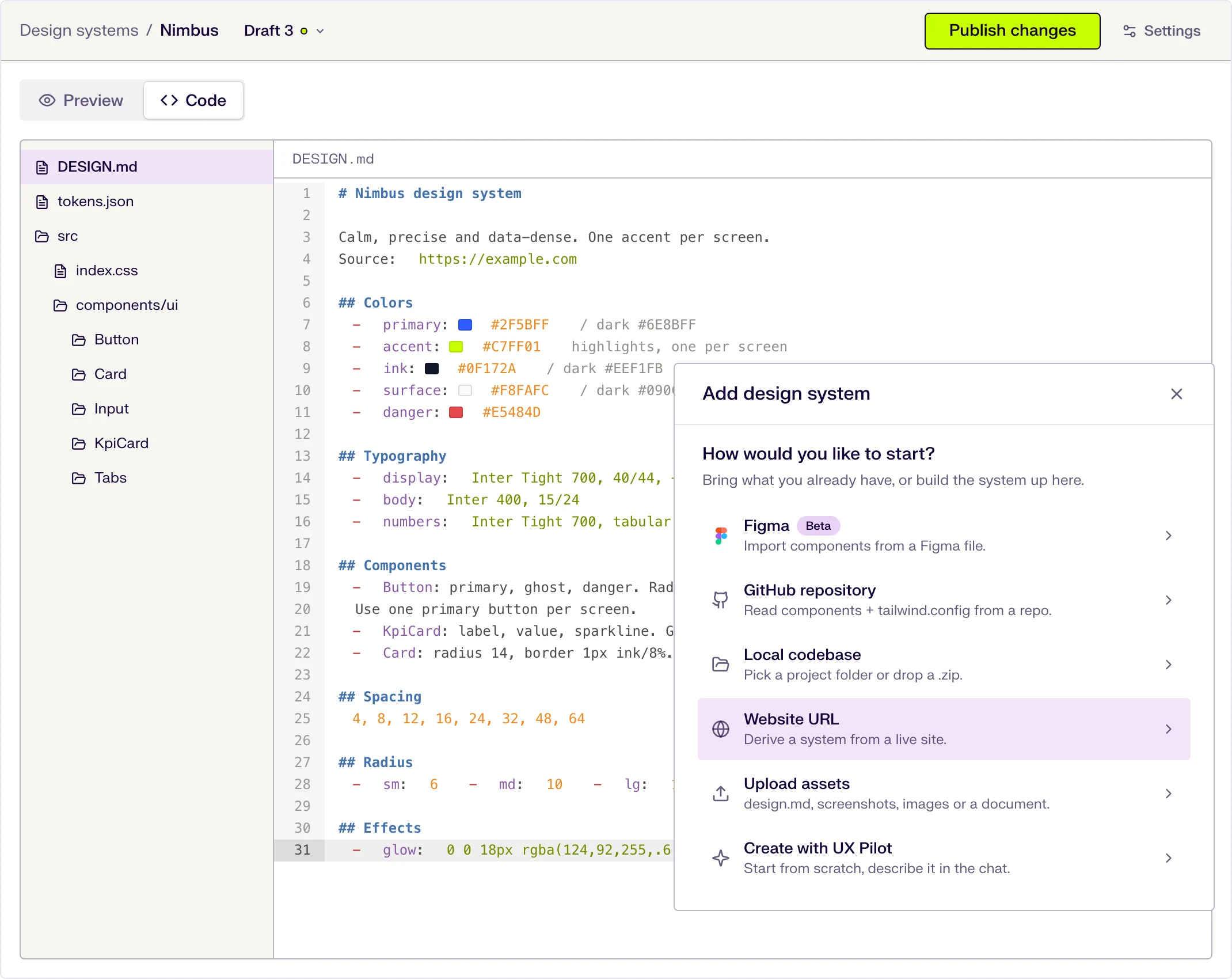
Import your design system from Figma, and new screens use your tokens and components instead of generic styles.
Your flows look like your product, not like a template.

Kresimir Retih,
Project Manager"It has been a game-changer for me! Since signing up, my workflow has become much smoother, and my productivity has increased significantly. I love how intuitive and user-friendly the platform is, making UX tasks much easier and more efficient. Highly recommend it to anyone looking to streamline their UX process!"
Works with Figma and FigJam
Hand off in the tool your team already uses, and plan UX workshops in FigJam.
Made in UX Pilot
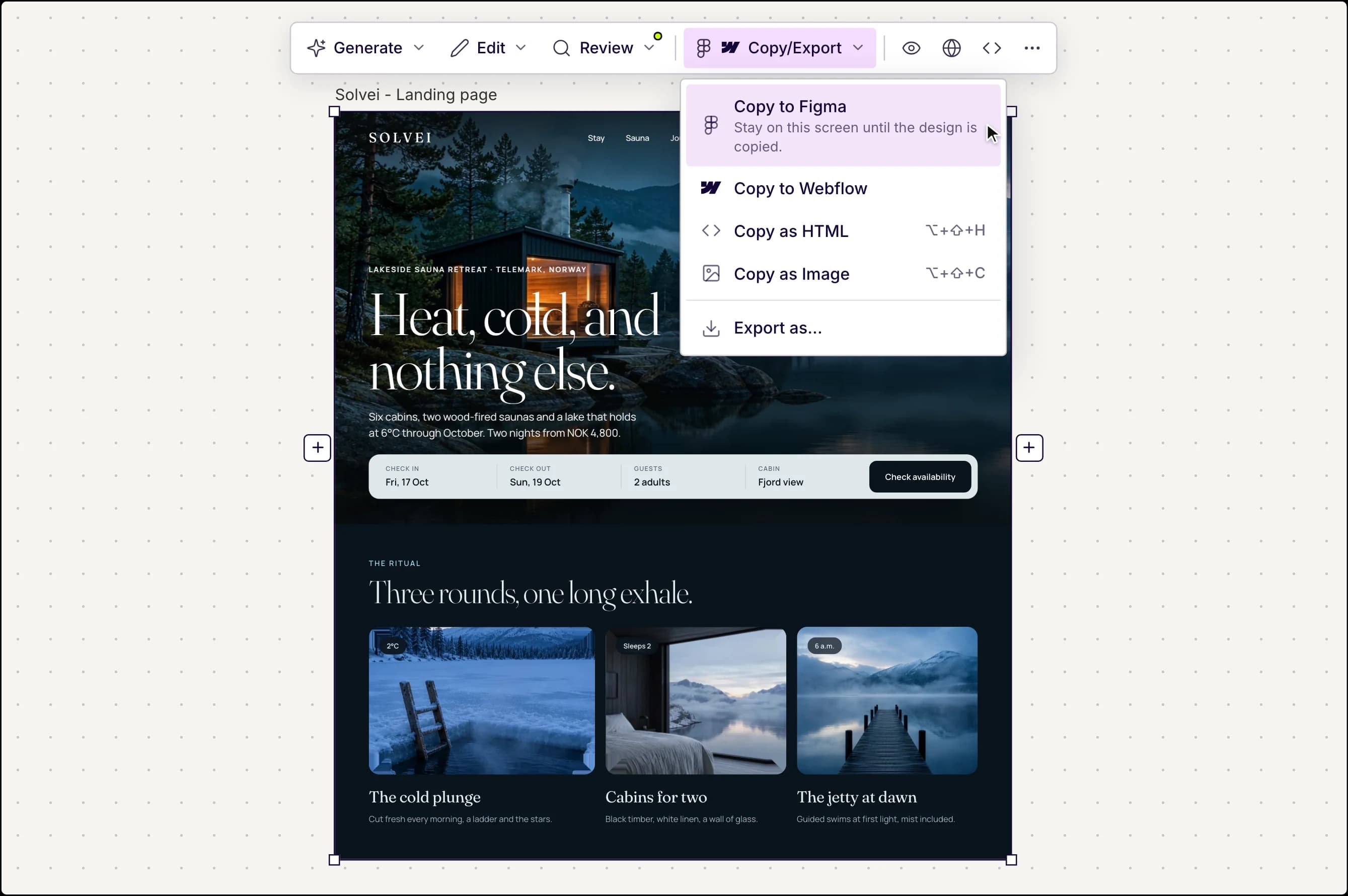
Copy to Figma as editable layers
Copy any screen to Figma and keep editing it like the rest of your file. You can also copy it to Webflow or as HTML, or export code, images and PDFs.
Want to click through the flow first? Turn selected screens into an interactive prototype.
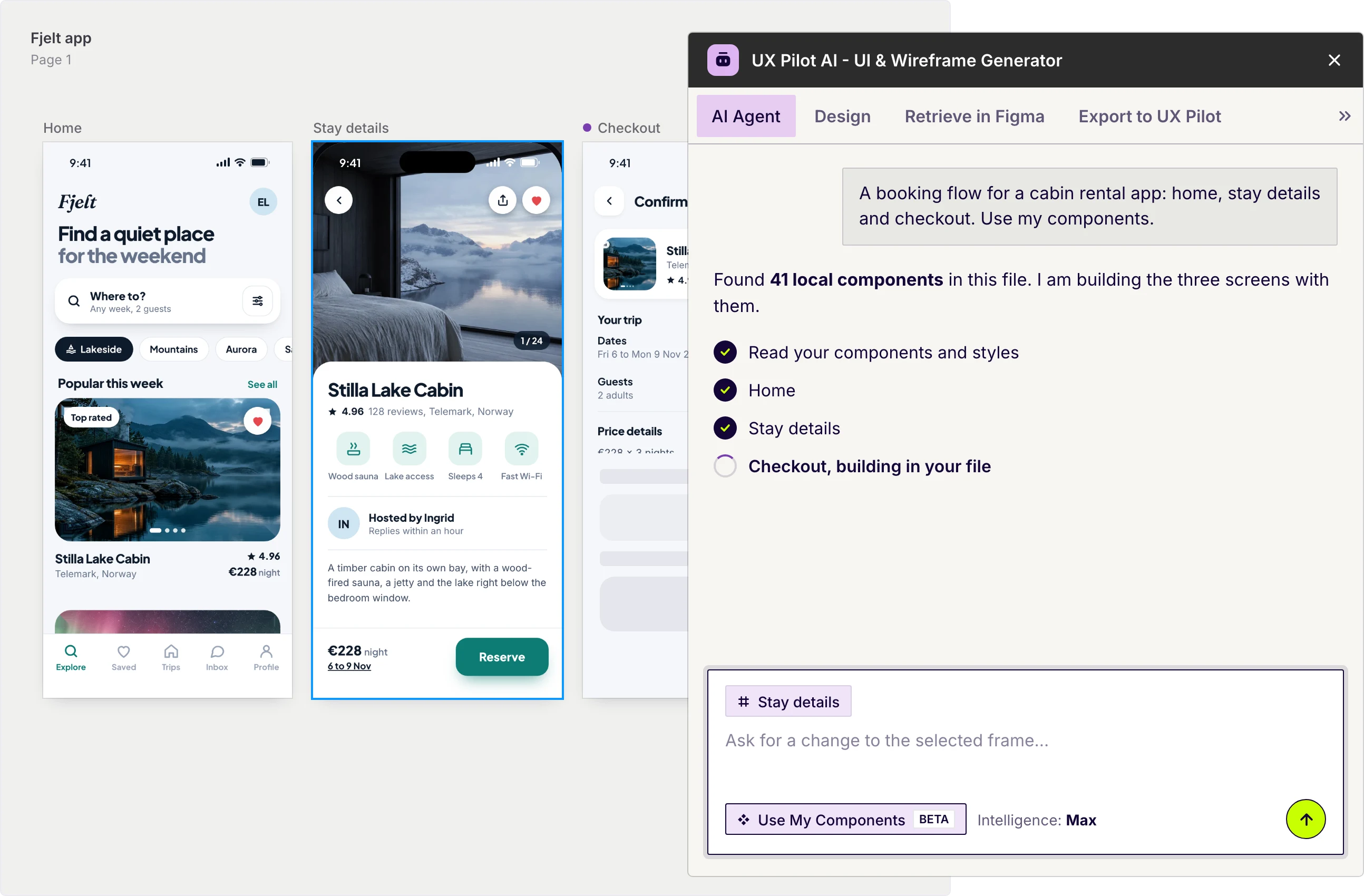
UX Pilot plugin in Figma
The UX Pilot plugin for Figma and FigJam
Design on your canvas and plan UX workshops without leaving your file.
- Describe a screen or flow and the plugin builds it in your file
- Design with the components your file already has
- Describe a workshop goal and get an agenda, facilitator notes and an invite email
- Add workshop boards from templates such as UX persona, user journey, card sorting and design critique
Free to install.
Frequently asked questions
AI for UX design with UX Pilot.
Design the experience, not just the screens
Map a flow, test it and copy it to Figma. Start for free.
Generate designs in seconds