Trusted 1M+ designers, founders, and product teams
AI UX audit before you ship
Upload a screenshot or send frames from Figma. UX Pilot reviews the design against your goal, predicts where attention will land and ranks what to fix first.
No credit card needed
How an AI UX audit works
Three steps, all on the UX Pilot canvas.
- 1
Add a screen
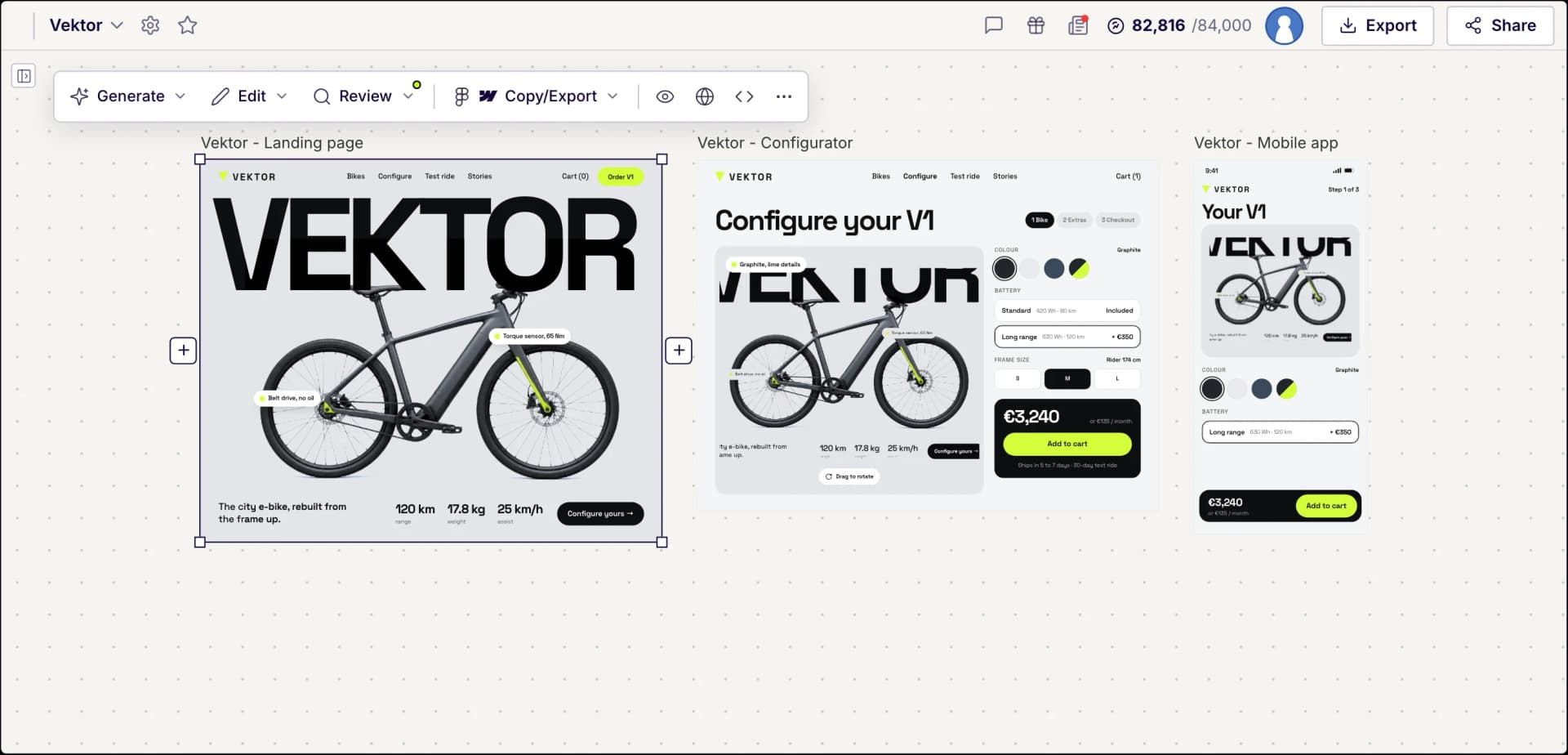
Upload a screenshot of any web page or app screen, send frames from Figma with the UX Pilot plugin, or open a design you made in UX Pilot.
- 2
Run a review
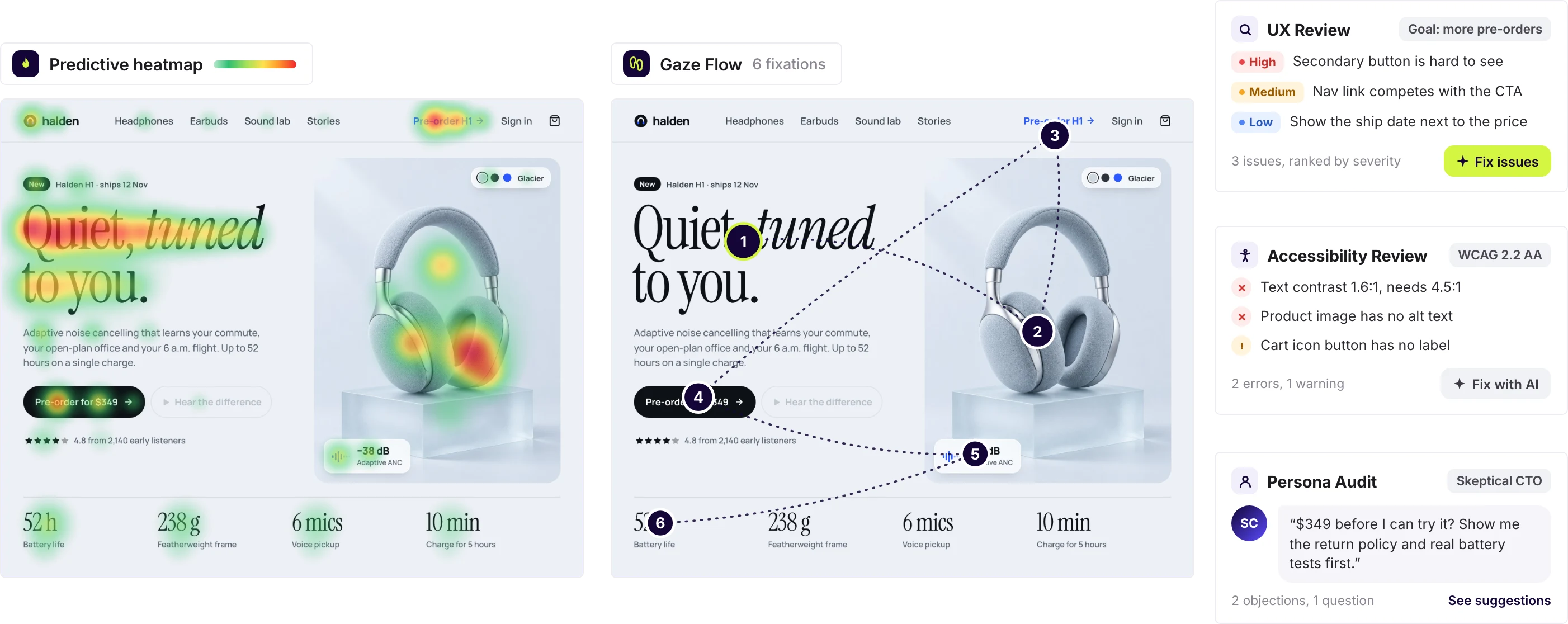
Select the screen and open the Review menu. Choose a UX review, a predictive heatmap, a gaze flow, an accessibility review or a persona audit.
- 3
Fix and check again
Start with the most severe findings. On designs from Figma or UX Pilot, select the issues and fix them with AI, then run the review again.
Predictive heatmap and UX review in UX Pilot
See what is wrong and how to fix it
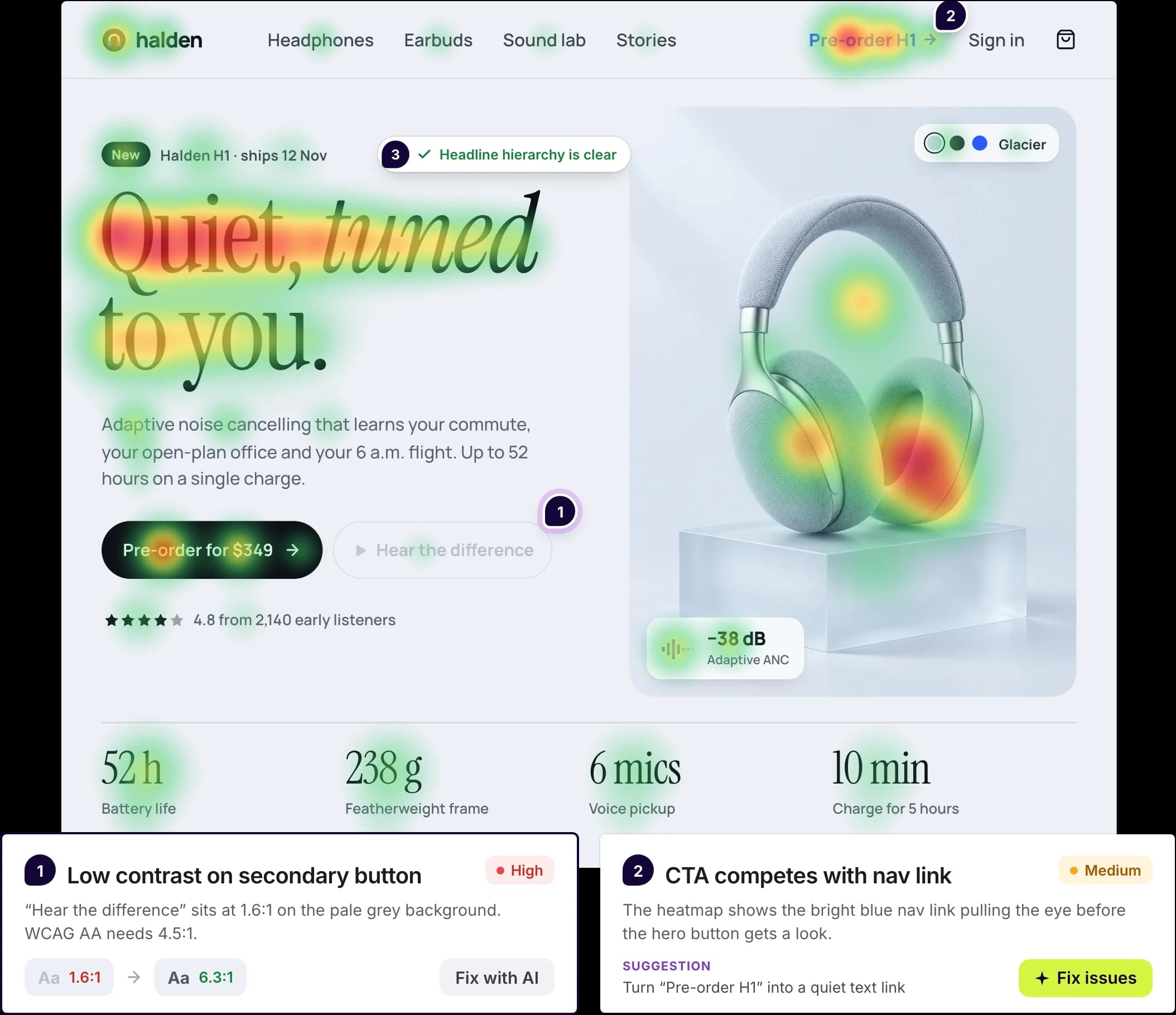
Tell the UX review what the screen should achieve, such as more sign-ups or a clearer checkout. It lists the issues it finds, from critical to minor, and explains each one with a suggested fix.
Attention, predicted. The predictive heatmap and gaze flow appear beside your design, so you can see whether the main action gets noticed and the order in which people are likely to scan the screen.
Fixes you can apply. On designs from Figma or UX Pilot, pick the findings you agree with and UX Pilot updates the design for you.
An AI audit is a fast first pass. It predicts likely problems from the design itself, so use it alongside testing with real users, not instead of it.
Made in UX Pilot
What the audit covers
Five reviews and an AI fix, each one in the Review menu. Every card shows which designs it works on.
UX review
Describe the goal and scope of the review, and get the issues ranked by severity, each with an explanation and a suggested fix.
Works on: screenshots, Figma frames, UX Pilot designs
Predictive heatmap
Predicts where attention is likely to land, so you can check that the main action stands out.
Works on: screenshots, Figma frames, UX Pilot designs
Gaze flow
Predicts the order in which people are likely to look at the screen, from the first element to the last.
Works on: screenshots, Figma frames, UX Pilot designs
Accessibility review
Automated checks against WCAG 2.0, 2.1 or 2.2 (A, AA or AAA), Section 508 or best practices, for issues such as low color contrast, missing alt text and unlabeled form fields.
Works on: Figma frames, UX Pilot designs
Persona audit
See the screen through the eyes of a skeptical CTO, a confused first-time user, a demanding client, a board member or a persona you describe: their objections, their questions and what to improve.
Works on: Figma frames, UX Pilot designs
Fix with AI
Select the findings you agree with from a UX review, accessibility review or persona audit, and UX Pilot applies them to the design. Then run the review again to check the result.
Works on: Figma frames, UX Pilot designs
Automated accessibility checks catch many common issues, but not all of them. A full WCAG audit still needs manual testing, including with assistive technology.
What you can audit
Start from a screenshot, from Figma or from a design made in UX Pilot.
Made in UX Pilot
Screenshots of live sites and apps
Take a screenshot of a live page, an app screen, a mockup or a competitor's site, and upload it to the canvas. Then run a UX review, a predictive heatmap and a gaze flow on it.
The audit works on images, not URLs. To audit a live website, take a screenshot of each page you want reviewed.
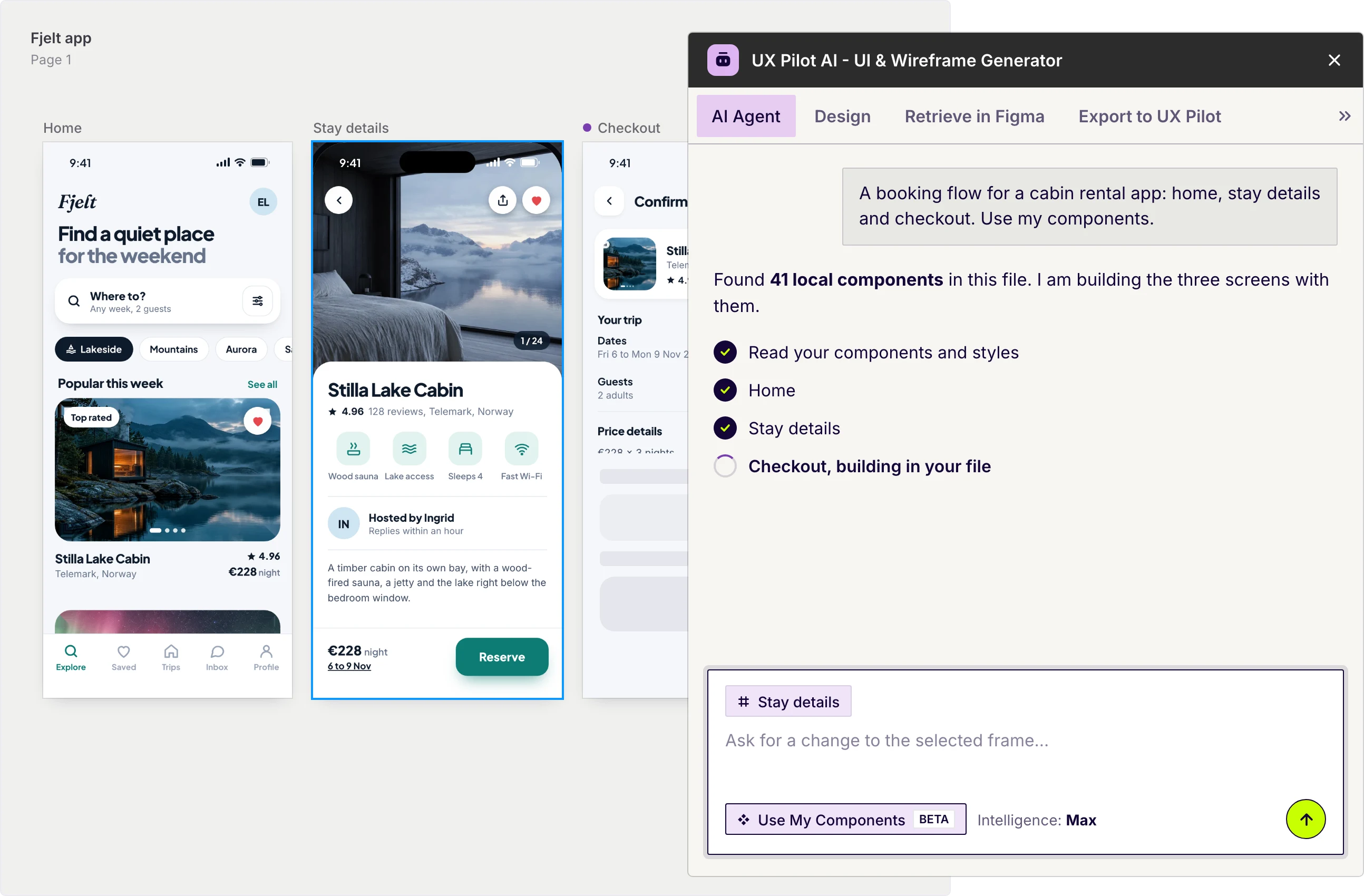
UX Pilot plugin in Figma
Frames from Figma
Install the UX Pilot plugin, select your frames and choose Export to UX Pilot. They arrive on a UX Pilot page as editable designs, where every review is available, including the accessibility review and persona audit.
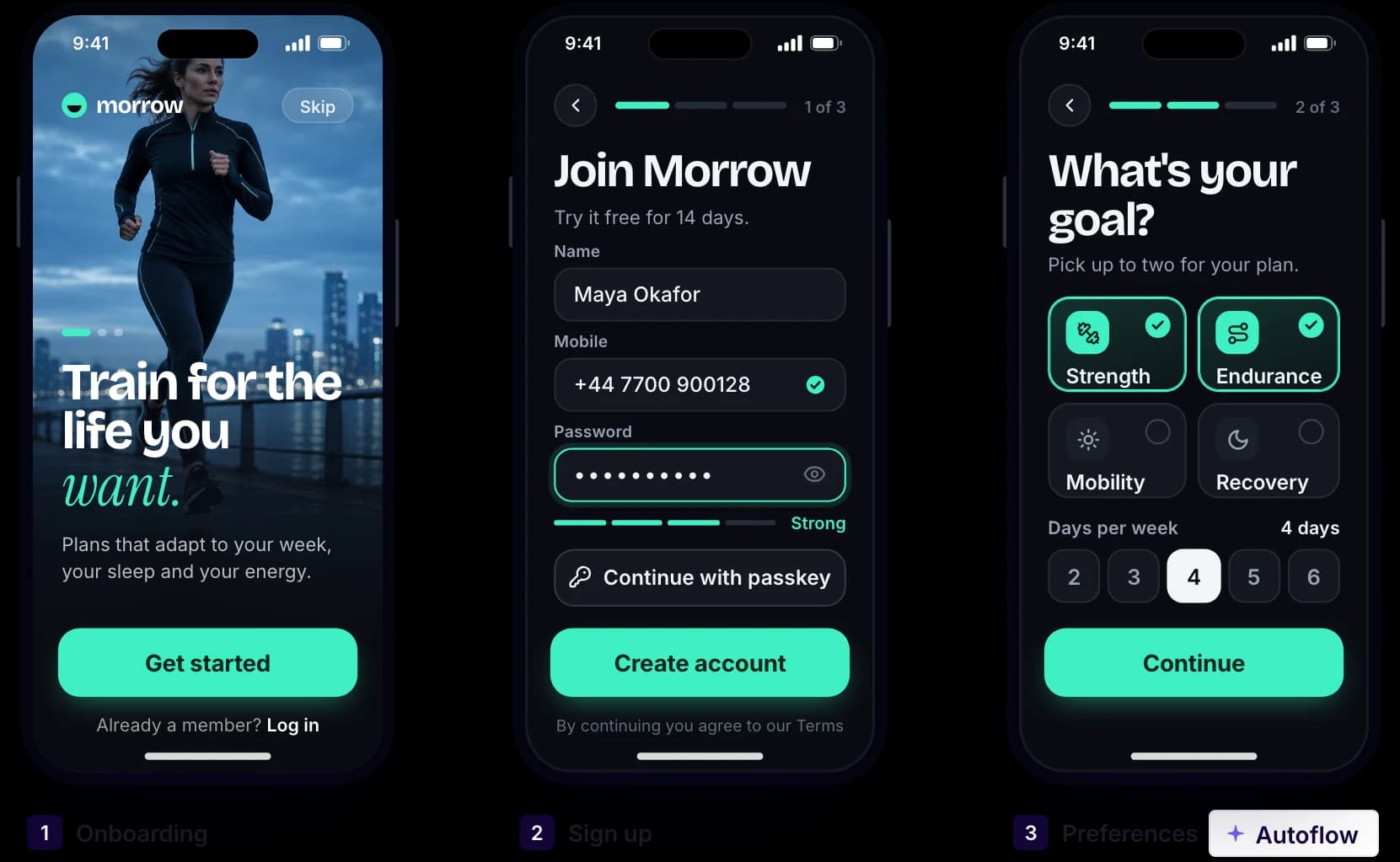
Made in UX Pilot
Designs and flows made in UX Pilot
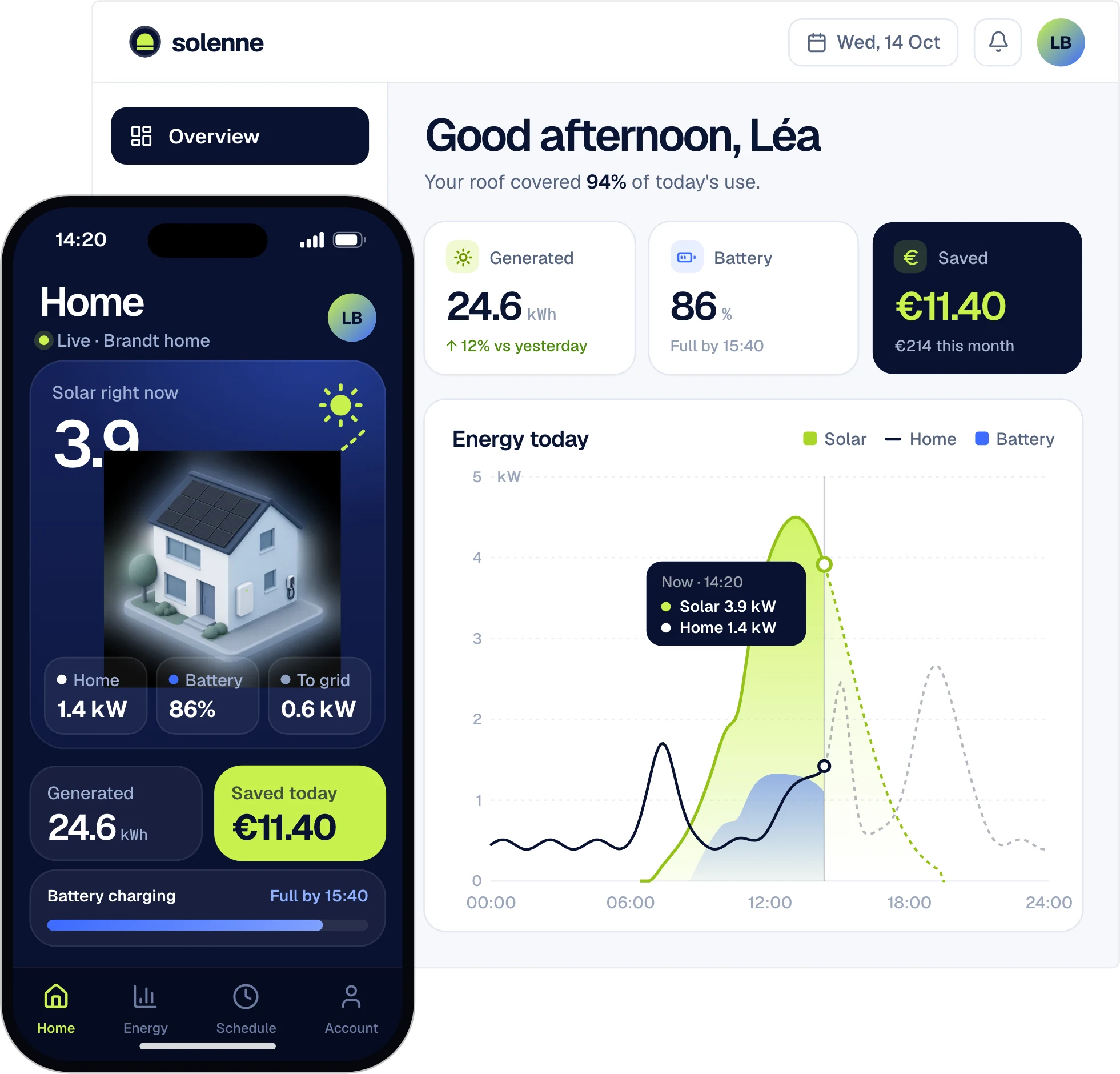
Review each screen of a flow before handoff. Designs made in UX Pilot get every check, and you can apply fixes with AI right on the canvas.

Kresimir Retih,
Project Manager"It has been a game-changer for me! Since signing up, my workflow has become much smoother, and my productivity has increased significantly. I love how intuitive and user-friendly the platform is, making UX tasks much easier and more efficient. Highly recommend it to anyone looking to streamline their UX process!"
Who it is for
Anyone who wants a quick, structured second look at a design.
Designers
Check hierarchy, contrast and calls to action before a critique or a handoff, and arrive with the obvious issues already fixed.
Product teams
Get a second opinion on a page before it ships. A persona audit shows which objections a skeptical stakeholder or a first-time user might raise.
Agencies
Audit a client's current site from screenshots at the start of a project, and use the heatmap and findings to explain what you would change and why.
Frequently asked questions
AI UX audits in UX Pilot, in short.
Run your first AI UX audit
Upload a screenshot or send your Figma frames, and see what to fix first.
Generate designs in seconds