AI app design for mobile and web
Describe your app and UX Pilot designs its screens, from onboarding to the dashboard.
Screens designed in UX Pilot
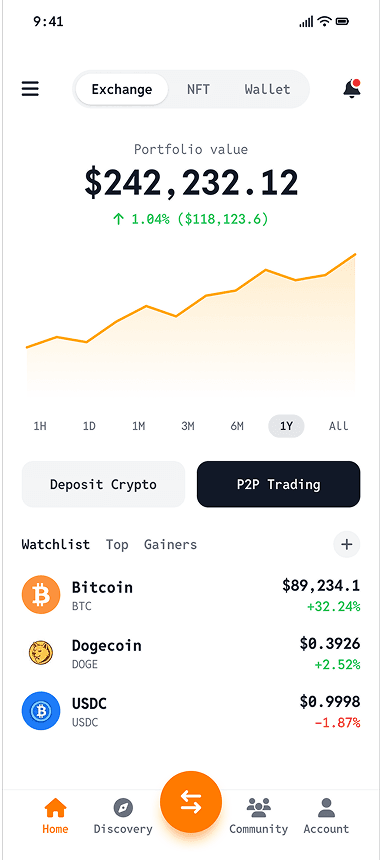
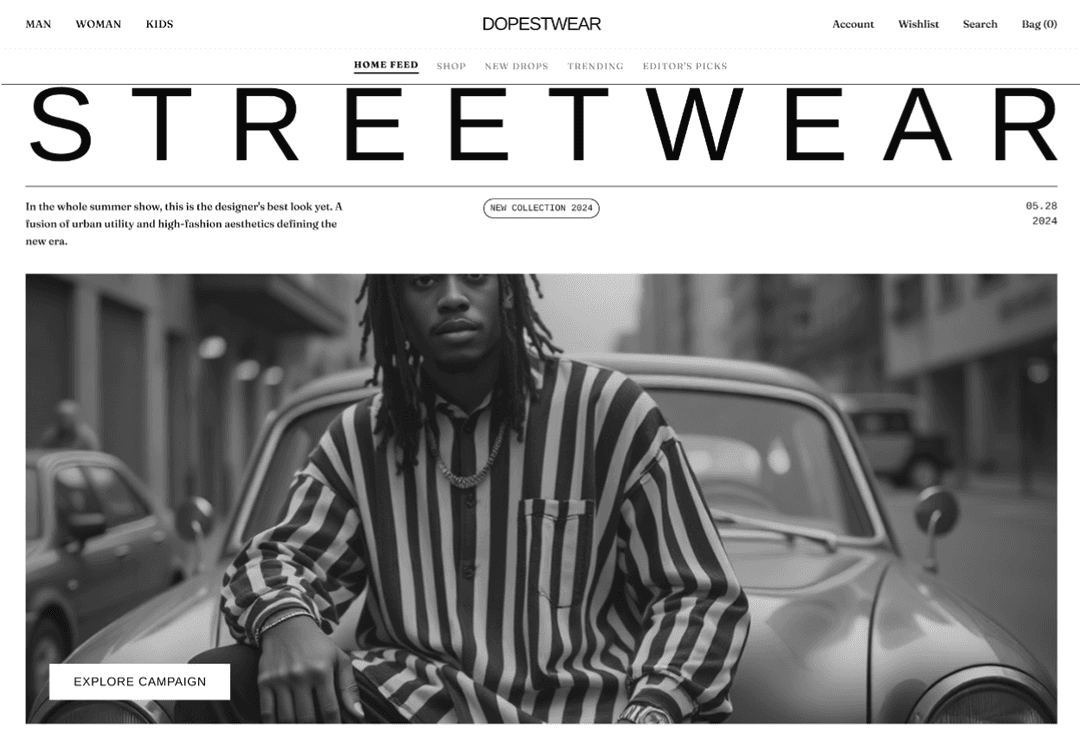
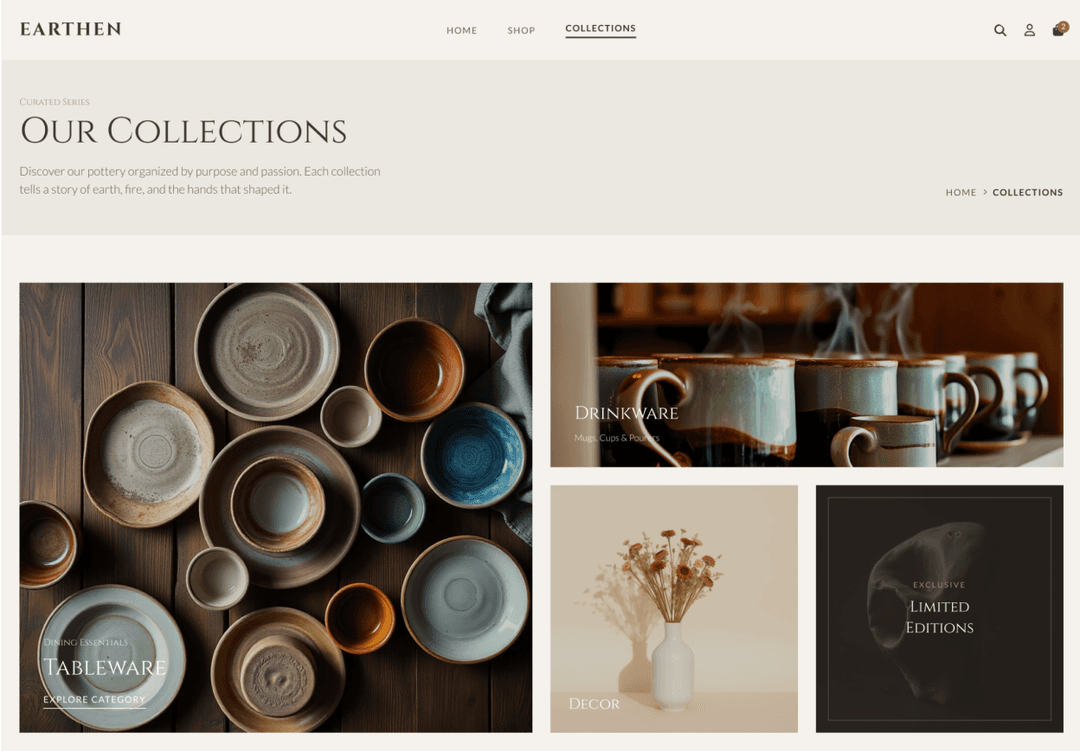
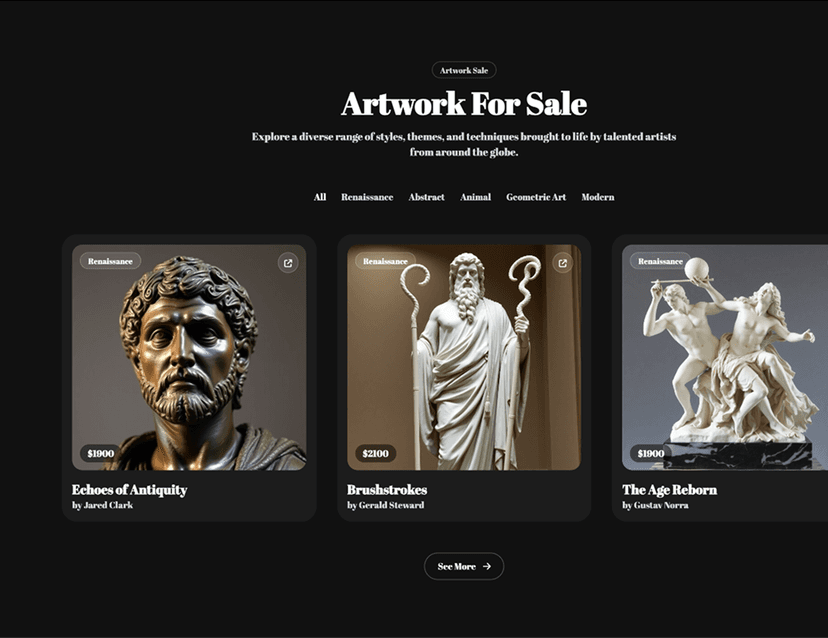
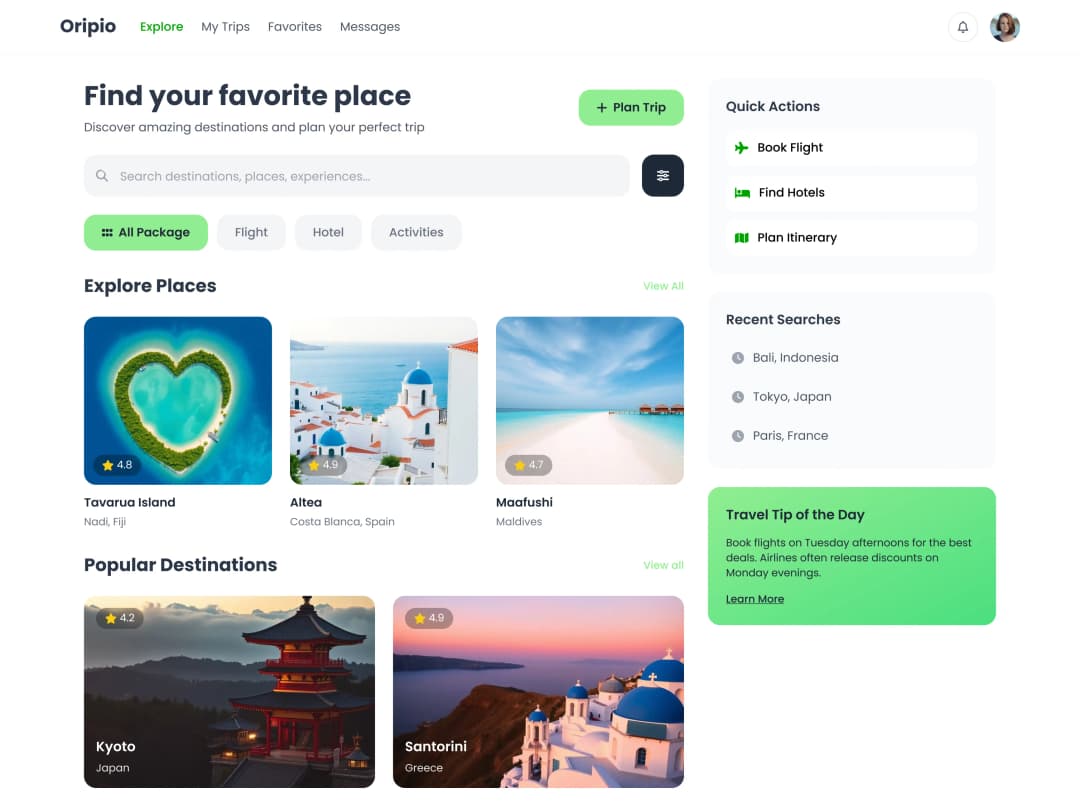
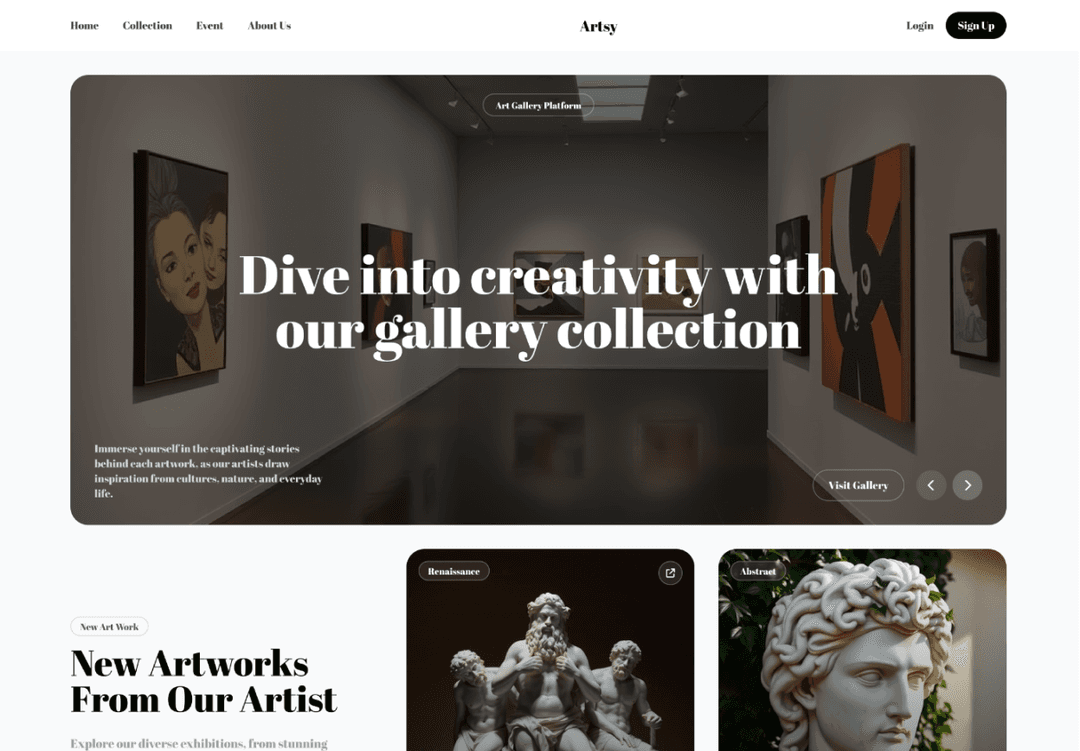
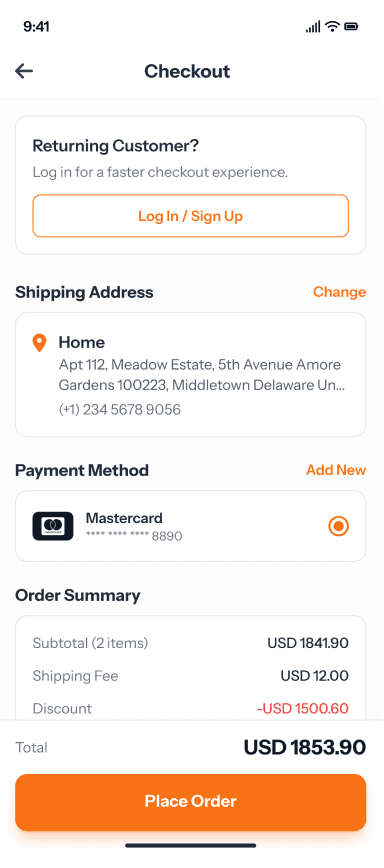
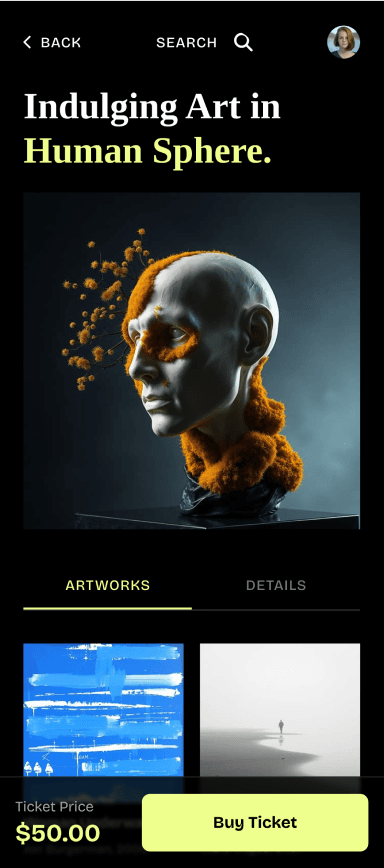
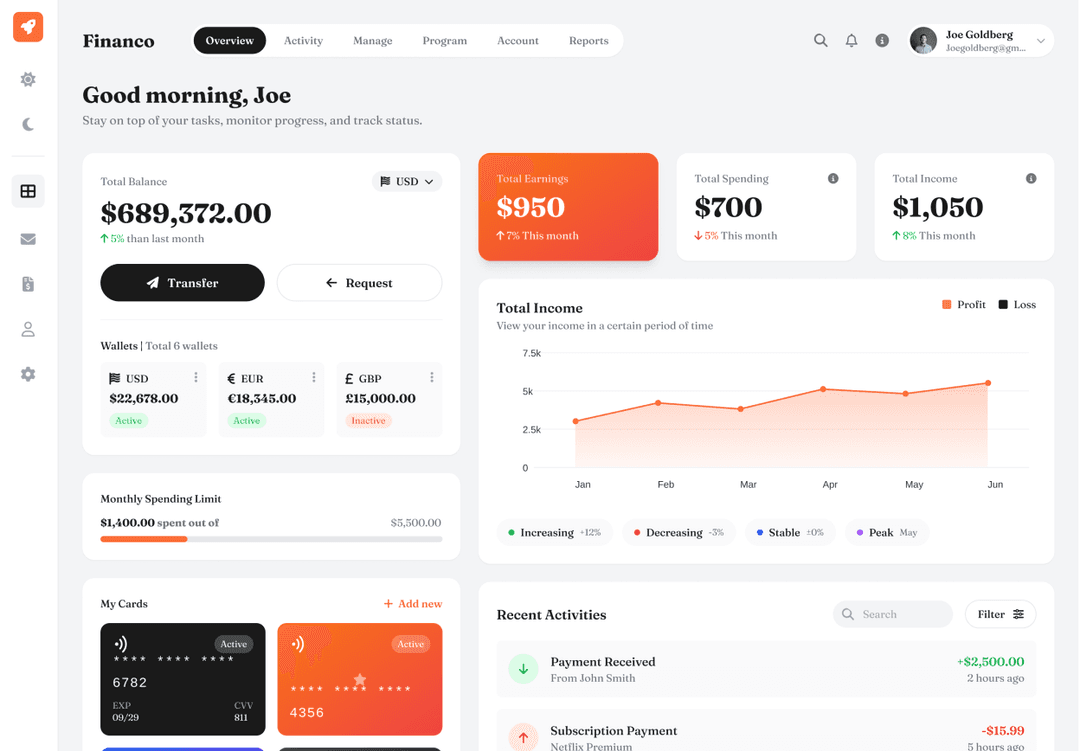
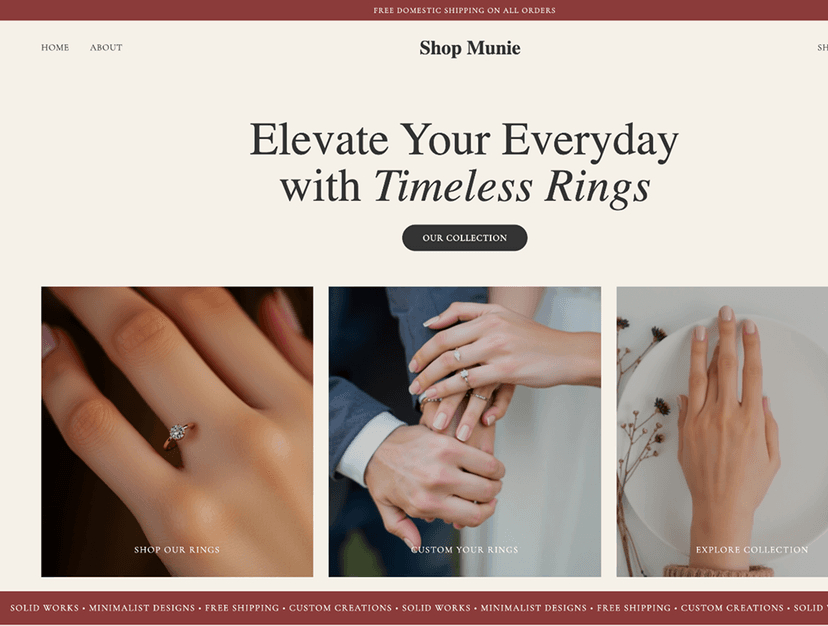
Whole app flows from one prompt
UX Pilot designs the connected screens your app needs, not one screen at a time, and keeps them in one visual language.
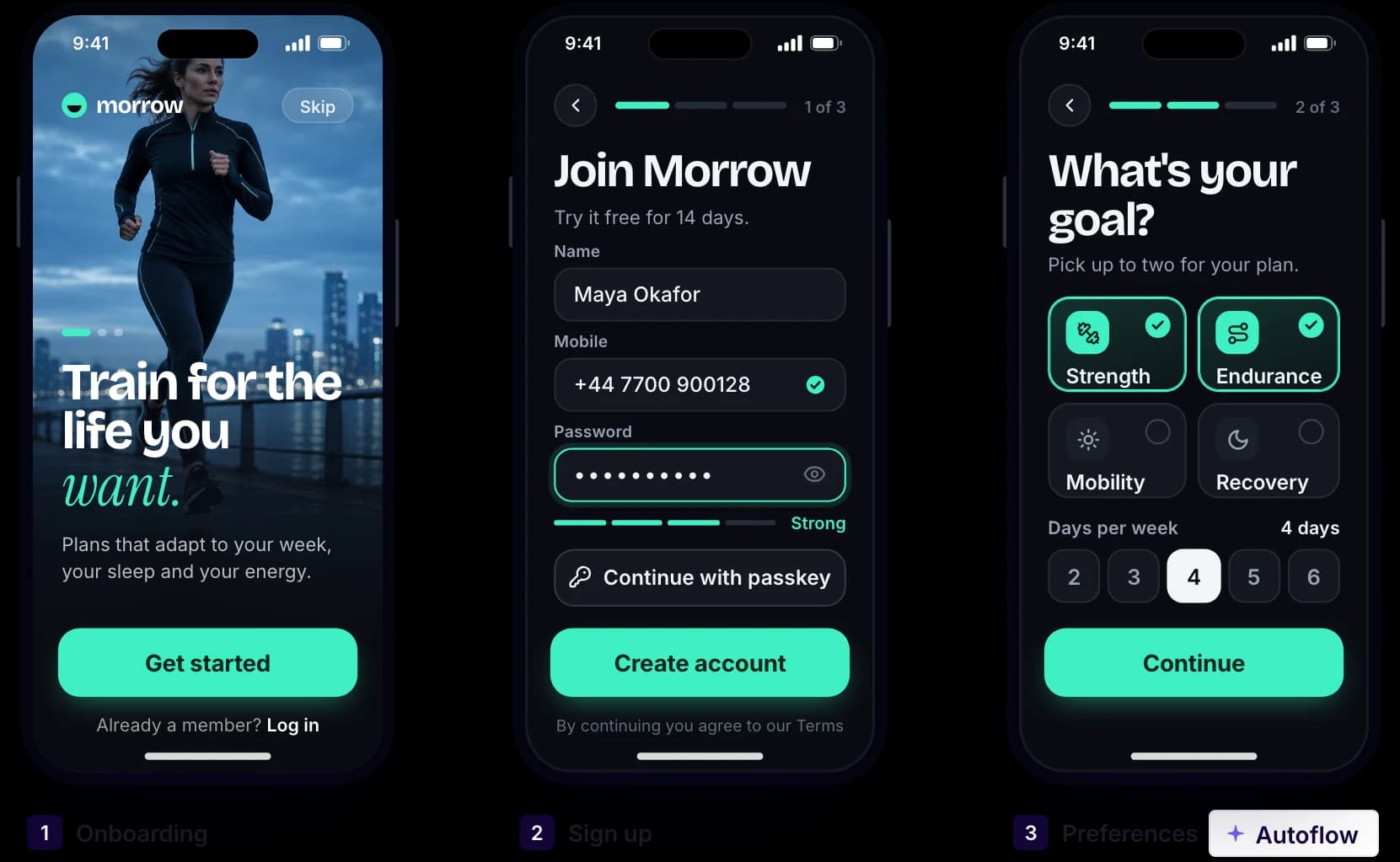
Made in UX Pilot
Onboarding to dashboard in one run
Describe the journey, such as onboarding, sign-up and first setup. Autoflow designs each connected screen with the same navigation and components. Change any screen, or a single section, with a follow-up prompt.
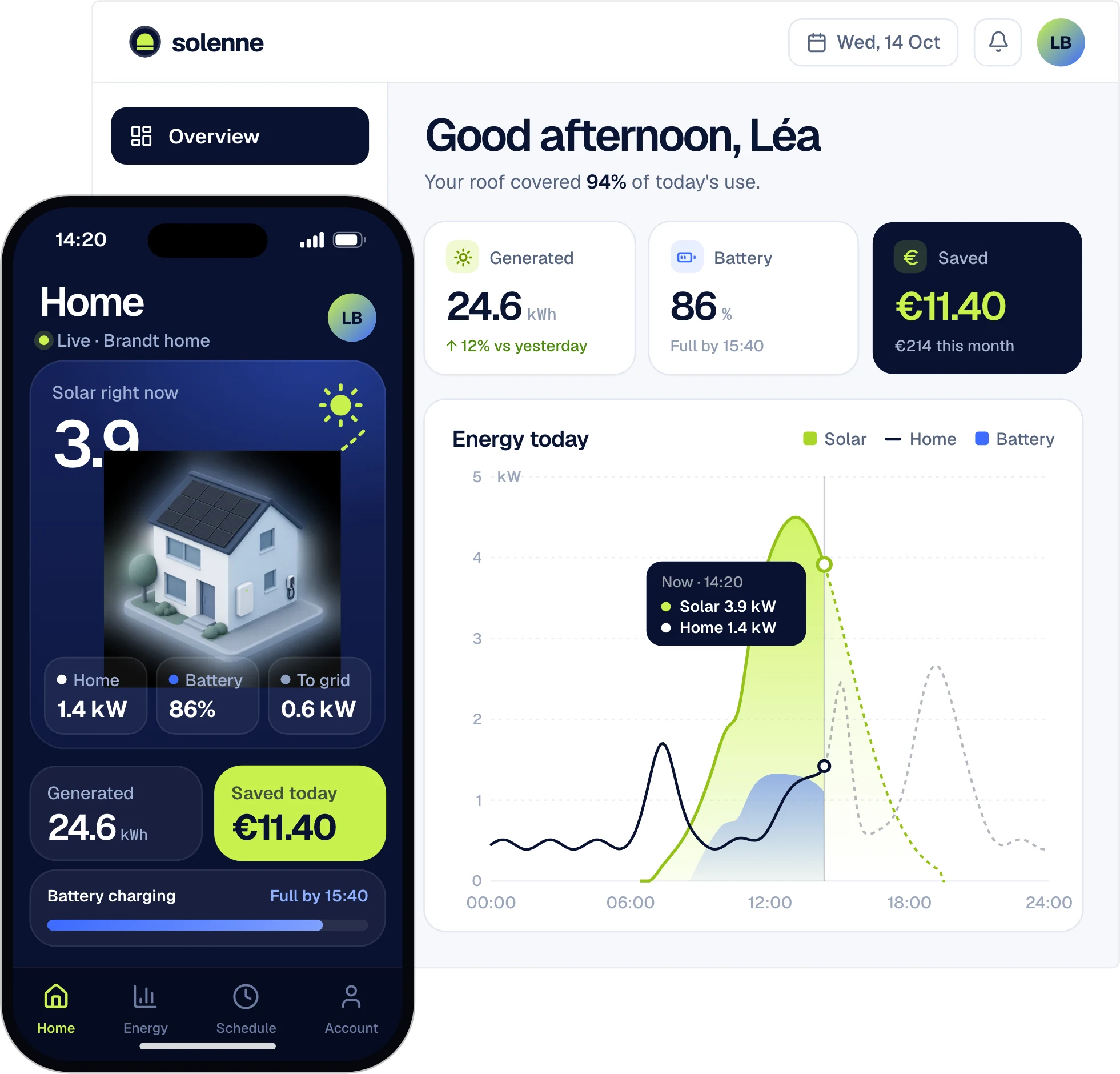
Made in UX Pilot
Mobile and web that match
Design the mobile app and the web app in the same project and the same visual language. Choose mobile, tablet or desktop each time you generate.
Made in UX Pilot
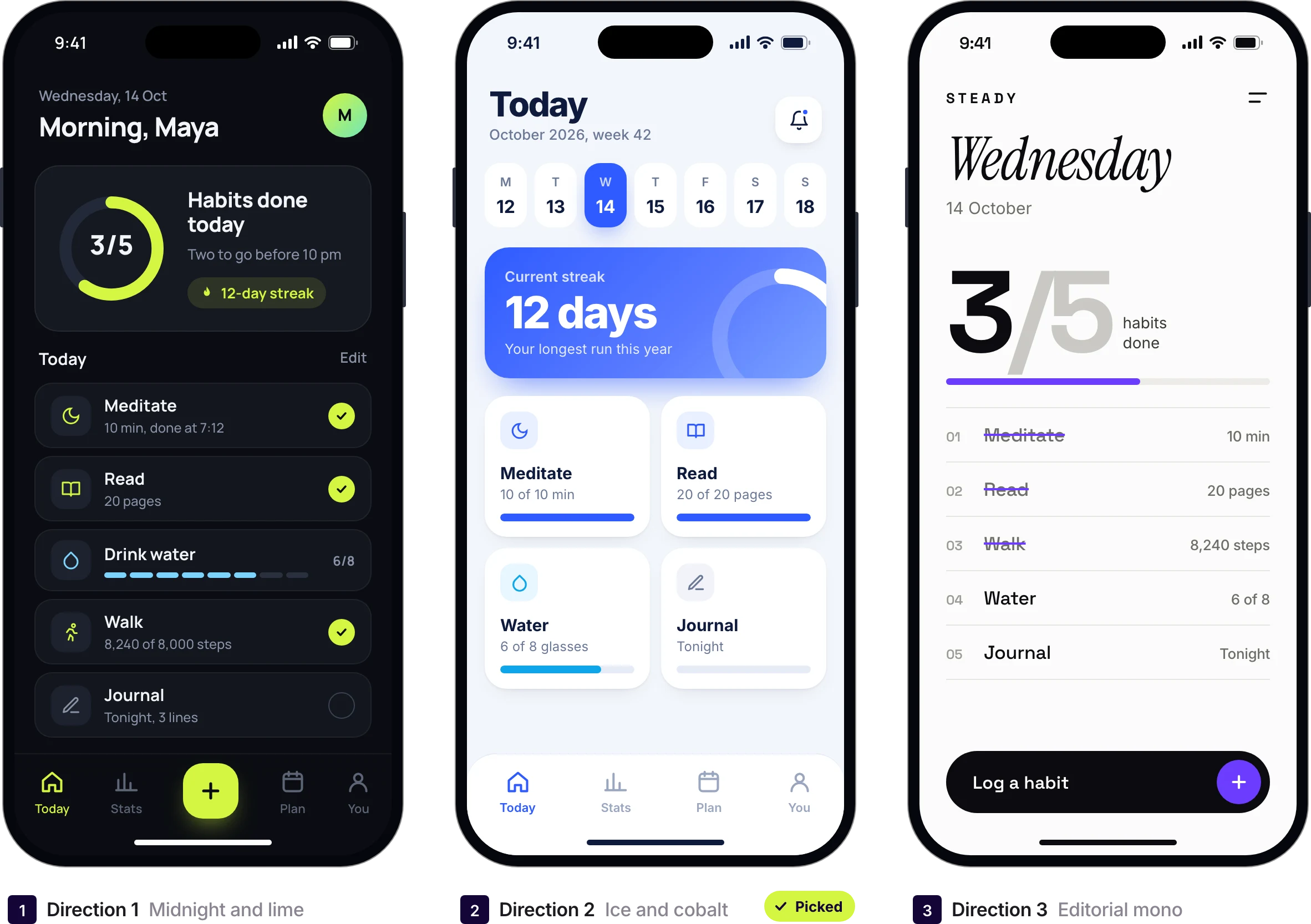
Several directions, then pick one
Compare different layouts and styles for the same screen side by side. Keep the one that fits your product and use it as the reference for the next screens.
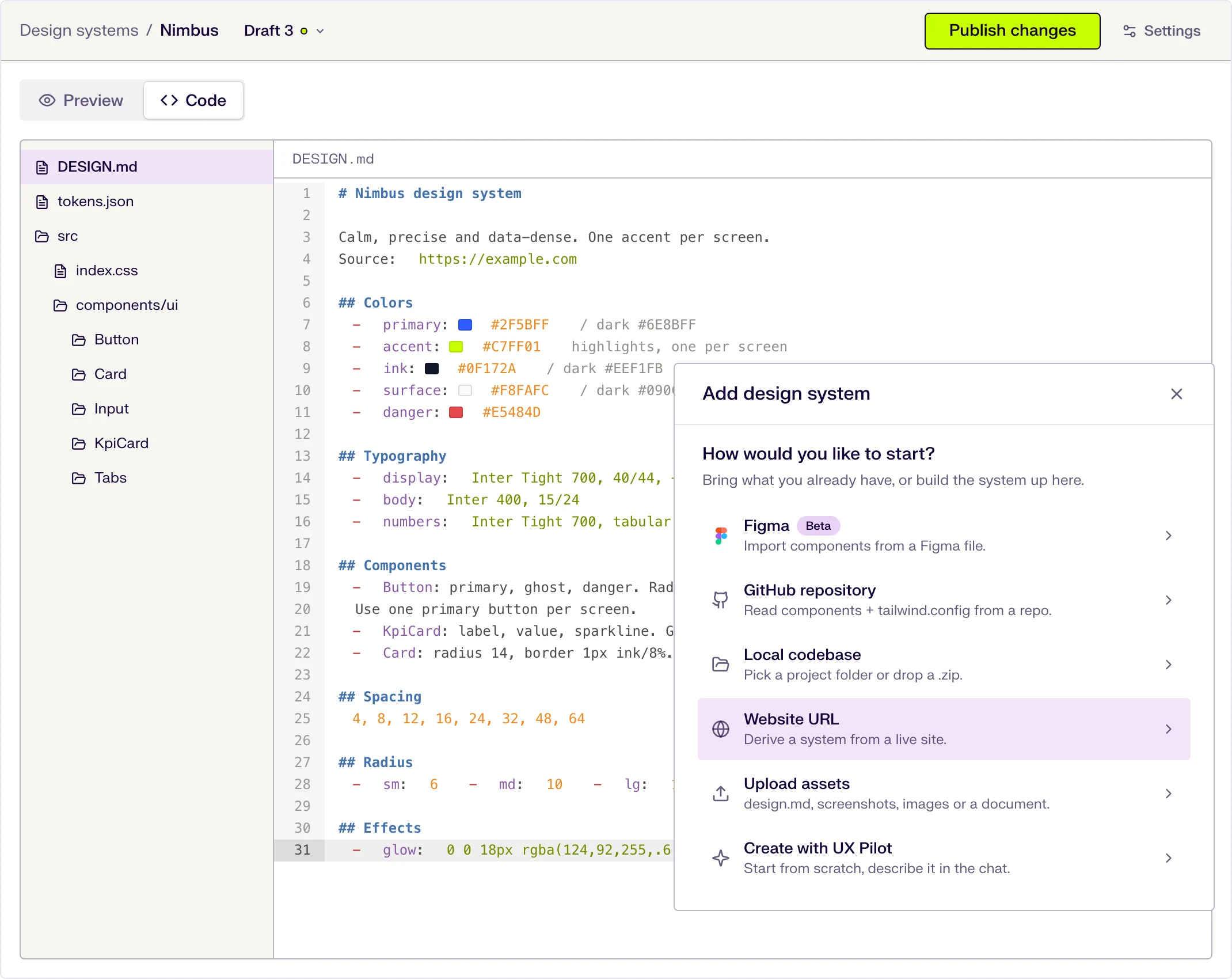
On brand with your design system
Import your design system or your Figma components once. New app screens then use your colors, type and components instead of generic ones.

Kresimir Retih,
Project Manager"It has been a game-changer for me! Since signing up, my workflow has become much smoother, and my productivity has increased significantly. I love how intuitive and user-friendly the platform is, making UX tasks much easier and more efficient. Highly recommend it to anyone looking to streamline their UX process!"
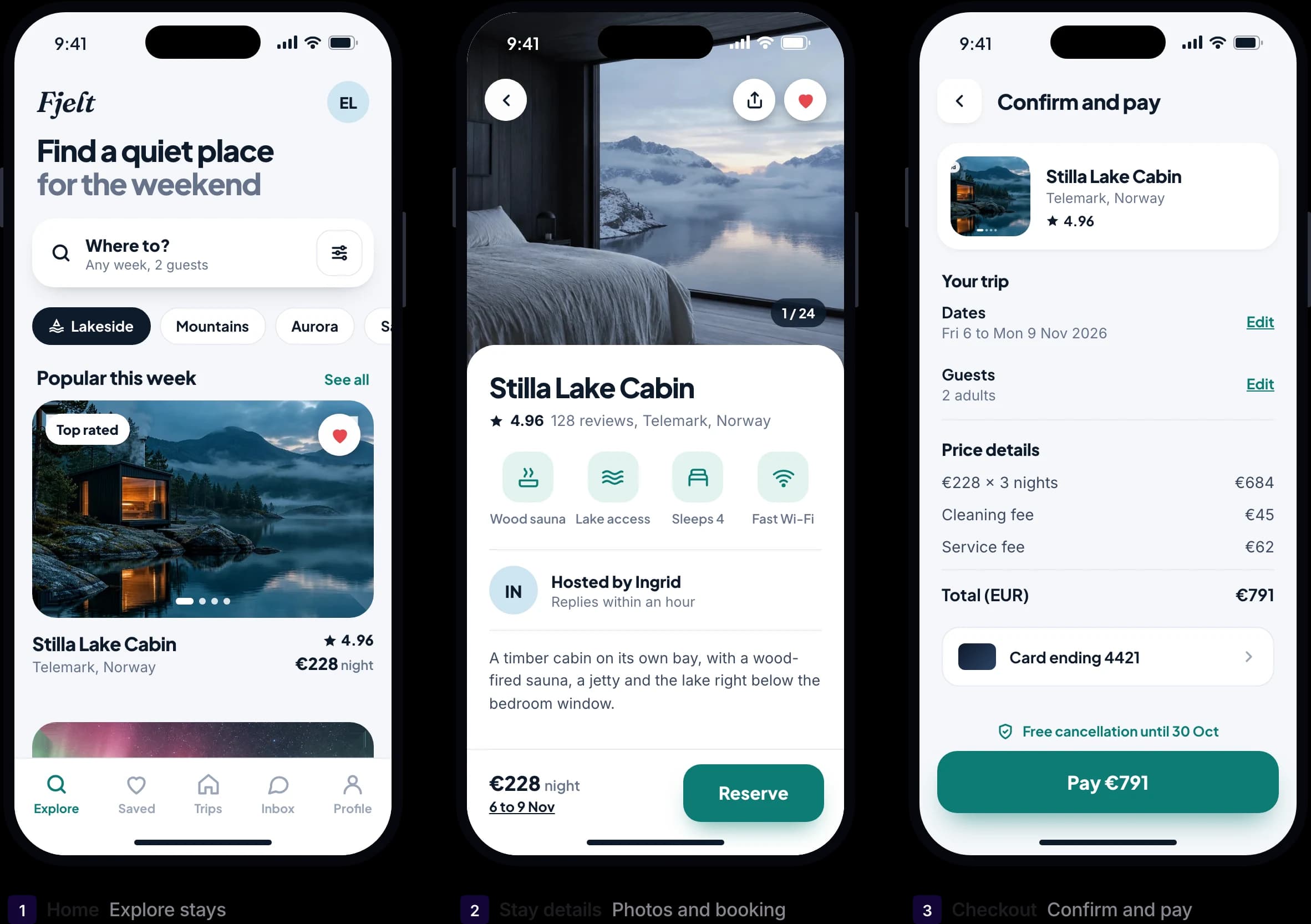
Real app screens, ready for handoff
High-fidelity app UI with realistic content, not grey wireframes. Take it to Figma or to your developers.
Made in UX Pilot
Mobile apps
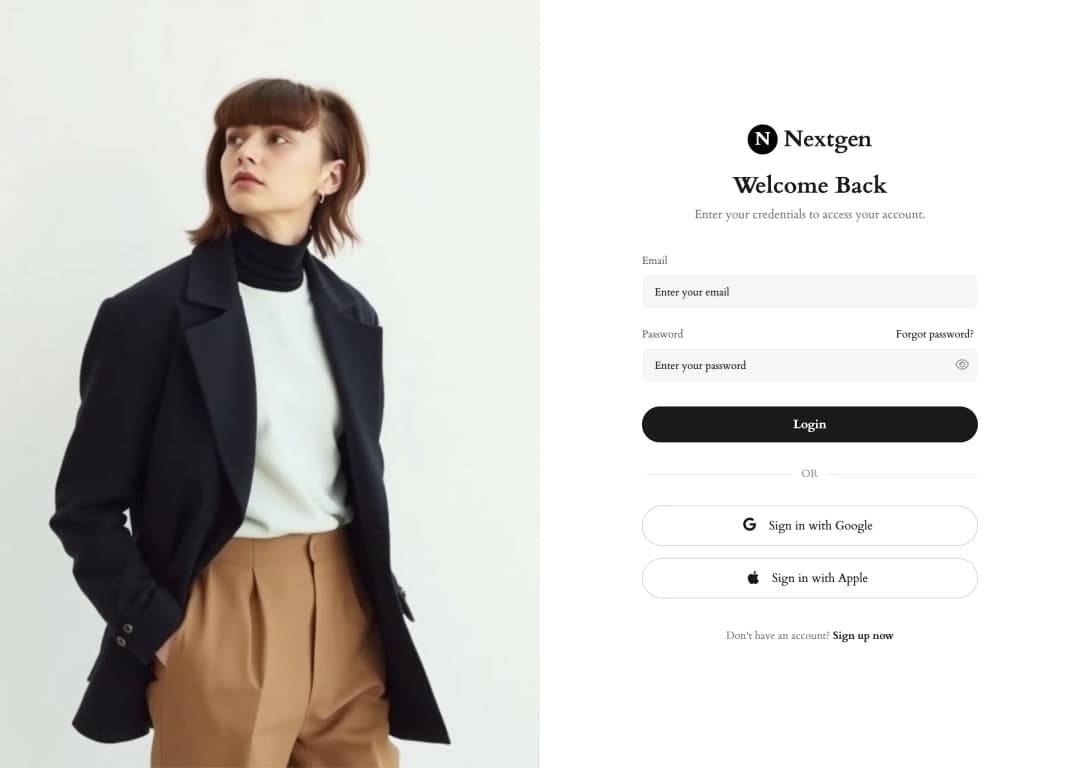
Home screens, detail views, forms and lists, designed at phone size with realistic content. Finance, fitness, booking or delivery: describe the app and the main tasks, and UX Pilot designs the screens around them.
Made in UX Pilot
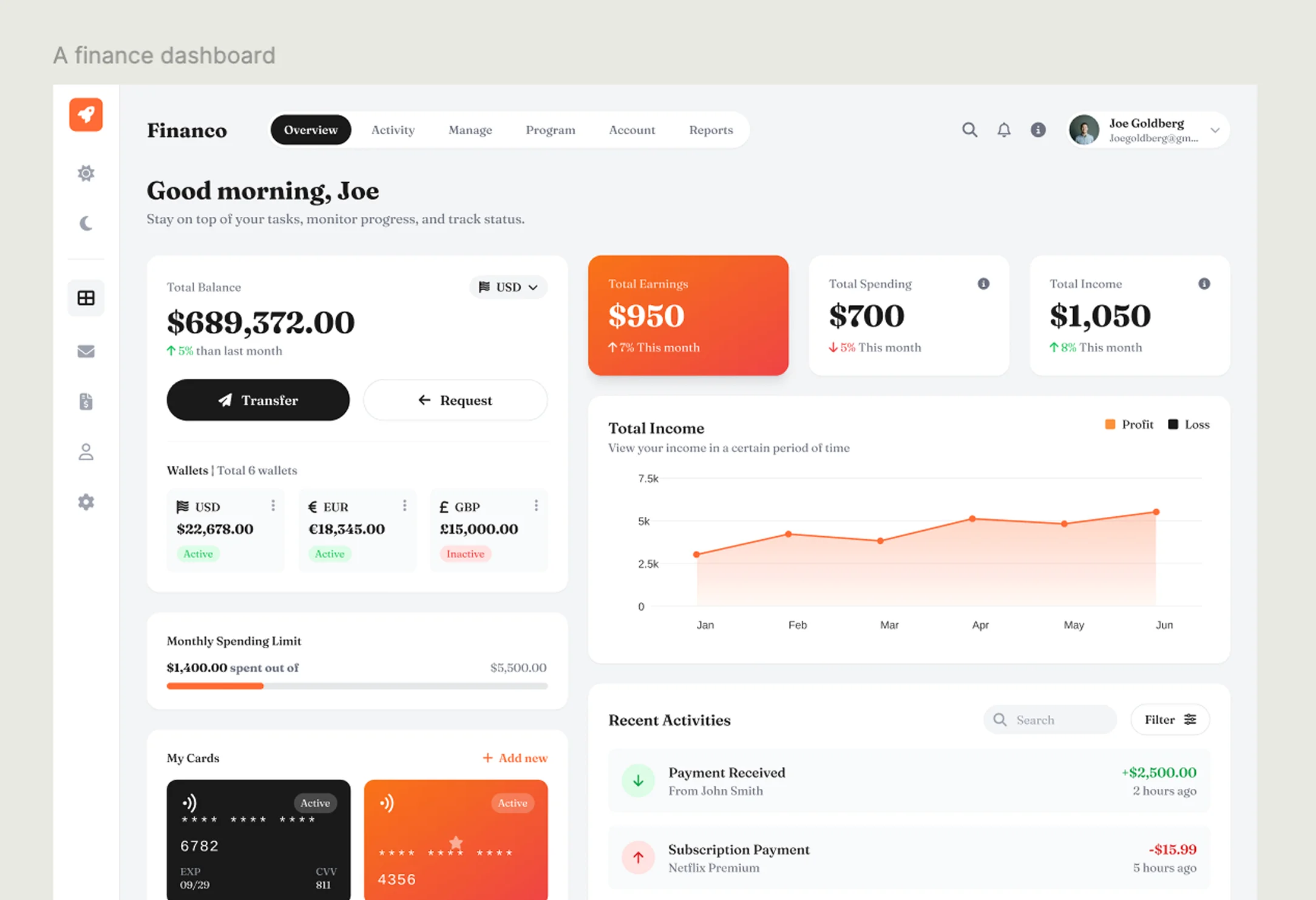
Web apps and dashboards
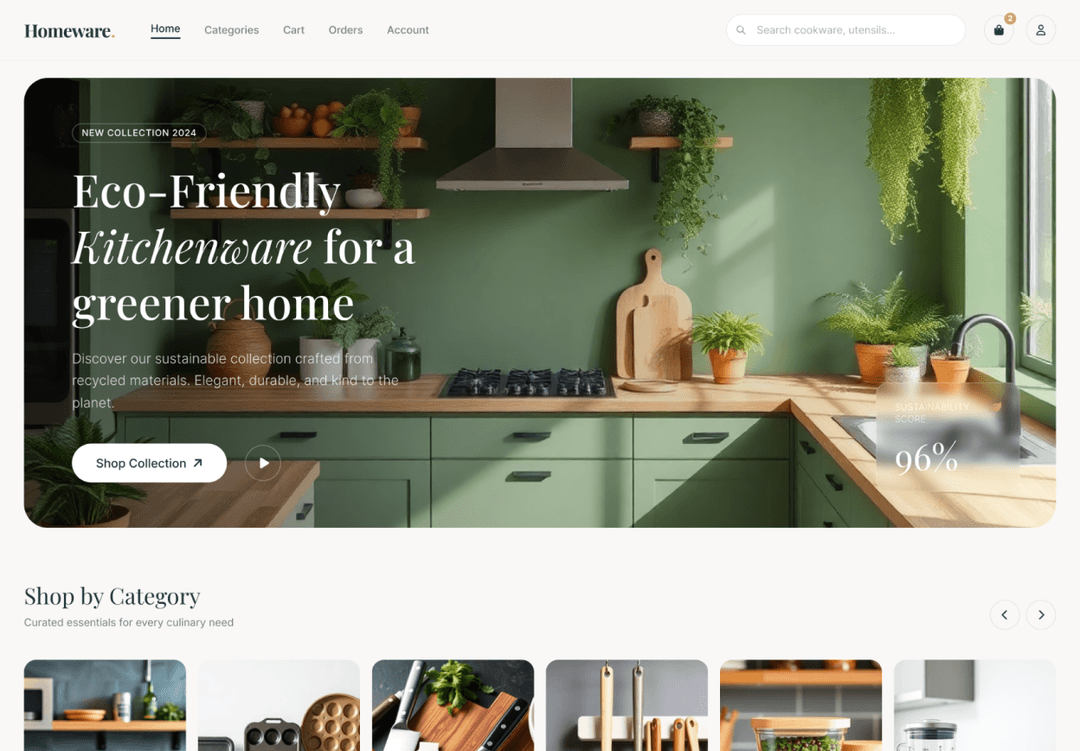
SaaS tools, admin panels and dashboards with charts, tables, filters and navigation that stay consistent from screen to screen.
Made in UX Pilot
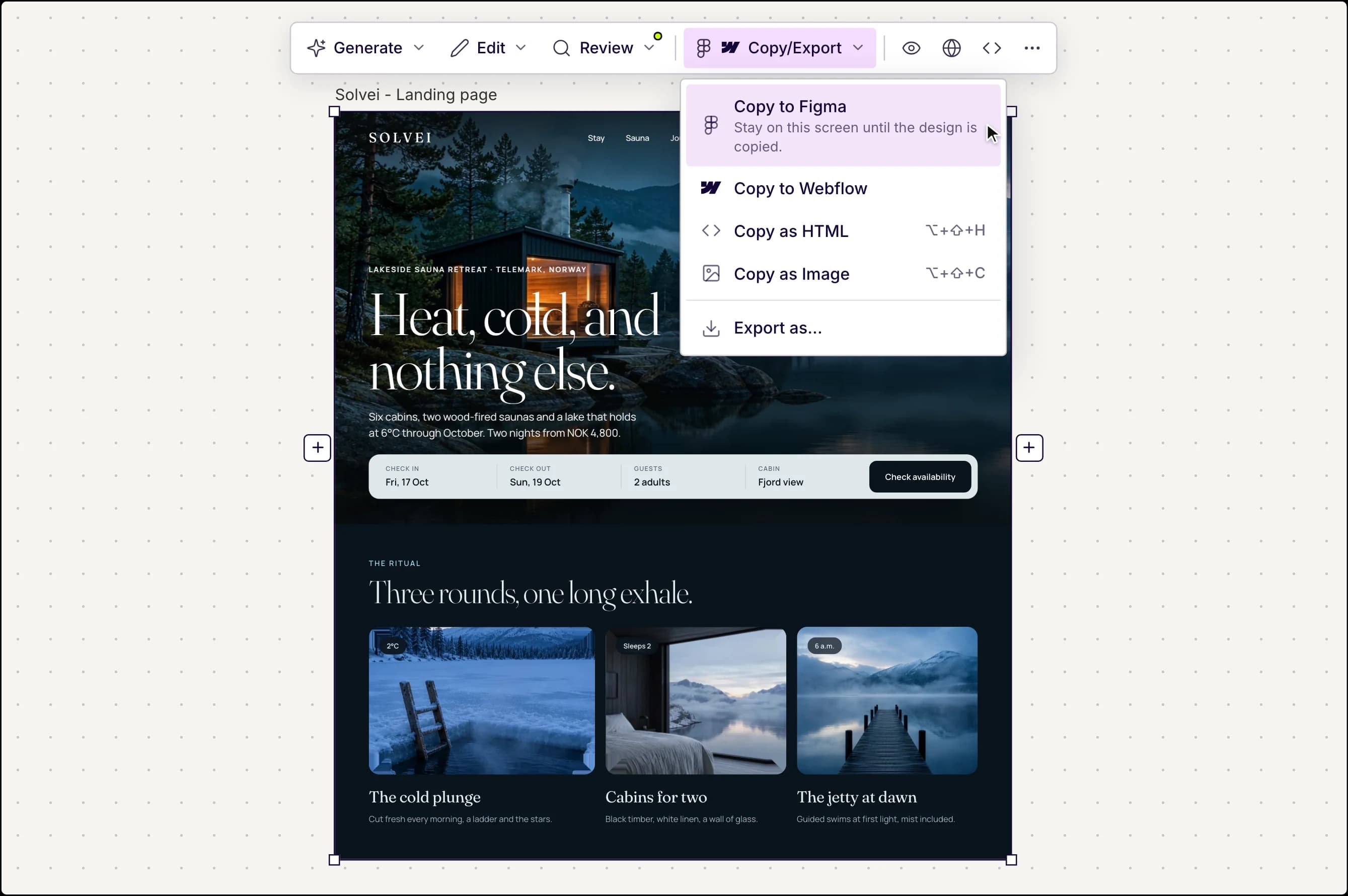
Copy to Figma or export code
When the design is ready, hand it off the way your team works.
- Copy to Figma as editable layers with auto layout
- Copy as HTML, or export HTML with Tailwind CSS
- Preview the flow as a clickable prototype
- Or design inside Figma with the UX Pilot plugin
Design the app first, then build it
UX Pilot is an AI app designer. It designs your screens, flows and visual style, so you can review and agree on the app before anyone writes production code.
It does not add a backend, host your app or publish it to the App Store or Google Play.
Take the finished design to Figma, to your developers as HTML and Tailwind code, or to the build tool of your choice.
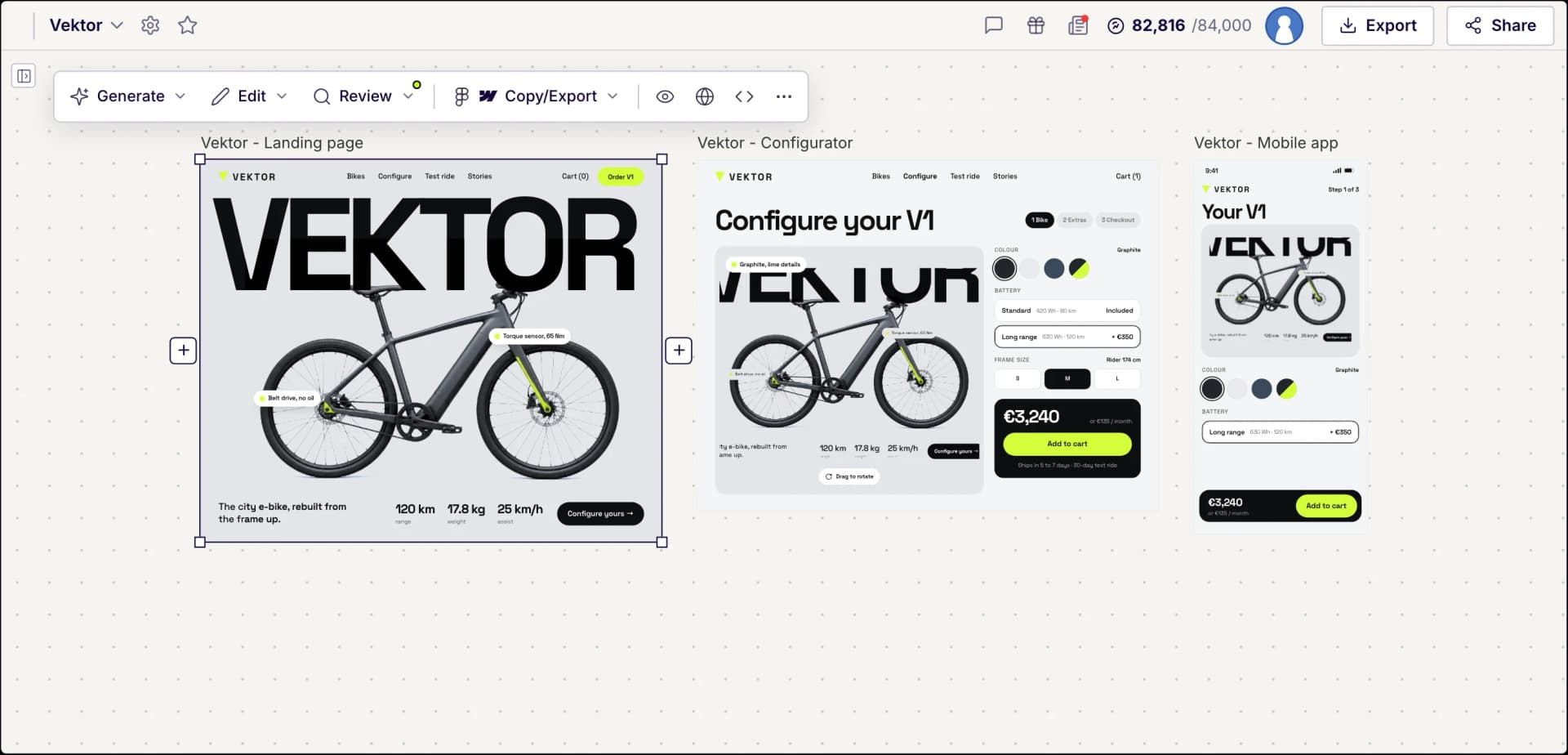
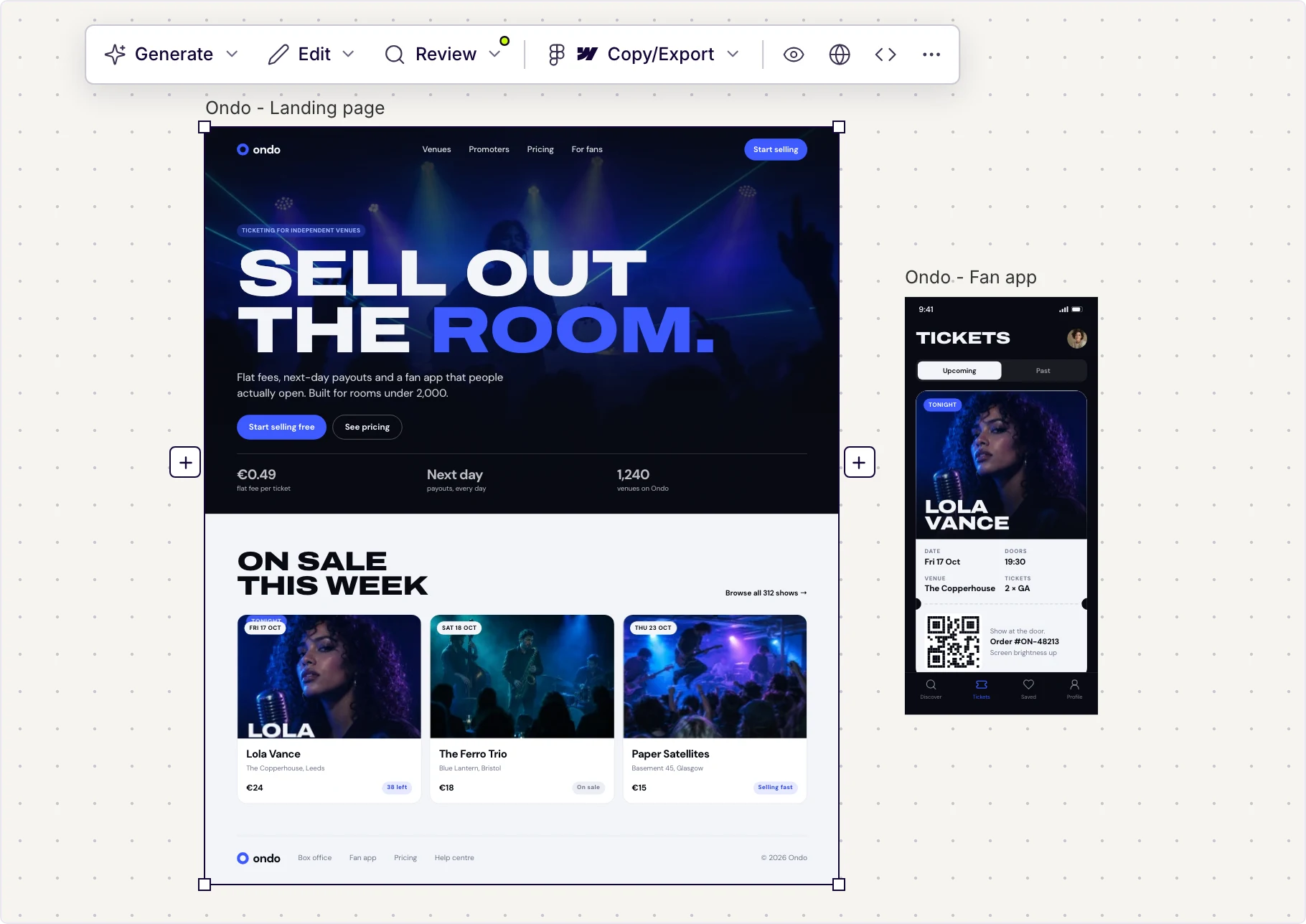
Your landing page and your app can live on the same canvas, like this ticketing site and its fan app.
Made in UX Pilot
Frequently asked questions
Designing apps with AI in UX Pilot.
Design your app with AI
Describe it once and get connected screens for mobile and web. Start for free.
Generate designs in seconds