Trusted by 1M+ Users
Free AI Wireframe generator
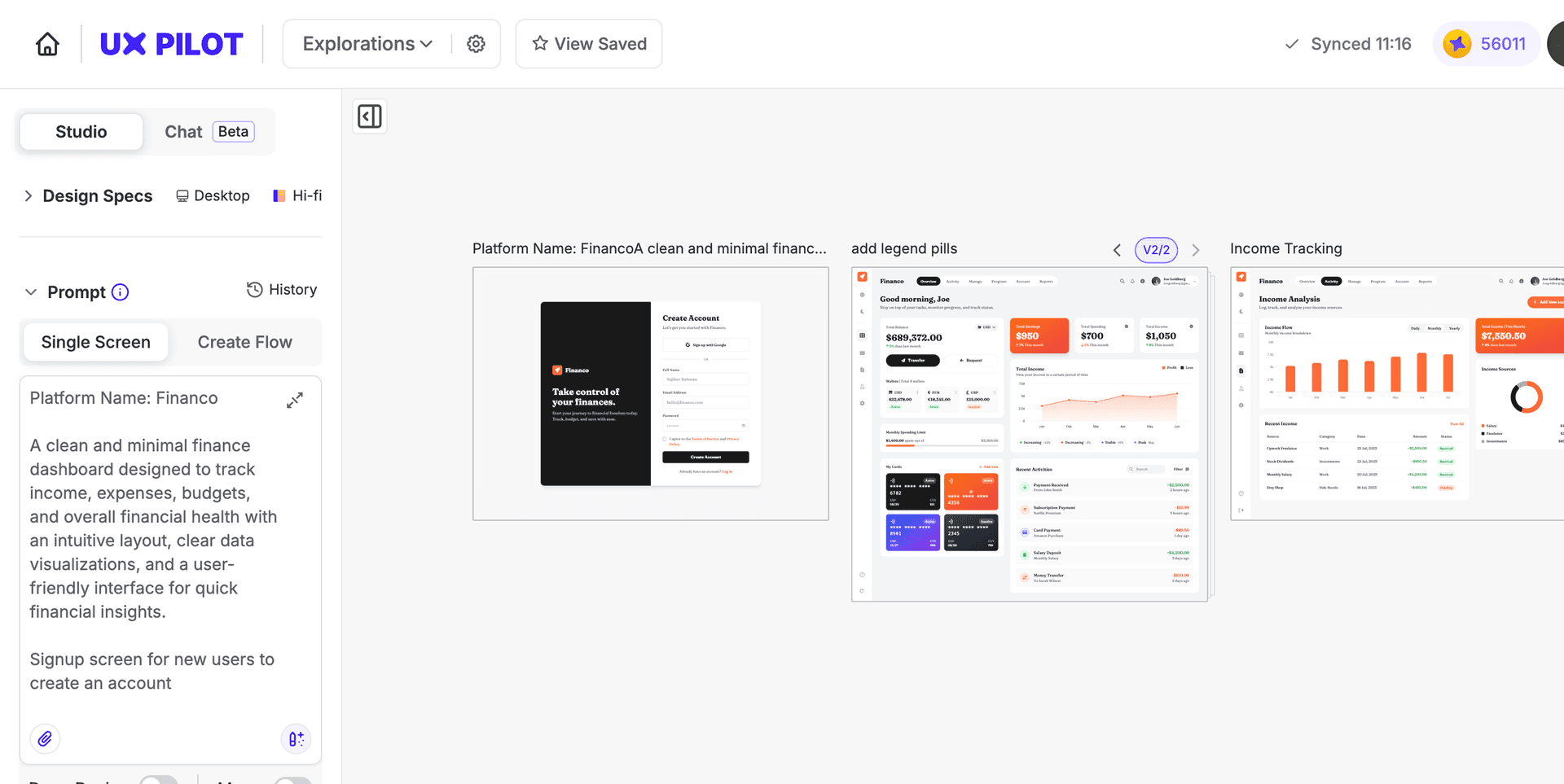
Turn any idea into a structured, editable wireframe in seconds. Describe what you need or upload a photo, pdf or URL and UX Pilot generates wireframes you can refine, iterate on, and export to Figma or code.


Kresimir Retih,
Project Manager"It has been a game-changer for me! Since signing up, my workflow has become much smoother, and my productivity has increased significantly. I love how intuitive and user-friendly the platform is, making UX tasks much easier and more efficient. Highly recommend it to anyone looking to streamline their UX process!"
Trusted by designers, product professionals and data-driven teams
Join a growing community of professionals who have created over 2 million high-fidelity designs and saved countless hours with our AI-powered tools.
0M+
users
0M+
screens generated
0
rating from designers and developers
0+
countries
How to generate wireframes with UX Pilot
No design or coding skills required
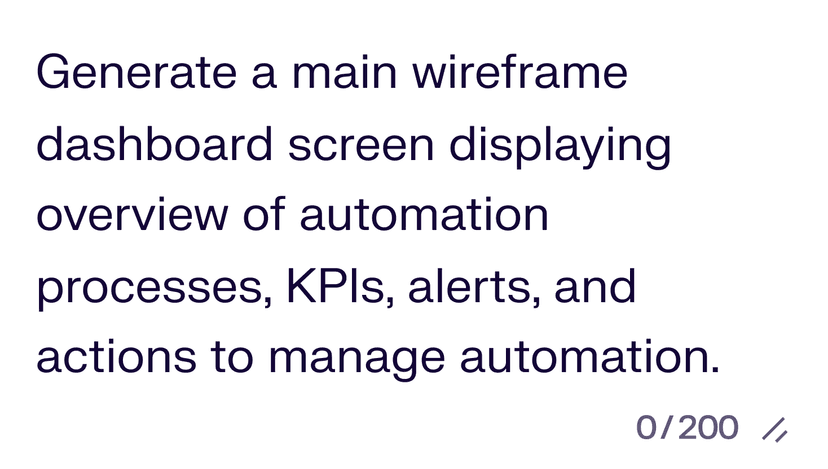
Describe or upload your reference
Type a description of the screen you need, paste a URL, or upload a sketch to generate a wireframe with layout, placeholder content, and logical navigation.
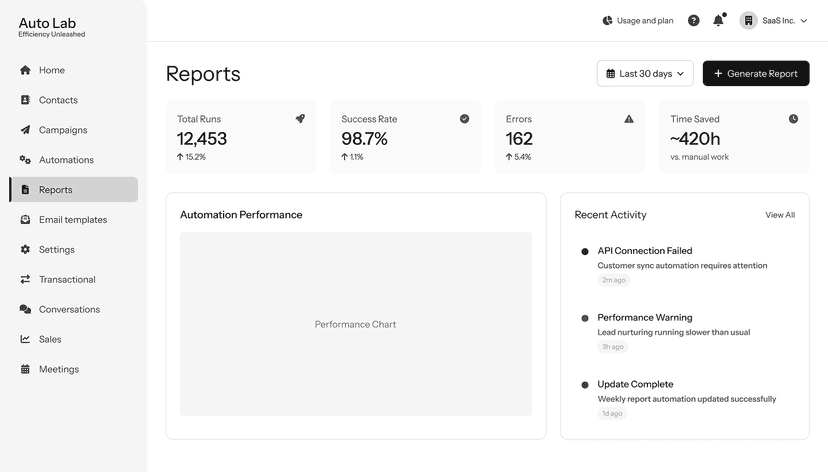
Generate your wireframe
Use Autoflow to build multiple wireframes in seconds, or generate individual screens one at a time. UX Pilot handles section structure, content hierarchy, and responsive layout automatically.

Refine and export
Edit layouts with follow-up prompts, swap sections, apply your brand direction, and adjust fidelity from low-fi to high-fi. Then export to Figma or download production-ready HTML.
Convert any live website into an editable wireframe
Paste a URL and UX Pilot reverse-engineers the structure into an editable wireframe. Useful for redesigns, competitor benchmarking, and pitching direction against a real reference your client already knows.
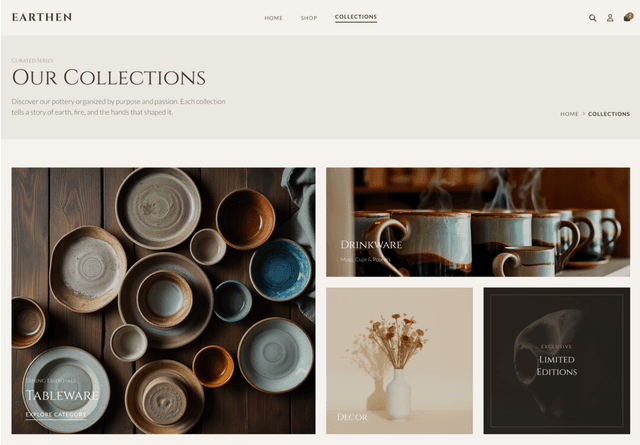
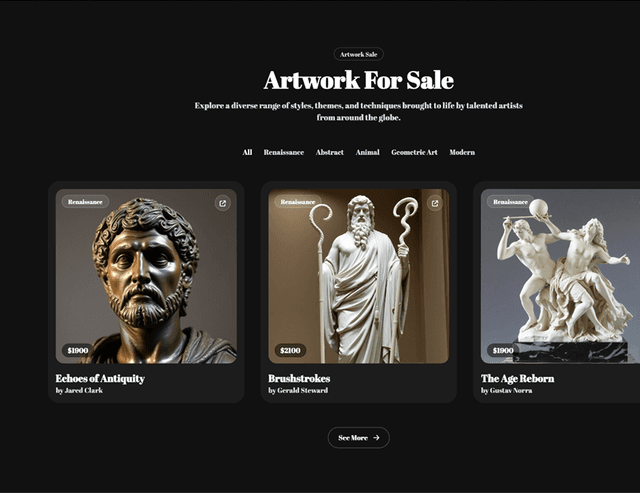
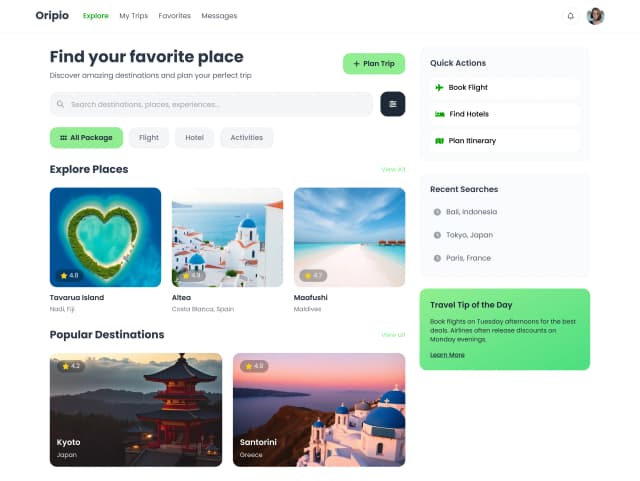
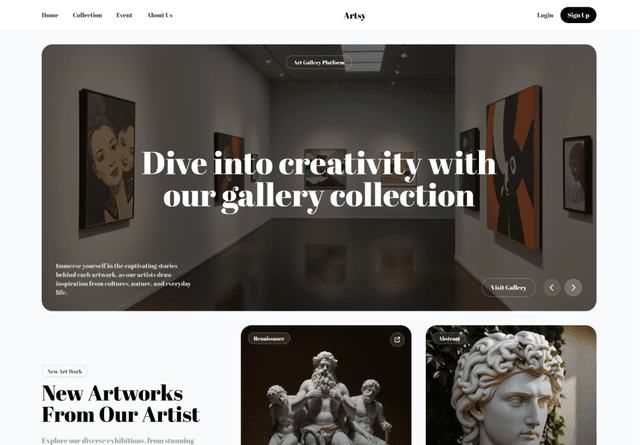
Wireframes ready to refine and export
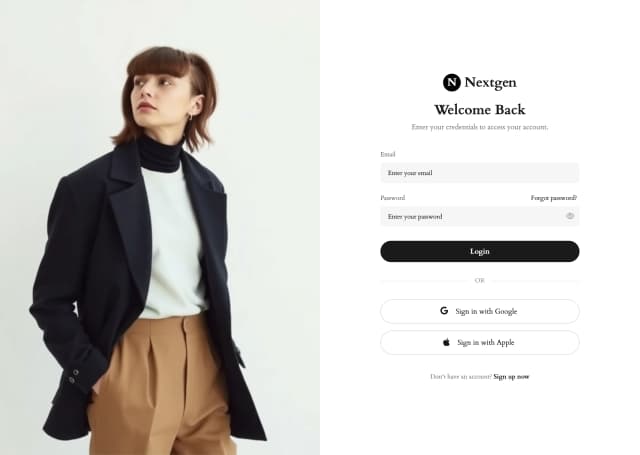
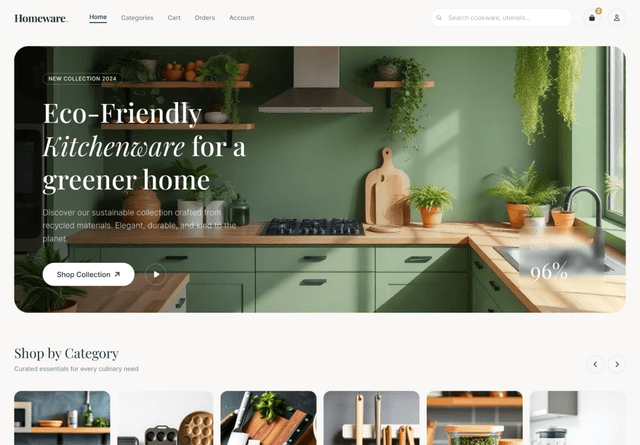
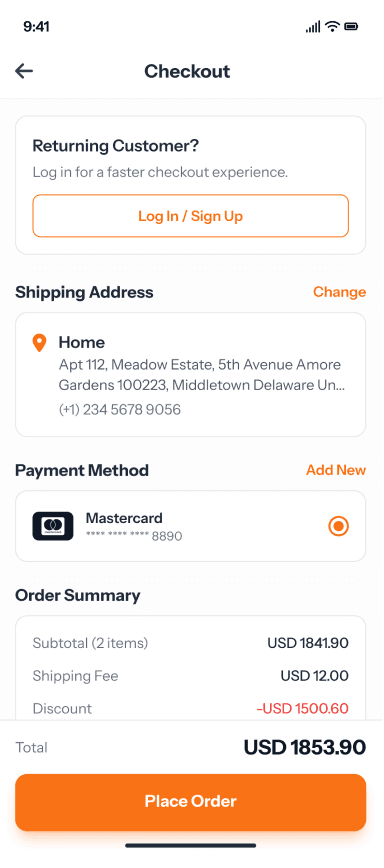
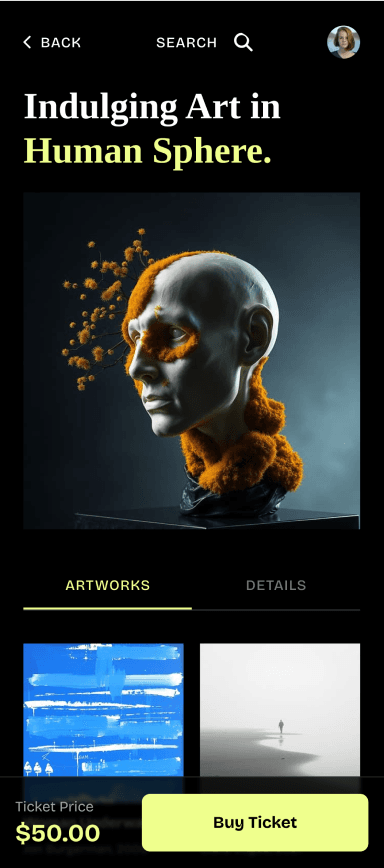
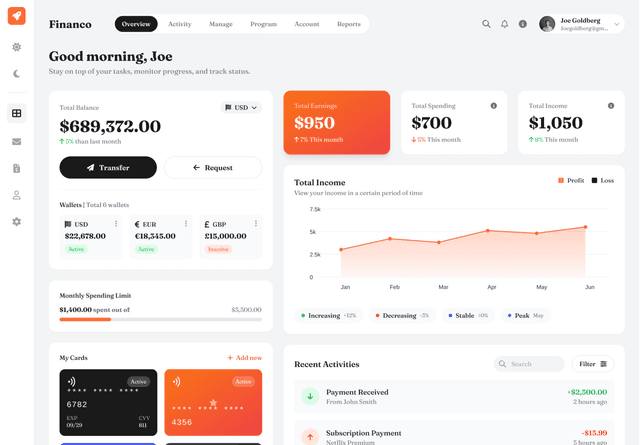
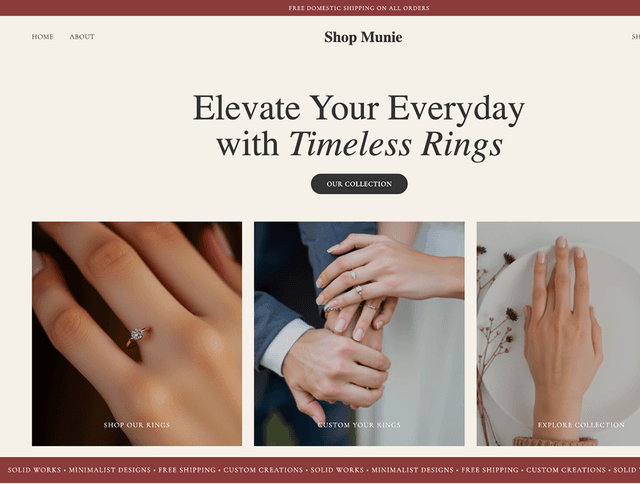
Generate wireframes and high-fidelity screens ready to refine and export.
Wireframes for every screen size
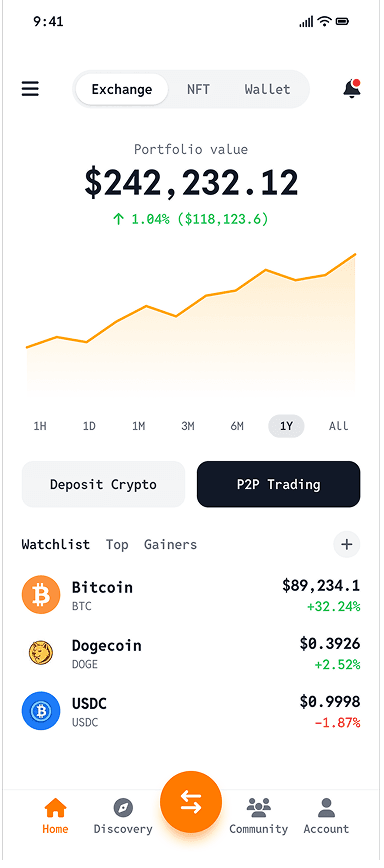
Generate desktop wireframes and build mobile-optimized versions, or start mobile-first and scale up. Your layouts adapt to screen size without additional configuration.
Export wireframes to Figma or code
Push wireframes directly into Figma with the UX Pilot plugin for further refinement, or download production-ready HTML for developer handoff.